1. Giriş
The AVMTON Wireless Gaming Mouse is designed for comfortable and efficient use with personal computers, laptops, and other compatible devices. Featuring a honeycomb shell for lightweight design, RGB backlighting, and a rechargeable battery, this mouse offers a responsive and ergonomic experience. It connects wirelessly via a 2.4GHz USB receiver, providing a stable connection for both office tasks and light gaming.

Image 1.1: The AVMTON Wireless Gaming Mouse shown alongside its 2.4GHz USB receiver. The mouse features a black honeycomb shell design and vibrant RGB lighting.
2. Kurulum
2.1 Kutudan Çıkarma ve Bileşenler
Kutuyu açtıktan sonra tüm parçaların eksiksiz olduğundan emin olun:
- AVMTON Wireless Gaming Mouse
- 2.4GHz USB Receiver (typically stored in the mouse's bottom compartment)
- USB Type-C Şarj Kablosu
2.2 Fareyi Bağlama
- Farenin alt kısmındaki bölmede saklanan USB alıcısını bulun.
- USB alıcısını fareden çıkarın.
- USB alıcısını bilgisayarınızdaki veya dizüstü bilgisayarınızdaki kullanılabilir bir USB bağlantı noktasına takın.
- Turn on the mouse using the power switch located on the bottom of the mouse. The mouse should automatically connect to the receiver.
2.3 İlk Şarj
The mouse comes with a built-in rechargeable battery. For optimal performance, it is recommended to fully charge the mouse before its first use. The mouse can be used while it is charging.

Image 2.1: The AVMTON Wireless Gaming Mouse connected to a laptop via its Type-C charging cable. The image highlights the convenience of charging while using the mouse.
3. Kullanım Talimatları
3.1 Mouse Button Functions
The AVMTON Wireless Gaming Mouse features several buttons for enhanced functionality:
- Sol Tuş: Standart tıklama işlevi.
- Sağ Buton: Standart sağ tıklama fonksiyonu.
- Kaydırma tekerleği: İçeriği yukarı veya aşağı kaydırır. Ayrıca orta tıklama işlevi için basılabilir.
- DPI Düğmesi: Fare hassasiyetini (DPI) ayarlar.
- İleri Düğmesi: İleriye doğru gezinir web tarayıcılar veya file kaşifler.
- Geri Düğmesi: Geriye doğru gezinir web tarayıcılar veya file kaşifler.
- Güç düğmesi: Fareyi açar veya kapatır.
- Işık Anahtarı: Controls the RGB lighting.

Image 3.1: A detailed diagram illustrating the various buttons and components of the AVMTON Wireless Gaming Mouse, including the DPI button, scroll wheel, forward/backward buttons, and power/light switches.
3.2 DPI Ayarı
The mouse offers three adjustable DPI (Dots Per Inch) levels to control cursor speed and sensitivity. Press the DPI button (located behind the scroll wheel) to cycle through the settings: 800 DPI, 1200 DPI (default), and 1600 DPI. Choose the sensitivity that best suits your task, whether for precise work or faster movements in games.
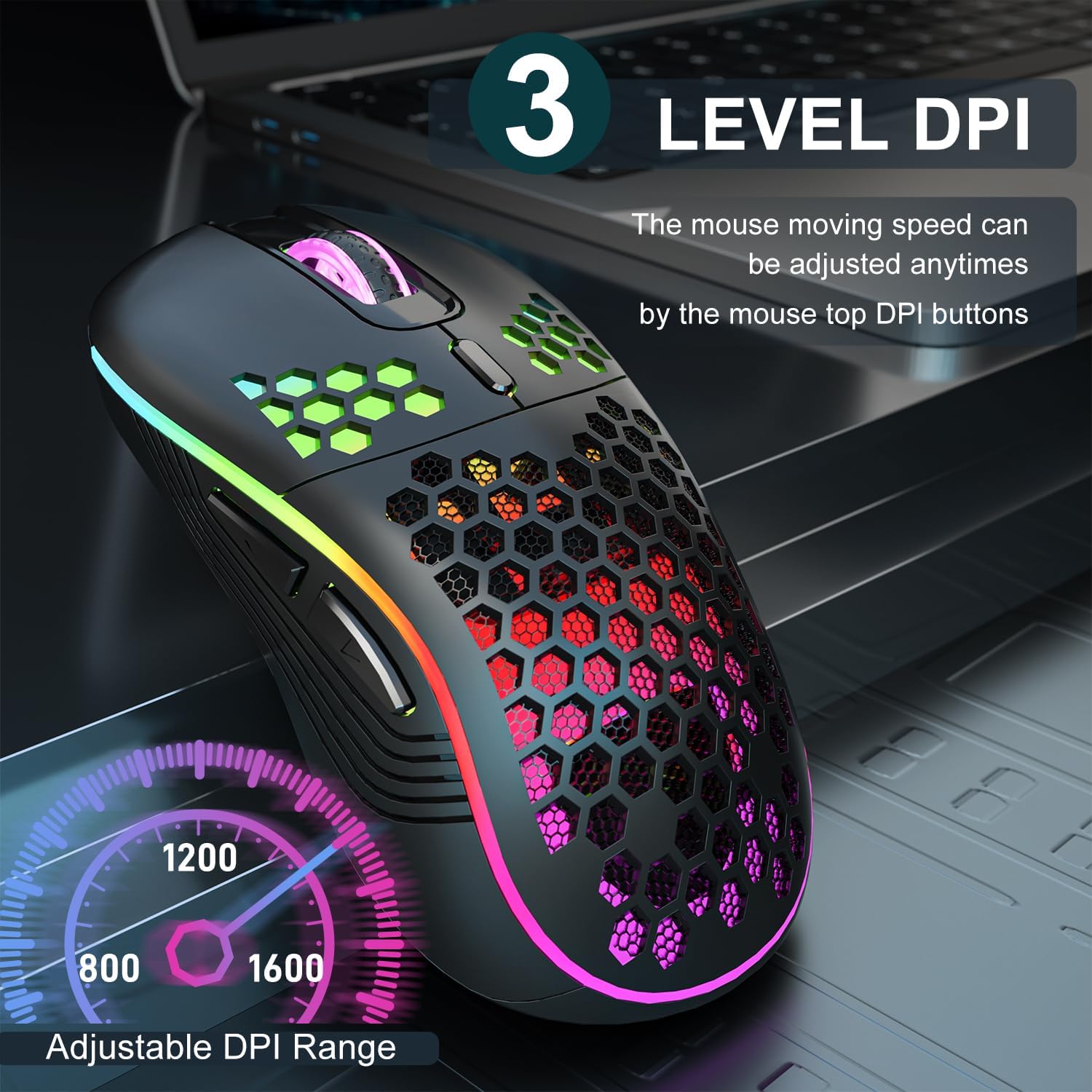
Image 3.2: The AVMTON Wireless Gaming Mouse with an overlay indicating the three adjustable DPI levels: 800, 1200, and 1600. This allows users to easily switch mouse sensitivity.
3.3 RGB Arka Aydınlatma Kontrolü
The mouse features customizable RGB lighting. Use the dedicated light switch on the bottom of the mouse to turn the RGB lighting on or off. Turning off the RGB lighting can help conserve battery life.
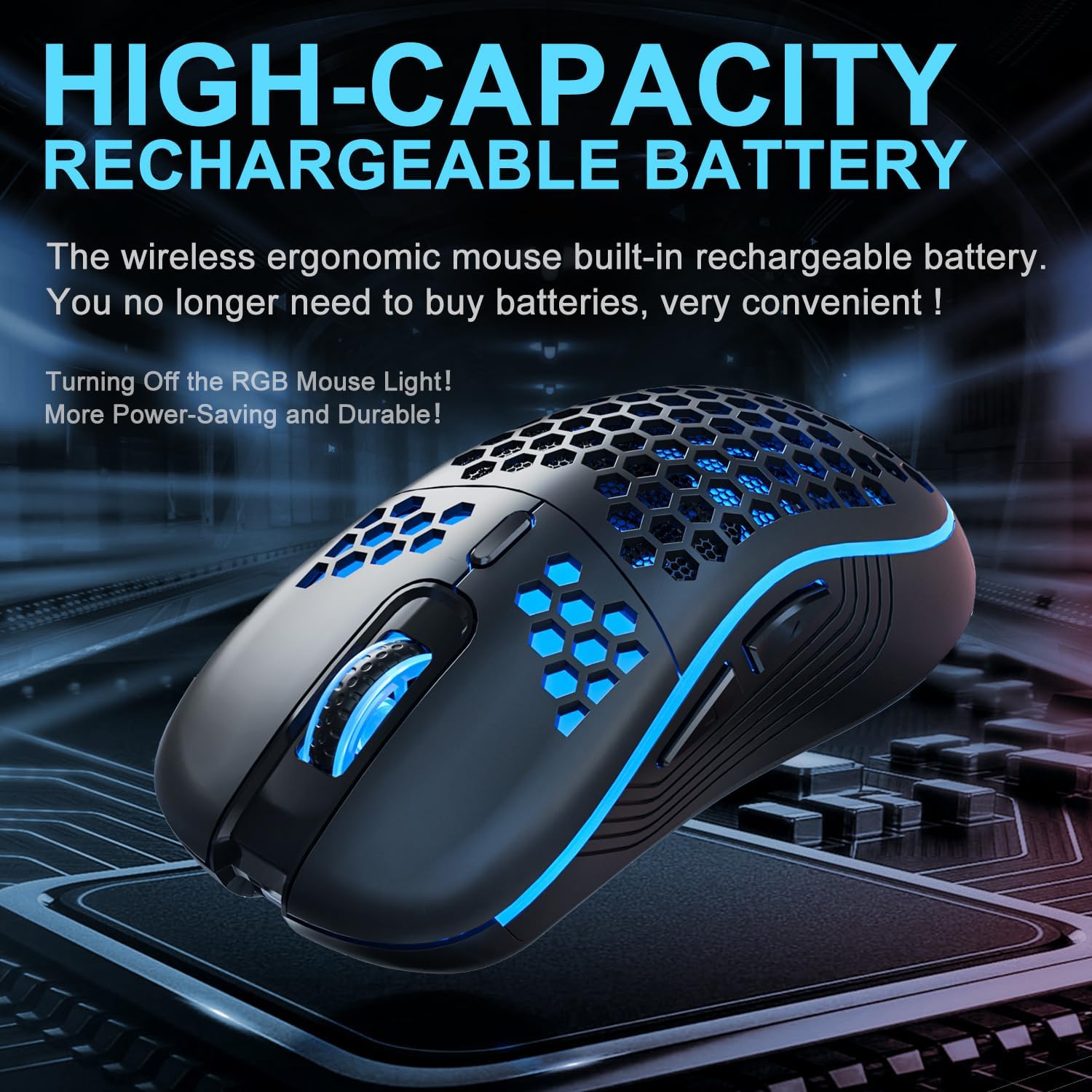
Image 3.3: The AVMTON Wireless Gaming Mouse illuminated with blue RGB lighting, highlighting its aesthetic features and rechargeable battery capacity.
3.4 Güç Tasarruf Modu
To conserve battery, the mouse automatically enters a power-saving mode after a period of inactivity. To reactivate the mouse, simply move it or click any button.
3.5 Uyumluluk
The AVMTON Wireless Gaming Mouse is widely compatible with various operating systems, including Windows 2000, XP, Vista, 7, 8, 10, 11, Linux, and Mac OS. It is designed for use with personal computers and laptops.

Image 3.4: Visual representation of the mouse's wide compatibility with Windows, Linux, and Mac OS operating systems.
4. Bakım
4.1 Pilin Şarj Edilmesi
When the mouse battery is low, connect the provided USB Type-C charging cable to the mouse's charging port and the other end to a USB power source (e.g., computer USB port, USB wall adapter). The mouse can be used normally while charging.
4.2 Fareyi Temizleme
To maintain optimal performance and appearance, clean the mouse regularly. Use a soft, dry cloth to wipe the surface. For stubborn dirt, a slightly damp Fareye sıvı girmemesini sağlayacak şekilde bez kullanılabilir. Sert kimyasallar veya aşındırıcı malzemeler kullanmaktan kaçının.
5. Sorun Giderme
- Fare yanıt vermiyor:
- USB alıcısının çalışan bir USB bağlantı noktasına güvenli bir şekilde takılı olduğundan emin olun.
- Verify that the mouse's power switch is in the 'ON' position.
- Check the battery level and charge the mouse if necessary. - İmleç hareketi düzensiz veya yavaş:
- Adjust the DPI setting using the DPI button.
- Ensure the mouse is used on a clean, non-reflective surface. A mouse pad is recommended.
- Pil seviyesi düşükse fareyi şarj edin. - RGB aydınlatma çalışmıyor:
- Ensure the light switch on the bottom of the mouse is in the 'ON' position.
- The mouse may be in power-saving mode; move or click to wake it up. - Latency during large games:
- This mouse is primarily designed for office scenarios and small games. Large, graphically intensive games may experience some latency due to the wireless connection and mouse specifications.
6. Özellikler
| Marka | AVMTON |
| Model Adı | kablosuz fare |
| Bağlantı Teknolojisi | USB (2.4GHz Wireless) |
| Hareket Algılama Teknolojisi | Optik |
| DPI Seviyeleri | 800 / 1200 (Varsayılan) / 1600 |
| Pil Türü | Şarj edilebilir Lityum Polimer (dahil) |
| Pilin Ortalama Ömrü | 6 months (approx.) |
| Şarj Portu | USB Tip-C |
| Özel Özellikler | Honeycomb Design, RGB Backlight, Lightweight, 6 programmable Buttons |
| El Yönelimi | İki elini de kullanabilen |
| Malzeme | Plastik |
| Uyumlu işletim sistemi | Windows 2000 / XP / Vista / 7 / 8 / 10 / 11, Linux, Mac OS |
| Parsel Boyutları | 13.7x8.7x4.9 cm |
| Ürün Ağırlığı | 140 gr |
7. Garanti ve Destek
Specific warranty details are not provided within this manual. For warranty information, technical support, or any inquiries regarding your AVMTON Wireless Gaming Mouse, please refer to the product packaging or contact AVMTON customer service directly through their official webÜrünün satın alındığı site veya perakendeci.


