Introduction to Your Pixel 8 Pro
The Google Pixel 8 Pro is an advanced Android smartphone designed by Google, featuring a powerful Google Tensor G3 chip, a sophisticated triple camera system, and intelligent AI capabilities. This manual provides essential information for setting up, operating, maintaining, and troubleshooting your device.
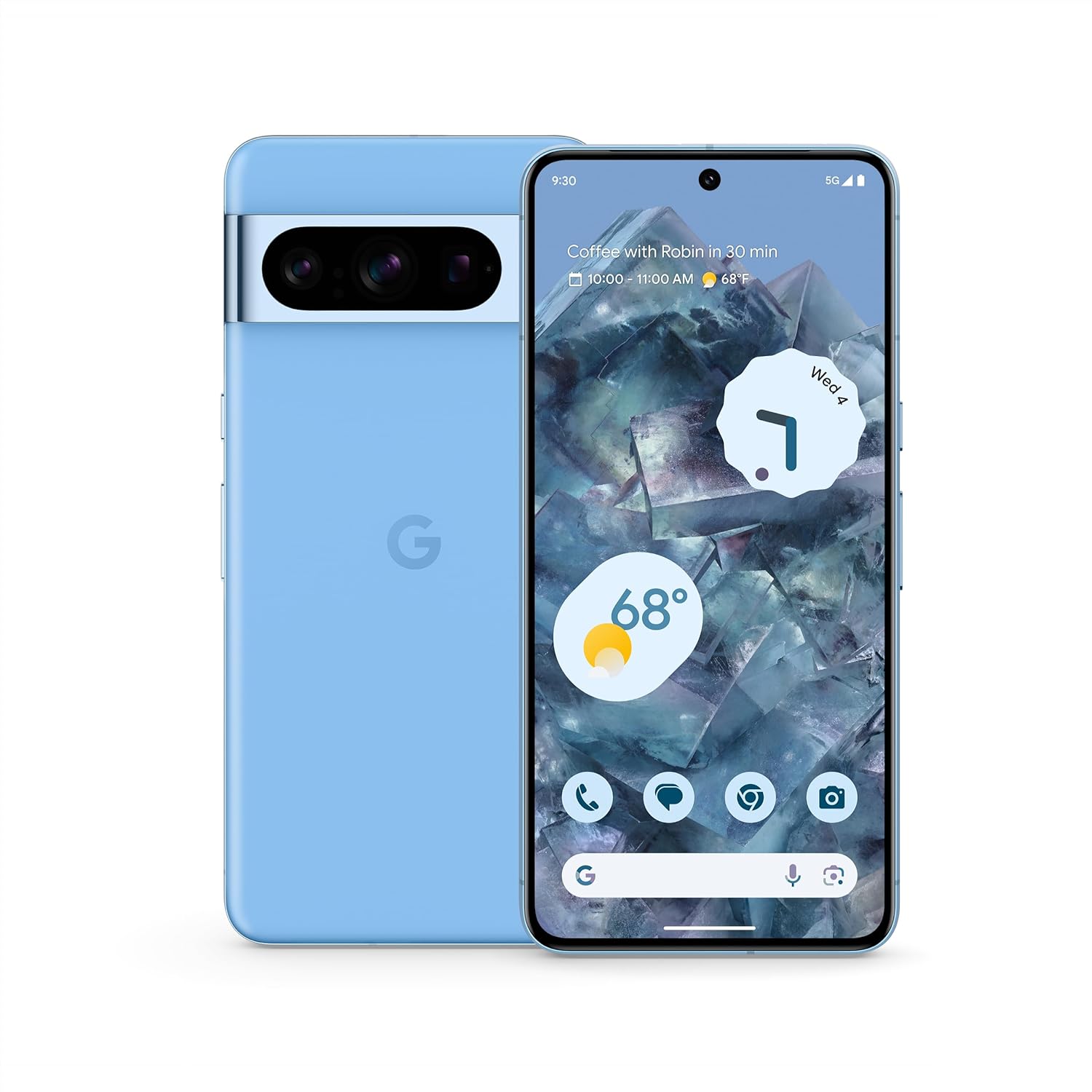
Resim: Ön ve arka view of the Google Pixel 8 Pro in Bay color, showcasinşık tasarımı ve kamera çubuğuyla dikkat çekiyor.
Video: Hızlı bir bakışview of the Google Pixel 8 Pro, highlighting its key features and design elements.
Kutuda Neler Var?
Google Pixel 8 Pro paketiniz aşağıdaki öğeleri içermektedir:
- Google Pixel 8 Pro Akıllı Telefon
- SIM Tepsisi Çıkarıcı
- USB Kablosu (USB-C - USB-C)
- Hızlı Geçiş Adaptörü (USB-A - USB-C)
Kurmak
İlk Kurulum
- SIM Kartı Takın: Use the provided SIM tray ejector tool to open the SIM tray. Place your nano-SIM card into the tray and reinsert it into the phone.
- Güç Açık: Cihazın yan tarafındaki Güç düğmesine Google logosu görünene kadar basılı tutun.
- Ekrandaki Komutları Takip Edin: The phone will guide you through selecting your language, connecting to a Wi-Fi network, and signing in with your Google Account.
- Parmak İzi Kilidi: Set up your fingerprint for secure and convenient unlocking.
- Veri Transferi: If you're switching from another device, use the Quick Switch Adapter and follow the prompts to transfer your data, contacts, and apps.
Operating Your Pixel 8 Pro
Temel Gezinme
Your Pixel 8 Pro uses intuitive gesture navigation. Swipe up from the bottom to go home, swipe up and hold to view Son kullanılan uygulamaları görüntüleyin ve önceki uygulamalara dönmek için sol veya sağ kenardan kaydırın.
Kamera Özellikleri
The Pixel 8 Pro features a triple camera system with a dedicated 5x telephoto lens, improved autofocus, and advanced photography controls.

Image: Detailed breakdown of the Pixel 8 Pro's camera system, including megapixel counts for main, ultrawide, telephoto, and front cameras.
- Profesyonel Kontroller: Access advanced settings for full-resolution photos, including shutter speed, ISO, and focus.
- Audio Magic Eraser: Utilize Google AI to reduce distracting noises in your videos, such as wind or traffic.
Video: Demonstrates how to edit videos on your Pixel phone, including trimming, adjusting, and applying effects like Audio Magic Eraser.
AI Özellikleri
Google AI enhances your Pixel 8 Pro experience with smart features designed for convenience and efficiency.
- Çağrı Yardımı: Get help making and screening calls.
- Canlı Çeviri: Translate languages in real-time.
- Aramak için daire içine alın: Instantly search what you see on your phone by circling, highlighting, or scribbling on images, text, or videos.

Resim: Görsel örnekamples of the Pixel 8 Pro's AI capabilities, including call screening, Google Assistant integration, and real-time language translation.
Sıcaklık Sensörü
The Pixel 8 Pro includes a dedicated temperature sensor for measuring the surface temperature of everyday objects.
Video: Instructions on how to use the Pixel 8 Pro's temperature sensor to measure the temperature of objects around you.
Bakım
Yazılım Güncellemeleri
Google provides 7 years of security updates and OS upgrades for your Pixel 8 Pro to ensure your device remains secure and up-to-date with the latest features.
- Ensure your device is connected to Wi-Fi and has sufficient battery life before initiating updates.
- Şuraya git: Ayarlar > Sistem > Sistem güncellemesi Mevcut güncellemeleri kontrol etmek ve yüklemek için.
Pil Bakımı
The Pixel 8 Pro features an all-day battery (5050 mAh) with fast charging and wireless charging capabilities.
- Use certified chargers and cables for optimal charging performance and safety.
- Avoid extreme temperatures, as they can affect battery life and performance.
- Enable Adaptive Battery in settings to optimize battery usage based on your habits.
Temizlik
To keep your Pixel 8 Pro clean and in good condition:
- Ekranı ve gövdeyi yumuşak, tiftiksiz bir bezle silin.
- Sert kimyasallar veya aşındırıcı malzemeler kullanmaktan kaçının.
Sorun giderme
If you encounter issues with your Pixel 8 Pro, refer to the common solutions below:
| Sorun | Olası Çözüm |
|---|---|
| Telefon açılmıyor | Pilinin dolu olduğundan emin olun. Yeniden başlatmaya zorlamak için Güç düğmesini 10-15 saniye basılı tutun. |
| Uygulamalar çöküyor veya donuyor | Clear app cache/data (Settings > Apps > [App Name] > Storage). Update the app or uninstall/reinstall. |
| Zayıf pil ömrü | Check battery usage in settings to identify draining apps. Reduce screen brightness, disable unnecessary features (GPS, Bluetooth, Wi-Fi when not in use). |
| Connectivity issues (Wi-Fi/Bluetooth) | Toggle Wi-Fi/Bluetooth off and on. Restart the phone. Forget and reconnect to the network/device. |
| Parmak izi tarayıcısı çalışmıyor | Ensure your finger is clean and dry. Re-register your fingerprints in settings. |
Özellikler
| Özellik | Detay |
|---|---|
| Model Adı | Piksel 8 Pro |
| Boyutlar | 6.4 x 3.01 x 0.35 inç |
| Ürün Ağırlığı | 7.5 ons |
| Ekran Boyutu | 6.7 İnç Süper Gerçek Ekran |
| Çözünürlük | 1344x2992 |
| Yenileme Hızı | 1-120 Hz adaptive |
| İşletim Sistemi | Android 13.0 (ships with) |
| İşlemci | Google Tensör G3 |
| Veri deposu | 12 GB |
| Depolama Kapasitesi | 128 GB (as per current product) |
| Pil Kapasitesi | 5050 mAh |
| Kameralar | Triple Camera System (50MP Main, 48MP Ultrawide, 48MP Telephoto), 10.5MP Front |
| Bağlantı | 5G, Wi-Fi, Bluetooth, NFC |
Güvenlik ve Mevzuat Bilgileri
For detailed safety, regulatory, and warranty information, please refer to the official Google Pixel support website or the documentation included with your device.
Garanti ve Destek
Your Google Pixel 8 Pro comes with a manufacturer's warranty. For warranty details, technical support, or service inquiries, please visit the official Google Support webalan:


