1. Giriş
Thank you for choosing the SETTY Wireless Rechargeable Mouse. This manual provides essential information for setting up, operating, and maintaining your new mouse. Please read these instructions carefully before use to ensure optimal performance and longevity of your device.
2. Paket İçeriği
- 1 x SETTY Wireless Rechargeable Mouse
- 1 x 2.4 GHz USB Receiver
- 1 x USB Charging Cable (25 cm)

Image 1: SETTY Wireless Rechargeable Mouse and its retail packaging.
3. Ürün Bittiview
The SETTY Wireless Rechargeable Mouse is designed for comfort and efficiency in both office and home environments. It features a slim, ergonomic design, adjustable DPI settings, RGB lighting, and dual-mode connectivity (2.4 GHz and Bluetooth).
Temel Özellikler:
- Çift Modlu Bağlantı: Supports 2.4 GHz wireless via USB receiver and Bluetooth 5.1.
- Ayarlanabilir DPI: Hassas kontrol için üç hassasiyet seviyesi (800, 1200, 1600 DPI).
- Ergonomik Tasarım: Comfortable for extended use.
- Şarj Edilebilir Pil: Built-in 500 mAh lithium battery.
- RGB Aydınlatma: Dynamic LED lighting for enhanced aesthetics.
- 6 Düğme: Including left, right, scroll wheel, DPI switch, and two side buttons.
- One-Click Desktop Function: Quickly minimize all windows.
- Sessiz Tıklama Tasarımı: Çalışma gürültüsünü azaltır.

Image 2: The ergonomic shape of the mouse designed for comfortable hand placement.
4. Kurulum
4.1. Fareyi Şarj Etme
Before first use, it is recommended to fully charge the mouse. Connect the provided USB charging cable to the charging port on the front of the mouse and the other end to a USB power source (e.g., computer USB port, USB wall adapter). The RGB lighting will indicate charging status and turn off when fully charged.
- Şarj Süresi: Yaklaşık 2 saat.
- Çalışma Süresi: Tam şarjla 150 saate kadar.

Image 3: The mouse being charged via its USB cable.
4.2. Fareyi Bağlama
The SETTY mouse offers two connection methods: 2.4 GHz wireless via USB receiver or Bluetooth 5.1.
4.2.1. 2.4 GHz Kablosuz Bağlantı
- USB alıcısını bulun; genellikle farenin alt tarafındaki bir bölmede saklanır.
- USB alıcısını bilgisayarınızdaki uygun bir USB bağlantı noktasına takın.
- Fareyi altındaki güç düğmesini kullanarak açın.
- Fare otomatik olarak bilgisayarınıza bağlanmalıdır.
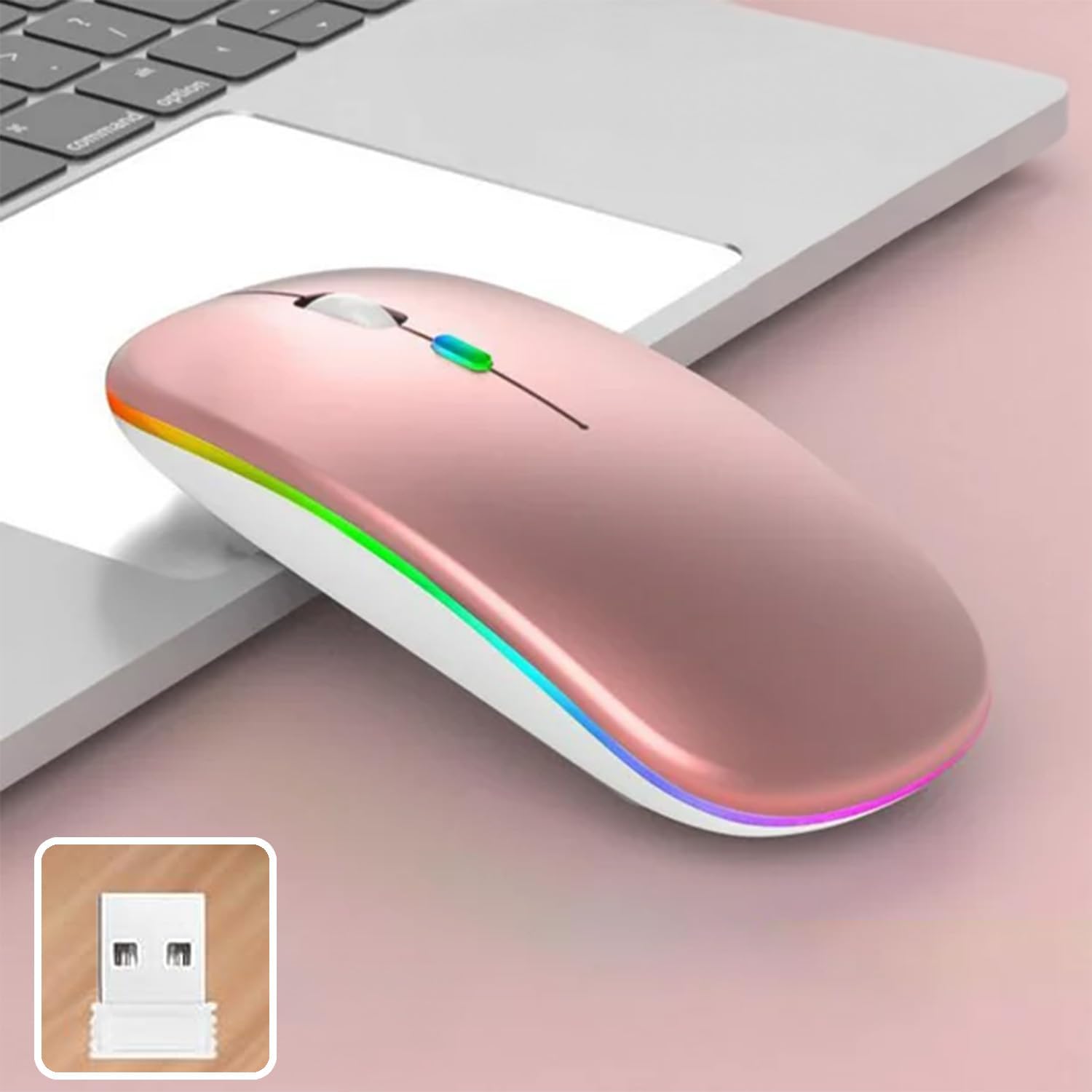
Image 4: The mouse and its 2.4 GHz USB receiver.
4.2.2. Bluetooth 5.1 Bağlantısı
- Güç anahtarını kullanarak fareyi açın.
- Press and hold the Bluetooth pairing button (often located on the underside or a dedicated button) until the indicator light starts flashing, indicating pairing mode.
- On your device (Windows, Mac OS, Android), go to Bluetooth settings and search for new devices.
- Select "SETTY Mouse" or a similar name from the list of available devices to pair.
- Eşleştirme işlemi tamamlandıktan sonra farenin üzerindeki gösterge ışığı yanıp sönmeyi bırakacaktır.
4.3. Uyumluluk
The SETTY Wireless Rechargeable Mouse is compatible with a wide range of operating systems and devices:
- Windows işletim sistemleri
- Mac işletim sistemi
- Android cihazlar
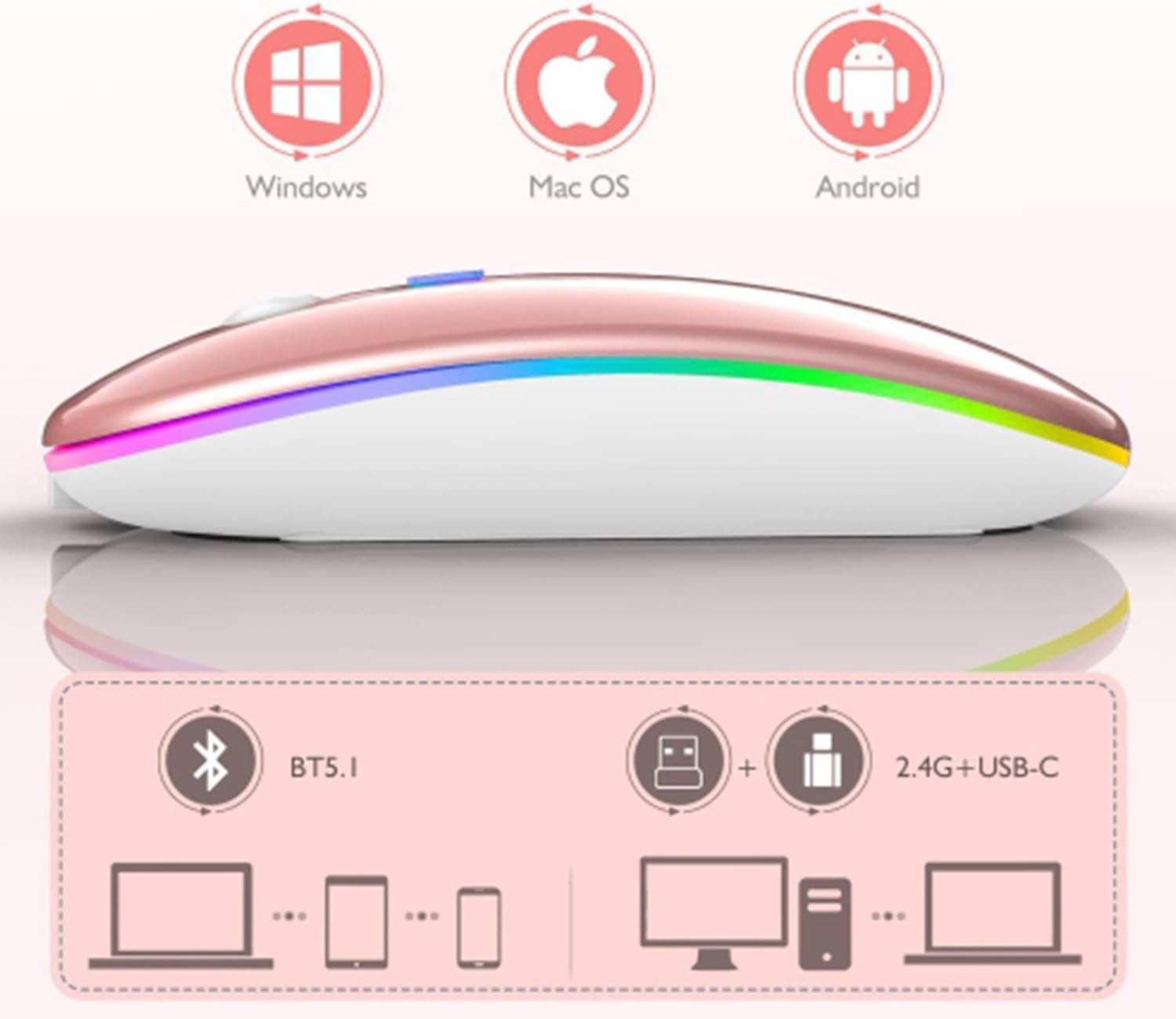
Image 5: Visual representation of the mouse's compatibility with various operating systems and connection types.
5. Kullanım Talimatları
5.1. DPI Ayarlaması
The mouse features three adjustable DPI (Dots Per Inch) settings to suit your preference for cursor speed and precision. Press the DPI button (usually located behind the scroll wheel) to cycle through the settings:
- 800DPI: Hassas görevler için daha düşük hassasiyet.
- 1200DPI: Standard sensitivity (default setting).
- 1600DPI: Daha yüksek hassasiyet sayesinde imleç hareketi daha hızlı olur.
5.2. RGB Aydınlatma
The mouse is equipped with dynamic RGB LED lighting. The lighting activates when the mouse is in use and enters power-saving modes when idle.
5.3. Güç Tasarrufu Modları
To conserve battery life, the mouse implements a three-level power-saving system:
- Seviye 1 Uyku: After 3 seconds of inactivity, the mouse enters a light sleep mode, indicated by a continuously flashing light.
- Seviye 2 Uyku: After approximately 1 minute of inactivity, the mouse enters a deeper sleep mode, indicated by intermittently flashing lights.
- Seviye 3 Uyku: After 8 minutes of inactivity, the mouse enters its deepest sleep mode, and the lights turn off completely. To wake the mouse, simply move it or click any button.
5.4. Tek Tıkla Masaüstü İşlevi
The mouse includes a dedicated button (often a side button) that, when pressed, instantly minimizes all open windows, allowing you to quickly access your desktop.
6. Bakım
To ensure the longevity and optimal performance of your SETTY Wireless Rechargeable Mouse, follow these maintenance guidelines:
- Temizlik: Farenin yüzeyini silmek için yumuşak ve kuru bir bez kullanın. İnatçı kirler için hafifçe silin.ampBezi su veya hafif bir temizleme solüsyonuyla silin. Sert kimyasallar veya aşındırıcı malzemeler kullanmaktan kaçının.
- Depolamak: Uzun süre kullanılmayacaksa fareyi serin ve kuru bir yerde saklayın.
- Pil Bakım: Avoid fully discharging the battery frequently. Charge the mouse when the low battery indicator appears.
- Aşırı Koşullardan Kaçının: Fareyi aşırı sıcaklıklara, doğrudan güneş ışığına veya aşırı neme maruz bırakmayın.
7. Sorun Giderme
If you encounter issues with your SETTY Wireless Rechargeable Mouse, please refer to the following common solutions:
- Fare yanıt vermiyor:
- Farenin açık olduğundan emin olun.
- Pil seviyesini kontrol edin ve gerekirse fareyi şarj edin.
- For 2.4 GHz connection, ensure the USB receiver is securely plugged into a working USB port. Try a different USB port.
- For Bluetooth connection, ensure Bluetooth is enabled on your device and the mouse is properly paired. Try re-pairing the mouse.
- Move the mouse closer to the receiver/device to ensure it's within the 15m wireless range.
- İmleç hareketi düzensiz veya yavaş:
- Farenin alt tarafındaki optik sensörü temizleyin.
- Fareyi uygun bir yüzeyde (yansıtıcı olmayan, opak) kullandığınızdan emin olun.
- Adjust the DPI setting to a higher value if the cursor is too slow.
- RGB aydınlatma çalışmıyor:
- The lighting may be off due to power-saving mode. Move or click the mouse to wake it up.
- Farenin yeterince şarjlı olduğundan emin olun.
8. Özellikler
| Özellik | Şartname |
|---|---|
| Örnek | GSM111404 |
| Bağlantı Teknolojisi | 2.4 GHz Kablosuz, Bluetooth 5.1 |
| kablosuz Menzil | 15 metreye kadar |
| DPI Ayarları | 800 / 1200 / 1600 DPI (Default: 1200 DPI) |
| Düğme Sayısı | 6 |
| Hareket Algılama Teknolojisi | Optik |
| Pil Türü | Built-in 500 mAh Lithium-ion Rechargeable Battery |
| Şarj Süresi | Yaklaşık 2 saat |
| Çalışma Zamanı | Yaklaşık 150 saat |
| Anma Hacmitage / Mevcut | 3.7 V / 18 mA |
| Anahtar Hayat | 5 milyon tıklama |
| Malzeme | ABS + Metal parts |
| Ürün Boyutları (U x G x Y) | 11.3x5.7x2.5 cm |
| Şarj Kablosu Uzunluğu | 25 cm |
| Uyumlu İşletim Sistemleri | Windows, MacOS, Android |
9. Garanti ve Destek
For warranty information or technical support, please refer to the documentation provided at the point of purchase or contact SETTY customer service. Keep your proof of purchase for warranty claims.


