1. Giriş ve Üzeriview
Welcome to the user manual for your HiFuture Flybuds 3 Wireless Bluetooth Headphones. These advanced earbuds are designed to provide a superior audio experience with seamless connectivity and comfort. Featuring Bluetooth 5.3 technology, they ensure a stable and high-quality connection with your devices.
The Flybuds 3 are equipped with 4 built-in microphones for crystal-clear calls and Active Noise Cancellation (ENC) to immerse you in your music. Their IPX5 water and sweat resistance makes them ideal for workouts and active lifestyles. Enjoy up to 32 hours of playtime with the charging case, ensuring your music accompanies you throughout the day.

The HiFuture Flybuds 3 in their charging case, ready for use.

HiFuture Flybuds 3 available in multiple colors, highlighting the new music era.
2. Kutuda Neler Var?
Lütfen paket içeriğini kontrol ederek tüm öğelerin mevcut olduğundan emin olun:
- HiFuture Flybuds 3 Earbuds (Left and Right)
- Şarj Kutusu
- USB Şarj Kablosu
- Kullanıcı Kılavuzu
3. Kurulum
3.1 Charging Your Flybuds 3
Before first use, it is recommended to fully charge your Flybuds 3. This ensures optimal battery performance.
- Place both earbuds into their respective slots in the charging case.
- Connect the USB charging cable to the charging port on the case and plug the other end into a compatible USB power source (e.g., wall adapter, computer USB port).
- Şarj kutusundaki gösterge ışığı, şarj durumunu göstermek için yanacaktır. Tam şarj genellikle yaklaşık 2 saat sürer.
- Tamamen şarj olduktan sonra şarj kablosunu çıkarın.
3.2 Bluetooth Eşleştirme
Follow these steps to pair your Flybuds 3 with your device:
- Kulaklıkların şarjlı olduğundan ve şarj kutusunun içinde olduğundan emin olun.
- Open the lid of the charging case. The earbuds will automatically power on and enter Bluetooth pairing mode.
- On your smartphone, tablet, laptop, or other Bluetooth-enabled device, go to the Bluetooth settings.
- Bluetooth'u etkinleştirin ve yeni cihazları arayın.
- Select 'HiFuture Flybuds 3' from the list of available devices.
- Once connected, a voice prompt will confirm successful pairing. The earbuds are now ready for use.
4. Kullanım Talimatları
4.1 Dokunmatik Kontroller
The Flybuds 3 feature intuitive touch controls on each earbud. Familiarize yourself with the following functions:
| İşlev | Aksiyon |
|---|---|
| Müzik Çal/Duraklat | Her iki kulaklığa da tek dokunuş |
| Sonraki Parça | Sağ kulaklığa iki kez dokunun |
| Önceki Parça | Sol kulaklığa iki kez dokunun |
| Cevapla/Çağrıyı Sonlandır | Her iki kulaklığa da tek dokunuş |
| Çağrıyı Reddet | Kulaklıklardan herhangi birini 2 saniye basılı tutun |
| Sesli Asistanı Etkinleştir | Her iki kulaklığa da üç kez dokunun |
| ANC/Şeffaflık Modunu Değiştir | Sağ kulaklığı 2 saniye basılı tutun. |
4.2 Arama
The 4 built-in microphones ensure clear voice pickup during calls. Use the touch controls as described above to manage your phone calls.
4.3 Müzik Oynatma
Enjoy your favorite music with rich audio quality. Control playback directly from the earbuds using the touch functions.

Enjoy up to 30 hours of playtime with the charging case.

Experience bold bass and rich audio with Flybuds 3.
4.4 Aktif Gürültü Engelleme (ENC)
The Flybuds 3 feature Environmental Noise Cancellation (ENC) to reduce ambient sounds, allowing you to focus on your audio. Use the touch control to toggle between ANC and Transparency modes.

Active Noise Cancellation (ENC) for an immersive listening experience.
5. Bakım
5.1 Temizlik
To maintain the performance and appearance of your Flybuds 3:
- Kulaklıklarınızı ve şarj kutusunu yumuşak, kuru ve tiftiksiz bir bezle hafifçe silin.
- Aşındırıcı temizleyiciler, çözücüler veya sert kimyasallar kullanmayın.
- Herhangi bir açıklığın nemlenmesini önleyin.
5.2 Depolama
Always store the earbuds in their charging case when not in use. This protects them from damage and keeps them charged for your next use.
5.3 Suya Dayanıklılık (IPX5)
The HiFuture Flybuds 3 are IPX5 water resistant, meaning they are protected against low-pressure water jets from any direction. This makes them suitable for use during workouts and in light rain.
- Kulaklıklarınızı veya şarj kutusunu suya batırmayın.
- Onları tuzlu suya veya diğer sıvılara maruz bırakmayın.
- If they get wet, wipe them dry before placing them back in the charging case or charging.
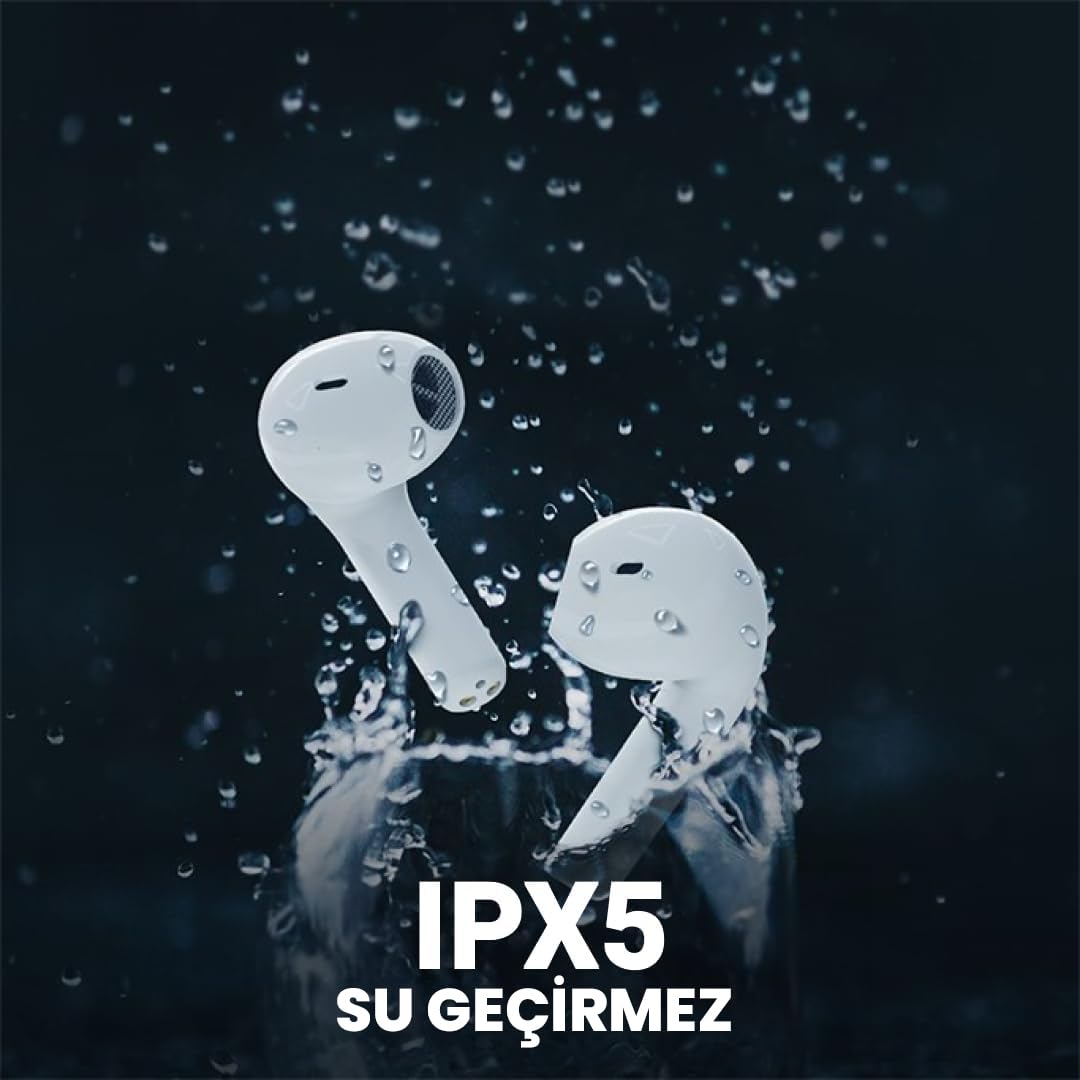
The Flybuds 3 are IPX5 water resistant, suitable for active use.
6. Sorun Giderme
If you encounter any issues with your Flybuds 3, please refer to the following common solutions:
- Kulaklıklar eşleşmiyor: Ensure both earbuds are charged and within range of your device. Turn Bluetooth off and on again on your device. Try placing the earbuds back in the case, closing the lid, and then reopening it to re-enter pairing mode.
- Bir veya iki kulaklıktan ses gelmiyor: Check the volume levels on both your connected device and the earbuds. Ensure the earbuds are properly connected to your device. Try re-pairing the earbuds.
- Kötü çağrı kalitesi: Ensure the microphones on the earbuds are not obstructed. Move to an area with less background noise.
- Kısa pil ömrü: Ensure the earbuds and charging case are fully charged. Battery life can vary based on usage patterns, volume levels, and ANC usage.
- Kulaklıklar şarj olmuyor: Şarj kablosunun hem kılıfa hem de güç kaynağına güvenli bir şekilde bağlı olduğundan emin olun. Şarj portunun temiz ve tozdan arındırılmış olup olmadığını kontrol edin.
Sorun devam ederse, daha fazla yardım için lütfen Garanti ve Destek bölümüne bakın.
7. Özellikler
Detailed specifications for your HiFuture Flybuds 3:
| Özellik | Detay |
|---|---|
| Örnek | FLYBUDS3-BK |
| Bluetooth Sürümü | 5.3 |
| Pil Ömrü (Kulaklıklar + Kılıf) | 32 Saate Kadar |
| Şarj Süresi | Yaklaşık 2 Saat |
| Mikrofonlar | 4 Dahili |
| Suya Dayanıklılık | IPX5 |
| Gürültü Kontrolü | Aktif Gürültü Engelleme (ENC) |
| Kontrol Yöntemi | Dokunmak |
| Ağırlık | 80 Grams (total product) |
| Uyumlu Cihazlar | Akıllı Telefonlar, Tabletler, Dizüstü Bilgisayarlar, Masaüstü Bilgisayarlar |

Key features highlighted on the product packaging.

Ergonomik tasarımı rahat ve güvenli bir uyum sağlar.
8. Garanti ve Destek
8.1 Garanti Bilgileri
Your HiFuture Flybuds 3 come with a 1-year manufacturer's warranty from the date of purchase. This warranty covers manufacturing defects and ensures your product performs as expected under normal use.
- Please retain your proof of purchase (receipt or invoice) as it is required for any warranty claims.
- Garanti, yanlış kullanım, kaza, yetkisiz değişiklikler veya normal aşınma ve yıpranma nedeniyle oluşan hasarları kapsamaz.
8.2 Müşteri Desteği
For further assistance, troubleshooting, or to inquire about warranty claims, please contact HiFuture customer support. You can typically find contact information on the official HiFuture webalan.
Thank you for choosing HiFuture Flybuds 3. We hope you enjoy your listening experience!


