1. Giriş
Thank you for choosing the Baseus Bowie H2 True Wireless Earphones. This manual provides detailed instructions on how to set up, operate, maintain, and troubleshoot your earphones to ensure optimal performance and longevity. Please read this manual thoroughly before using the product.
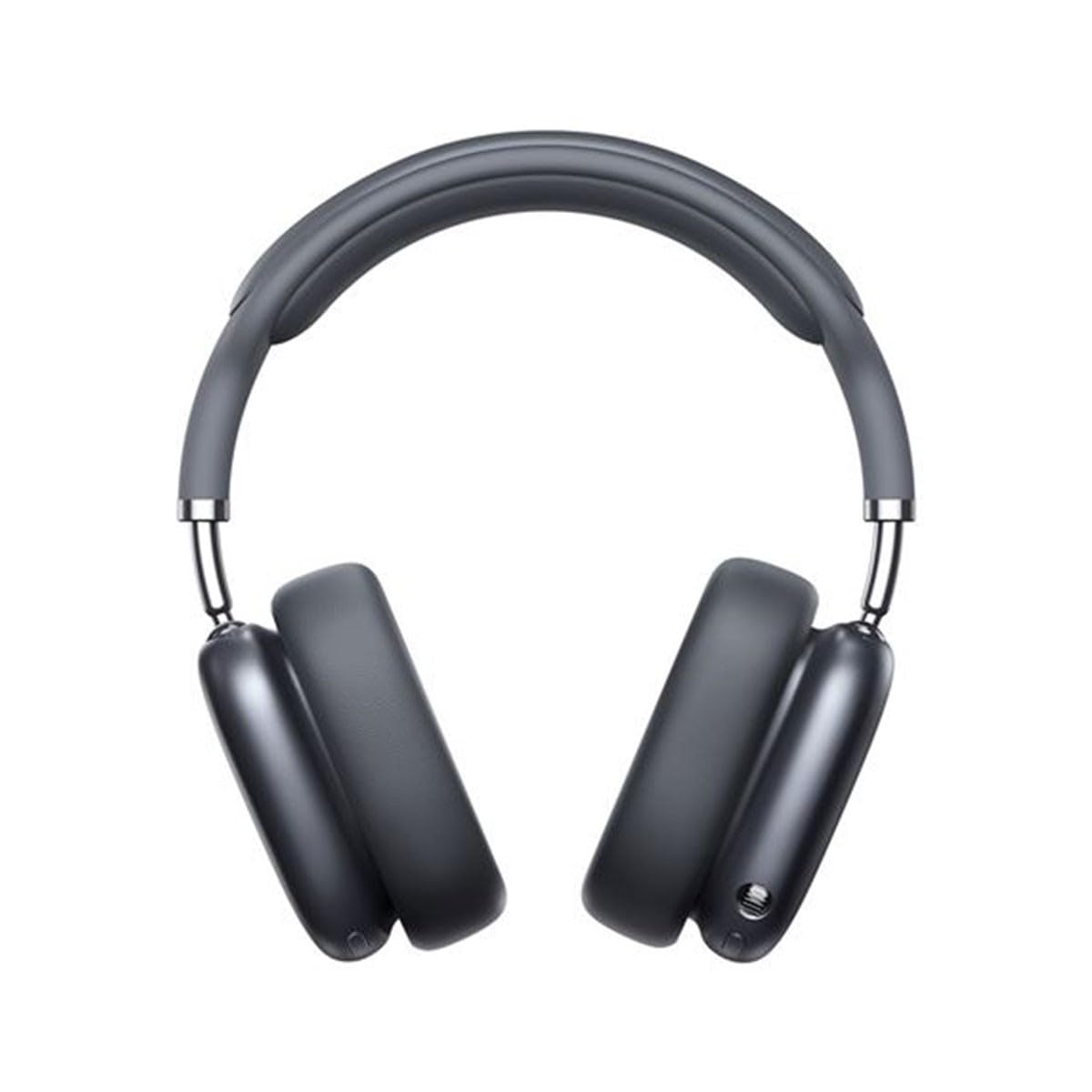
Image 1.1: Baseus Bowie H2 product overview. Please note that while this image displays over-ear headphones, the product described in this manual is the Baseus Bowie H2 True Wireless Earphones (in-ear type).
2. Kutuda Neler Var?
Carefully unpack the product and ensure all items are present and in good condition. The package should contain:
- Baseus Bowie H2 True Wireless Earphones (Left and Right)
- Kablosuz Şarj Kutusu
- USB Şarj Kablosu
- Kullanıcı Kılavuzu

Resim 2.1: Örn.ample of Baseus headphones in a case. The Baseus Bowie H2 True Wireless Earphones come with a compact wireless charging case.
3. Kurulum
3.1 Kulaklık ve Kutunun Şarj Edilmesi
Before first use, fully charge the earphones and the charging case. Place the earphones into the charging case. Connect the USB charging cable to the charging port on the case and plug the other end into a USB power adapter (not included) or a computer's USB port. The indicator light on the case will show charging status and turn off or change color when fully charged.
3.2 Bluetooth Eşleştirme
- Kulaklıklarınızın şarjlı olduğundan emin olun.
- Open the charging case. The earphones will automatically enter pairing mode, and an indicator light (usually on the earphones or case) will flash, indicating they are ready to pair.
- Cihazınızda (akıllı telefon, tablet, dizüstü bilgisayar) Bluetooth'u etkinleştirin.
- Arama available Bluetooth devices. Select "Baseus Bowie H2" from the list.
- Once connected, the indicator light will stop flashing, and you may hear a confirmation tone.
- If pairing fails, place the earphones back into the case, close it, and then reopen to re-enter pairing mode.
4. Kulaklıkların Kullanımı
4.1 Kulaklık Takma
Gently insert the earphones into your ear canals. Adjust them for a comfortable and secure fit to ensure optimal sound quality and noise isolation. The left (L) and right (R) earphones are marked.

Resim 4.1: Ön view of Baseus headphones. For the Bowie H2 earphones, ensure a snug fit in the ear canal.
4.2 Dokunmatik Kontroller
The Baseus Bowie H2 earphones feature touch controls for various functions. The specific touch gestures may vary slightly, but common functions include:
- Oynat/Duraklat: Her iki kulaklığa da tek dokunuşla.
- Sonraki Parça: Sağ kulaklığa iki kez dokunun.
- Önceki parça: Sol kulaklığa iki kez dokunun.
- Çağrıyı Cevapla/Sonlandır: Her iki kulaklığa da tek dokunuşla.
- Çağrıyı Reddet: Long press on either earphone.
- Voice Assistant'ı etkinleştirin: Her iki kulaklığa da üç kez dokunun.
Refer to the quick start guide included in your package for precise touch control mapping.

Resim 4.2: Üst view of Baseus headphones. The touch control areas are typically located on the outer surface of the earphones.
5. Bakım
Proper maintenance ensures the longevity and performance of your Baseus Bowie H2 earphones.
- Temizlik: Kulaklıkları ve şarj kutusunu temizlemek için yumuşak, kuru, tüy bırakmayan bir bez kullanın. Aşındırıcı temizleyiciler, alkol veya kimyasal çözücüler kullanmayın.
- Depolamak: Kullanmadığınız zamanlarda kulaklıklarınızı toz, kir ve hasarlardan korumak için daima şarj kutusunda saklayın.
- Sudan Kaçının: While the earphones may have some water resistance, avoid submerging them in water or exposing them to excessive moisture.
- Sıcaklık: Do not expose the earphones to extreme temperatures (hot or cold) or direct sunlight for extended periods.
6. Sorun Giderme
If you encounter issues with your Baseus Bowie H2 earphones, try the following solutions:
| Sorun | Çözüm |
|---|---|
| Kulaklıklar eşleşmiyor |
|
| Tek kulaklıktan ses gelmiyor |
|
| Şarj sorunu |
|
| Düşük ses seviyesi veya zayıf ses kalitesi |
|
7. Özellikler
Key technical specifications for the Baseus Bowie H2 True Wireless Earphones (Model: NGTW260013):
- Model Numarası:
- NGTW260013
- Marka:
- Bazus
- Bağlantı Teknolojisi:
- Kablosuz (Bluetooth)
- Bluetooth Sürümü:
- 5.2
- Kulak Yerleşimi:
- Kulakta
- Form Faktörü:
- Kulakta
- Kontrol Türü:
- Dokunmatik Kontrol
- Ses Sürücüsü Türü:
- Dinamik Sürücü
- Dahil Bileşenler:
- Kablosuz Şarj Kutusu
- Malzeme:
- Plastik
- Ürün Ağırlığı:
- 582 g (Note: This weight is unusually high for in-ear earphones and may refer to the package weight or a different product variant.)
- Ürün Ölçüleri:
- 50 x 50 x 28 cm (Note: These dimensions are unusually large for in-ear earphones and may refer to the package dimensions or a different product variant.)
- Uyumlu Cihazlar:
- Akıllı Telefonlar, Tabletler, Dizüstü Bilgisayarlar, Akıllı Hoparlörler
8. Garanti ve Destek
Baseus products are designed with quality and reliability in mind. For specific warranty information, please refer to the warranty card included with your purchase or visit the official Baseus website. If you require technical support or have questions not covered in this manual, please contact Baseus customer service through their official channels.
Garanti talepleri için satın alma belgenizi saklayın.


