Introduction to Your iPhone Guide
This guide provides fundamental instructions for effectively using your iPhone. Divided into 10 chapters, it simplifies each step, making the learning process as straightforward as possible. It covers basic functions, settings, and essential applications with step-by-step explanations and screenshots, designed for beginners to master their iPhone.
The author, Arpad Mattossi, an Apple user since 2004 and former Apple Specialist, created this book to assist individuals, especially non-digital natives, in navigating the increasingly digital world. The aim is to make iPhone usage accessible and understandable for everyone.
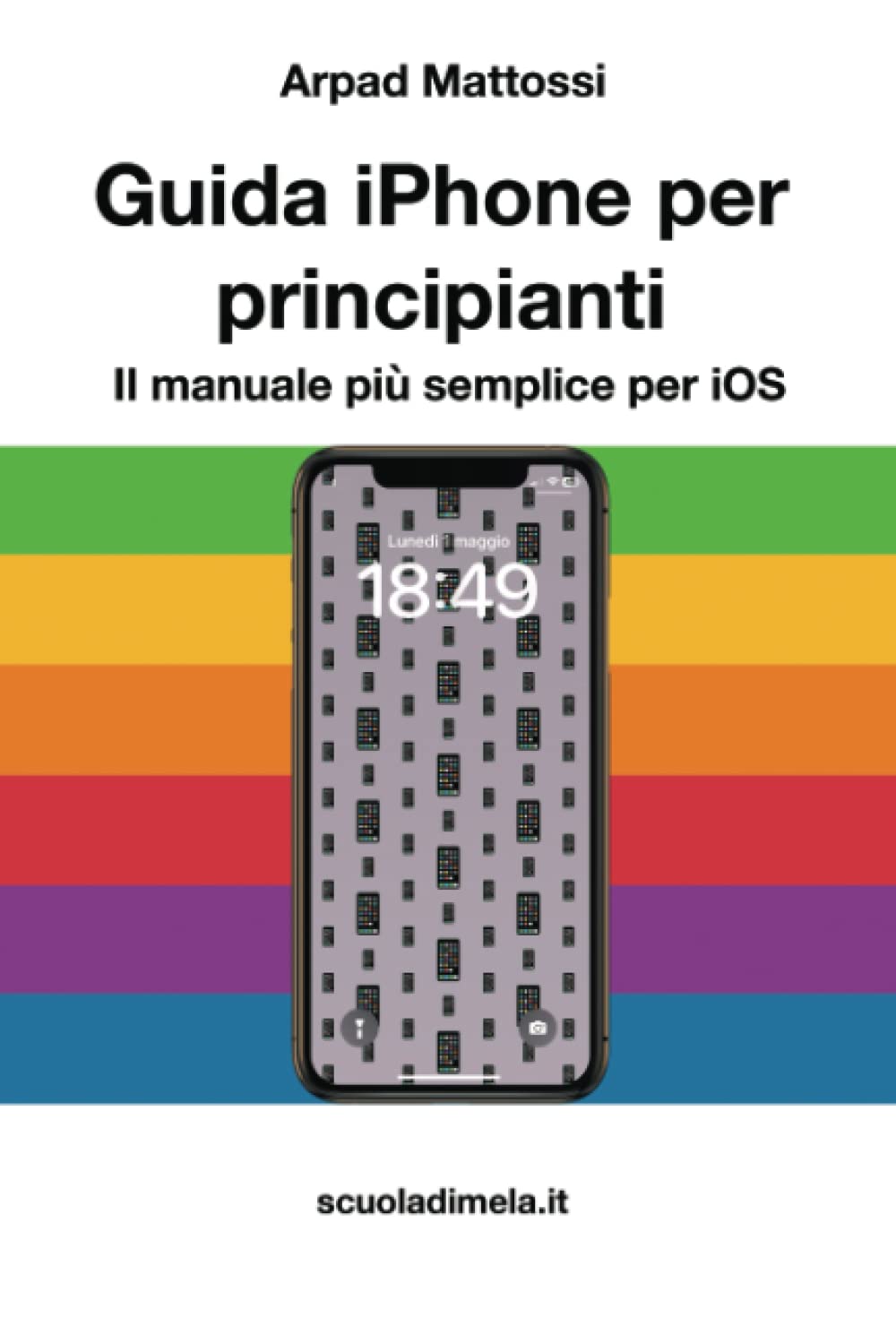
Image: Front cover of the "iPhone Beginner's Guide: The Simplest Manual for iOS". This image displays the book's title and design, indicating its purpose as an easy-to-follow instruction manual for iPhone users.
Kurulum ve İlk Yapılandırma
This section guides you through the initial setup of your iPhone, from its first activation to personalizing its core settings.
1. Introduction to iPhone
Gain an introductory overview of the iPhone's operating system (iOS). This chapter covers the basic interface, gestures, and fundamental concepts to get you started.
2. Ayarlar
Learn how to personalize and configure your iPhone to suit your preferences. This includes adjusting display settings, sounds, privacy options, and connecting to Wi-Fi networks.
Core Features and Operation
Explore the essential functionalities of your iPhone, from cloud services to communication and media management.
3. Understanding iCloud
Discover what iCloud is and how it enables seamless synchronization and backup of your data across Apple devices, including photos, contacts, and documents.
4. Web Browsing with Safari
Learn how to use the internet, search engines, and navigate websites efficiently using the Safari browser on your iPhone.
5. Sending Emails
Configure your email accounts on iPhone and learn how to send emails, including attaching files and managing your inbox.
6. Kişileri Yönetme
Create and organize your address book entries clearly and efficiently, ensuring all your contacts are easily accessible.
7. Using the Calendar
Add appointments to your agenda, configure recurring events, and manage full-day events to keep track of your schedule.
8. Müzik Dinleme
Import songs, organize albums and tracks, and purchase music from online stores directly on your iPhone.
9. Taking and Organizing Photos
Learn how to capture photos and keep them organized within your iPhone's photo library.
10. Managing Apps on iPhone
Discover how to install new applications from the App Store and organize them on your iPhone's home screen.
Bakım
While this guide primarily focuses on operational aspects, general iPhone maintenance includes regularly updating iOS, backing up your data to iCloud or a computer, and managing storage by deleting unnecessary apps or files. Keeping your device clean and protected with a case and screen protector is also recommended for physical longevity.
Yaygın Sorunların Giderilmesi
This manual focuses on basic usage. For troubleshooting specific technical issues, common steps include restarting your iPhone, checking for iOS updates, resetting network settings, or consulting Apple's official support resources. Many minor issues can be resolved with a simple restart.
Ürün Özellikleri
- Başlık: iPhone Beginner's Guide: The Simplest Manual for iOS
- Yazar: Arpad Mattossi
- Yayımcı: Bağımsız olarak yayınlandı
- Yayın Tarihi: 1 Mayıs 2023
- Dil: English (originally Italian)
- Baskı Uzunluğu: 125 sayfa
- ISBN-13: 979-8393215279
- Ürün Ağırlığı: 245 gr
- Boyutlar: 15.24x0.74x22.86 cm
- iOS Version Covered: iOS 16 (as of September 2022)
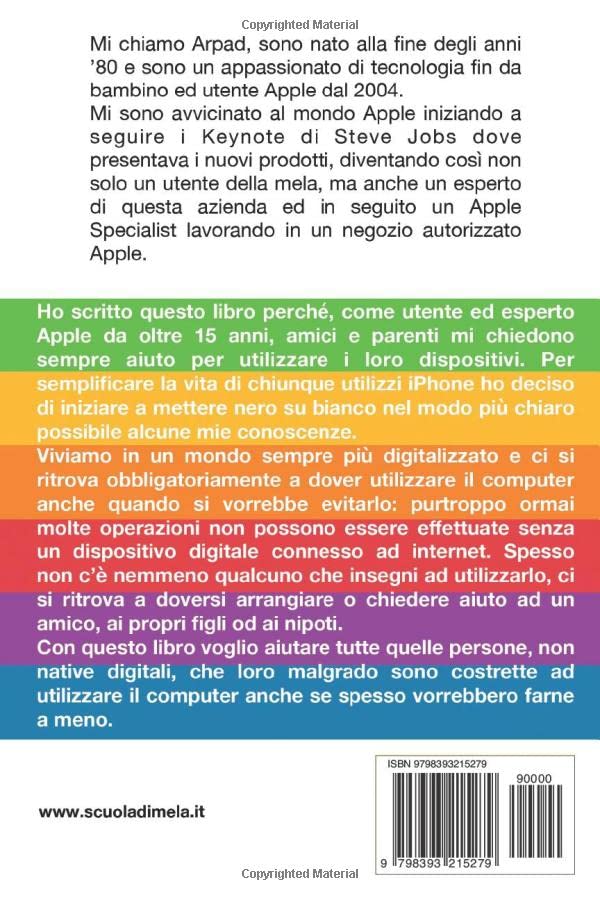
Image: Back cover of the guide, featuring the author's motivation for writing the book and the ISBN barcode. The text highlights the book's purpose to help non-digital natives use their devices.
Garanti Bilgileri
As this product is an instructional book, it does not come with a hardware warranty. For information regarding returns or refunds, please refer to the retailer's purchase policy where the book was acquired.
Destek ve Daha Fazla Bilgi
For additional support or inquiries related to the content of this guide, you may visit the author's associated webalan: www.scuoladimela.it.
For official iPhone support, software updates, and comprehensive troubleshooting, please refer to the official Apple Support websiteyi ziyaret edin veya doğrudan Apple müşteri hizmetleriyle iletişime geçin.


