1. Ürün Bittiview
The WHATOOK 2-in-1 Cordless Air Duster and Vacuum Cleaner is a versatile cleaning tool designed for various applications, from delicate electronics to car interiors and household items. It combines powerful air blowing and strong vacuum suction in a compact, portable design.
Temel özellikler şunlardır:
- Powerful 100,000 RPM motor for air duster mode.
- Strong 10,000 KPA suction for vacuum mode.
- Three adjustable speed settings for varied cleaning needs.
- Rechargeable 7600mAh battery with Type-C quick charge.
- Daha iyi görünürlük için entegre LED ışık.
- Comes with multiple nozzles and brushes for diverse cleaning tasks.

Figure 1: WHATOOK 2-in-1 Cordless Air Duster & Vacuum Cleaner with included accessories.
2. Paket İçeriği
Lütfen kutuyu açtığınızda paket içeriğini kontrol ederek tüm bileşenlerin mevcut olduğundan emin olun:
- WHATOOK 2-in-1 Cordless Air Duster & Vacuum Cleaner Unit
- Dusting Tool Nozzle
- Vakum Ağzı
- USB Şarj Kablosu (Tip-C)
- Paslanmaz Çelik Filtre
- Various cleaning brushes and additional nozzles (8 nozzles, 3 brushes)
- Depolama Çantası
- Kullanım Kılavuzu (bu belge)

Figure 2: Visual representation of the packing list.
3. Kurulum ve Şarj
3.1 İlk Ücretlendirme
Before first use, fully charge the device. The integrated 7600mAh battery provides extended usage time.
- Kutu içeriğinde bulunan USB Type-C şarj kablosunu cihaz üzerindeki şarj portuna bağlayın.
- Connect the other end of the USB cable to a compatible power source (e.g., car charger, adapter charger, power bank, computer USB port).
- The LED indicator will show charging status. Once fully charged, the indicator will change (refer to device specific LED behavior, usually turns green or off).
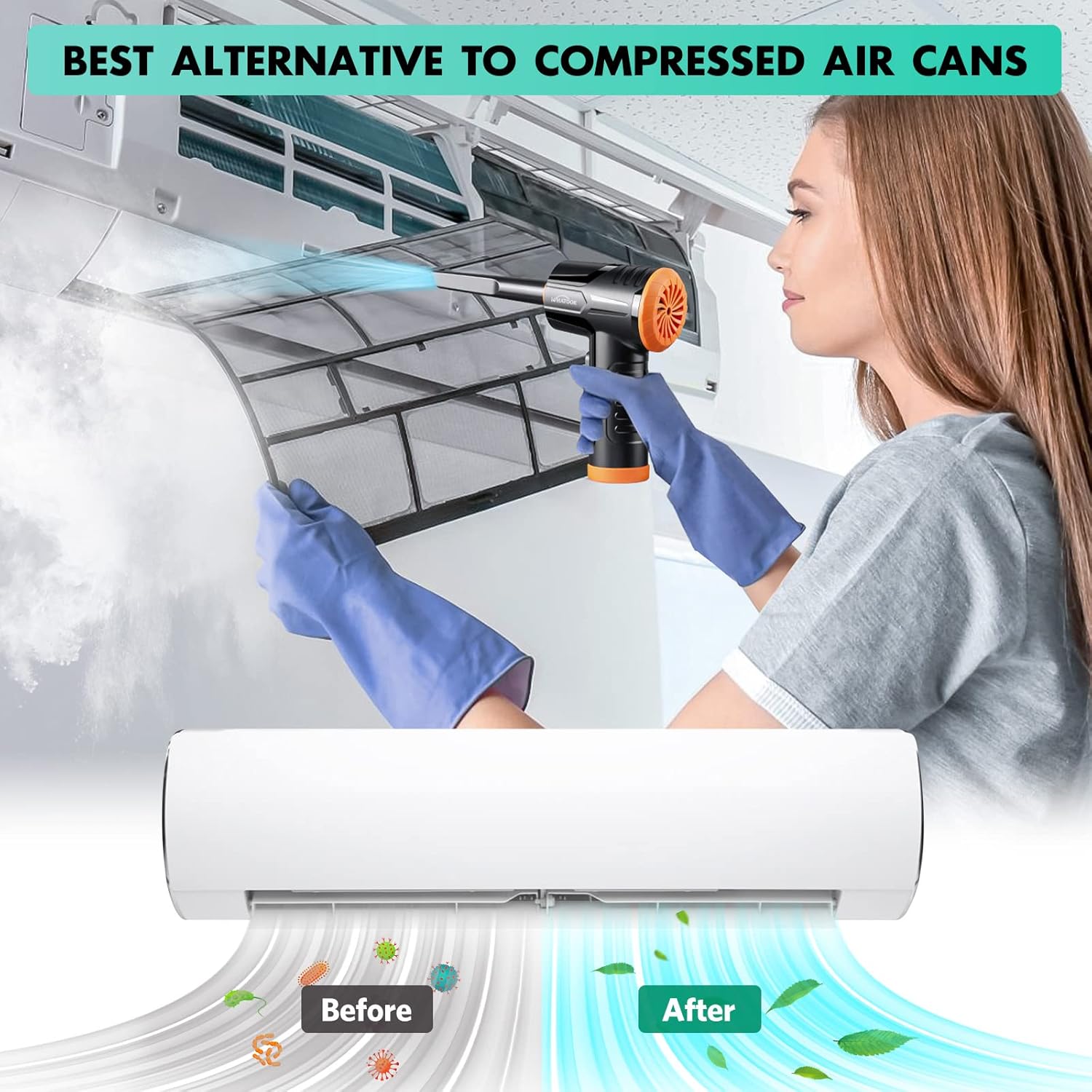
Figure 3: Charging the device using the USB Type-C cable.
3.2 Meme Uçlarının Takılması
The device supports both air blowing and vacuuming functions. Attach the appropriate nozzle for your desired cleaning mode.
For Air Blowing:
- Identify the front air outlet.
- Select the desired dusting tool nozzle.
- Align the nozzle with the air outlet and push firmly until it clicks into place.
Vakumlama için:
- Identify the rear vacuum inlet.
- Select the desired vacuum nozzle.
- Align the nozzle with the vacuum inlet and twist or push firmly to secure it.

Figure 4: Installation and removal of air duster and vacuum nozzles.
5. Kullanım Talimatları
5.1 Güç Açma/Kapatma ve Hız Kontrolü
The device features three powerful airflow modes to suit different cleaning requirements.
- Cihazı açmak için güç düğmesini 3 saniye basılı tutun.
- Once on, briefly press the power button to cycle through the three speed settings:
- 1. Vites: 60,000 RPM / 6000 PA (approx. 55 minutes runtime)
- 2. Vites: 80,000 RPM / 8000 PA (approx. 35 minutes runtime)
- 3. Vites: 100,000 RPM / 10000 PA (approx. 20 minutes runtime)
- To turn off the device, press and hold the power button for 3 seconds again.

Figure 5: Three adjustable speed settings for optimal performance.
5.2 Using the Air Duster Function
The air duster is ideal for removing dust and debris from sensitive electronics, keyboards, and hard-to-reach areas.
- Attach the desired dusting nozzle to the front air outlet.
- Select the appropriate speed setting.
- Point the nozzle at the area to be cleaned and activate the air duster.
- Use short bursts of air for delicate items or continuous airflow for larger areas.

Figure 6: Using the air duster mode for cleaning a laptop.
5.3 Using the Vacuum Function
The vacuum function is perfect for picking up dust, crumbs, and small debris from surfaces like car interiors, sofas, and tight corners.
- Attach the desired vacuum nozzle to the rear vacuum inlet.
- Select the appropriate speed setting.
- Place the nozzle over the area to be vacuumed and activate the device.
- Move the nozzle slowly over the surface to effectively pick up debris.

Figure 7: Using the vacuum mode for cleaning a laptop.

Şekil 8: Ör.amples of multiple usage scenarios for the device.
6. Bakım
Düzenli bakım, cihazınızın en iyi performansı göstermesini sağlar ve kullanım ömrünü uzatır.
6.1 Filtrenin Temizlenmesi
The stainless steel filter should be cleaned regularly, especially after vacuuming fine dust.
- Twist and remove the vacuum nozzle and the dust collection cup.
- Carefully remove the stainless steel filter from the dust collection cup.
- Tap the filter to dislodge loose debris. For thorough cleaning, rinse the filter under running water.
- Ensure the filter is completely dry before reassembling. Air drying is recommended.
- Reinsert the dry filter into the dust collection cup, then reattach the cup and nozzle to the device.

Figure 9: Instructions for cleaning the vacuum filter.
6.2 Genel Temizlik
- Cihazın dış yüzeyini yumuşak bir bezle silin.amp bez. Sert kimyasallar veya aşındırıcı temizleyiciler kullanmayın.
- Ensure no liquid enters the charging port or air outlets/inlets.
- Store the device and its accessories in the provided storage bag in a cool, dry place.
7. Sorun Giderme
If you encounter any issues with your WHATOOK 2-in-1 Cordless Air Duster & Vacuum Cleaner, please refer to the following common problems and solutions:
| Sorun | Olası Neden | Çözüm |
|---|---|---|
| Cihaz açılmıyor. | Pil bitmiş. | Charge the device fully using the provided USB Type-C cable. |
| Weak airflow/suction. | Filtre tıkalı veya kirli. | Clean the stainless steel filter as described in the Maintenance section. |
| Weak airflow/suction. | Meme ucu düzgün takılmamış. | Ensure the nozzle is securely attached to the correct port (air outlet for duster, vacuum inlet for vacuum). |
| Weak airflow/suction. | Pil zayıf. | Recharge the device. Performance may decrease as battery level drops. |
| Cihaz beklenmedik şekilde duruyor. | Aşırı ısınma koruması aktif. | Turn off the device and let it cool down for at least 15-30 minutes before resuming use. |
If the problem persists after trying these solutions, please contact WHATOOK customer support.
8. Özellikler
| Özellik | Detay |
|---|---|
| Model Numarası | 001 |
| Boyutlar (U x G x Y) | 16x9x16 cm |
| Ağırlık | 680 gram |
| Pil Kapasitesi | 7600 mAh |
| Şarj Tipi | USB Tip-C |
| Max Air Duster Speed | 100,000 RPM |
| Max Vacuum Suction | 10,000 PA |
| Anma Hacmitage | 12 Volt |
| Runtime (Max Speed) | Yaklaşık 20 dakika |
| Runtime (Min Speed) | Yaklaşık 55 dakika |
| Filtre Türü | Paslanmaz Çelik Filtre |
| Özel Özellik | HEPA (implied by "Filtre HEPA" in specs, though the main filter is stainless steel, it might refer to filtration capability) |
9. Garanti ve Destek
WHATOOK is committed to providing high-quality products and excellent customer service.
- Garanti: Ürün 24 ay garantilidir.
- Müşteri Desteği: WHATOOK offers 7*24 hour stand-by support with a 12-hour response time. Lifetime after-sales support is also provided.
- For any inquiries, technical assistance, or warranty claims, please contact WHATOOK customer service through their official channels or the retailer where you purchased the product.

Figure 10: WHATOOK customer support is available to assist you.


