giriiş
This manual provides detailed instructions for the setup, operation, and maintenance of your VTech CS2000 DECT Cordless Home Phone. Please read this manual thoroughly before using your new phone to ensure proper functionality and to take full advantage özelliklerinden.
The VTech CS2000 is designed for home use, offering reliable long-range communication, essential call management features, and user-friendly design.

Figure 1: VTech CS2000 DECT Cordless Home Phone, showing the handset docked in its base unit.
Kurmak
Paket İçeriği
Paketinizde tüm öğelerin mevcut olduğundan emin olun:
- VTech CS2000 El Cihazı
- VTech CS2000 Base Unit
- Ana Ünite için Güç Adaptörü
- Telefon Hattı Kablosu
- Rechargeable NiMH Battery (1 included)
Pil Kurulumu ve Şarj Edilmesi
The VTech CS2000 uses a rechargeable NiMH battery. Proper installation and initial charging are crucial for optimal performance.
- Ahizenin arkasındaki pil bölmesini bulun.
- Insert the supplied NiMH battery, ensuring the polarity matches the diagram inside the compartment.
- Pil bölmesi kapağını sıkıca kapatın.
- Place the handset on the base unit. The charging indicator on the handset should illuminate.
- Allow the handset to charge for at least 16 hours before initial use, even if the display indicates a full charge sooner. This ensures maximum battery capacity.
Temel Ünitenin Bağlanması
- Telefon hattı kablosunun bir ucunu ana ünitenin arkasındaki TEL LINE girişine bağlayın.
- Telefon hattı kablosunun diğer ucunu duvardaki telefon prizine bağlayın.
- Connect the small end of the power adapter to the POWER jack on the back of the base unit.
- Güç adaptörünün büyük ucunu standart bir elektrik prizine takın.
- Tüm bağlantıların güvenli olduğundan emin olun.
Telefonunuzu Çalıştırma
Çağrı Yapma ve Alma
Arama yapmak:
- Basın KONUŞMAK button (green receiver icon) or lift the handset from the base.
- İstediğiniz telefon numarasını çevirin.
- Basın SON button (red receiver icon) or place the handset back on the base to end the call.
Bir Çağrı Alma:
Telefon çaldığında, tuşuna basın KONUŞMAK button or lift the handset from the base to answer.
Eller Serbest Hoparlör
The VTech CS2000 features a hands-free speakerphone function, allowing you to talk without holding the handset.
- Bir arama sırasında tuşuna basın. KONUŞMACI button (speaker icon).
- To switch back to the handset, press the KONUŞMAK Tekrar düğmeye basın.
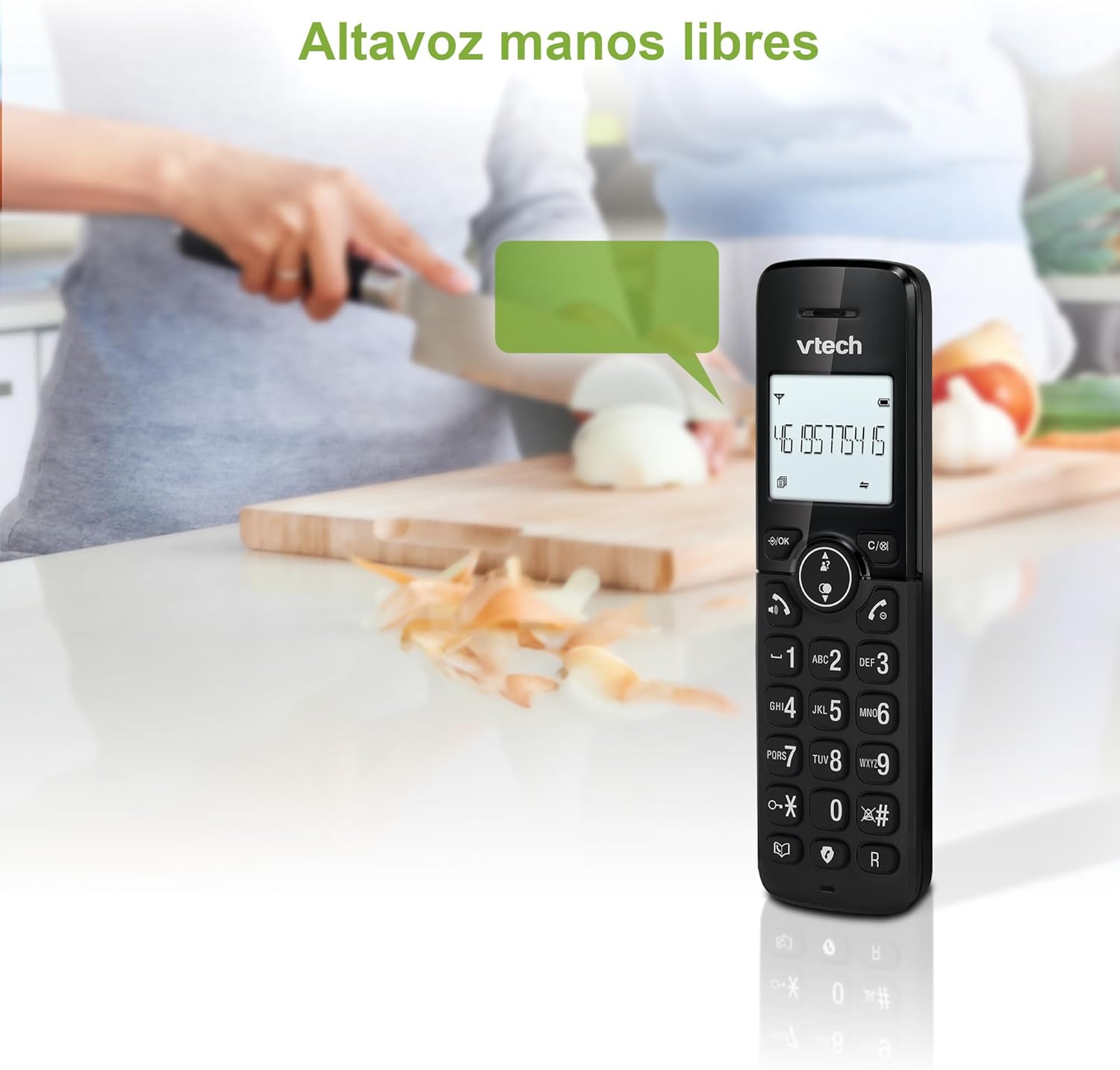
Figure 2: Using the hands-free speakerphone function.
Çağrı Engelleme
The call blocking feature allows you to prevent unwanted calls. You can block up to 30 numbers.
- To block a number during a call, press the ÇAĞRI ENGELLEME düğme.
- To add a number to the block list manually, navigate to the Call Block menu in the phone settings.
- Follow the on-screen prompts to add or remove numbers from the block list.
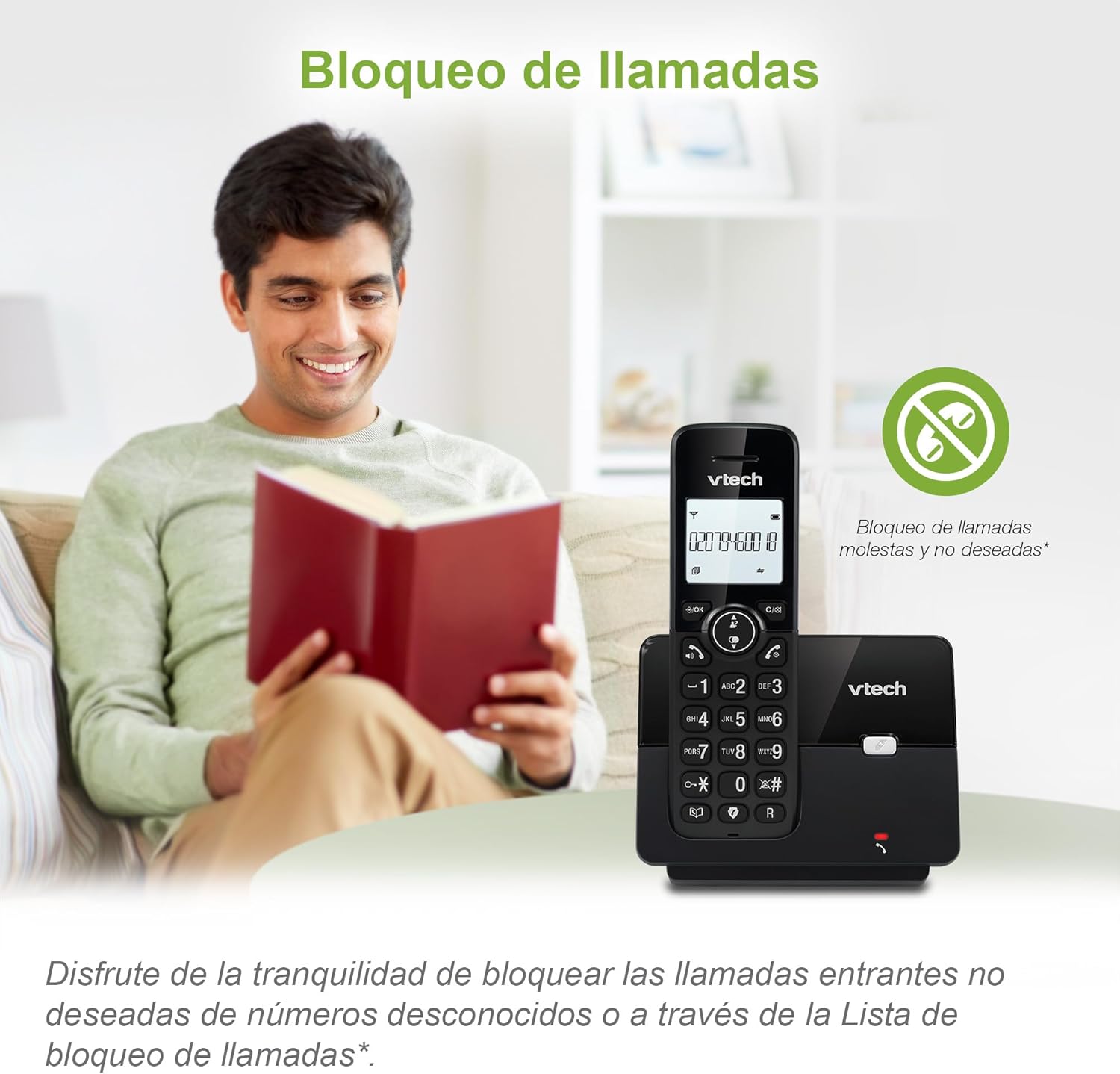
Figure 3: The call blocking feature helps manage unwanted calls.
Phonebook (Directory)
Hızlı arama için telefon rehberine 30 adede kadar isim ve numara kaydedebilirsiniz.
- Basın MENÜ/Tamam düğme.
- Navigate to the "Phonebook" or "Directory" option.
- Select "Add New Entry" and follow the prompts to enter the name and number.
- To dial from the phonebook, press the DİZİN button and scroll to the desired entry, then press KONUŞMAK.

Figure 4: Managing contacts in the phonebook.
Arayanın Kimliği ve Çağrı Bekletme
The phone stores up to 20 caller ID records with name and number (service subscription may be required).
When a new call comes in while you are on another call, the call waiting feature alerts you (service subscription may be required).
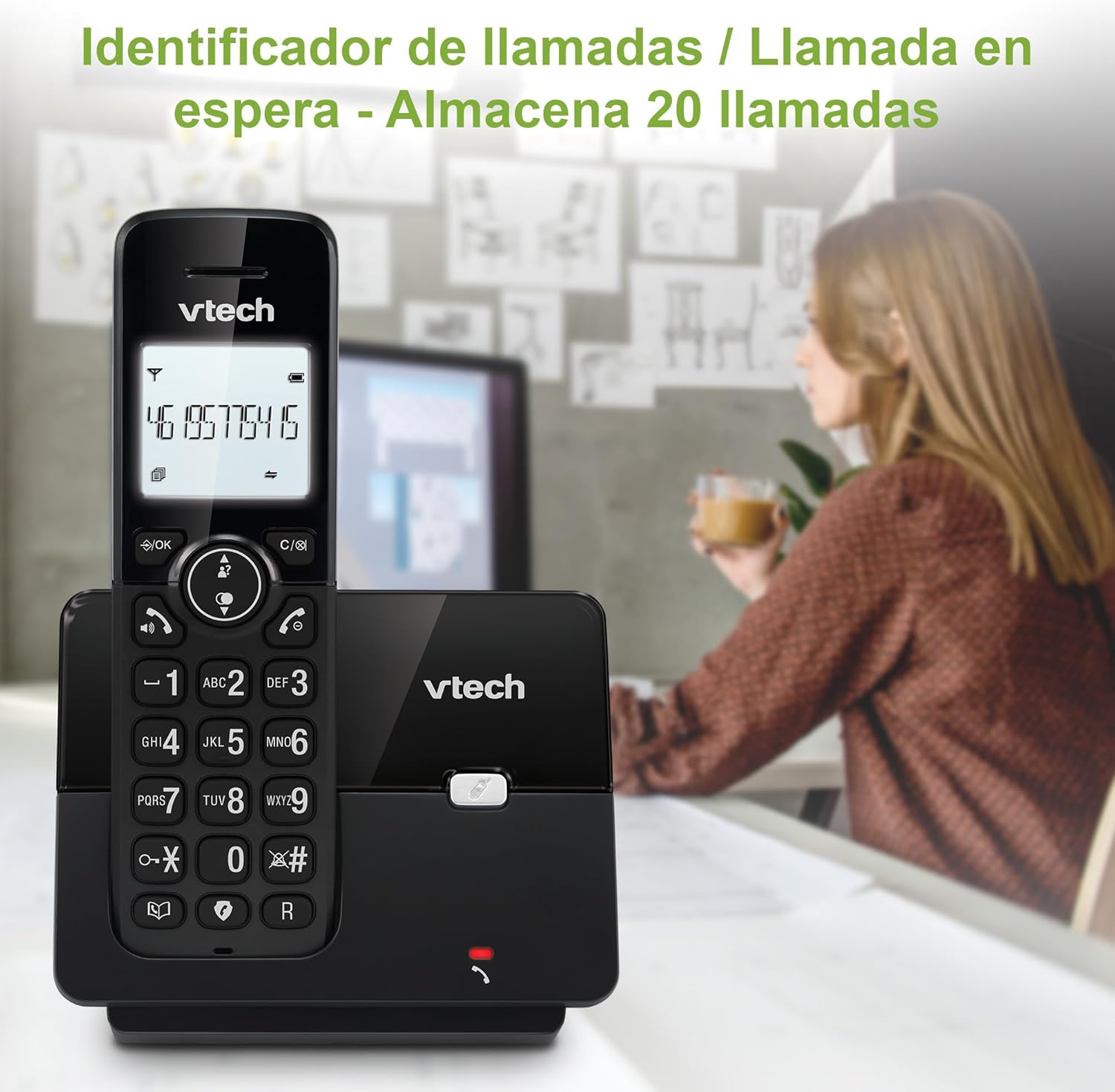
Figure 5: Caller ID display on the handset.
Tekrar Arama Listesi
Telefon, hızlı tekrar arama için son 10 aranan numarayı saklar.
- Basın YENİDEN ARA düğme.
- Gezinti tuşlarını kullanarak listede ilerleyin.
- Basmak KONUŞMAK to redial the selected number.

Figure 6: Accessing the redial list.
ECO Modu
The ECO mode automatically adjusts the radio frequency power based on the distance between the handset and the base unit, helping to conserve energy.
Adjusting Ring Volume and Melody
You can customize the ring volume and melody of your handset.
- Basın MENÜ/Tamam düğme.
- Navigate to "Settings" or "Ring Settings".
- Select "Ring Volume" or "Ring Melody" and choose your preference.
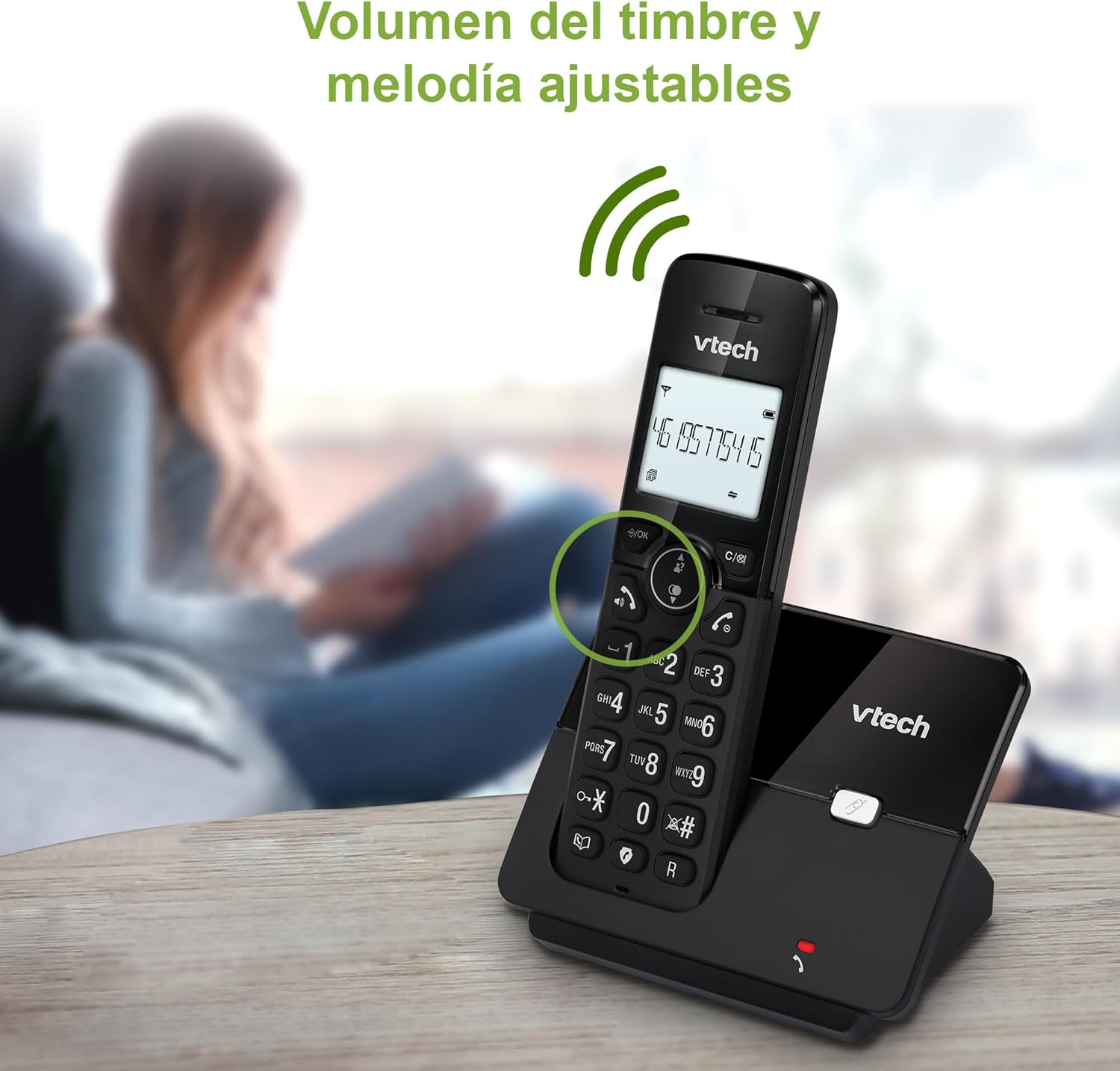
Figure 7: Adjusting ring volume and melody.
Alarm and Silence Function
The phone includes an alarm function and a silence mode for convenience.
- To set an alarm, navigate to the "Alarm" option in the menu and follow the prompts.
- To activate silence mode, typically press and hold the SESSİZ button or access the "Silence" option in the settings.

Figure 8: Alarm and silence functions.
aydınlatmalı ekran
The 1.8-inch backlit display provides clear visibility, especially in low-light conditions.

Figure 9: The 1.8-inch backlit display for clear viewIng.
Long Range Capability
The VTech CS2000 utilizes DECT technology to provide a stable operating range of up to 300 meters outdoors, ensuring clear communication throughout your home and property.

Figure 10: The phone offers reliable long-range coverage.
Bakım
Temizlik
Telefonu ve taban ünitesini yumuşak bir bezle temizleyin.amp cloth. Do not use cleaning sprays or abrasive cleaners, as they can damage the finish or electrical components.
Pil Bakımı
- Only use the supplied rechargeable NiMH battery or an approved replacement.
- Telefon uzun süre kullanılmayacaksa, sızıntıyı önlemek için pili çıkarın.
- Pilleri yerel yönetmeliklere uygun şekilde sorumlu bir şekilde atın.
Sorun giderme
If you experience issues with your VTech CS2000 phone, try the following solutions:
| Sorun | Çözüm |
|---|---|
| Çevir sesi yok. | Ensure the telephone line cord is securely connected to both the base unit and the wall jack. Check if the power adapter is properly connected and plugged into a working outlet. |
| Telefon şarj olmuyor. | Ensure the handset is correctly placed on the base unit. Clean the charging contacts on both the handset and base unit with a dry cloth. Verify the power adapter is connected. |
| Kötü ses kalitesi veya cızırtı. | Move closer to the base unit. Ensure there are no large metal objects or other electronic devices interfering with the signal. Check for loose telephone line connections. |
| Arama yapılamaz veya alınamaz. | Check if the phone line is active. Ensure the handset is registered to the base unit (refer to the full manual for registration steps if needed). Temporarily unplug the base unit's power adapter, wait a few seconds, then plug it back in. |
| Arayan numara görüntülenmiyor. | Telefon servis sağlayıcınızdan Arayan Kimliği hizmetine abone olduğunuzdan emin olun. |
Özellikler
| Marka | VTech |
| Model Numarası | CS2000 |
| Renk | Siyah |
| Telefon Türü | Kablosuz DECT Telefon |
| Ekran Boyutu | 1.8 inç |
| Pil Bileşimi | NiMH |
| Pil Sayısı | 1 (Product Specific - Included) |
| Malzeme | Plastik |
| Güç Kaynağı | Pil ile çalışır |
| Çevirici Türü | Tek Tuş Takımı |
| Yanıtlama Sistemi Türü | Kablosuz |
| Ürün Ağırlığı | 300 Gram |
| Çoklu Hat İşlemi | Tek Hat Çalışması |
| Özel Özellikler | Cordless, Call Blocking, Hands-Free Speakerphone, Backlit Display, ECO Mode, Caller ID, Phonebook, Redial |
Garanti ve Destek
For warranty information and technical support, please refer to the documentation included with your purchase or visit the official VTech webSite. Satın alma belgeniz olarak satın alma fişinizi saklayın.
Üretici: VTECH TELEKOMÜNİKASYON LTD.
Menşei ülke: Çin


