giriiş
This manual provides detailed instructions for the installation, operation, and maintenance of your Vortex Q21-5M Wi-Fi TV Light Strip. Please read this manual thoroughly before use to ensure proper functionality and safety.
The Vortex Q21-5M is a 5-meter USB-powered 5050RGBIC LED light strip designed for TV backlighting and ambient room lighting. It features multiple control options including a remote control, Tuya Wi-Fi APP, and voice control compatibility with Amazon Alexa, Google Assistant, and IFTTT. The light strip also includes music synchronization, a timer function, and dimming capabilities.
Kutuda Neler Var?
Paketin tüm bileşenlerinin mevcut olduğunu doğrulayın:
- 1 x LED Light Strip (5 Meters)
- 1 x Uzaktan Kumanda
- 1 x Güç Adaptörü

Image: The main product image showing the LED light strip coiled, the remote control, the USB controller, and the power adapter, along with the product packaging.
Kurulum Talimatları
- Yüzeyi Hazırlayın: Ensure the installation surface (e.g., back of TV, wall, ceiling) is clean, dry, and smooth for optimal adhesive performance.
- Bileşenleri Bağlayın:
- Connect the LED light strip to the USB controller. Ensure the arrows on both connectors align for proper connection.
- Connect the USB controller to the power adapter.
- Güç adaptörünü standart bir elektrik prizine takın.
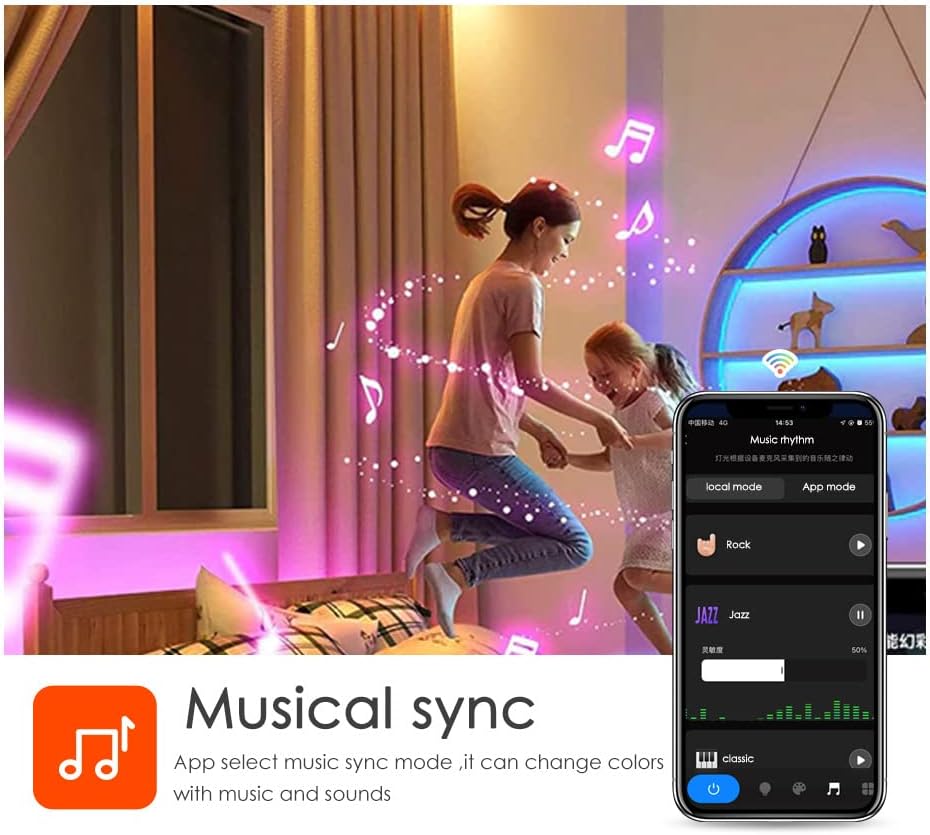
Image: A diagram illustrating the connection process between the LED strip and the USB controller, highlighting the importance of aligning the arrows on the connectors.
- Mount the Light Strip: Remove the adhesive backing from the LED strip and carefully press it onto the desired surface. Apply firm pressure for a few seconds to ensure a secure bond. The strip can be cut to length at designated marks if needed.

Resim: Ayrıntılı view of the LED strip highlighting its features: 5050 SMD LEDs for vibrant light, cuttable sections for length customization, a safe resistor for LED protection, an RGB 4PIN connector for the Tuya Wi-Fi controller, and super high adhesive backing.
- Güç Açık: Once connected, the light strip should illuminate.
- Tuya Akıllı Uygulamasını İndirin:
- Scan the QR code provided in the packaging or visit https://smartapp.tuya.com/tuyasmart to download the Tuya Smart app.
- Tuya Smart hesabınıza kaydolun veya giriş yapın.
- Follow the in-app instructions to add your Vortex Q21-5M Wi-Fi TV Light Strip. Ensure your mobile device is connected to a 2.4GHz Wi-Fi network during the pairing process.
Image: Screenshots of the Tuya Smart app demonstrating various control modes: color adjustment, music synchronization, preset patterns, and timer settings.
Kullanım Talimatları
Kontrol Yöntemleri
- Uzaktan kumanda: Use the included remote control to power on/off, change colors, adjust brightness, and select preset modes. Refer to the remote's button layout for specific functions.
- Tuya Akıllı Uygulaması: The Tuya Smart app offers comprehensive control over your light strip.
- Renk Özelleştirme: Select from a wide range of colors and adjust saturation.
- Sahne Modları: Choose from various pre-programmed scene modes for different ambiances.
- Karartma İşlevi: Parlaklık düzeyini tercihinize göre ayarlayın.
- Zamanlayıcı Fonksiyonu: Işıkların otomatik olarak açılıp kapanması için zamanlama ayarlayın.
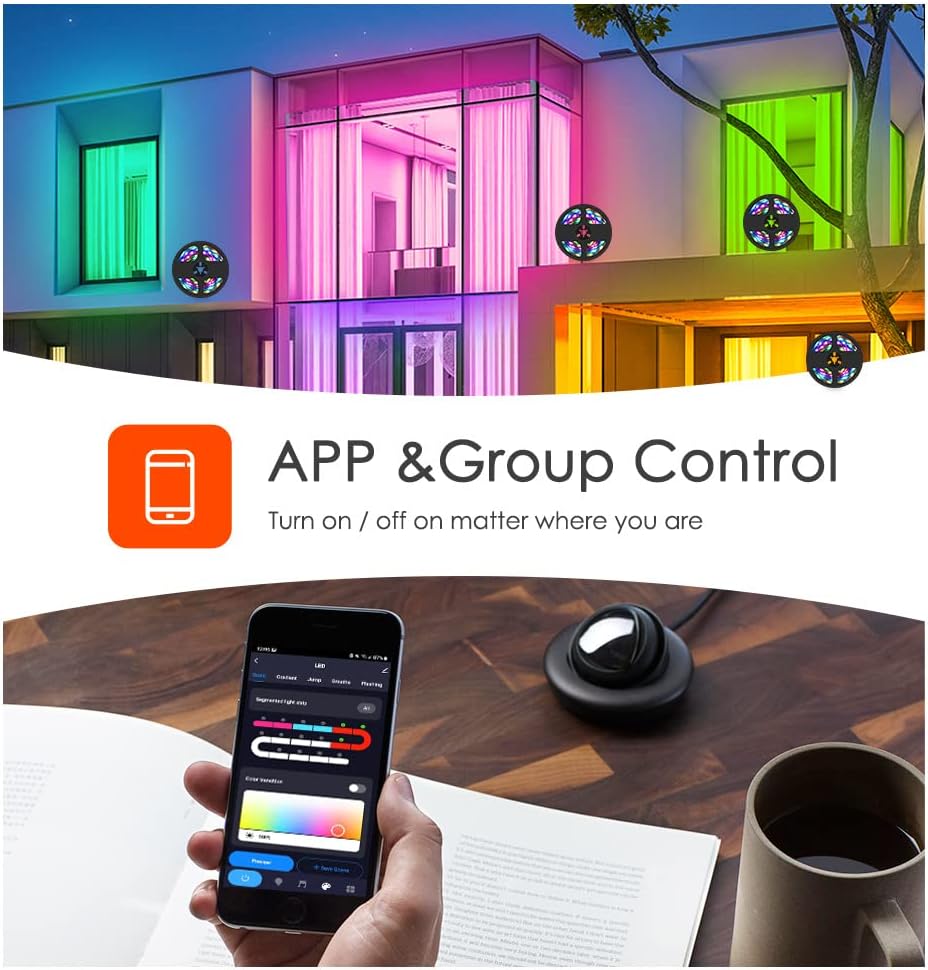
Image: A smartphone displaying the Tuya app, illustrating its capability for app and group control of lighting, allowing users to turn lights on/off remotely.
- Ses Kontrolü: Integrate your light strip with smart voice assistants.
- Amazon Alexa: Link your Tuya Smart account to Alexa via the Alexa app. Use commands like "Alexa, turn on the light."
- Google Asistan: Link your Tuya Smart account to Google Assistant via the Google Home app.
- IFTTT: Create custom automations with IFTTT (If This Then That) for advanced control.

Image: A family interacting with an Amazon Alexa device to control the lights, showcasing smart voice control integration with Amazon Alexa, Google Assistant, and IFTTT.
- Müzik Senkronizasyonu: The built-in microphone allows the light strip to sync with music, creating dynamic light shows that react to audio. This feature can be activated via the Tuya Smart app.

Image: Individuals enjoying a room illuminated by LED strip lights that are synchronizing with music, controlled through a smartphone application.
Bakım
- Temizlik: Tozu temizlemek için LED şeridini kuru, yumuşak bir bezle nazikçe silin. Sıvı temizleyiciler veya aşındırıcı malzemeler kullanmayın.
- Yapıştırıcı: If the adhesive weakens over time, use additional mounting clips or double-sided tape to secure the strip.
- Depolamak: If storing the light strip, ensure it is coiled loosely and kept in a dry, cool place away from direct sunlight.
Sorun giderme
| Sorun | Olası Neden | Çözüm |
|---|---|---|
| LED şerit ışık yanmıyor. | Elektrik yok, bağlantı gevşek, güç adaptörü arızalı. | Check power source. Ensure all connections are secure, especially the arrow alignment between the strip and controller. Try a different USB power source. |
| Wi-Fi/Uygulamaya bağlanılamıyor. | Incorrect Wi-Fi band (not 2.4GHz), incorrect password, device too far from router. | Ensure your phone is on a 2.4GHz Wi-Fi network. Verify Wi-Fi password. Move the light strip closer to the router. Reset the light strip and try pairing again. |
| Renkler yanlış veya tutarsız. | Loose connection, app settings. | Check the connection between the strip and controller for proper arrow alignment. Adjust color settings in the Tuya Smart app. |
| Uzaktan kumanda çalışmıyor. | Battery depleted, obstruction, remote out of range. | Replace the remote control battery. Ensure no obstructions between the remote and the light strip's receiver. Move closer to the light strip. |
Özellikler
- Modeli: Q21
- Uzunluk: 5 Metre
- LED Türü: 5050RGBIC
- Güç Kaynağı: USB ile Güçlendirilmiş, 5V
- Kontrol Yöntemleri: Tuya Wi-Fi APP, Remote Control, Voice Control (Amazon Alexa, Google Assistant, IFTTT)
- Özel Özellikler: Music Sync, Timer Function, Dimming Function, Waterproof (strip only)
- İç/Dış Mekan Kullanımı: Kapalı
- Malzeme: Plastik
- Ürün Ağırlığı: 6.3 ons
Resmi Ürün Videoları
Vortex RGB LED LIGHT STRIPS
Video: This video demonstrates the various color modes and effects of the Vortex RGB LED Light Strips, showcasing their dynamic lighting capabilities and how they can enhance different environments.
Vortex Color Light Strips (5m)
Video: A demonstration of the Vortex 5-meter Color Light Strips, highlighting their vibrant color output and ease of use in various settings.
Garanti ve Destek
For warranty information and customer support, please refer to the contact details provided in your product packaging or visit the official Vortex webalan. Garanti talepleri için satın alma makbuzunuzu saklayın.
İade politikasi: Bu ürün, satın alma tarihinden itibaren 30 gün içinde iade veya değişim hakkına sahiptir.
Koruma Planları: Genişletilmiş koruma planları satın alınabilir:
- 3-Year Protection Plan: $5.99 (one-time)
- 4-Year Protection Plan: $7.99 (one-time)
- NEW Complete Protect: $16.99 (monthly, covers all eligible past and future purchases)


