1. Giriş
This manual provides essential instructions for the SOLTECH CCTV Remote Control, model RCWN00001B (also identified as EP10-001090A). This remote is specifically designed for use with various Samsung Wisenet Security & Surveillance Camera Systems, including DVRs and NVRs. Please read this manual thoroughly to ensure proper use and functionality of your remote control.
2. Ürün Bittiview
The SOLTECH CCTV Remote Control is a dedicated device for managing your Samsung Wisenet security system. It replicates the functionality of the original remote control included with Wisenet All-In-One systems, providing convenient access to your DVR or NVR functions.
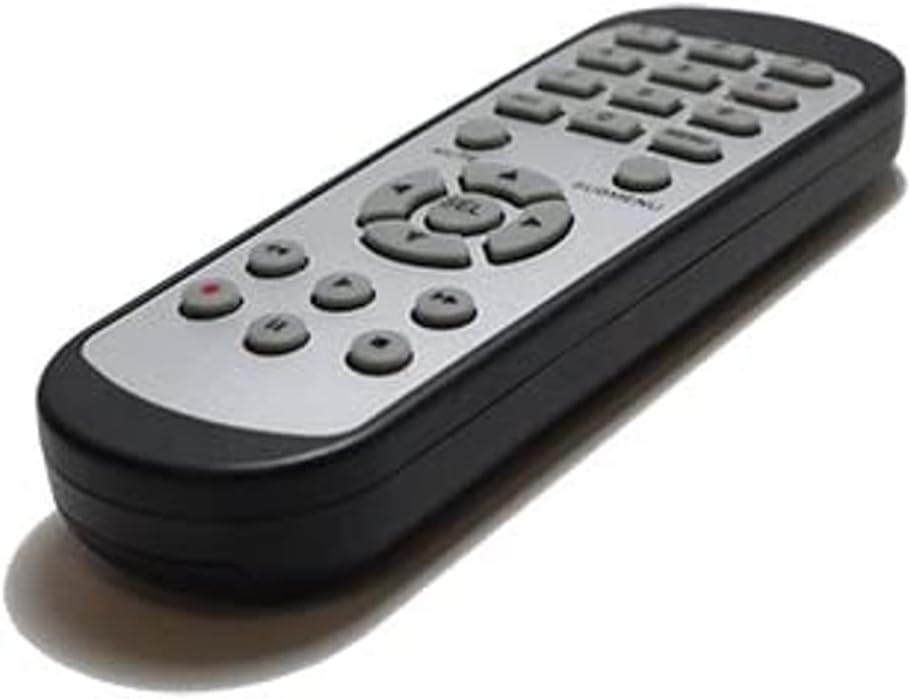
Resim 2.1: Ön view of the SOLTECH CCTV Remote Control (Model RCWN00001B / EP10-001090A).
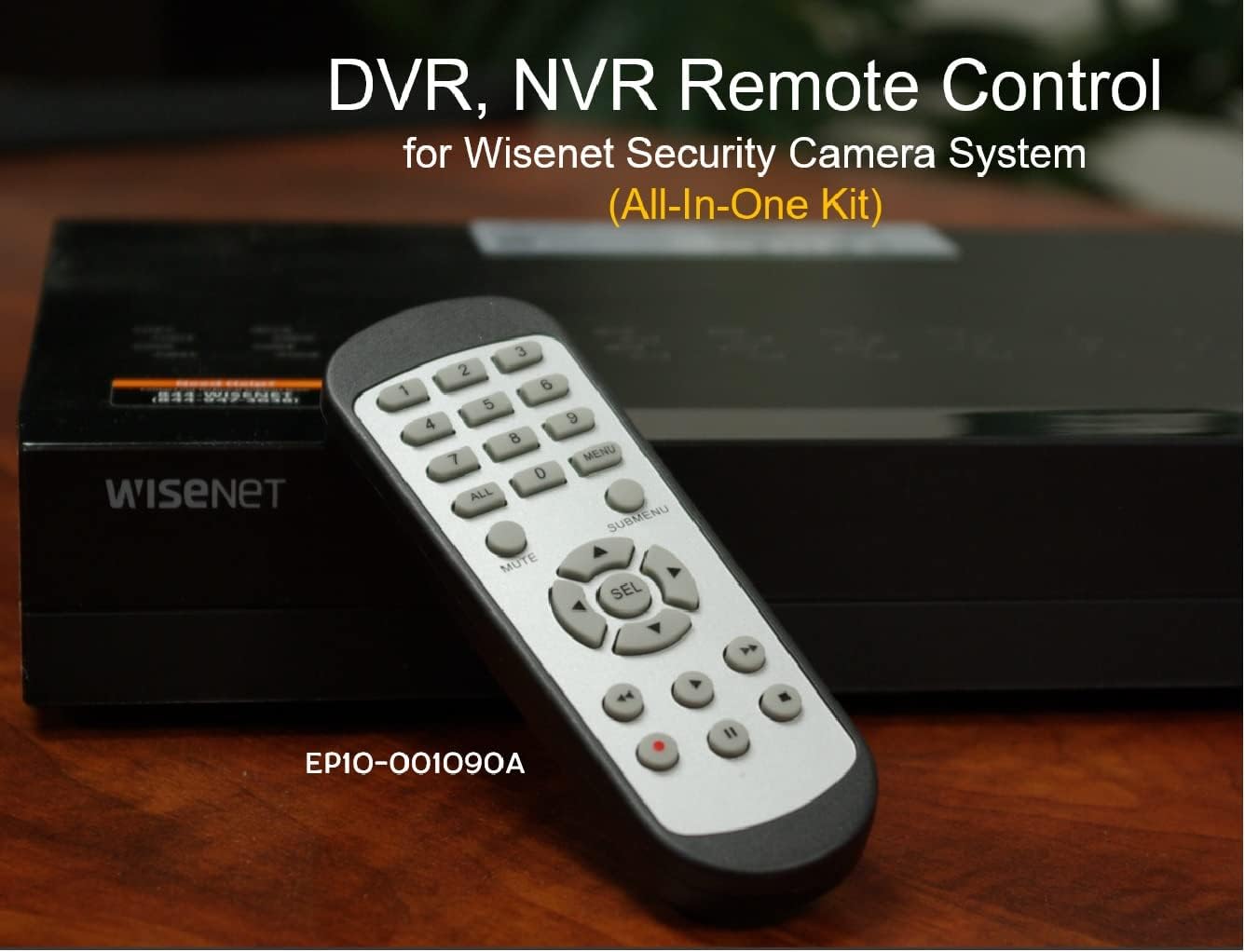
Image 2.2: The remote control positioned on a Wisenet Digital Video Recorder (DVR).
3. Kurulum
This remote control requires two AAA batteries for operation. Batteries are not included with the product and must be purchased separately.
3.1 Pil Kurulumu
- Uzaktan kumandanın arkasındaki pil bölmesini bulun.
- Pil bölmesi kapağını aşağı doğru kaydırın ve kaldırın.
- Pil yuvasının içindeki işaretlere uyarak iki adet AAA pil takın ve doğru kutuplara (+ ve -) dikkat edin.
- Pil bölmesi kapağını yerine oturtmak için, güvenli bir şekilde yerine oturana kadar kaydırın.

Resim 3.1: Arka view Pil bölmesi açık olan uzaktan kumandanın görüntüsü, AAA pillerin nereye takılacağını gösteriyor.
3.2 İlk Bağlantı
The SOLTECH CCTV Remote Control is pre-configured for Samsung Wisenet All-In-One System DVRs and NVRs. No additional setup, programming, or pairing is required. Once batteries are installed, the remote is ready for immediate use with compatible systems.
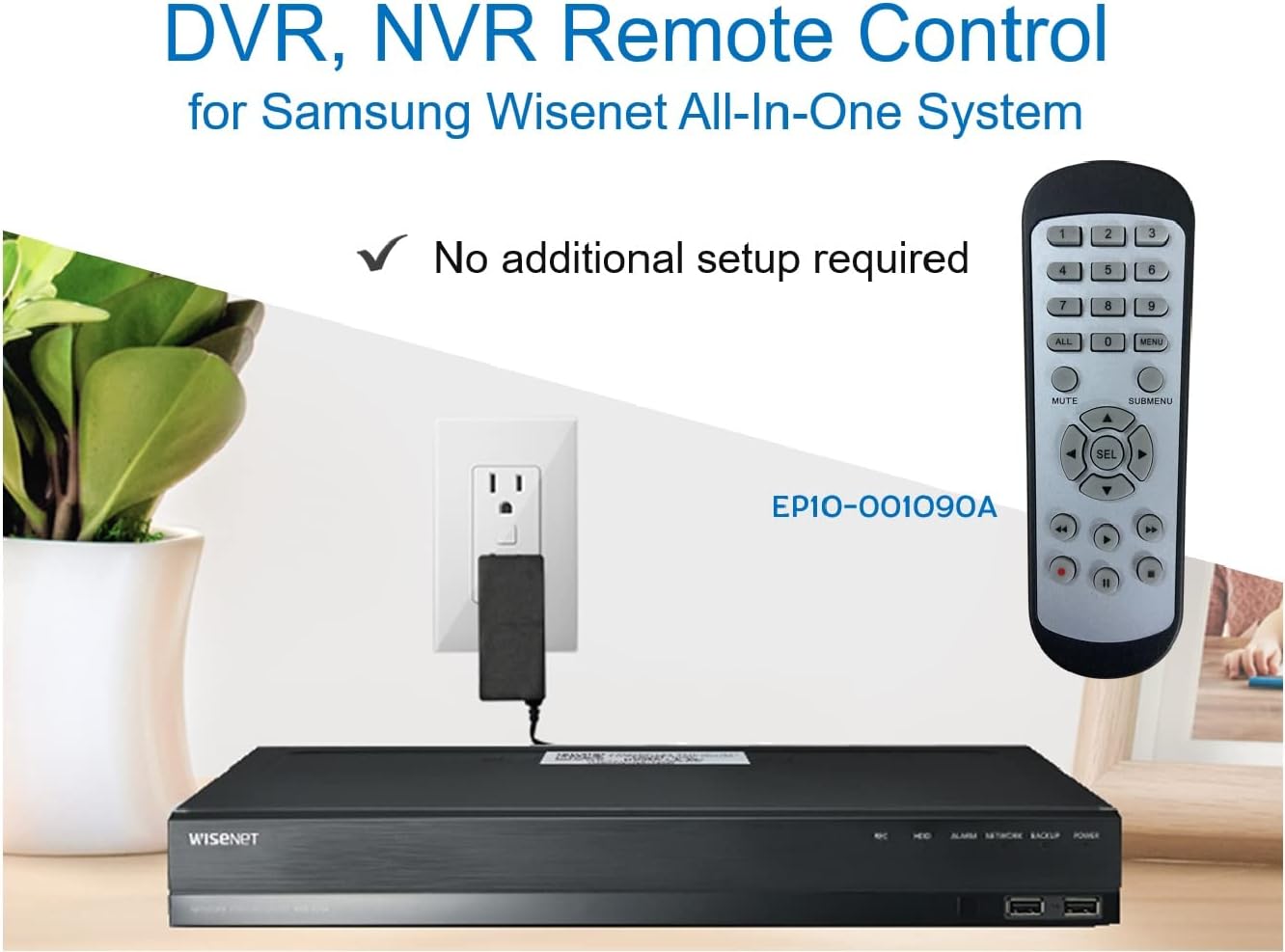
Image 3.2: The remote control shown alongside a Wisenet DVR, illustrating the 'no additional setup required' feature.
4. Kullanım Talimatları
Point the remote control directly at your Samsung Wisenet DVR or NVR. Press the desired buttons to navigate menus, control playback, switch camera views, and access other functions of your security system. The button layout is standard for Wisenet systems, allowing for intuitive operation.
- Sayı Düğmeleri (0-9): Used for direct camera selection or data entry.
- Directional Pad (Up, Down, Left, Right, SEL): Menüde gezinme ve seçim için.
- SESSİZ: Ses çıkışını kapatır.
- SUBMENU: Accesses sub-menus within the system interface.
- Oynatma Kontrolleri (Oynat, Duraklat, Durdur, İleri Sar, Geri Sar): Manages recorded footagoynatma.
- REC (Kayıt): Initiates manual recording.
5. Uyumluluk
This remote control is compatible with various Samsung Wisenet All-In-One System Series. It is designed to function as a direct replacement for the original remote controls supplied with these systems.
5.1 Compatible System Series
The remote control is compatible with, but not limited to, the following Samsung Wisenet All-In-One System Series:
- SDH-E95127
- SDH-B94047
- SDH-C94087
- SDH-B73043
- SDH-C85080
- SDH-SF440
- SDH-B74043
- SDH-B74083
- SDH-B74041
- SDH-B74081
- SDH-C85100
- SDR-C85300
- SNK-B73047
- SDH-B74086
- SDH-C73043
- SDR-C73303
- SDH-C74043DF
- SDR-C74303N1T
- SDR-B74301

Image 5.1: The remote control displayed alongside a partial list of compatible Samsung Wisenet All-In-One System Series.

Image 5.2: An illustration showing the remote control's compatibility with a range of Samsung Wisenet security camera systems.
6. Bakım
6.1 Pil Değişimi
When the remote control's performance diminishes or it stops responding, replace the AAA batteries. Always replace both batteries at the same time with new ones. Do not mix old and new batteries, or different types of batteries.
6.2 Temizlik
Uzaktan kumandayı temizlemek için yumuşak, kuru bir bez kullanın. İnatçı kirler için hafifçe kurulayın.ampen the cloth with water. Avoid using harsh chemicals, abrasive cleaners, or solvents, as these can damage the remote's surface or internal components.
6.3 Depolama
Uzaktan kumandayı serin, kuru ve doğrudan güneş ışığından ve aşırı sıcaklıklardan uzak bir yerde saklayın. Uzaktan kumanda uzun süre kullanılmayacaksa, sızıntıyı önlemek için pilleri çıkarmanız önerilir.
7. Sorun Giderme
If you experience issues with your SOLTECH CCTV Remote Control, refer to the following common troubleshooting steps:
- Uzaktan Kumanda Yanıt Vermiyor:
- Pillerin doğru kutuplara ve doğru şekilde takılıp takılmadığını kontrol edin.
- Pilleri yeni AAA pillerle değiştirin.
- Ensure there is a clear line of sight between the remote control and the infrared receiver on your Wisenet DVR/NVR. Obstructions can block the signal.
- Verify that the remote control is pointed directly at the Wisenet system.
- Aralıklı İşlevsellik:
- Bu genellikle pil gücünün düşük olduğunu gösterir. Pilleri değiştirin.
- Kızılötesi sinyaline müdahale edebilecek güçlü ışık kaynaklarının (doğrudan güneş ışığı veya parlak floresan lambalar gibi) olmadığından emin olun.
- Remote Does Not Control My System:
- Confirm that your security system is a Samsung Wisenet All-In-One System and is listed as compatible in Section 5.1. This remote is specifically designed for these systems and may not work with other brands or models.
- As this remote requires no additional setup, if it is not working with a confirmed compatible system after battery replacement, contact customer support.
8. Özellikler
| Özellik | Detay |
|---|---|
| Model Numarası | RCWN00001B (EP10-001090A) |
| Ürün Boyutları | 5 x 1.75 x 0.75 inç |
| Ürün Ağırlığı | 1.76 ons |
| Piller Gerekli | 2 adet AAA pil (dahil değildir) |
| Üretici | SOLTECH |
| Renk | Gri |
| Maksimum Desteklenen Cihaz Sayısı | 1 (Wisenet DVR/NVR) |
| Uyumlu Cihazlar | Samsung Wisenet Security Camera Systems (DVR/NVR) |

Image 8.1: The remote control with its physical dimensions (length, width, thickness) indicated.
9. Garanti ve Destek
For information regarding product warranty, please refer to the documentation provided with your purchase or contact the seller directly. The seller for this product is SOLTECH America.
For further assistance or technical support, please reach out to the manufacturer or seller through their official contact channels.


