1. Giriş
Thank you for choosing the Skyworth 55-inch 4K QLED Google TV, Model 55SUE9500. This manual provides essential information for the safe and efficient use of your television. Please read it thoroughly before operating the device and retain it for future reference.
This television features a 55-inch QLED 4K UHD display, Google TV operating system, Dolby Vision & HDR 10+ support, Google Assistant with far-field voice control, Dolby Atmos, DTS Virtual X, and built-in Chromecast. It is designed to deliver a high-quality viewing and smart home entertainment experience.
2. Güvenlik Bilgileri
Elektrik çarpması, yangın veya televizyonda hasar oluşmasını önlemek için her zaman aşağıdaki güvenlik önlemlerine uyun:
- TV'yi yağmura veya neme maruz bırakmayın.
- Televizyonun kapağını açmayınasing; tüm servis işlemlerini kalifiye personele yaptırın.
- TV'nin etrafında uygun havalandırma olduğundan emin olun.
- Lütfen yalnızca televizyonla birlikte verilen güç kablosunu kullanın.
- Televizyonunuzu doğrudan güneş ışığından, ısı kaynaklarından ve güçlü manyetik alanlardan uzak tutun.
- Clean the TV with a soft, dry cloth. Avoid liquid cleaners.
3. Paket İçeriği
Paketin içinde tüm öğelerin mevcut olduğundan emin olun:
- Skyworth 55-inch 4K QLED Google TV (Model 55SUE9500)
- Uzaktan kumanda
- Güç kablosu
- TV Sehpası (2 adet)
- Stand Montajı için Vidalar
- Kullanım Kılavuzu (bu belge)
4. Ürün Bittiview
Ön View
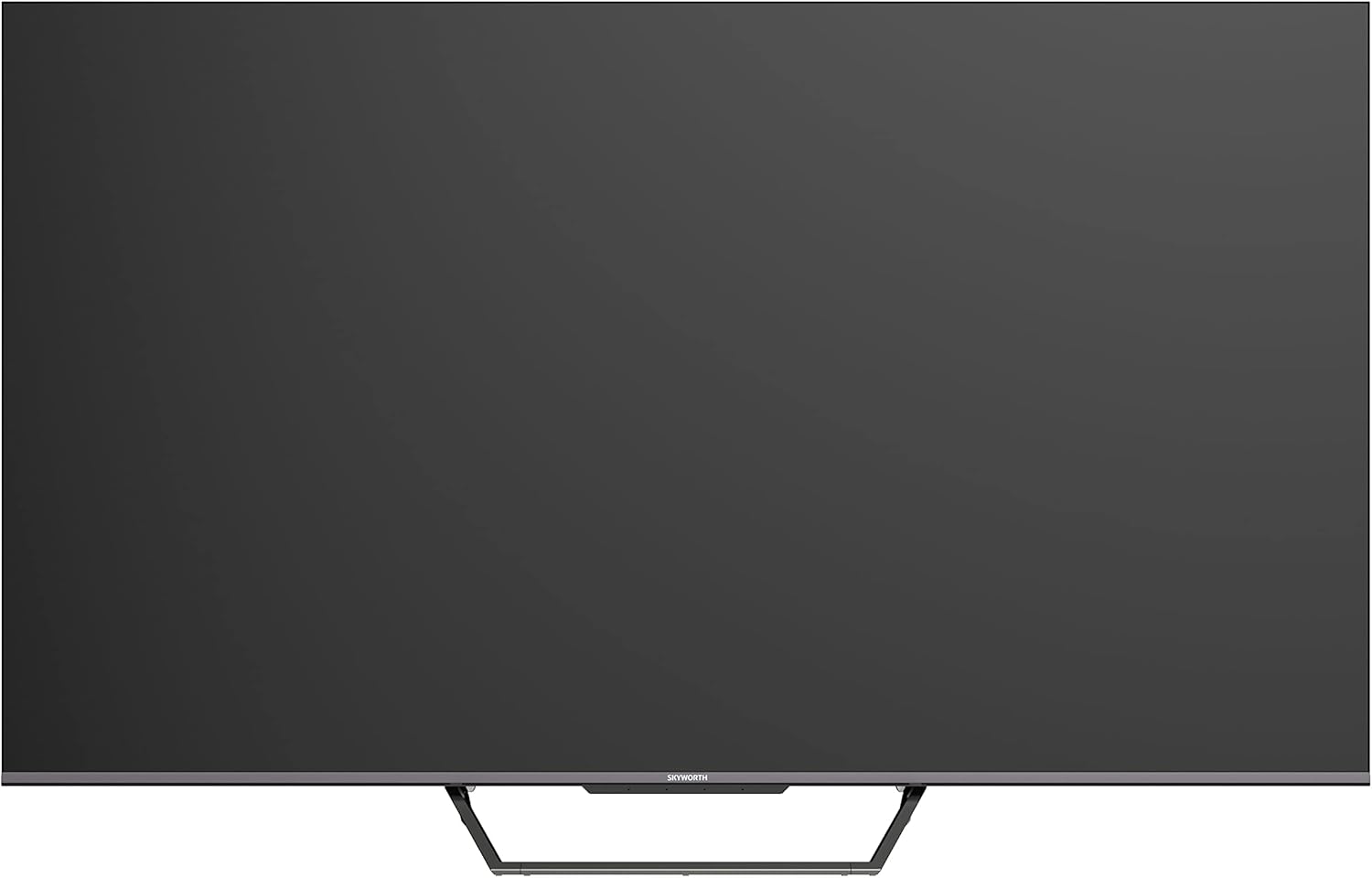
This image displays the front of the Skyworth 55-inch 4K QLED Google TV, showcasing its slim bezels and central stand design.
Taraf View

Bu görüntü yan tarafı gösteriyor.file of the television, highlighting its thin design and the depth of the screen.
Geri View

Bu görüntü bir view of the back panel of the TV, including the mounting points and general layout.
Giriş/Çıkış Portları

This image details the various input and output ports located on the side/back of the television, including HDMI, USB, and other connectivity options.

The television offers multiple interfaces to meet various connectivity needs, including USB (x2), RF, AV IN, HDMI (x3), LAN, and Digital Out.
5. Kurulum
5.1 Stand Kurulumu
TV sehpasını kurmak için:
- Ekran hasarını önlemek için televizyonu dikkatlice, yüzü aşağıya gelecek şekilde yumuşak ve düz bir yüzeye yerleştirin.
- Stand parçalarını televizyonun alt kısmındaki ilgili yuvalara hizalayın.
- Birlikte verilen vidaları kullanarak standı sabitleyin. Vidaların iyice sıkıldığından emin olun.

The TV features a unique U-shaped central base design, crafted with metal die-casting technology for stability.
5.2 Çevre Birimlerini Bağlama
Connect your external devices (e.g., cable box, Blu-ray player, gaming console) to the appropriate HDMI or AV IN ports. For internet access, connect an Ethernet cable to the LAN port or use the built-in Wi-Fi.
5.3 İlk Güç Açma
After connecting all necessary cables, plug the power cable into an electrical outlet. Press the power button on the remote control or the TV to turn it on. Follow the on-screen instructions to complete the initial setup, including network connection, Google account login, and channel scanning.
6. Kullanım Talimatları
6.1 Uzaktan Kumanda
The remote control allows you to navigate the Google TV interface, adjust volume, change channels, and access smart features. Ensure batteries are correctly inserted.
6.2 Google TV Arayüzü
Your TV runs on Google TV OS, providing a personalized content experience. The home screen displays recommended content, installed apps, and quick access to settings.

Google TV refines the Android TV experience with personalized content and tailored recommendations based on your viewalışkanlıklar ve ilgi alanları.

Enjoy abundant resources with Google TV, including over 700,000 movies & TV series and millions of songs from platforms like Netflix, YouTube, and Prime Video.
6.3 Akıllı Özellikler
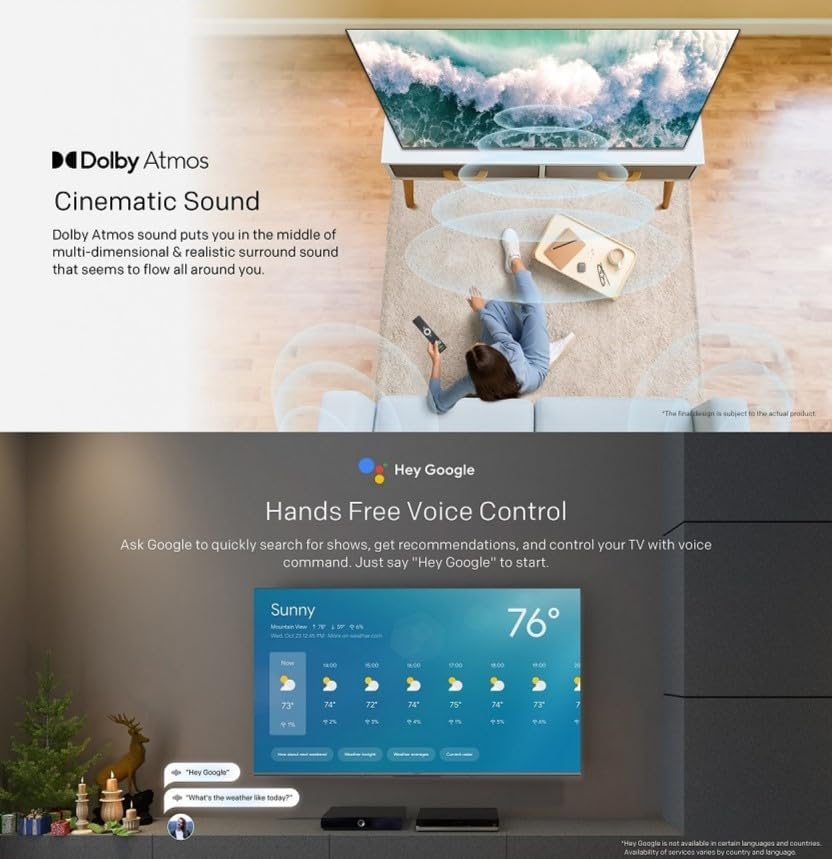
- Eller Serbest Ses Kontrolü: Use "Hey Google" to search for shows, get recommendations, and control your TV with your voice.
- Chromecast Yerleşik: Easily cast content from your compatible mobile devices (Android and iOS) to the TV.
- Bidirectional Bluetooth: Connect Bluetooth headphones or speakers to the TV, or use the TV as a speaker for your mobile devices.
- Kids Care: profesyonel kurfiles for children with age-appropriate content recommendations and parental controls.
- Google Duo'lar: Make video calls directly from your TV to connect with friends and family.
- Google Fotoğraflar: Share and view your memories on the big screen.

Ask Google to quickly search for shows, get recommendations, and control your TV using voice commands. Simply say "Hey Google" to activate.
The TV supports bidirectional Bluetooth, allowing connection to mobile phones and Bluetooth audio products for versatile sound options.

This image highlights key features such as Kids Care for child-friendly content, Google Duo for video calls, Google Photos for sharing memories, and Chromecast built-in for easy content casting.
6.4 Görüntü ve Ses Ayarları
Access the settings menu to customize picture and sound preferences.
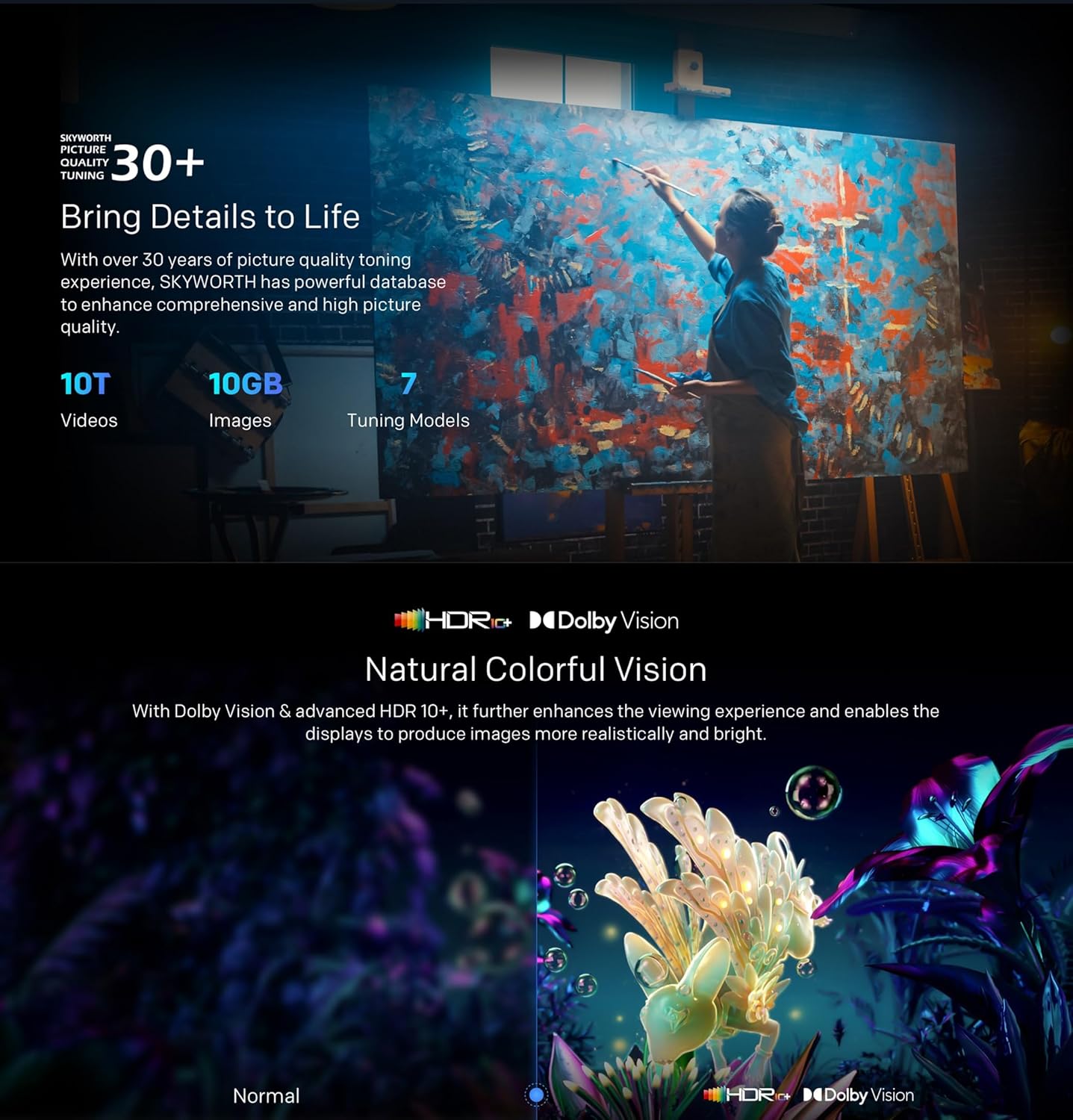
- QLED 4K UHD with Dolby Vision & HDR10+: Experience vibrant colors and enhanced contrast.
- Film Yapımcısı Modu: Disables post-processing to preserve the original aspect ratios, colors, and frame rates as intended by the filmmaker.
- Dolby Atmos & DTS Virtual X: Enjoy immersive, multi-dimensional sound.
- Sağlık Platformu: Includes Eye Protection Mode, Night Mode, and Auto Volume Control for comfortable viewIng.
- Titreşimsiz: Ekran titremesini en aza indirerek göz yorgunluğunu azaltır.

With Dolby Vision and advanced HDR10+, the TV enhances the viewing experience, producing images with greater realism and brightness.

Filmmaker Mode ensures a cinematic experience by disabling post-processing, preserving the director's original vision.
Dolby Atmos sound technology provides a multi-dimensional and realistic surround sound experience that flows around you.

The Health Platform allows you to choose comfort modes such as Eye Protection Mode, Night Mode, or Auto Volume Control for an optimized viewDeneyim.

Flicker Free technology effectively reduces harm from rapid flickers by adapting direct current backlight, protecting your eye health.
7. Bakım
7.1 Temizlik
To clean the TV screen and casing:
- Temizliğe başlamadan önce televizyonun fişini prizden çekin.
- Ekranı nazikçe silmek için yumuşak, tüy bırakmayan bir bez kullanın. İnatçı lekeler için, hafifçe bastırarak silin.ampen the cloth with water or a specialized screen cleaner (ensure it's TV-safe).
- C'yi silinasinYumuşak, kuru bir bezle silin. Aşındırıcı temizleyicilerden veya çözücülerden kaçının.
7.2 Yazılım Güncellemeleri
Your Google TV may receive automatic software updates. Ensure your TV is connected to the internet to receive these updates, which can improve performance and add new features. You can also manually check for updates in the settings menu.
8. Sorun Giderme
Televizyonunuzda sorunlarla karşılaşırsanız aşağıdaki yaygın çözümlere başvurun:
| Sorun | Olası Çözüm |
|---|---|
| Güç yok | Güç kablosunun TV'ye ve duvar prizine sıkıca takılı olup olmadığını kontrol edin. Farklı bir priz deneyin. |
| Görüntü yok, ancak ses mevcut | Doğru giriş kaynağının seçildiğinden emin olun. Harici cihazlara olan kablo bağlantılarını kontrol edin. |
| Ses yok ama görüntü var | Ses seviyelerini ve sessize alma ayarlarını kontrol edin. Ses kablosu bağlantılarını doğrulayın. |
| Uzaktan kumanda çalışmıyor | Pilleri değiştirin. Uzaktan kumanda ile televizyonun kızılötesi sensörü arasında herhangi bir engel olmadığından emin olun. |
| Wi-Fi bağlantı sorunları | Restart your router and the TV. Check network settings on the TV. Ensure the TV is within range of your Wi-Fi signal. |
Sorun devam ederse lütfen müşteri desteğiyle iletişime geçin.
9. Özellikler
The following table outlines the key specifications for the Skyworth 55SUE9500 TV:
| Özellik | Tanım |
|---|---|
| Model Numarası | 55SUE9500 |
| Ekran Boyutu | 55 inç |
| Ekran Teknolojisi | QLED |
| Çözünürlük | 4K UHD (3840x2160) |
| Yenileme Hızı | 60 Hz |
| İşletim Sistemi | Google televizyon |
| HDR Desteği | Dolby Vision, HDR10+ |
| Ses Teknolojisi | Dolby Atmos, DTS Virtual X |
| İşlemci | Bukalemun Aşırı 2.0 |
| Veri deposu | 2 GB |
| Depolamak | 16 GB |
| Bağlantı | Wi-Fi, Bluetooth 5.1, Ethernet (LAN) |
| Limanlar | HDMI x3, USB x2, RF, AV IN, Digital Out |
| Özel Özellikler | Google Assistant, Chromecast Built-in, Game Mode, Flicker Free, Health Platform, Filmmaker Mode |
| Ürün Boyutları (standlı) | 122.5 x 77 x 26 cm (yaklaşık) |
| Ağırlık (stand ile) | 12.2 kg (yaklaşık) |

This diagram provides detailed measurements of the television, including its width, height, and depth, both with and without the stand, along with the corresponding weights.
10. Garanti ve Destek
10.1 Garanti Bilgileri
Your Skyworth 55-inch 4K QLED Google TV Model 55SUE9500 comes with a 2-year warranty. This warranty covers manufacturing defects and malfunctions under normal use. Please retain your proof of purchase for warranty claims. The warranty does not cover damage caused by misuse, accidents, unauthorized repairs, or acts of nature.
10.2 Müşteri Desteği
For technical assistance, troubleshooting beyond this manual, or warranty service, please contact Skyworth customer support. Refer to the contact information provided in your product packaging or on the official Skyworth webBölgeniz için site.