1. Kurulum ve Kurulum
To begin playing Gran Turismo 7 on your PlayStation 5, ensure your console is connected to the internet for necessary updates and access to all game features. An internet connection is required for many core functionalities, including the GT Campaign, online modes, and accessing new cars and challenges.
- Sistem Uyumluluğu: This game is designed exclusively for the PlayStation 5 console.
- Depolama Gereksinimleri: Ensure you have sufficient storage space on your PS5. The game requires approximately 110 GB of free space for installation and updates.
- İnternet Bağlantısı: A stable internet connection is essential for game updates, online multiplayer, and accessing various in-game features like Brand Central and the Used Car Dealership.
- DualSense Wireless Controller: Utilize the DualSense wireless controller for an immersive experience, benefiting from haptic feedback and adaptive triggers.
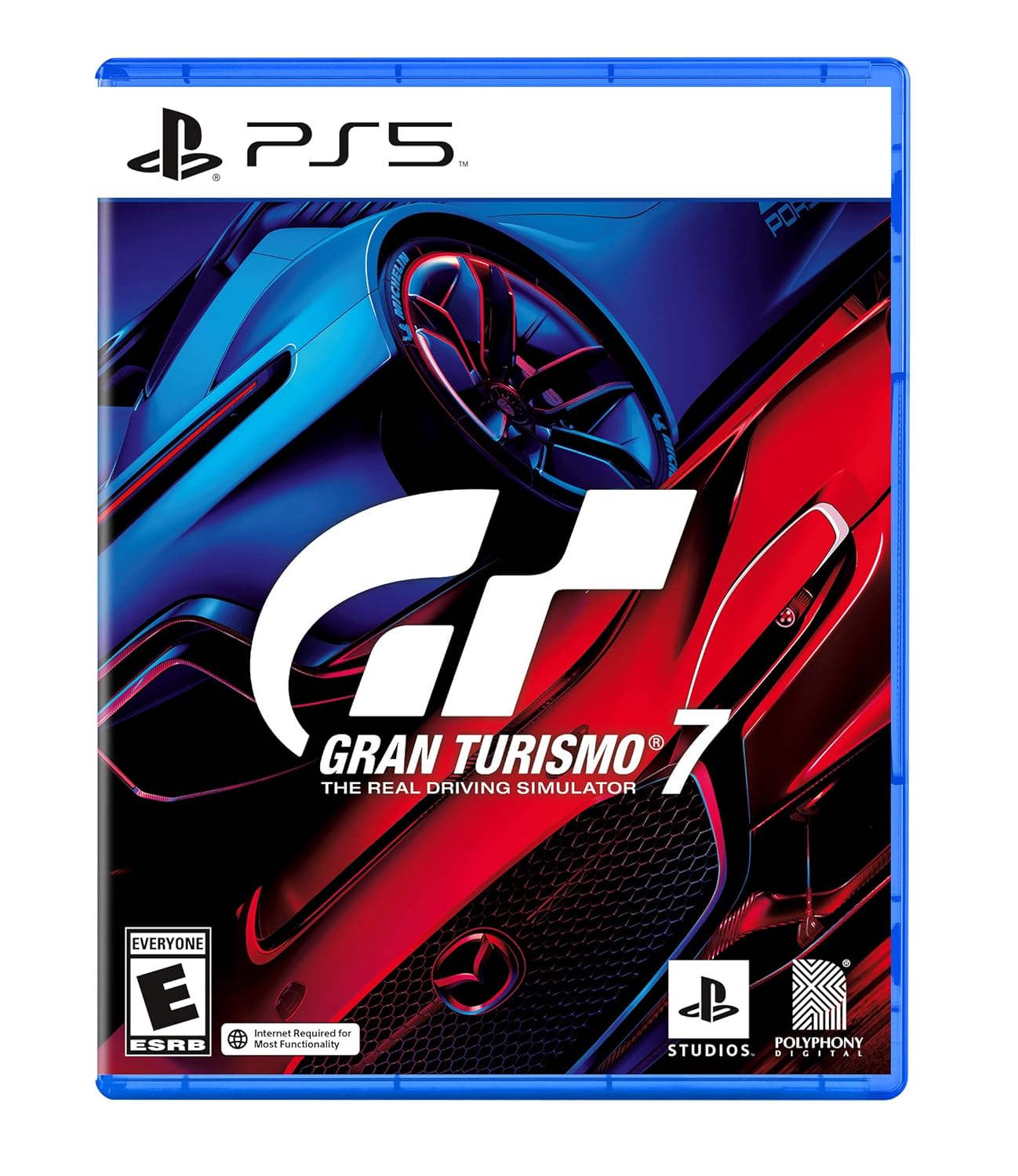
Image: The Gran Turismo 7 game case for PlayStation 5.
2. Oyunun Çalıştırılması
Gran Turismo 7 offers a comprehensive driving simulation experience with a variety of modes and features to explore the world of automotive culture.
Oyun Modları:
- GT Campnişan: Engage in a solo journey, collecting, tuning, and racing cars to unlock new challenges.
- Çarşı: Jump into quick races with customizable settings.
- Driving School: Learn fundamental and advanced driving techniques.
- GT Sport Mode: Compete against other players online in structured competitive events.
Temel Özellikler:
- Car Collection: Discover and acquire over 420 cars from Brand Central and the Used Car Dealership.
- Tuning and Customization: Modify your vehicles with a wide range of performance parts and personalize their appearance with livery designs.
- Track Variety: Race on over 90 track routes, including classic courses, experiencing dynamic weather conditions and variable daylight timings.
- Photography (Scapes): Utilize the advanced photo mode to capture stunning images of your favorite cars in various scenic locations.

Image: The central hub map within Gran Turismo 7, providing access to various game features and locations.

Resim: Ayrıntılı view of the Tuning Shop, where players can upgrade and customize their vehicles.

Image: The Used Car Dealership interface, showcasing a diverse inventory of cars available for purchase.

Image: An in-car perspective during a race, highlighting the detailed interior and track environment.

Image: The photo mode interface, allowing players to apply various effects and filters to their captured car images.

Image: The car customization screen, demonstrating the extensive color and livery options available for vehicle personalization.

Image: The License Centre, where players can undertake various driving tests to earn licenses and improve their skills.
3. Bakım
To ensure optimal performance and access to the latest content, regular maintenance of your game and console is recommended.
- Oyun Güncellemeleri: Always install the latest game patches and updates. These often include new features, bug fixes, and performance enhancements.
- Console Maintenance: Keep your PlayStation 5 console well-ventilated and free from dust to prevent overheating and ensure smooth gameplay.
- Veri Yönetimi: Periodically check your console's storage and manage game data to free up space if needed.
4. Sorun Giderme
If you encounter issues while playing Gran Turismo 7, consider the following troubleshooting steps:
- İnternet Bağlantı Sorunları: Many features require an internet connection. If you experience problems, verify your PS5's network connection settings and ensure your internet service is active.
- Game Freezing or Crashing: Ensure your game software and PS5 system software are fully updated. If the issue persists, try restarting your console.
- Kurulum Sorunları: If the game fails to install, check for sufficient storage space and ensure your disc (if applicable) is clean and undamaged.
- Performans Sorunları: Close other applications running in the background on your PS5. Ensure your console is not overheating.
5. Özellikler
| Özellik | Detay |
|---|---|
| Başlık | Gran Turismo 7 Standard Edition |
| Platform | PlayStation 5 |
| Üretici | Oyun istasyonu |
| Model Numarası | 3005729 |
| UPC | 711719541127 |
| Yayın tarihi | 4 Mart 2022 |
| Dil | İngilizce |
| ESRB Derecelendirmesi | Herkes |
| Ürün Boyutları | 0.58 x 6.72 x 5.26 inç |
| Ürün Ağırlığı | 2.4 ons |
6. Garanti ve Destek
For any technical support, warranty information, or further assistance with Gran Turismo 7, please refer to the official PlayStation support channels.
- Çevrimiçi destek: Visit the official PlayStation Support webSSS, sorun giderme kılavuzları ve iletişim seçenekleri için site.
- PlayStation Mağazası: For information regarding digital purchases, game content, and account management, refer to the PlayStation Store. You can visit the PlayStation Store Burada.


