NFC/Amiibo Support
The controller includes NFC functionality, allowing you to use Amiibo figures for in-game content and features on compatible Nintendo Switch games.

Welcome to your new PXN Wireless Controller. This manual provides detailed instructions for setting up, operating, and maintaining your controller. Enjoy an enhanced gaming experience on your Nintendo Switch and PC.
The controller includes NFC functionality, allowing you to use Amiibo figures for in-game content and features on compatible Nintendo Switch games.
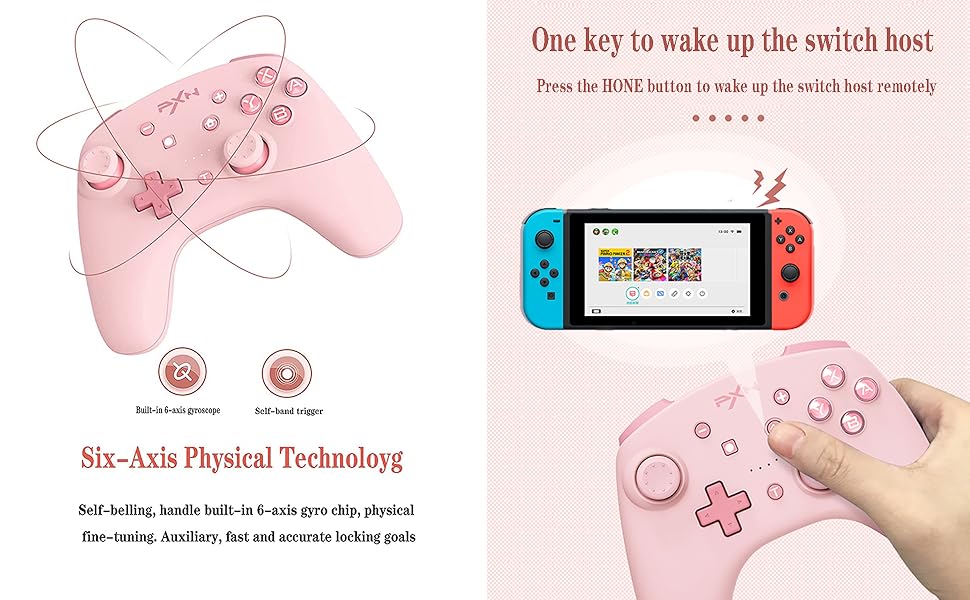
Experience precise motion control with the built-in 6-axis gyro chip, providing accurate aiming and immersive gameplay.

Enjoy adjustable vibration feedback with dual motors, enhancing immersion through various in-game effects like impacts, explosions, and environmental cues. Vibration intensity can be adjusted.

The Turbo function allows for rapid, repeated button presses, giving you an advantage in games requiring quick inputs.
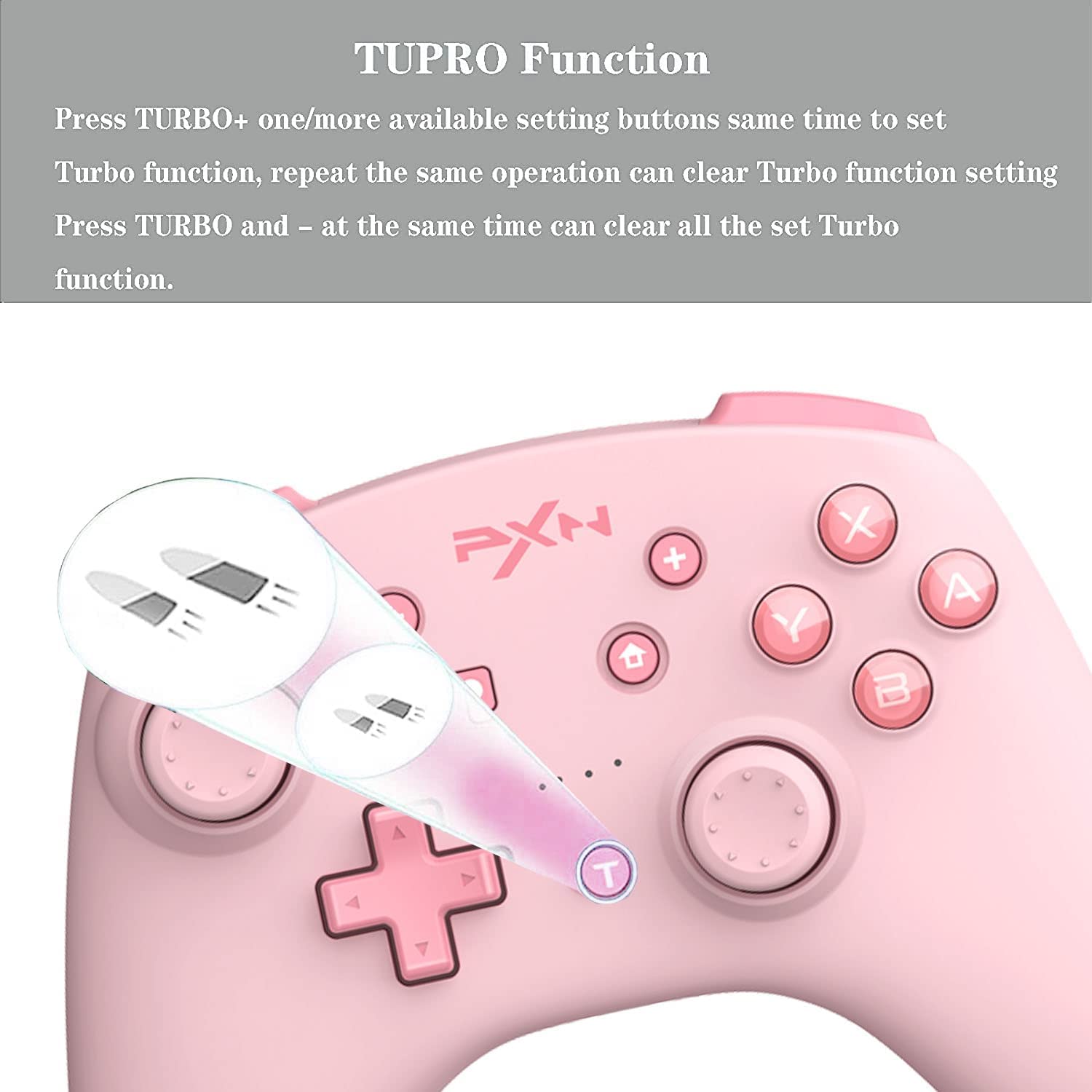
This controller is compatible with both Nintendo Switch and PC, offering versatile gaming options.

Equipped with a high-performance 550 mAh lithium battery, the controller offers approximately 20 hours of continuous use after a 2-hour charge. It also features a smart sleep/wake-up function to conserve power.

The controller can be connected to a PC via a Type-C USB cable for a wired connection or wirelessly via Bluetooth. For wireless connection, ensure your PC has Bluetooth capabilities and follow standard Bluetooth pairing procedures in your operating system settings.
To use Amiibo, simply place your Amiibo figure on the NFC detection area of the controller (typically the center top part) during compatible game sequences. Ensure NFC is enabled in your game settings if required.
The controller offers three levels of vibration intensity. Specific button combinations for adjustment are not detailed in the provided information; please refer to your game's settings or the controller's official product page for potential software-based adjustments.
Press the dedicated Screenshot button (usually indicated by a camera icon, located near the Home button) to capture screenshots during gameplay on your Nintendo Switch.
In games that support motion controls, the built-in 6-axis gyroscope will automatically provide responsive control based on the controller's physical movement and orientation.
| Özellik | Detay |
|---|---|
| Uyumlu Cihazlar | Nintendo Switch, PC, Windows |
| Denetleyici Türü | Oyun kumandası |
| Bağlantı Teknolojisi | Wireless (Bluetooth), USB Type-C |
| Ek Özellikler | Ergonomic design, NFC, Turbo, Gyro Axis, Dual Vibration |
| Donanım Platformu | Nintendo Anahtarı |
| Güç Kaynağı | Pil ile çalışır |
| Pil Kapasitesi | 550 mAh Lityum Pil |
| Şarj Süresi | Yaklaşık 2 saat |
| Sürekli Kullanım Süresi | Yaklaşık 20 saat |
| Ürün Ağırlığı | 0.38 Kilogram |
| Marka Adı | PXN |
| Üretici | PXN |
| Model Numarası | B09SW4ZFPQ |
| Renk | Pembe |
For detailed warranty information, technical support, and customer service, please refer to the official PXN website or contact the retailer from whom you purchased the product. It is recommended to keep your proof of purchase for any warranty claims.