1. Ürün Bittiview
The UeeVii CPE451 is a 5.8G outdoor wireless bridge designed for long-range point-to-point or point-to-multipoint network extension. It features a 12dBi high-gain antenna and supports a wireless transmission rate of up to 300Mbps, with a 100Mbps RJ45 LAN port for wired connections. This device is ideal for extending network coverage to remote locations such as barns, garages, shops, or other buildings up to 2KM away.

Figure 1: UeeVii CPE451 Wireless Bridges in operation.

Figure 2: Wireless Transmission Rate and Frequency.
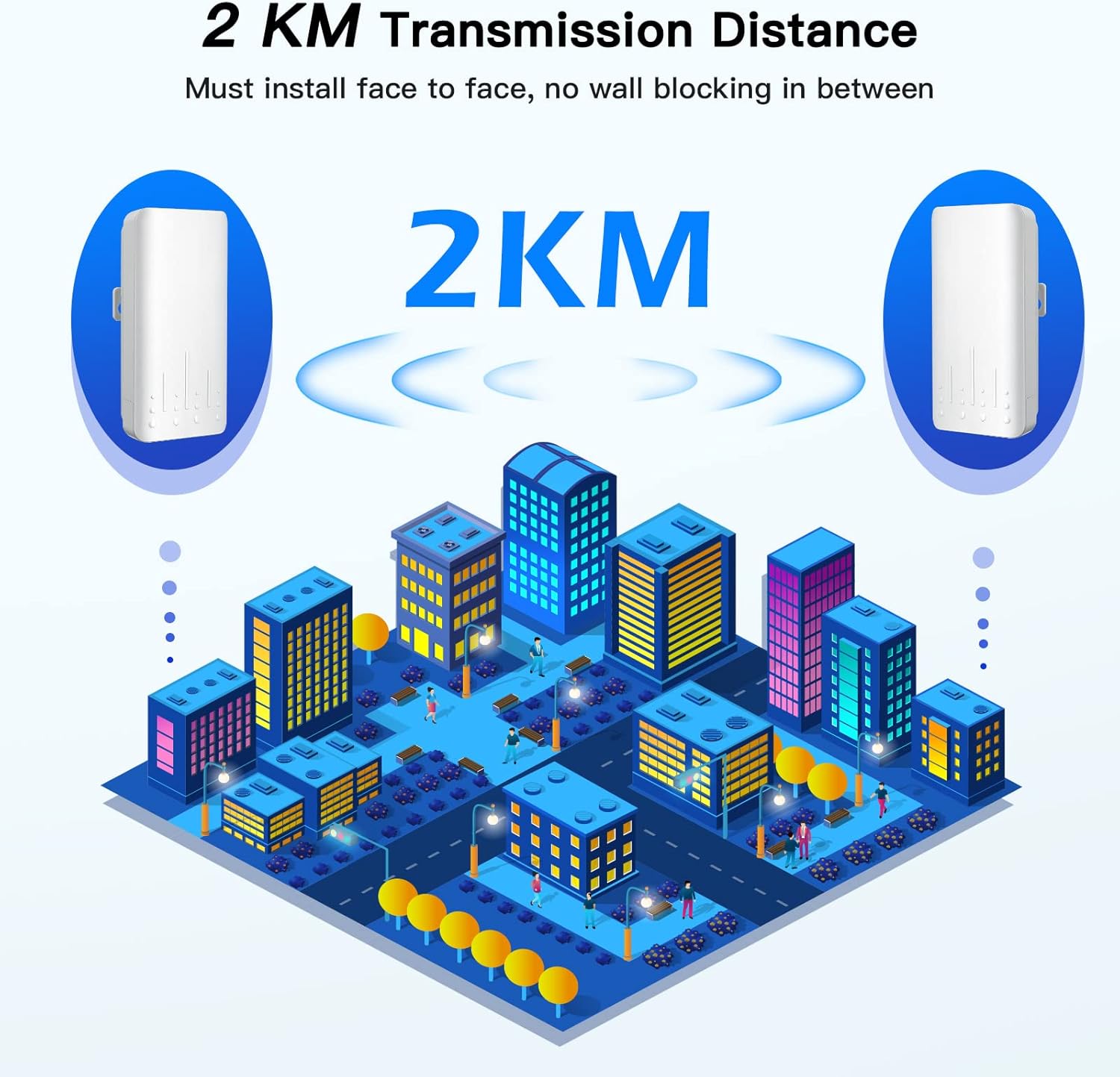
Figure 3: 2KM Transmission Distance capability.
2. Kurulum Kılavuzu
2.1 Kutudan Çıkarma ve Paket İçeriği
Before beginning installation, please verify all components are present in the package.
Video 1: Unboxing the CPE451 Wireless Bridge.
Paket genellikle şunları içerir:
- 2 x UeeVii CPE451 Wireless Bridges
- 2 x PoE Adapters (for power supply)
- 2 x Ağ Kabloları
- 2 x Metal Ties (for mounting)
- 1 x Kullanım Kılavuzu

Şekil 4: Paket İçeriği.
2.2 Cihazı Açma ve İlk Bağlantı
Connect the PoE adapter to the wireless bridge using a network cable. The network cable serves as both data and power transmission. Plug the PoE adapter into a power outlet.
Video 2: Quick Pairing and Powering On.
2.3 Master/Slave Configuration and Pairing
The CPE451 units need to be configured as a Master Bridge (Transmitter) and a Slave Bridge (Receiver) for point-to-point communication. Each unit has a switch to select its role (A for Master, B for Slave) and a digital display to show the channel number.
- Set Master Bridge: Move the switch on one unit to 'A'.
- Set Slave Bridge: Move the switch on the second unit to 'B'.
- Set Same Channel: Press the 'RST' button on both units within one minute to set them to the same channel number. The pairing process should complete within 2 minutes.

Figure 5: Easy Pairing Process.
2.4 Cihazların Montajı
The CPE451 units are designed for outdoor installation and can be mounted on poles using the provided metal ties. Ensure a clear line of sight between the Master and Slave units for optimal performance.

Şekil 6: Ör.ample of pole mounting for the CPE451.
3. Kullanım Talimatları
3.1 Connection Topology
The UeeVii CPE451 can be configured in various ways to extend your network:
- Noktadan Noktaya: Connect one Master Bridge to your main router and one Slave Bridge to a device (e.g., PC) or a switch in a remote location.
- Noktadan Çok Noktaya: One Master Bridge can connect to multiple Slave Bridges, extending the network to several remote points.

Figure 7: Connection Topology Examples.
Video 3: Wireless Bridge Special Point - illustrating network extension.
3.2 Extending Network Coverage
The 12dBi high-gain antenna ensures robust signal transmission, allowing you to extend your network to various outdoor and remote environments. Common applications include:
- Extending home network to a barn or garage.
- Providing Wi-Fi to a remote shop or warehouse.
- Connecting surveillance cameras over long distances.

Figure 8: Applications of 12dBi Antenna & WiFi Coverage.

Figure 9: Network extension to an RV garage.


Figure 10: Diverse application scenarios for the CPE451.
3.3 Web Arayüz Erişimi
To access the device's web interface for advanced configuration, connect a computer directly to the LAN port of the Master or Slave unit (or connect wirelessly if configured). Open a web browser and enter the default IP address (refer to the user manual for the specific IP). The default login credentials are typically Kullanıcı adı: admin Ve Şifre: admin. It is recommended to change these default credentials for security purposes.
4. Bakım
To ensure optimal performance and longevity of your UeeVii CPE451 wireless bridge, follow these maintenance guidelines:
- Düzenli Temizlik: Periodically clean the exterior of the units to remove dust, dirt, and debris. Use a soft, dry cloth. Avoid harsh chemicals or abrasive cleaners.
- Kabloları ve Bağlantıları İnceleyin: Regularly check all network cables and power connections for any signs of wear, damage, or loose connections. Ensure they are securely fastened and protected from environmental elements.
- Donanım Yazılımı Güncellemeleri: Check the UeeVii official webÜrün yazılımı güncellemeleri için siteyi düzenli olarak kontrol edin. Ürün yazılımını güncel tutmak performansı, kararlılığı ve güvenliği artırabilir.
- Çevre Koruma: Although the devices are IP66 waterproof and designed for outdoor use, ensure they are mounted in locations that minimize direct exposure to extreme weather conditions where possible, such as heavy snow accumulation or prolonged direct sunlight in very hot climates.
5. Sorun Giderme
If you encounter issues with your UeeVii CPE451, refer to the following troubleshooting steps:
- Bağlantı yok/Sinyal zayıf:
- Ensure both Master and Slave units are powered on and their status LEDs are active.
- Verify that the Master and Slave units are configured to the same channel number.
- Check for clear line of sight between the two units. Obstructions like trees, buildings, or hills can significantly degrade signal quality.
- Re-align the units to ensure they are pointing directly at each other.
- Tüm Ethernet kablosu bağlantılarını kontrol edin.
- Yavaş Ağ Hızı:
- Confirm that there are no physical obstructions between the units.
- Reduce the distance between the units if possible, or adjust their height for better line of sight.
- Check for potential interference from other 5.8Ghz devices in the area. Try changing the channel number.
- Ensure your connected devices (e.g., router, PC) are capable of 100Mbps speeds to match the CPE451's LAN port.
- Erişilemiyor Web Arayüz:
- Verify your computer's IP address is in the same subnet as the CPE451 (e.g., if CPE is 192.168.1.1, set your computer to 192.168.1.X).
- Ensure you are using the correct default IP address and login credentials (admin/admin).
- Farklı bir şey deneyin web tarayıcı.
- Cihaz Açılmıyor:
- Check the power outlet and the PoE adapter.
- Ensure the Ethernet cable connecting the PoE adapter to the CPE unit is not damaged and is properly seated.
6. Özellikler
| Özellik | Şartname |
|---|---|
| Marka | UeeVii |
| Model Numarası | CPE451 |
| Kablosuz İletişim Standardı | Radio Frequency (5.8G) |
| Kablosuz İletim Hızı | 300Mbps |
| LAN Bağlantı Noktası Hızı | 100Mbps RJ45 |
| Anten Kazancı | 12dBi High Gain |
| İletim Mesafesi | Up to 2KM (with clear line of sight) |
| Güç Kaynağı | 24V PoE Adaptörü |
| Hava koşullarına dayanıklılık | IP66 Su Geçirmez |
| Özel Özellikler | WPS, High-temperature resistance, Lightning Protection, Freeze-Proofing |
| Ürün Boyutları | 8.11 x 2.6 x 11.26 inç |
| Ürün Ağırlığı | 1.72 pound |
| İşletim Sistemi | RouterOS |
| Kontrol Yöntemi | Uygulama |
7. Garanti ve Destek
For any product-related inquiries, technical support, or warranty claims, please contact UeeVii customer service. You can typically find support contact information, including email, on the official UeeVii websitede veya ürün ambalajının içinde.
Müşteri Hizmetleri E-postası: destek@ueevii.com
Lütfen garanti amaçlı satın alma belgenizi saklayın.


