1. Giriş
The Apple 67W USB-C Power Adapter is designed to provide fast and efficient charging for compatible USB-C devices, including MacBook Pro, MacBook Air, iPhone, and iPad models. This manual provides important information regarding the proper setup, operation, maintenance, and safety of your power adapter.
2. Paket İçeriği
Paketinizin aşağıdaki öğeyi içerdiğini doğrulayın:
- Apple 67W USB-C Güç Adaptörü
Note: A USB-C charging cable is sold separately and is required for use with this power adapter.
3. Özellikler
- Hızlı, Verimli Şarj: Delivers 67 watts of power for rapid charging.
- Evrensel USB-C Uyumluluğu: Works with a wide range of USB-C enabled devices.
- Recommended Pairing: Ideal for 13-inch MacBook Pro (2016 and later) and 14-inch MacBook Pro with Apple M1 Pro chip (8-core CPU).
- Fast-Charging for MacBook Air: Enables 0 to 50 percent charge in approximately 30 minutes with MacBook Air M2 chip models.
- Kompakt Tasarım: Lightweight and portable for use at home, office, or while traveling.
4. Güvenlik Bilgileri
Read all safety information below before using the power adapter to avoid injury or damage to your device.
- Elektriksel Güvenlik:
- Use only with compatible power outlets (120 Volts AC).
- Do not use the adapter if it is damaged, frayed, or has exposed wires.
- Avoid using in wet environments or near liquids.
- Adaptörü sökmeye veya değiştirmeye çalışmayın.
- Sıcaklık: The power adapter may become warm during normal operation. Ensure adequate ventilation and do not cover it.
- Çocuklar: Keep the power adapter and cables out of reach of children.
- Doğru Bağlantı: Ensure the adapter is fully inserted into the power outlet and the USB-C cable is securely connected to both the adapter and your device.
5. Kurulum
- Adaptörün ambalajını açın: Carefully remove the Apple 67W USB-C Power Adapter from its packaging.
- USB-C Kablosunu Bağlayın: Obtain a compatible USB-C charging cable (sold separately). Connect one end of the USB-C cable to the USB-C port on the power adapter.
- Güç Çıkışına takın: Extend the prongs on the power adapter and plug it firmly into a standard electrical wall outlet (120V).
- Cihaza Bağlan: Connect the other end of the USB-C cable to the charging port on your compatible device (e.g., MacBook, iPhone, iPad).
The device should indicate that it is charging. If not, ensure all connections are secure and the power outlet is active.

Image: Apple 67W USB-C Power Adapter with its foldable prongs extended.
6. Kullanım Talimatları
Once connected, the Apple 67W USB-C Power Adapter will automatically begin charging your device. The charging speed will depend on your device's battery level and its power management system.
- Hızlı Şarj: For devices that support fast charging, such as the MacBook Air with M2 chip, the adapter can charge the battery from 0% to 50% in approximately 30 minutes.
- Optimum Performans: For best results, use the adapter with Apple-recommended USB-C charging cables.
- Bağlantıyı Kesme: To disconnect, first unplug the USB-C cable from your device, then unplug the adapter from the wall outlet.
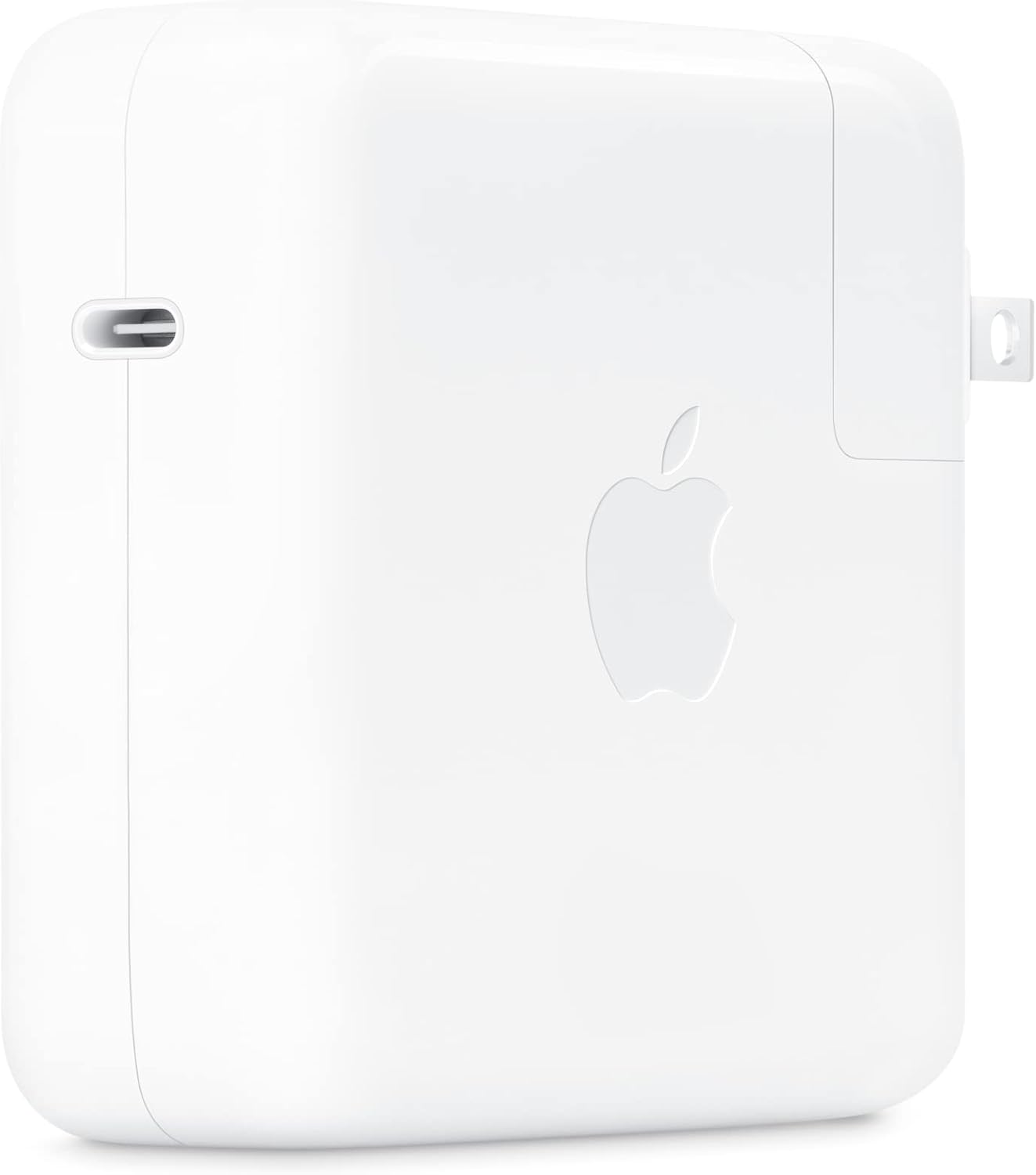
Resim: Yan view of the Apple 67W USB-C Power Adapter, highlighting the USB-C port.
7. Bakım
- Temizlik: Disconnect the adapter from power before cleaning. Use a soft, dry, lint-free cloth. Do not use liquid cleaners or aerosols.
- Depolamak: Adaptörü kullanılmadığı zamanlarda serin ve kuru bir yerde saklayın. Aşırı sıcaklıklardan kaçının.
- Kablo Bakımı: Avoid bending or crimping the charging cable excessively, as this can damage the internal wires.
8. Sorun Giderme
| Sorun | Çözüm |
|---|---|
| Cihaz şarj olmuyor. |
|
| Yavaş şarj. |
|
| Adapter feels hot. |
|
9. Özellikler
| Model Numarası | MKU63AM/A |
| Netage | 67W |
| Giriş Voltage | 120 Volt |
| Bağlayıcı Türü | USB Tip-C |
| Toplam USB Bağlantı Noktaları | 1 |
| Ürün Boyutları | 4.21 x 4.21 x 1.28 inç |
| Ürün Ağırlığı | 8.8 ons |
| Uyumlu Cihazlar | Phone, tablet, computer (e.g., iPhone 15/16 series, MacBook Pro, MacBook Air, iPad) |
| Özel Özellikler | Fast Charging, Lightweight Design, Retractable Plug, Travel-friendly |
10. Garanti ve Destek
The Apple 67W USB-C Power Adapter typically comes with a bir yıllık sınırlı garanti Satın alma tarihinden itibaren geçerlidir. Bu garanti, normal kullanım koşullarındaki üretim hatalarını kapsar.
For detailed warranty terms, technical support, or service, please visit the official Apple Support website or contact Apple customer service directly. Keep your proof of purchase for warranty claims.
Apple Desteği Webalan: destek.apple.com


