giriiş
This instruction manual provides comprehensive guidance for the Logitech Rally Speaker V-U0048. It covers essential information regarding product setup, operation, maintenance, and troubleshooting to ensure optimal performance and longevity of your device. Please read this manual thoroughly before using the speaker.
Paket İçeriği
Kurulum işlemine başlamadan önce, lütfen pakette tüm bileşenlerin mevcut olduğundan emin olun:
- Logitech Rally Speaker V-U0048
- Required Cables (as included with the product)
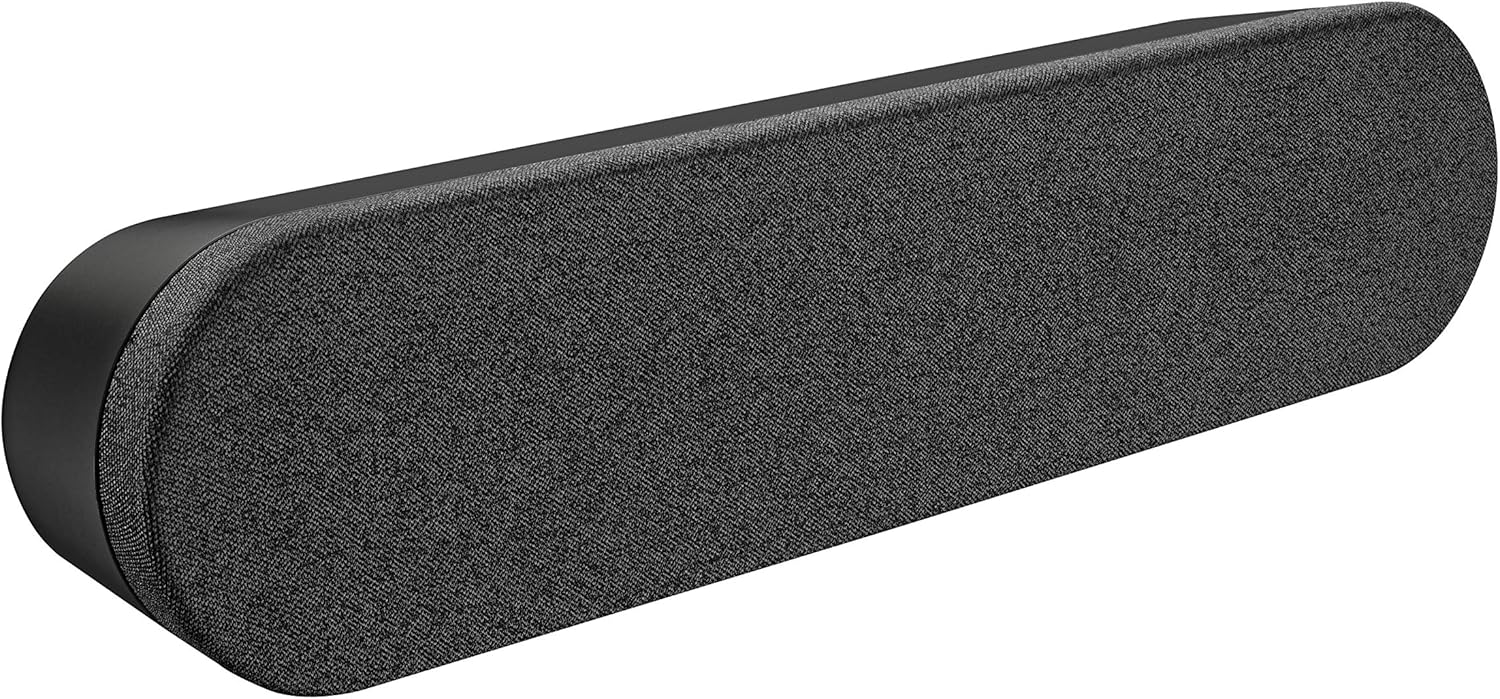
Image: The Logitech Rally Speaker V-U0048, a sleek black soundbar-like speaker designed for clear audio.
Kurmak
Follow these steps to set up your Logitech Rally Speaker V-U0048:
- Atama: Position the speaker on a stable, flat surface, such as a tabletop. Ensure there is adequate space around the speaker for proper ventilation and cable management. The speaker is designed for tabletop mounting.
- Güç Bağlantısı: Connect the power cable to the speaker's power input port. Plug the other end of the power cable into a standard electrical outlet. The speaker is powered by a corded electric source.
- Ses Bağlantısı: Connect the speaker to your audio source (computer, smartphone, tablet, or television) using the appropriate auxiliary cables. The speaker supports auxiliary connectivity for stereo audio output.
- System Integration (for conference rooms/offices): For use in conference rooms or office environments, integrate the speaker with your existing video conferencing system or computer setup. The speaker is specifically designed for conference room and office use.

Image: A Logitech Rally Speaker positioned on a shelf alongside a Logitech camera, illustrating a typical setup in a professional environment.

Image: A group of professionals in a conference room, actively participating in a video call, with Logitech Rally equipment, including the speaker, integrated into their setup.
Kullanım Talimatları
The Logitech Rally Speaker V-U0048 features a touch control method for ease of use, primarily managed through the connected source device.
- Güç Açma/Kapatma: The speaker typically powers on automatically when connected to a power source and an active audio input. Refer to your primary audio source device for power control.
- Ses Kontrolü: Adjust the volume directly from your connected device (computer, smartphone, etc.). The speaker itself does not have dedicated physical volume controls, relying on the source device for audio level management.
- Ses Oynatma: Once connected and powered, audio from your source device will be played through the speaker. Ensure your device's audio output is directed to the connected auxiliary port.
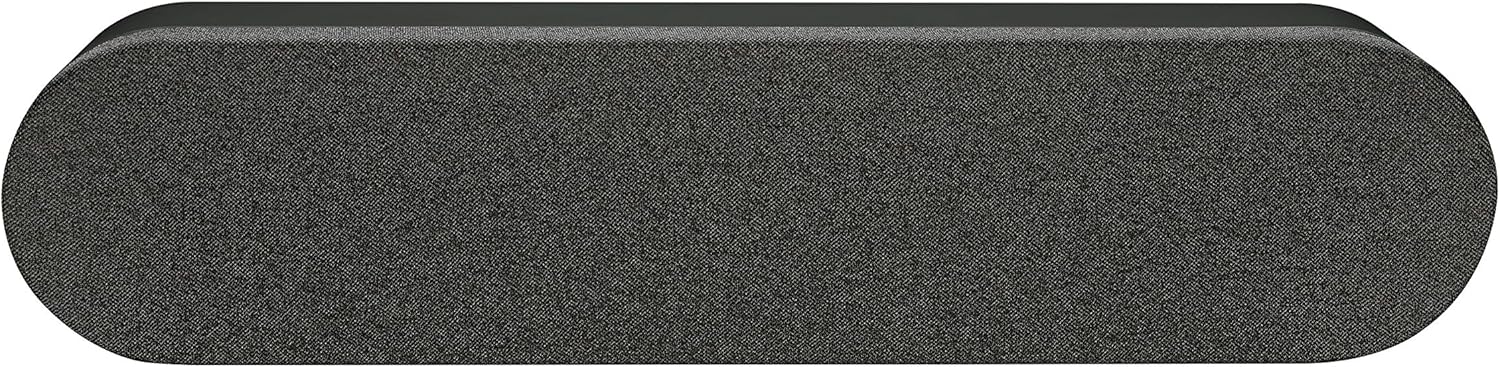
Resim: Yukarıdan aşağıya view of the Logitech Rally Speaker, showcasing its sleek design and the fabric grille covering the speaker components.
Bakım
Doğru bakım, hoparlörünüzün uzun ömürlü olmasını ve en iyi performansı göstermesini sağlar.
- Temizlik: Use a soft, dry cloth to clean the exterior of the speaker. Do not use liquid cleaners or abrasive materials, as they may damage the finish.
- Depolamak: Uzun süre kullanılmayacaksa hoparlörü serin, kuru, doğrudan güneş ışığından ve aşırı sıcaklıklardan uzak bir yerde saklayın.
- Çevresel Koşullar: The speaker is not waterproof. Avoid exposing it to moisture or liquids.
Sorun giderme
If you encounter issues with your Logitech Rally Speaker, refer to the following common troubleshooting steps:
| Sorun | Olası Neden | Çözüm |
|---|---|---|
| Ses Yok |
|
|
| Bozuk Ses |
|
|
Özellikler
| Özellik | Detay |
|---|---|
| Model Adı | Rally Speaker V-U0048 |
| Hoparlör Tipi | Kitaplık |
| Bağlantı Teknolojisi | Ek |
| Ses Çıkışı Modu | Stereo |
| Çevresel Ses Kanalı Yapılandırması | 2.0 |
| Hoparlör Maksimum Çıkış Gücü | 25 Watt |
| Güç Kaynağı | Kablolu Elektrik |
| Kontrol Yöntemi | Dokunmak |
| Renk | Siyah |
| Montaj Tipi | Masa Üstü Montaj |
| Ürün Boyutları | 176.77 x 40.55 x 31.5 inches (Note: These dimensions may refer to packaging or a larger system component. The speaker itself is a compact soundbar-like unit.) |
| Ürün Ağırlığı | 4.22 pound |
| Üretici | Logitech |
Garanti Bilgileri
The Logitech Rally Speaker V-U0048 comes with a Sınırlı Garanti. For detailed terms and conditions of the warranty, please refer to the official Logitech website or the warranty card included with your original purchase. This product is renewed, and specific warranty terms for renewed products may apply as per Amazon Renewed Guarantee.
Destek
Daha fazla yardım, teknik destek veya ek kaynaklara erişim için lütfen resmi Logitech destek sayfasını ziyaret edin. webSiteye göz atabilirsiniz. Ayrıca orada sıkça sorulan soruları ve topluluk forumlarını da bulabilirsiniz.
Logitech Official Webalan: www.logitech.com


