1. Giriş
This manual provides essential information for the setup, operation, and maintenance of your Anderic OEM ONN Roku TV Remote Control. Designed as a direct replacement, this remote offers seamless control for compatible ONN Roku TV models without requiring complex programming.

Resim 1.1: Ön ve yan görünüm view of the Anderic OEM ONN Roku TV Remote Control, highlighting its ergonomic design and button layout.
The Anderic RCAFIR remote is engineered to provide convenient access to all essential functions of your ONN Roku TV, including dedicated buttons for popular streaming services like Netflix, Disney, Hulu, and Vudu.

Image 1.2: The Anderic remote control pointing towards an ONN Roku TV, illustrating its capability to control the TV with a single device.
2. Kurulum
2.1 Pil Kurulumu
The remote control requires two (2) AAA batteries for operation. Batteries are not included.
- Uzaktan kumandanın arkasındaki pil bölmesi kapağını bulun.
- Kapağı aşağı doğru kaydırın veya (varsa) mandalı bastırıp yukarı kaldırarak açın.
- İki adet AAA pil takın ve pozitif (+) ve negatif (-) terminallerin bölmenin içindeki işaretlerle doğru şekilde hizalandığından emin olun.
- Pil bölmesi kapağını yerine oturtmak için, güvenli bir şekilde yerine oturana kadar kaydırın.

Image 2.1: Diagram illustrating the remote control's dimensions and the required AAA batteries for operation.
2.2 Initial Use (No Programming Required)
This Anderic remote control is pre-programmed for ONN Roku TVs. No manual programming or setup is required. Once batteries are installed, the remote is ready for immediate use with compatible ONN Roku TV models.

Image 2.2: A couple comfortably using the remote control, emphasizing the 'No Programming Needed' feature for immediate enjoyment.
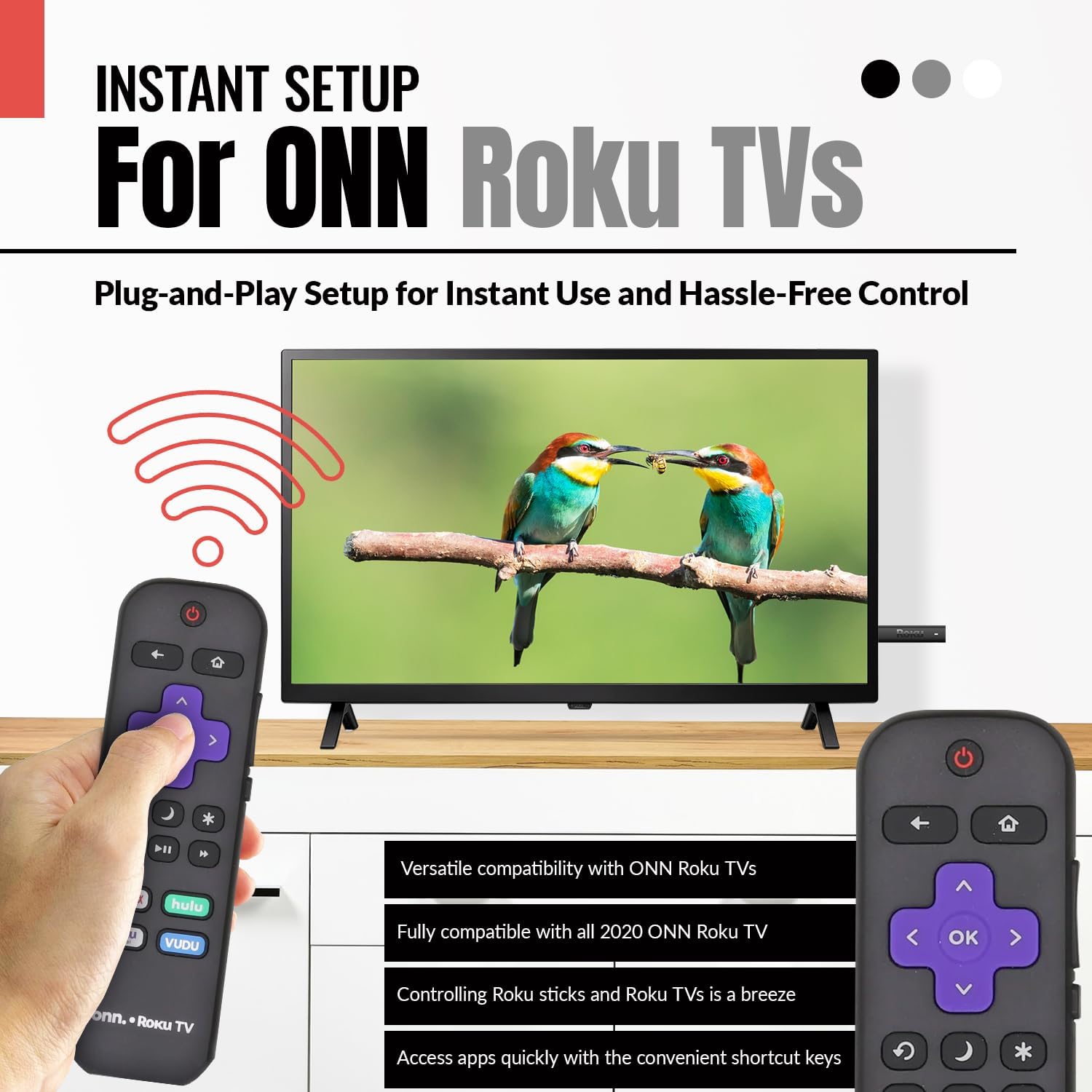
Image 2.3: A hand holding the remote control with a TV displaying content, illustrating the instant plug-and-play setup for ONN Roku TVs.
3. Kullanım Talimatları
3.1 Düğme Düzeni ve İşlevleri
The Anderic ONN Roku TV remote control features a user-friendly layout with dedicated buttons for various functions. Ensure a clear line of sight between the remote and your TV's infrared sensor for optimal performance.

Resim 3.1: Yakın çekim view of the remote control, emphasizing dedicated TV power, volume buttons, and pre-programmed streaming shortcut buttons for accessibility.
- Güç düğmesi (Çizgili Kırmızı Daire): Televizyonu açar veya kapatır.
- Geri butonu (Sol Ok): Önceki ekrana veya menüye döner.
- Ana menü tuşu (Ev Simgesi): Navigates to the Roku Home screen.
- Directional Pad (Purple Arrows): Used to navigate through menus and content.
- OK Button (Purple 'OK'): Bir öğeyi seçer veya bir işlemi onaylar.
- Sesi Açma/Azaltma Düğmeleri: Televizyonun ses seviyesini ayarlar.
- Sessiz tuşu: Televizyonun sesini kapatır veya açar.
- Instant Replay Button (Kavisli Ok): Jumps back a few seconds during video playback.
- Uyku Düğmesi (Ay Simgesi): TV için bir uyku zamanlayıcısı ayarlar.
- Star Button (Yıldız işareti): Accesses options or settings within certain apps.
- Oynat/Duraklat Düğmesi (Triangle/Two Bars): Plays or pauses media content.
- Hızlı İleri/Geri Sarma Düğmeleri: Skips forward or backward in media content.
- Streaming Service Shortcut Buttons (Netflix, Hulu, Vudu, Roku Channel): Bu yayın uygulamalarına doğrudan erişim sağlar.

Image 3.2: A user operating the remote control, highlighting its comprehensive functionality beyond just streaming.
4. Uyumluluk
The Anderic RCAFIR remote control is designed for broad compatibility with ONN Roku TV models. It functions as a direct replacement for several original ONN Roku remotes.
4.1 Compatible ONN Roku TV Models
This remote is fully compatible with all 2020 ONN Roku TV models and is supplied with the following specific ONN Roku TV models:
- 100005397
- 100012584
- 100012585
- 100012586
- 100012587
- 100012589
- 100012590
- 100018971
- 100021258
- 100021261
- 100024699
4.2 Replacement for Original Remotes
The RCAFIR remote serves as a direct replacement for the original ONN RCALIR Roku remote with Netflix, Disney, Hulu, and Vudu buttons, as well as other compatible models including:
- 276168
- 3226000855
- 3226000887

Image 4.1: A graphic illustrating the replacement compatibility for the ONN Roku TV RCALIR remote, highlighting preset compatibility and easy setup.

Image 4.2: A woman holding the remote control, signifying its role as a reliable replacement for entertainment mastery.
5. Sorun Giderme
5.1 Uzaktan Yanıt Vermiyor
- Pilleri Kontrol Edin: Pillerin doğru kutuplara (+/-) dikkat edilerek takıldığından emin olun. Eski veya bitmiş pilleri yeni AAA pillerle değiştirin.
- Görüş Hattı: Verify there are no obstructions between the remote control and the TV's infrared sensor. The remote operates using infrared technology, requiring a direct line of sight.
- Televizyon Gücü: Confirm that your ONN Roku TV is powered on and not in standby mode.
- Uzaktan Sıfırlama: Remove the batteries from the remote, press each button a few times to discharge any residual power, then reinsert the batteries.
5.2 Specific Button Issues
- If a specific button is not working, gently clean around the button with a soft, dry cloth to remove any dust or debris that might be interfering with its function.
- Ensure the remote is pointed directly at the TV's IR sensor when pressing the button.
6. Ürün Özellikleri
| Özellik | Detay |
|---|---|
| Model Numarası | ONN-RCAFIR |
| Ürün Boyutları | 5.75 x 1.75 x 1 inç |
| Ürün Ağırlığı | 1.76 ons |
| Piller Gerekli | 2 adet AAA pil (dahil değildir) |
| Bağlantı Teknolojisi | Kızılötesi (IR) |
| Uyumlu Cihazlar | Television (ONN Roku TV models) |
| Özel Özellik | Ergonomic design, Pre-programmed |
7. Önemli Bilgiler
7.1 Yasal Sorumluluk Reddi
Anderic is a registered trademark of Dan's Electronics Etc., Inc. All Rights Reserved. We are not affiliated with Roku. Roku is a registered trademark of Roku Inc.
7.2 Üretici Bilgileri
Anderic, a brand of Dan's Electronics Etc., Inc., has been manufacturing replacement remote controls since 1999. The company is based in NC, USA, and focuses on providing high-quality replacement remote controls and accessories to extend the life of your equipment.


