1. Ürün Bittiview
The Blucoil Portable USB Audio Interface is designed to deliver high-quality audio resolution for various applications including home studio recording, streaming, gaming, and podcasting. This compact device supports 24-bit/48kHz resolution and is compatible with both Windows and Mac operating systems. It features versatile input/output options and low-latency direct monitoring capabilities, making it an essential tool for capturing clear and precise audio.

Ön view of the Blucoil Portable USB Audio Interface, showing the microphone input, instrument input, and output controls.

The Blucoil Portable USB Audio Interface set up on a desk, ready for recording or streaming high-quality audio.
2. Kurulum Kılavuzu
2.1 Sistem Gereksinimleri
- Operating System: Windows or Mac OS
- Kullanılabilir USB Bağlantı Noktası
- Compatible recording software (e.g., Audacity, GarageBand)
2.2 Arayüzün Bağlanması
- Connect the USB cable from the interface to an available USB port on your computer. The interface is USB bus-powered, so no external power supply is needed.
- For microphone input, plug your condenser microphone into the XLR-1/4" combo input. Ensure the +48V phantom power button is engaged if your microphone requires it.
- For instrument input, connect your instrument (e.g., guitar, keyboard) to the 1/4" TRS input.
- Connect your studio monitors or speakers to the main outputs on the rear panel. Alternatively, plug headphones into the 1/4" stereo headphone jack on the front panel for monitoring.

The Blucoil Audio Interface connected to a laptop, demonstrating reliable connections for recording.
The interface accommodates various microphone types, including condenser microphones requiring 48V phantom power.
3. Kullanım Talimatları
3.1 Giriş Seviyelerinin Ayarlanması
- Kullanın Kazanmak knob for the microphone input to set the input level.
- Kullanın Seviye knob for the instrument input to set its input level.
- Monitor the Clip and Signal Indicators for each channel. A green light indicates a signal, while a red light indicates clipping (signal distortion). Adjust the gain/level knobs to prevent clipping.

Kapatmak view of the interface controls, showing gain and level knobs for fine-tuning your sound.

A hand adjusting one of the input level knobs, demonstrating how to prevent signal clipping by observing the LED indicators.
3.2 Doğrudan İzleme
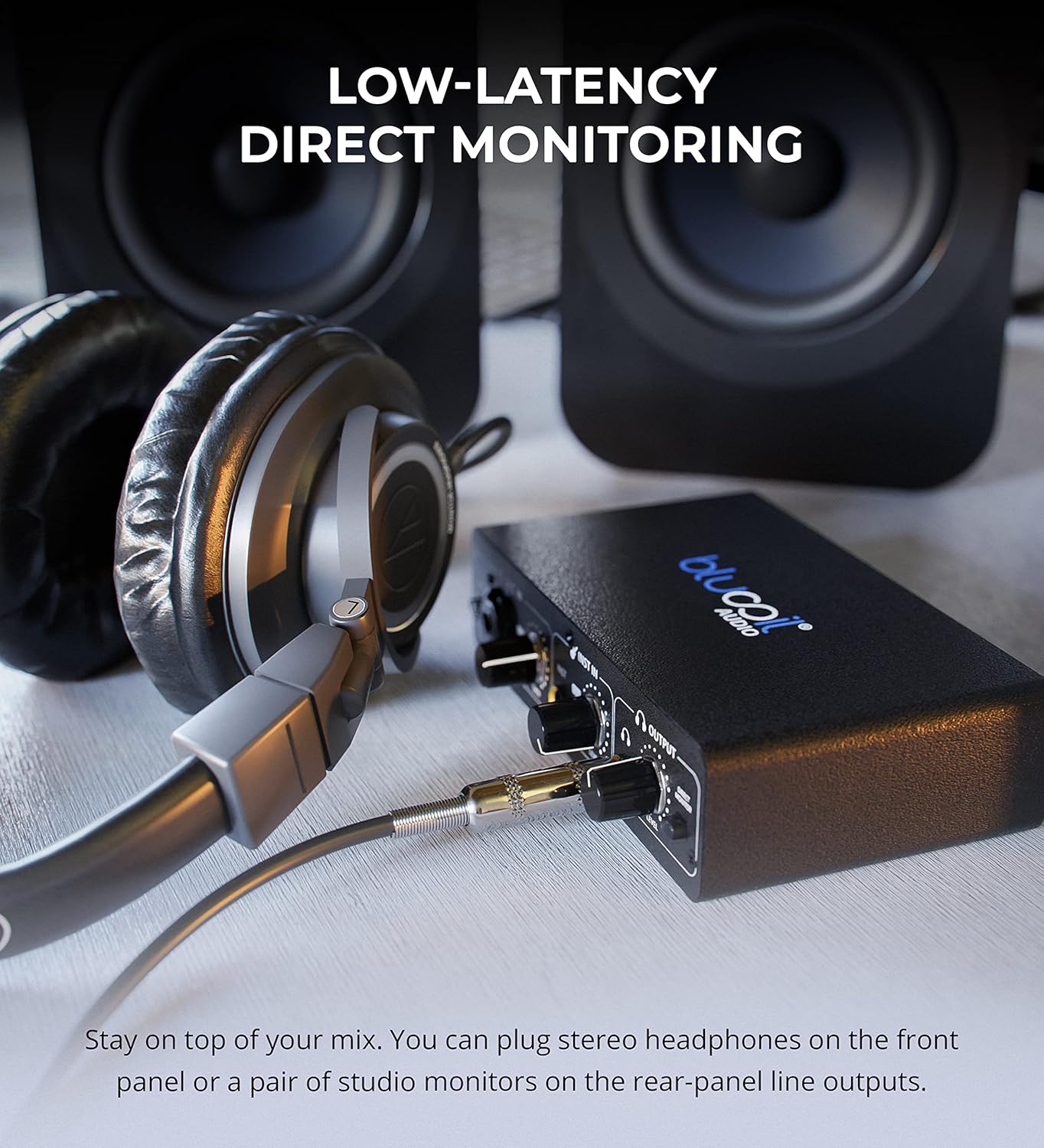
- Etkileşim kurun Doğrudan Monitör button to hear your input signals directly through your headphones or main outputs with zero latency. This allows you to monitor your performance without delay from your computer's processing.

Headphones connected to the Blucoil Audio Interface, enabling low-latency direct monitoring of input signals.
3.3 Çıkış Ses Seviyesi Kontrolü
- Kullanın Ses Seviyesi knob in the Output section to control the overall output volume for both headphones and main outputs.
4. Bakım ve Özen
- Cihazınızı yumuşak ve kuru bir bezle silerek temiz tutun. Sıvı temizleyici veya çözücü kullanmaktan kaçının.
- Arayüzü serin, kuru ve doğrudan güneş ışığından ve aşırı sıcaklıklardan uzak bir yerde saklayın.
- Cihazı düşürmekten veya güçlü darbelere maruz bırakmaktan kaçının.
- Bağlantı noktalarına zarar vermemek için tüm kabloların güvenli bir şekilde ancak aşırı güç uygulamadan bağlandığından emin olun.
5. Sorun Giderme
| Sorun | Olası Neden | Çözüm |
|---|---|---|
| Ses çıkışı yok | Incorrect volume settings, incorrect output selection in software, loose cables. | Check the Output Volume knob. Ensure the interface is selected as the output device in your computer's sound settings and recording software. Verify all cables are securely connected. |
| Input signal clipping (red light) | Input gain/level is too high. | Reduce the Gain or Level knob for the respective input until the red Clip indicator no longer illuminates. |
| Mikrofon çalışmıyor (kondenser mikrofon) | 48V phantom power not enabled. | Press the +48V button to enable phantom power for condenser microphones. |
| No sound from instrument input | Instrument level too low, incorrect cable. | Increase the Level knob for the instrument input. Ensure you are using a proper 1/4" TS or TRS instrument cable. |
| Interface not recognized by computer | USB cable issue, driver issue (rare for class-compliant devices), faulty USB port. | Try a different USB port or cable. Restart your computer. While typically plug-and-play, ensure your operating system is up to date. |
6. Özellikler
- Ürün Ağırlığı: 1 pound
- Ürün Ölçüleri: 3.94 x 6.69 x 1.73 inç
- ASIN: B096ZRJSX6
- Uyumlu Cihazlar: Dizüstü bilgisayar
- Bağlantı Tipi: 1/4" Jack, USB Port, XLR-TRS Combo Connector
- Donanım Arayüzü: USB
- Desteklenen Yazılımlar: Windows audio recording and editing software (also compatible with Mac OS software like GarageBand)
- İşletim Sistemi: Windows (also compatible with Mac OS)
- Marka: mavi
- Bağlantı Teknolojisi: USB
- Kanal Sayısı: 4 (implied by inputs and outputs, 2 input channels, 2 output channels)
7. Garanti ve Destek
For detailed warranty information and customer support, please refer to the official Blucoil webSite üzerinden satın alabilir veya doğrudan müşteri hizmetleriyle iletişime geçebilirsiniz. Garanti talepleriniz için satın alma fişinizi saklayın.


