1. Giriş
The Rapoo MT550 is a versatile multi-device wireless mouse designed for enhanced productivity and comfort. This manual provides detailed instructions for setting up, operating, and maintaining your MT550 mouse, ensuring optimal performance across various devices.
Temel özellikler şunlardır:
- Multi-device connectivity (Bluetooth 3.0, Bluetooth 4.0, and 2.4G wireless)
- Adjustable DPI settings (600/1000/1300/1600)
- Rahat kullanım için ergonomik tasarım
- Long battery life of up to 12 months
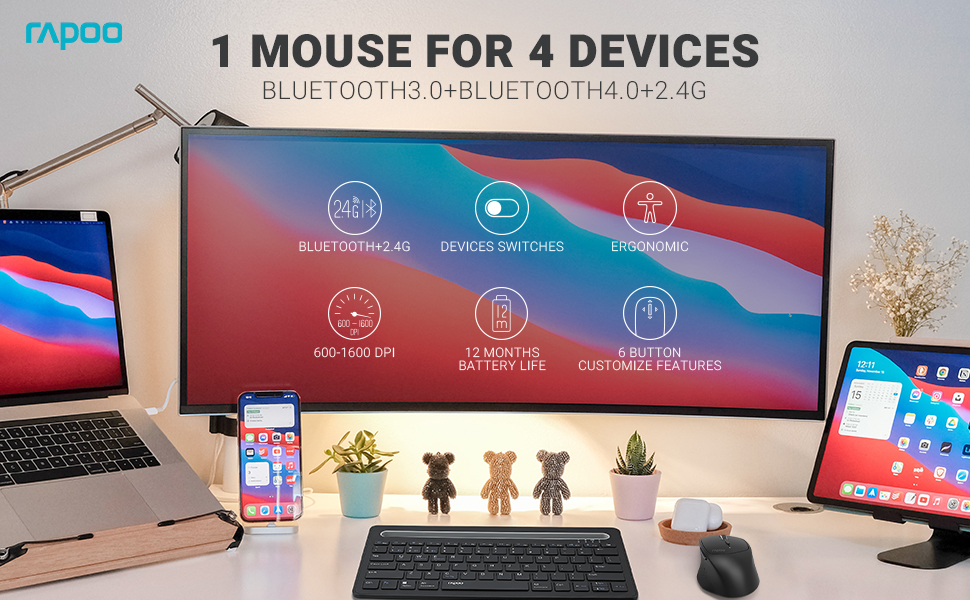
Image: The Rapoo MT550 mouse, highlighting its design for endurance, versatility, and comfort.
2. Kurulum
2.1. Pil Kurulumu
The Rapoo MT550 mouse requires two AA batteries (included). To install:
- Farenin alt tarafındaki pil bölmesi kapağını bulun.
- Kapağı kaydırarak açın.
- İki adet AA pil takın ve kutupların doğru olmasına dikkat edin (+/-).
- Pil bölmesinin kapağını kapatın.
2.2. 2.4G Kablosuz Bağlantı (USB Alıcı)
For a 2.4G wireless connection:
- Alt kısımda bulunan açma/kapama düğmesini kullanarak fareyi açın.
- Locate the USB receiver stored in the battery compartment.
- USB alıcısını bilgisayarınızdaki uygun bir USB bağlantı noktasına takın.
- The mouse should automatically connect. If not, press the device switch button until the indicator for channel 4 (usually indicated by a specific light pattern or number) is active.
2.3. Bluetooth ile bağlanma
The Rapoo MT550 supports up to three Bluetooth connections. To connect:
- Fareyi ON/OFF düğmesini kullanarak açın.
- Short press the device switch button to select a Bluetooth channel (1, 2, or 3). The corresponding indicator light will illuminate.
- Press and hold the Bluetooth pairing button (often located near the device switch button) for approximately 3 seconds until the indicator light for the selected channel starts flashing rapidly. This indicates the mouse is in pairing mode.
- On your device (computer, laptop, tablet, phone), enable Bluetooth and search for new devices.
- Select "Rapoo MT550" from the list of available devices to complete the pairing process.
- Repeat these steps to pair with up to two additional Bluetooth devices on channels 2 and 3.

Image: Labeled diagram of the Rapoo MT550 mouse, indicating the location of the ON/OFF switch, Bluetooth button, device switch button, battery slot, USB receiver, DPI button, scroller, and other buttons.
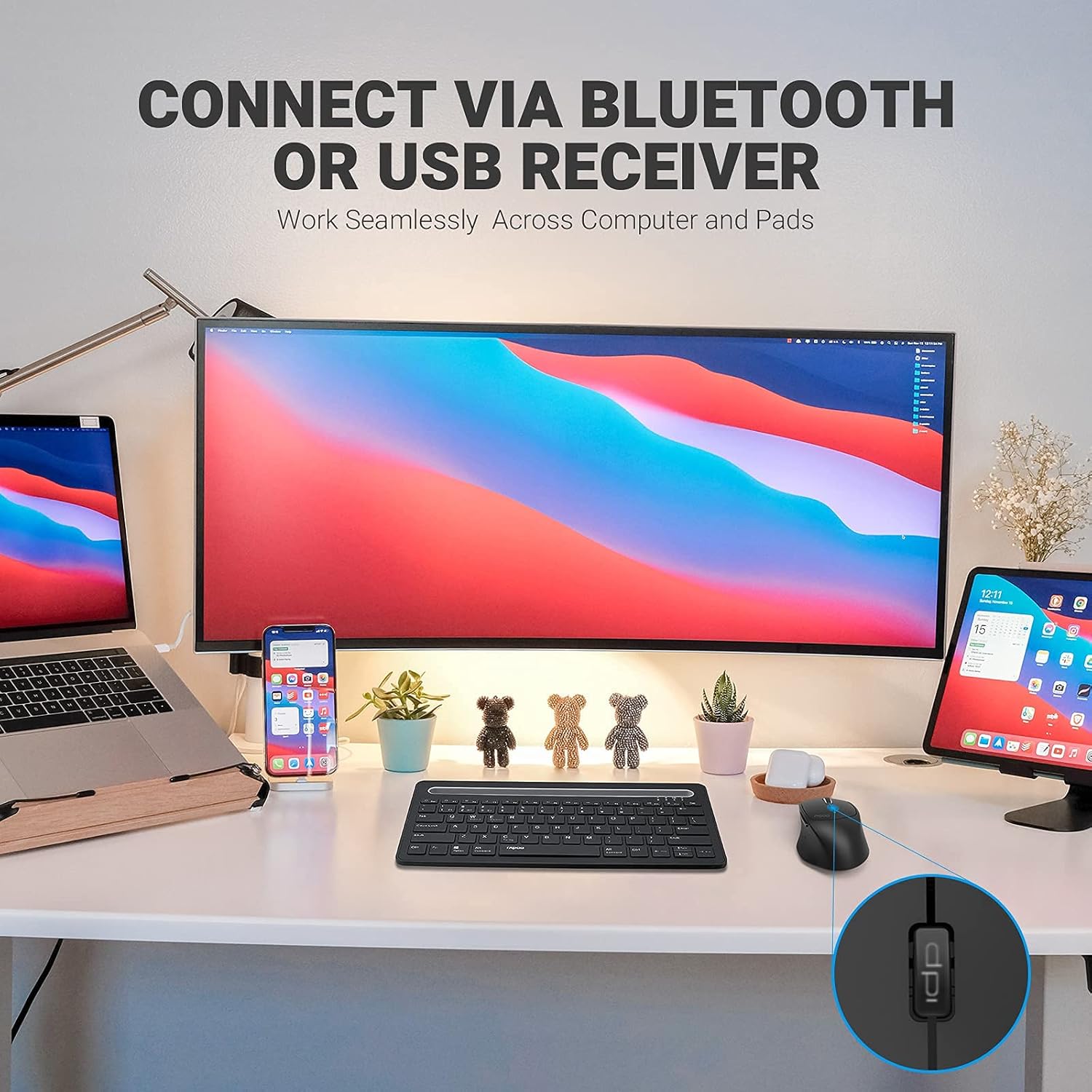
Image: A workstation demonstrating the Rapoo MT550 mouse connecting to multiple devices via Bluetooth or USB receiver.
3. Kullanım Talimatları
3.1. Cihazlar Arasında Geçiş Yapma
Bağlı cihazlarınız arasında geçiş yapmak için:
- Short press the device switch button located on the underside of the mouse.
- Each press will cycle through the connected channels (1, 2, 3 for Bluetooth, 4 for 2.4G USB receiver). The corresponding indicator light will show the active channel.
3.2. DPI (Hassasiyet) Ayarı
The MT550 mouse features four adjustable DPI settings for precise control:
- Press the DPI button, located behind the scroll wheel, to cycle through the available settings: 600, 1000, 1300, and 1600 DPI.
- The indicator light will briefly change to reflect the selected DPI level.

Resim: Yakın çekim view of the DPI button on the Rapoo MT550 mouse, with the indicator light showing the current DPI setting.
3.3. Using Forward/Back Buttons
The two thumb buttons on the side of the mouse provide quick navigation:
- The forward button advances to the next page or folder.
- The back button returns to the previous page or folder.
4. Bakım
4.1. Temizlik
To maintain the appearance and functionality of your mouse:
- Farenin yüzeyini silmek için yumuşak ve kuru bir bez kullanın.
- Yüzey kaplamasına zarar verebileceğinden, sert kimyasallar, aşındırıcı temizleyiciler veya çözücüler kullanmaktan kaçının.
4.2. Pil Değişimi
When the low battery indicator appears or the mouse becomes unresponsive, it's time to replace the batteries:
- Bölüm 2.1'de belirtilen pil montaj adımlarını izleyin.
- Ensure you use two fresh AA batteries and insert them with the correct polarity.
4.3. Depolama
When not in use for extended periods, store the mouse in a dry, cool environment away from direct sunlight and extreme temperatures.
5. Sorun Giderme
If you encounter issues with your Rapoo MT550 mouse, refer to the following troubleshooting steps:
5.1. Fare Yanıt Vermiyor
- Gücü Kontrol Edin: Ensure the mouse is turned on using the ON/OFF switch.
- Pilleri Kontrol Edin: Pillerin doğru şekilde takıldığından ve yeterli şarja sahip olduğundan emin olun. Gerekirse değiştirin.
- 2.4G Alıcısı: For 2.4G connection, ensure the USB receiver is securely plugged into a working USB port on your computer. Try a different USB port.
- Bluetooth Bağlantısı: For Bluetooth, ensure Bluetooth is enabled on your device and the mouse is paired to the correct channel. Try re-pairing the mouse if the connection is lost.
5.2. Kesintili Bağlantı veya Gecikme
- Yakınlık: Move the mouse closer to your computer or device to ensure a strong signal.
- Parazit yapmak: Avoid using the mouse near other wireless devices (e.g., Wi-Fi routers, cordless phones) that might cause interference.
- Yüzey: Ensure you are using the mouse on a suitable surface. While the MT550 is designed for various surfaces, extreme textures or reflective surfaces can affect tracking.
5.3. DPI Değişmiyor
- Ensure you are pressing the dedicated DPI button, not another button.
- Sorun devam ederse, fareyi kapatıp tekrar açmayı deneyin.
6. Özellikler
| Ürün Boyutları | 3.93 x 2.55 x 1.57 inç |
| Ürün Ağırlığı | 5.3 ons |
| Piller | 2 adet AA pil (dahil) |
| Bağlantı Teknolojisi | Bluetooth (3.0/4.0) and 2.4G Wireless |
| Hareket Algılama Teknolojisi | Optik |
| Ayarlanabilir DPI | 600 / 1000 / 1300 / 1600 |
| Düğme Sayısı | 6 (Left, Right, Scroll, DPI, Forward, Back) |
| Pil Ömrü | 12 aya kadar (normal şartlar altında) |
7. Garanti ve Destek
Rapoo provides the following coverage for your MT550 Multi-Device Wireless Mouse:
- Garanti: 3-year worry-free warranty.
- İade politikasi: 180 günlük para iade garantisi.
For further assistance, technical support, or warranty claims, please visit the official Rapoo websitesine bakın veya müşteri hizmetleri departmanıyla iletişime geçin.


