1. Giriş
This manual provides essential information for the installation, operation, and maintenance of your Lorex 4K Metal Bullet Camera, Model E841CAB. This camera is designed to enhance your security system with high-resolution video surveillance capabilities for both indoor and outdoor environments.
2. Ürün Bittiview
The Lorex 4K Metal Bullet Camera offers advanced features for reliable surveillance:
- Ultra HD Clarity: Captures video in stunning 4K resolution with a wide 105-degree field of view, providing detailed footage.
- Renkli Gece Görüşü: Delivers full-color video in well-lit conditions and automatically transitions to crisp black and white video using powerful infrared LEDs in low-light, extending night vision up to 130 feet.
- Hava Koşullarına Dayanıklılık: Features a rugged IP65-rated metal housing, ensuring resistance to harsh weather conditions, from -22°F (-30°C) to 140°F (60°C).
- Effortless PoE Installation: Utilizes Power over Ethernet (PoE) technology, allowing a single Ethernet cable to provide both power and video transmission, simplifying installation up to 300 feet.
- NVR Uyumluluğu: Designed to work seamlessly with compatible Lorex NVRs, including N841, N842, N861B, N862B, N881B, LNR600X, LNR6100, LNR6100X, NR900X, N843, N844, N845, N846, N863B, and NR810 series recorders.
3. Kutuda Neler Var?
Your Lorex 4K Metal Bullet Camera package includes the following components:
- 1 x IP Bullet Camera
- 1 x Ethernet Kablosu
- 1 x Mounting Kit (screws and anchors)
- 1 x Montaj Şablonu
- 1 x Allen Anahtarı
4. Kurulum
4.1 Kurulum Yeri
İstediğiniz çekim alanını göz önünde bulundurarak kameranız için uygun bir yer seçin. view and proximity to your NVR or PoE switch. The camera is rated for both indoor and outdoor use.
4.2 Kamerayı Monte Etme
- Use the provided mounting template to mark the drill holes on your chosen surface.
- Drill pilot holes and insert the wall anchors if mounting on drywall or masonry.
- Verilen vidaları kullanarak kameranın montaj tabanını yüzeye sabitleyin.
- Adjust the camera's angle to achieve the desired coverage.
4.3 PoE Connection
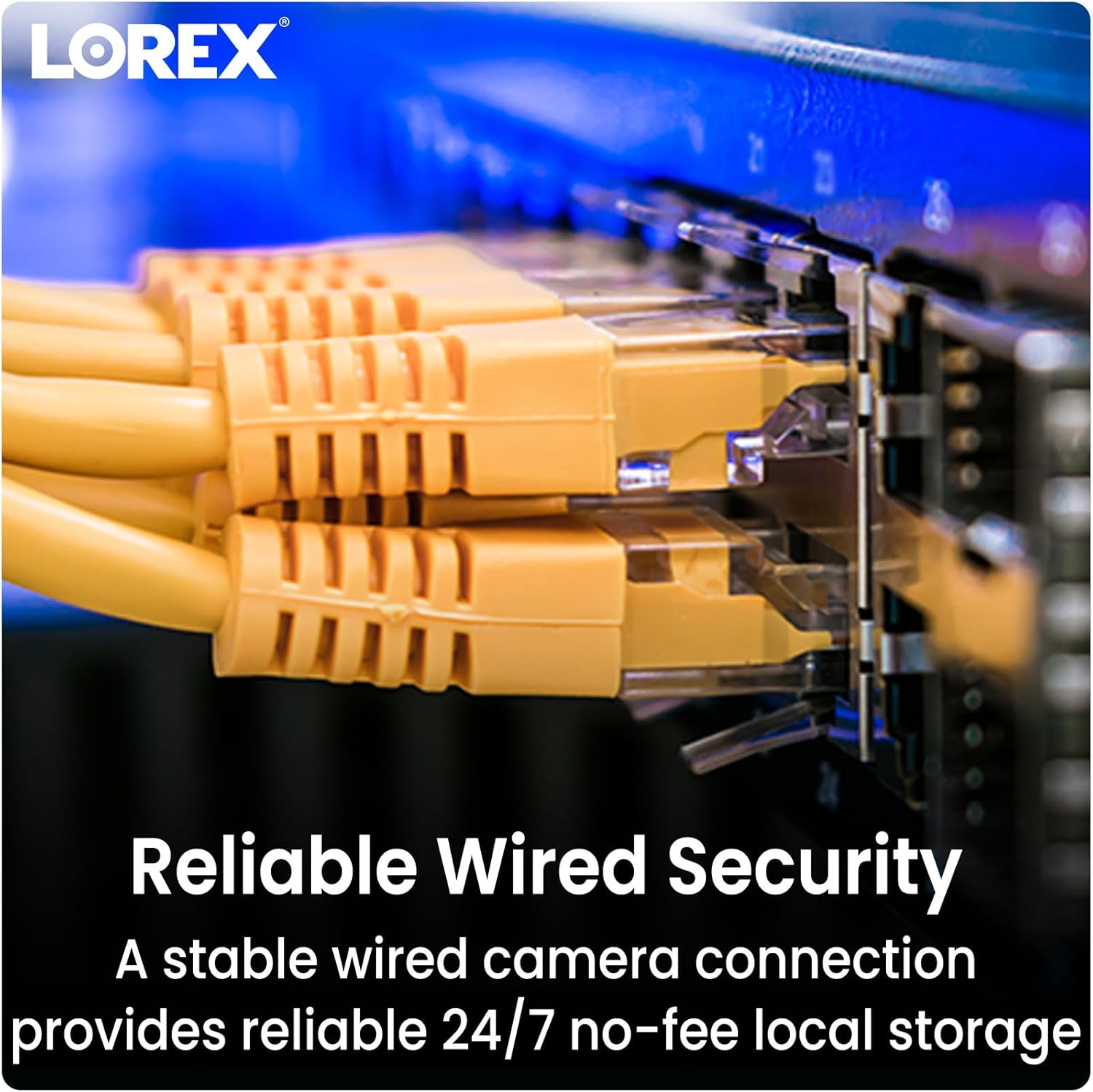
Connect one end of the Ethernet cable to the camera's PoE port and the other end to an available PoE port on your compatible Lorex NVR or a PoE switch. The camera will receive power and transmit video data through this single connection.
4.4 NVR Uyumluluğu
Ensure your NVR is one of the compatible models listed in the Product Overview section for seamless integration and functionality.
5. Kullanım Talimatları
5.1 Canlı Yayına Erişim View
Once connected to your NVR, access the live video feed through your NVR's interface or the Lorex Home app on your smartphone or tablet. Refer to your NVR's manual for specific instructions on adding and viewing cameras.
5.2 Gece Görüş Modları
The camera automatically switches between day and night vision modes. In low light, the infrared LEDs activate for black and white night vision. In sufficiently lit conditions, Color Night Vision provides full-color detail.

5.3 Hareket Algılama
The camera is equipped with motion detection capabilities. Configure motion detection zones and sensitivity settings via your NVR or the Lorex Home app to receive alerts for activity in specific areas. This model provides motion-only alerts.
5.4 Video Kalitesi
The camera records in 4K Ultra HD, providing superior clarity and digital zoom capabilities. Ensure your NVR is configured to record at the highest resolution supported by the camera.

6. Bakım
To ensure optimal performance and longevity of your Lorex 4K Metal Bullet Camera, follow these maintenance guidelines:
- Düzenli Temizlik: Kameranın lensini düzenli olarak yumuşak bir bezle temizleyin.amp tıkanıklığa neden olabilecek toz, kir veya su lekelerini gidermek için bir bez kullanın viewAşındırıcı temizleyicilerden kaçının.
- Kablo Denetimi: Inspect the Ethernet cable for any signs of wear, damage, or loose connections, especially in outdoor installations.
- Donanım Yazılımı Güncellemeleri: Lorex'i kontrol edin. webKameranızın en son özelliklere ve güvenlik geliştirmelerine sahip olduğundan emin olmak için mevcut ürün yazılımı güncellemelerini bulmak üzere sitenizi veya NVR'nizin ayarlarını kontrol edin.
- Hava Koşullarından Korunma: While the camera is weatherproof (IP65 rated), ensure it is installed securely to prevent movement or damage during extreme weather events.

7. Sorun Giderme
If you encounter issues with your Lorex 4K Metal Bullet Camera, consider the following:
- No Video/Power: Verify that the Ethernet cable is securely connected to both the camera and the NVR/PoE switch. Ensure the NVR/PoE switch is powered on.
- Kötü Video Kalitesi: Check the camera lens for obstructions or dirt. Ensure the camera is configured for 4K resolution in your NVR settings. Verify network cable integrity.
- Hareket Algılama Çalışmıyor: Review motion detection settings in your NVR or Lorex Home app. Adjust sensitivity and detection zones as needed.
- NVR Uyumluluğu: Confirm that your NVR model is listed as compatible. Incompatible NVRs may not fully support all camera features or may not detect the camera at all.
- Ağ Sorunları: If experiencing connectivity problems, restart your NVR and network router. Ensure there are no network conflicts or bandwidth limitations.
8. Özellikler
| Özellik | Şartname |
|---|---|
| Model Adı | E841CAB |
| İç/Dış Mekan Kullanımı | İç mekan, dış mekan |
| Uyumlu Cihazlar | NVR (N841, N842, N861B, N862B, N881B, LNR600X, LNR6100, LNR6100X, NR900X, N843, N844, N845, N846, N863B, NR810 series) |
| Güç Kaynağı | Kablolu Elektrik (PoE) |
| Bağlantı Protokolü | Ethernet |
| Denetleyici Türü | Başvuru |
| Montaj Tipi | Tavan Montajı |
| Video Yakalama Çözünürlüğü | 4K (8 MP Etkin Fotoğraf Çözünürlüğü) |
| Renk | Siyah |
| Öğe Sayısı | 1 |
| Dahil Bileşenler | IP Bullet Camera, Ethernet Cable, Mounting Kit, Mounting Template, Allen Key |
| Kablosuz İletişim Teknolojisi | Wi-Fi (for app control, not primary video transmission) |
| Form Faktörü | Mermi |
| ViewAçı | 105 Derece |
| Gece Görüş Aralığı | 130 Ayak |
| Kare Hızı | 15 kare/saniye |
| Malzeme | Metal |
| Netage | 3.7 watt |
| Pil Gerekli Mi? | HAYIR |
| Ürün Ağırlığı | 2.77 pound (1.26 Kilogram) |
| Düşük ışık teknolojisi | Gece Rengi |
| Uyarı Tipi | Yalnızca Hareket |
| Uluslararası Koruma Derecelendirmesi | IP65 |
| UPC | 695529028538 |
9. Garanti ve Destek
Your Lorex 4K Metal Bullet Camera is covered by a manufacturer's warranty. For detailed warranty information, product support, or technical assistance, please visit the official Lorex webSite üzerinden satın alabilir veya müşteri hizmetleriyle iletişime geçebilirsiniz. Garanti talepleriniz için satın alma fişinizi saklayın.


