giriiş
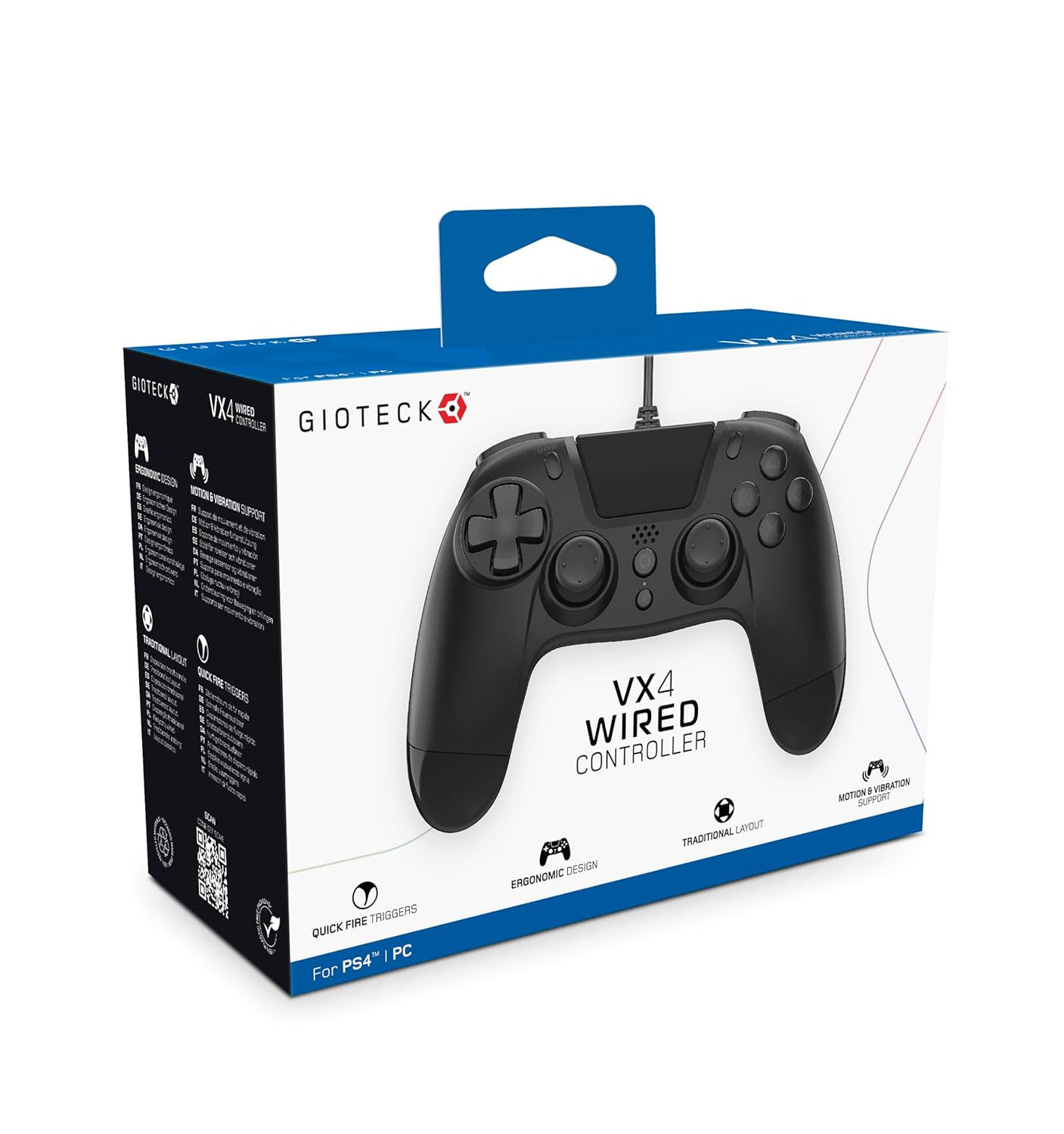
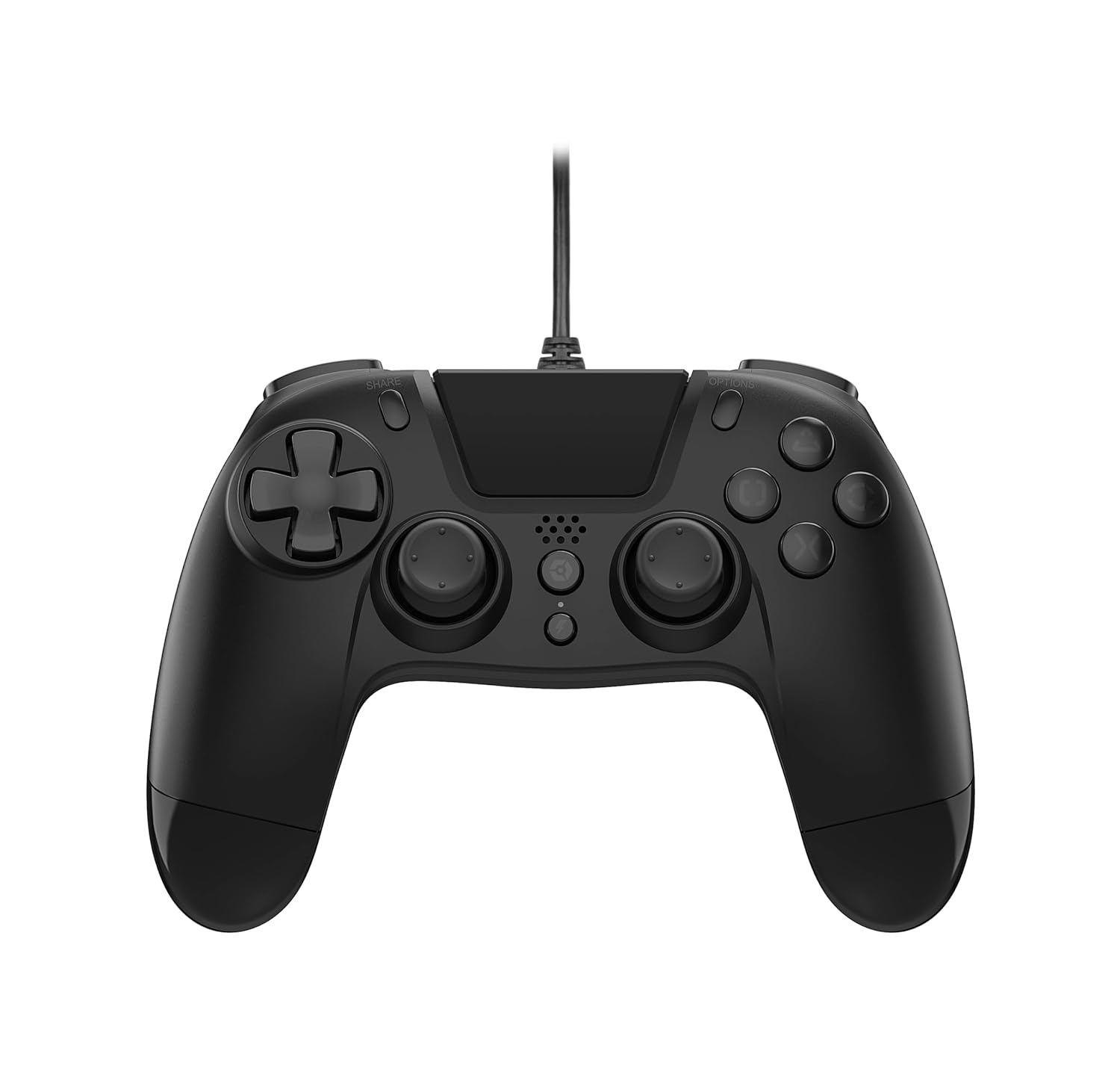
The Gioteck VX-4 Wired Controller is designed for PlayStation 4 and PC, offering a comfortable and responsive gaming experience. It features quick-fire triggers, a precision D-pad, and anti-slip rubber thumb sticks for enhanced performance, providing a next-level immersive gaming experience.
Temel Özellikler:
- Quick Fire triggers
- Ergonomik tasarım
- Traditional PlayStation layout
Paket İçeriği:
- Gioteck VX-4 Wired Controller
- Kullanım Kılavuzu (bu belge)
Ürün Bittiview:
Kurmak
Connecting to PlayStation 4:
- PlayStation 4 konsolunuzun açık olduğundan emin olun.
- Insert the USB connector of the VX-4 Wired Controller into an available USB port on your PlayStation 4 console.
- Kontrol cihazı otomatik olarak tanınmalı ve kullanıma hazır olmalıdır.
PC'ye bağlanma:
- Bilgisayarınızın açık olduğundan emin olun.
- Insert the USB connector of the VX-4 Wired Controller into an available USB port on your PC.
- The PC operating system should automatically install the necessary drivers. If prompted, allow the driver installation to complete.
- The controller will be ready for use with compatible PC games.

Kullanım Talimatları
Düğme Düzeni:
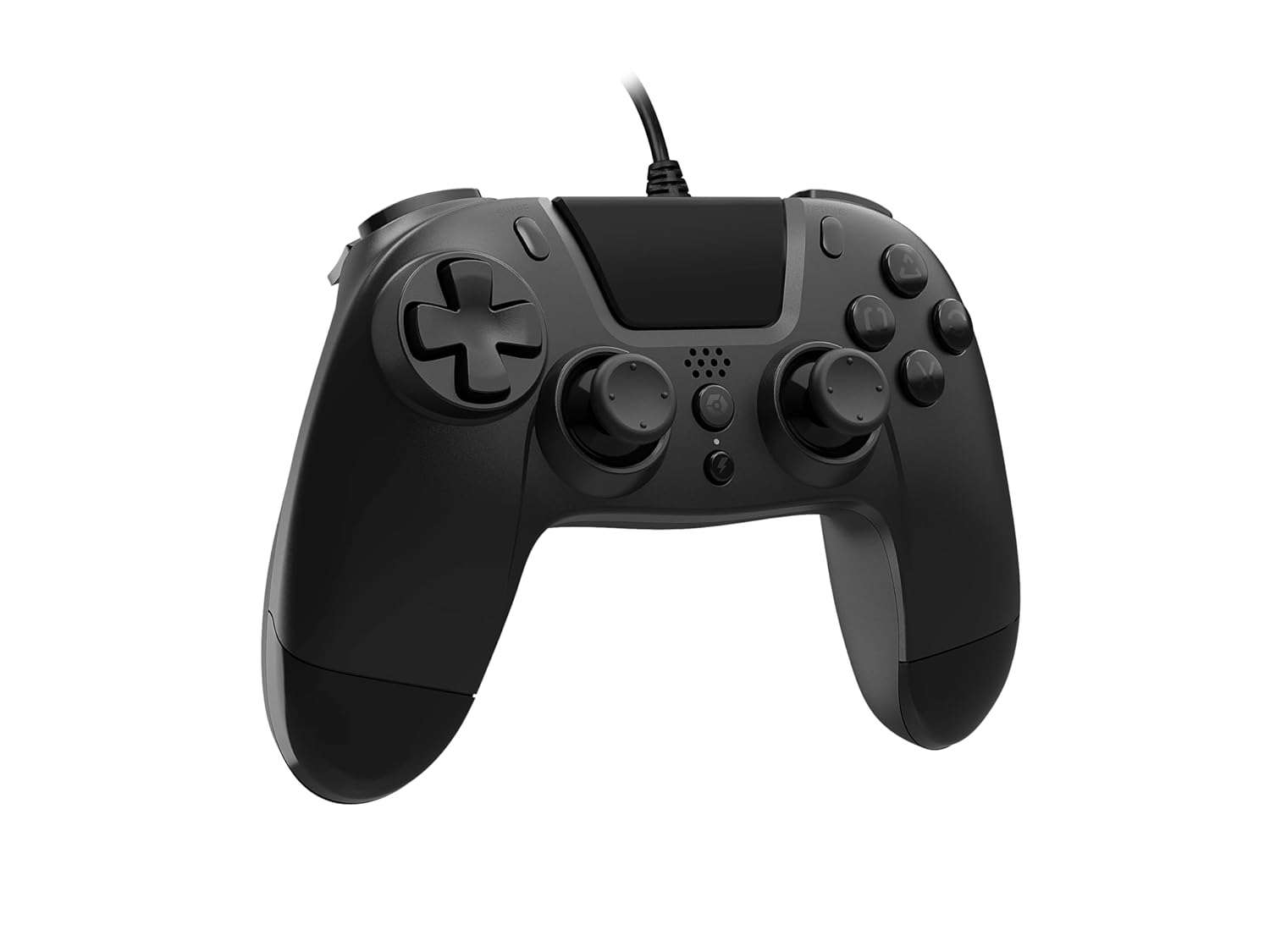
The VX-4 Wired Controller features a traditional PlayStation layout:
- Yön Tuş Takımı (D-Pad): Hassas yönlendirme girişi için.
- Sol Analog Çubuk: Birincil hareket kontrolü.
- Sağ Analog Çubuk: Camera or aiming control.
- Eylem Düğmeleri (Üçgen, Daire, Çarpı, Kare): Context-sensitive actions in games.
- PAYLAŞ düğmesi: Share gameplay moments (PS4 only).
- SEÇENEKLER düğmesi: Access in-game menus or pause (PS4 only).
- PS Düğmesi: Access the PlayStation Home screen or power on/off the console (PS4 only).
- L1/R1 Düğmeleri: Shoulder buttons, typically for quick actions.
- L2/R2 Tetikleyicileri: Hızlanma veya ateşleme gibi hassas girişler için analog tetikleyiciler.
Denetleyiciyi Kullanma:
Once connected, the controller functions similarly to a standard PlayStation 4 controller for compatible games. For PC, ensure the game supports XInput or DirectInput controllers for optimal performance.
Bakım
Temizlik:
Kumanda ünitesini temizlemek için yumuşak, kuru bir bez kullanın. İnatçı kirler için biraz daha kuru bir bez yeterli olacaktır.amp cloth can be used, but ensure no moisture enters the controller's internal components. Do not use harsh chemicals or abrasive cleaners, as these may damage the finish or internal electronics.
Depolamak:
Store the controller in a cool, dry place away from direct sunlight and extreme temperatures. Avoid placing heavy objects on the controller to prevent damage to the cable or buttons.
Kablo Bakımı:
Do not sharply bend, twist, or pull on the controller cable. Always grasp the plug, not the cable, when connecting or disconnecting it from your console or PC to prevent internal wire damage.
Sorun giderme
Denetleyici Yanıt Vermiyor:
- USB kablosunun hem kumandaya hem de konsola/bilgisayara güvenli bir şekilde takılı olduğundan emin olun.
- Try plugging the controller into a different USB port on your console/PC.
- Konsolunuzu veya bilgisayarınızı yeniden başlatın.
- Bilgisayar kullanıyorsanız, aygıt yöneticisini kontrol ederek denetleyicinin tanındığından ve sürücülerin doğru şekilde yüklendiğinden emin olun.
Düğmeler veya Kumanda Kolları Düzgün Çalışmıyor:
- Check for any physical obstructions or debris around the buttons or analog sticks.
- Ensure the controller is clean (refer to Maintenance section).
- Test the controller with another game or application to determine if the issue is specific to one program.
Titreşim Çalışmıyor:
- Oynadığınız oyunun veya uygulamanın titreşim geri bildirimini desteklediğinden emin olun.
- Oyun içi ayarlardan titreşim özelliğinin etkinleştirildiğinden emin olun.
Özellikler
| Özellik | Detay |
|---|---|
| Model Numarası | SWIAGJC |
| Bağlantı | Kablolu USB |
| Uyumluluk | PlayStation 4, Bilgisayar |
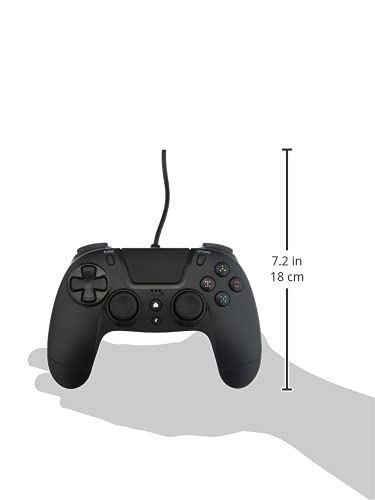
| Ürün Boyutları (Kontrol Cihazı) | Approximately 7.2 inches (18 cm) in height |
| Ürün Ağırlığı | 7.41 ons (210 gram) |
| Üretici | Gioteck |
Garanti ve Destek
For warranty information and technical support regarding your Gioteck VX-4 Wired Controller, please refer to the official Gioteck webSiteyi ziyaret edebilir veya doğrudan müşteri hizmetleriyle iletişime geçebilirsiniz. Garanti talepleri için satın alma belgenizi saklamanız önerilir.
Manufacturer: Gioteck
İlk Yayınlanma Tarihi: 10 Eylül 2020


