giriiş
This manual provides comprehensive instructions for the beyerdynamic FOX Professional USB Studio Microphone and its accompanying Microphone Suspension Boom Scissor Arm. It covers essential information regarding product setup, operation, maintenance, and troubleshooting to ensure optimal performance and longevity of your equipment. Please read this manual thoroughly before using the product.
Güvenlik Bilgileri
Please observe the following safety instructions to prevent damage to the device, injury to yourself, or damage to other property:
- Mikrofonu neme, yağmura veya aşırı sıcaklıklara maruz bırakmayın.
- Avoid dropping the microphone or subjecting it to strong impacts.
- Do not attempt to disassemble or modify the microphone. Refer all servicing to qualified personnel.
- Keep the microphone and boom arm away from strong magnetic fields.
- Ensure the boom arm is securely clamped to a stable surface to prevent accidental falls.
- Use only the specified power source (USB connection) for the microphone.
Paket İçeriği
Aşağıda listelenen tüm öğelerin paketinizde mevcut olduğundan emin olun:
- beyerdynamic FOX Professional USB Studio Microphone
- Microphone Suspension Boom Scissor Arm with 3/8-Inch-16 Threading (Black)
- USB kablosu
- Desk Stand (for microphone)
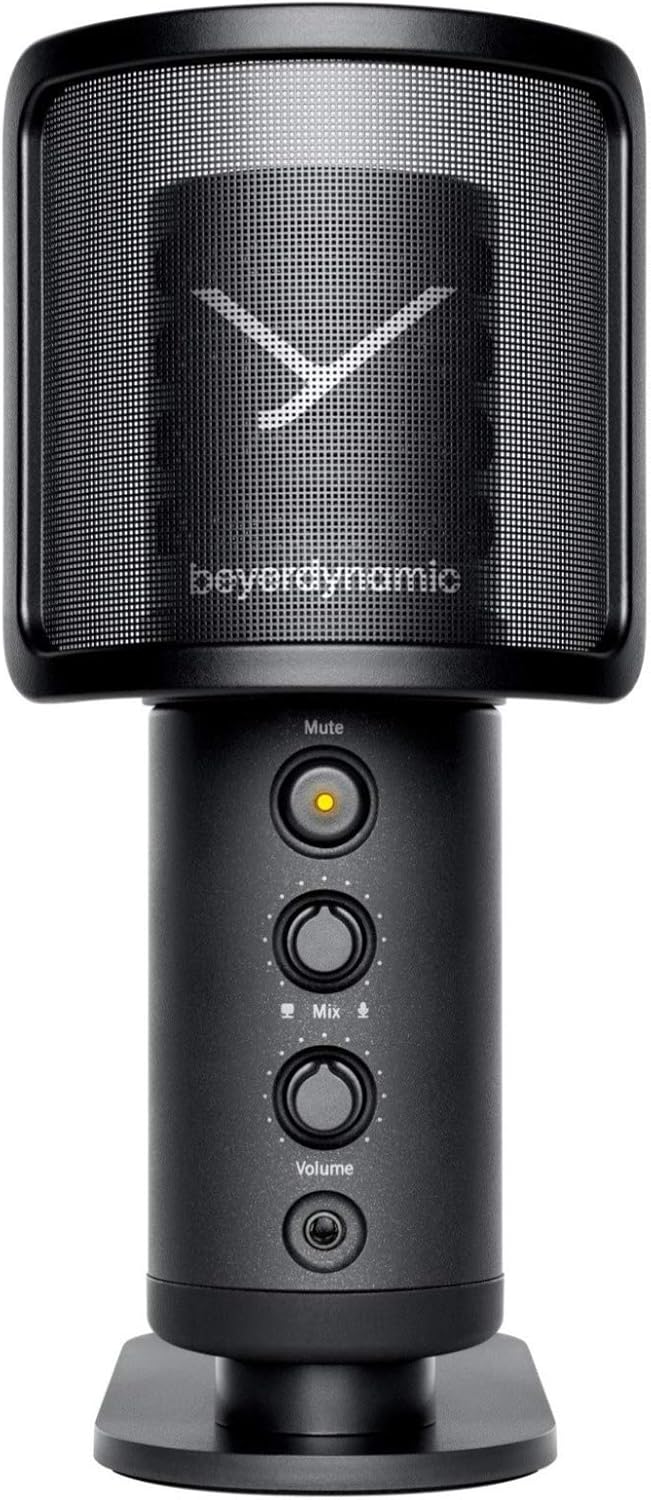
Image: The beyerdynamic FOX USB Studio Microphone and the included boom arm, showcasinKomple paketi alın.
Ürün Bittiview
Temel Özellikler:
- Yüksek Çözünürlüklü Ses: 24-bit / 96 kHz studio-grade quality for professional recordings.
- Large Condenser Capsule: Ensures accurate signal conversion and low inherent noise.
- Kardioid Kutupsal Desen: Focuses on sound directly in front of the microphone, reducing unwanted background noise.
- Sıfır Gecikmeli İzleme: Integrated headphone output allows real-time monitoring of your audio.
- Sessiz tuşu: Instantly mutes the microphone for privacy or to prevent unwanted sounds from being recorded.
- Kazanç Anahtarı: Adjustable gain for recording various sound sources, including loud instruments.
- USB Bağlantısı: Simple plug-and-play connection to PC, Mac, or compatible smartphones/tablets.
Mikrofon Bileşenleri:
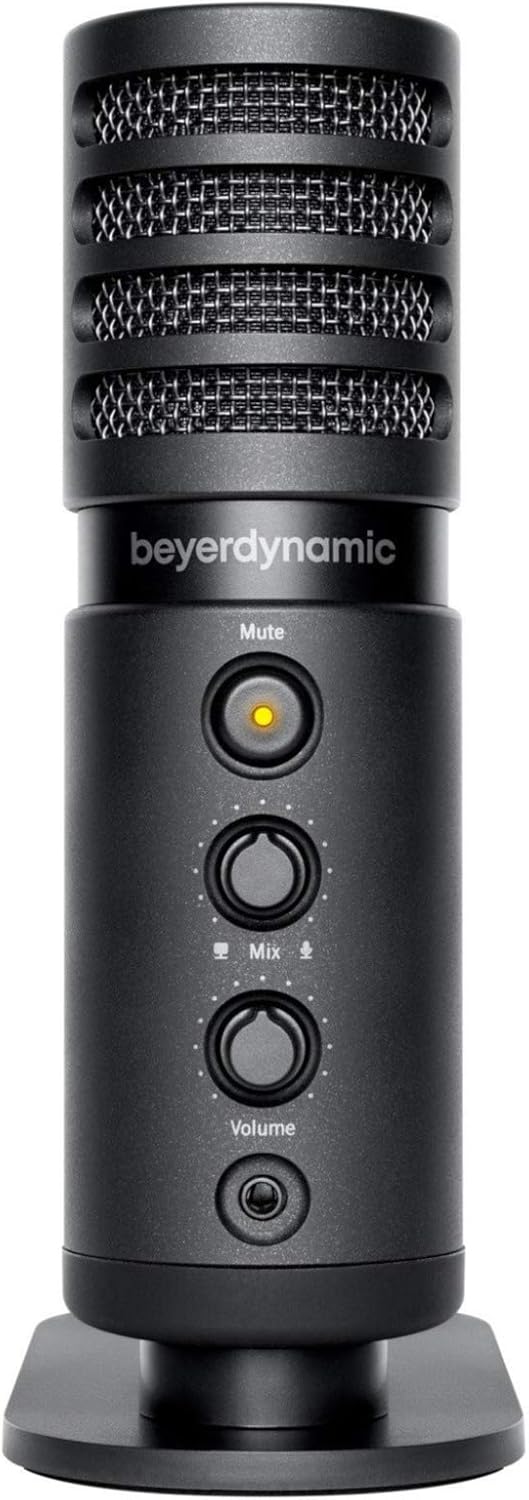
Resim: Ön view of the beyerdynamic FOX microphone, highlighting the mute button, mix control, and volume knob.
- Mikrofon Izgarası: Protects the condenser capsule.
- Sessiz tuşu: Press to mute/unmute the microphone. An indicator light will show status.
- Karışım Kontrolü: Adjusts the balance between microphone input and computer playback in your headphones.
- Ses Düğmesi: Controls the headphone output volume.
- Kulaklık Jakı (3.5 mm): For connecting monitoring headphones.
- USB-C Bağlantı Noktası: For connecting the microphone to your computer or mobile device.
- Vidalı Montaj: For attaching to the desk stand or boom arm.
Kurmak
1. Assembling the Boom Arm:
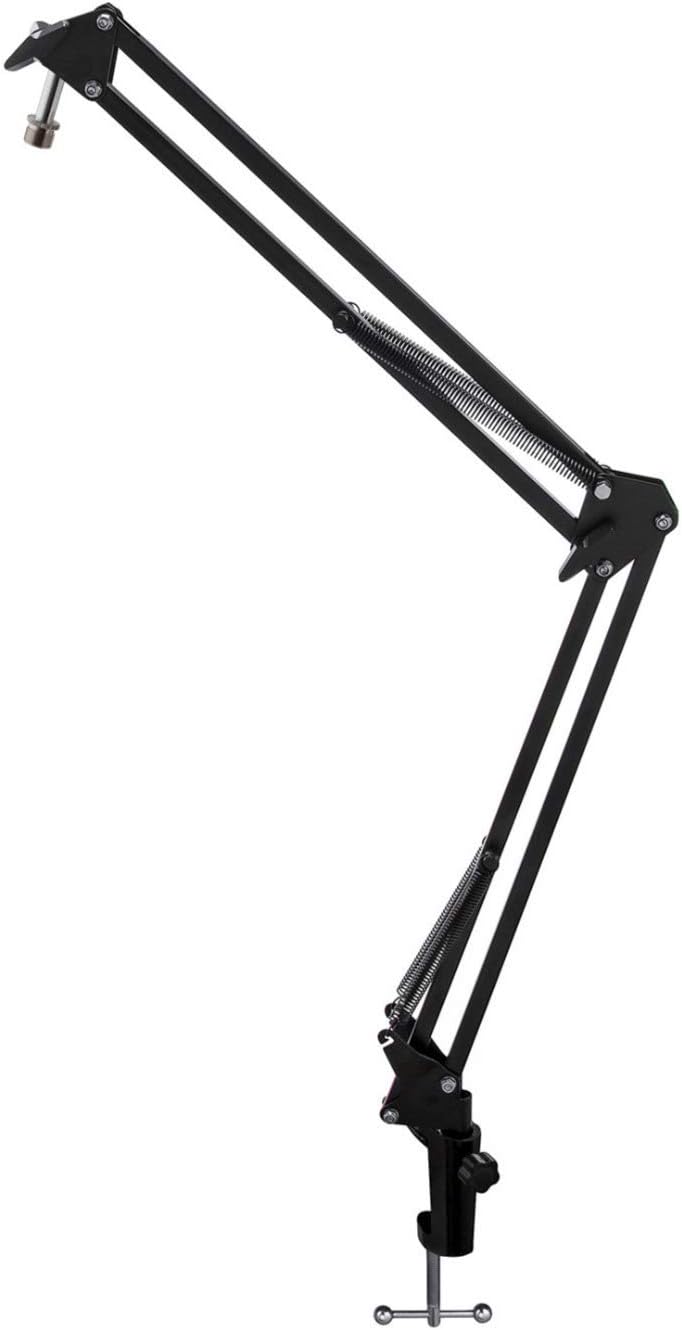
Image: The Microphone Suspension Boom Scissor Arm, showing its adjustable joints and desk clamp.
- Masa Cl'yi Takınamp: Masayı güvenli bir şekilde sabitleyin.amp to the edge of a sturdy desk or table. Ensure it is tight to prevent movement.
- Bom kolunu takın: Bom kolunun tabanını masa kapağındaki deliğe yerleştirinamp. Tighten the locking screw on the clamp to hold the arm in place.
- Konumu Ayarla: Adjust the boom arm to your desired height and reach. The springs will help balance the microphone's weight.
2. Attaching the Microphone:
- To Boom Arm: Screw the beyerdynamic FOX microphone onto the 3/8-inch-16 threaded mount at the end of the boom arm. Ensure it is finger-tight.
- Using Desk Stand (Optional): If not using the boom arm, screw the microphone onto its included desk stand.
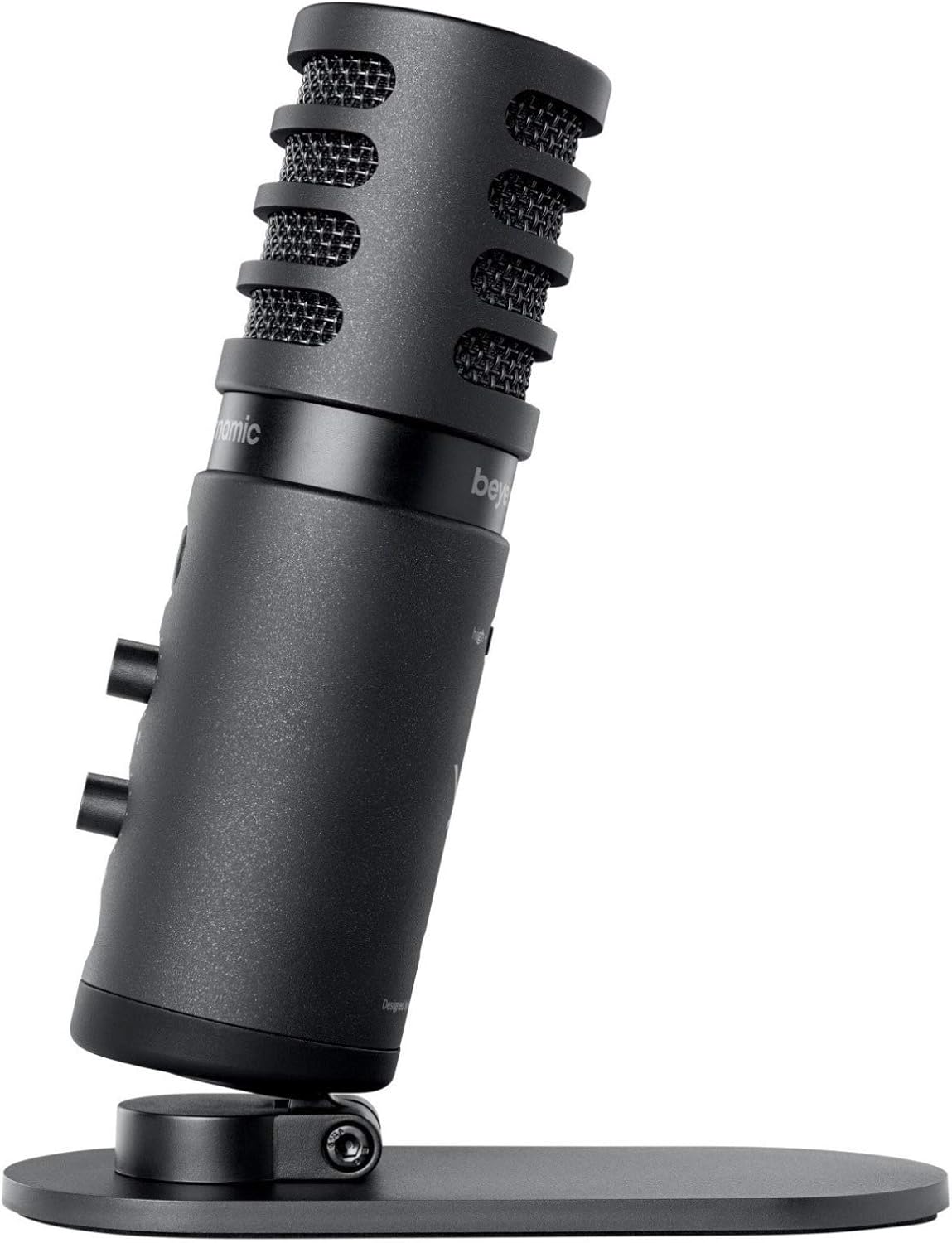
Image: The beyerdynamic FOX microphone mounted on its compact desk stand, ready for use.
3. Cihazınıza Bağlanma:
- Connect the supplied USB cable to the USB-C port on the microphone.
- Connect the other end of the USB cable to an available USB port on your computer (PC/Mac) or compatible smartphone/tablet (adapter may be required for some mobile devices).
- Mikrofon tak çalıştır özelliğine sahiptir ve işletim sisteminiz tarafından otomatik olarak tanınmalıdır.
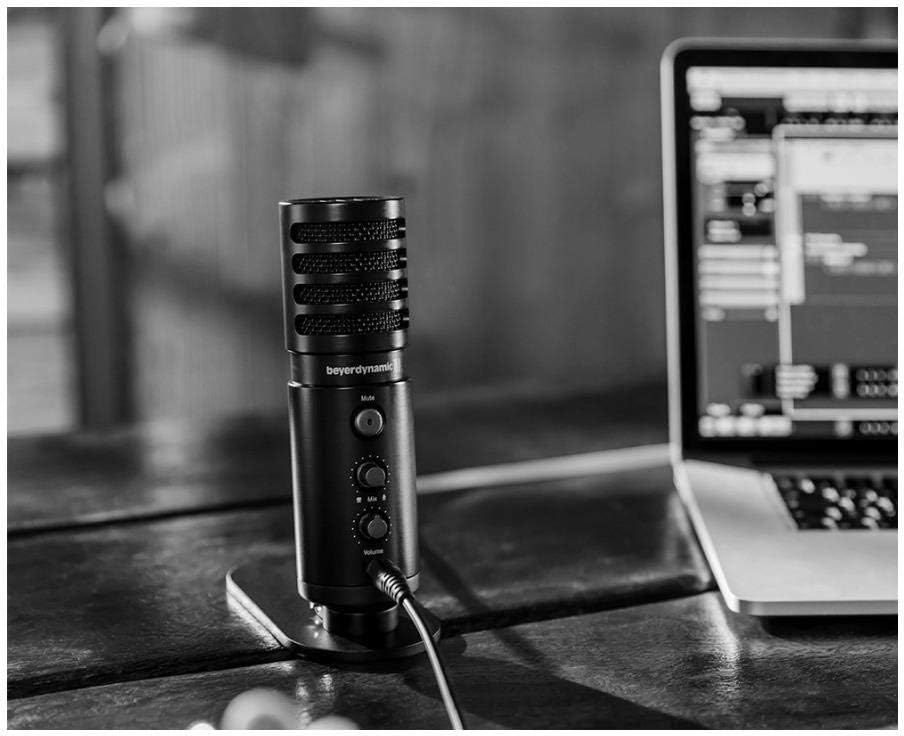
Image: The beyerdynamic FOX microphone in use, connected via USB to a laptop on a wooden desk.
Kullanım Talimatları
1. System Recognition:
- Once connected, your operating system (Windows, macOS, Android, iOS) should automatically detect the beyerdynamic FOX as an audio input and output device.
- You may need to select "beyerdynamic FOX" as your default input/output device in your system's sound settings or within your recording software.
2. Using the Mute Button:
- Basın Sesini kapatmak button on the front of the microphone to toggle between active and muted states.
- An indicator light will typically show the microphone's status (e.g., green for active, red/orange for muted).
3. Adjusting Gain (Input Level):
- The FOX microphone features a gain switch (often labeled "Gain" or represented by a symbol like a microphone with a "+" or "-").
- Use this switch to adjust the microphone's sensitivity. For quiet sources (e.g., soft vocals), use a higher gain setting. For loud sources (e.g., instruments, loud speaking), use a lower gain setting to prevent distortion.
- Monitor your recording software's input levels to ensure they are not peaking (clipping).
4. Zero-Latency Monitoring:
- Connect headphones to the 3.5mm headphone jack on the microphone.
- Kullanın Hacim knob to adjust the headphone listening level.
- The Karışım control allows you to blend the microphone's direct input with the audio playback from your computer. Turn towards the microphone icon to hear more of your live input, and towards the speaker icon to hear more of your computer's audio.
- This feature allows you to hear your voice or instrument in real-time without delay, which is crucial for accurate performance.
Bakım
- Temizlik: Mikrofonun dış yüzeyini temizlemek için yumuşak, kuru bir bez kullanın. Sıvı temizleyiciler veya çözücüler kullanmayın.
- Depolamak: Kullanılmadığı zamanlarda mikrofonu kuru ve tozsuz bir ortamda saklayın.
- Bom Kolu: Periodically check the boom arm's clamps and joints for tightness. Lubricate moving parts if necessary with a small amount of silicone-based lubricant.
- Kablo Bakımı: Avoid sharp bends or kinks in the USB cable. Store it neatly to prevent damage.
Sorun giderme
| Sorun | Olası Neden | Çözüm |
|---|---|---|
| mikrofondan ses gelmiyor |
|
|
| Distorted or clipping sound |
|
|
| Kulaklıkta ses yok |
|
|
| Bom kolu dengesiz |
|
|
Özellikler
| Özellik | Detay |
|---|---|
| Model Numarası | FOXUSBMIC_K5 |
| Mikrofon Form Faktörü | Table Array (with included desk stand) |
| Bağlantı Teknolojisi | USB |
| Bağlayıcı Türü | USB |
| Kutup Deseni | Tek Yönlü (Kardioid) |
| Çözünürlük | 24 bit / 96 kHz |
| Sinyal-Gürültü Oranı | 78 dB |
| Donanım Platformu | bilgisayar, akıllı telefon |
| Uyumlu Cihazlar | Headphone, Personal Computer, Smartphone |
| Güç Kaynağı | Kablolu Elektrikli (USB ile çalışan) |
| Ürün Ağırlığı (Mikrofon) | 16 ons (1 pound) |
| Ürün Boyutları | 16.2 x 8.3 x 6.8 inches (overall bundle dimensions) |
| Renk | Siyah |
| UPC | 040962932483 |
Garanti ve Destek
Garanti bilgileri ve teknik destek için lütfen resmi Beyerdynamic web sitesine başvurun. webSite üzerinden satın alabilir veya doğrudan müşteri hizmetleriyle iletişime geçebilirsiniz. Satın alma belgenizi garanti talepleriniz için saklayın.
Resmi Webalan: www.beyerdinamik.com


