giriiş
Thank you for choosing the havit MS72 Wired USB Gaming Mouse. This manual provides essential information for the proper installation, operation, and maintenance of your new gaming mouse. Please read this manual thoroughly before using the product to ensure optimal performance and longevity.
The havit MS72 features an ergonomic design, an anti-slipping surface, and adjustable DPI settings (800-1200 DPI) for precise control. It also includes RGB lighting for an enhanced aesthetic experience.
Paket İçeriği
- havit MS72 Wired USB Gaming Mouse
- Kullanıcı Kılavuzu
Kurmak
Follow these steps to set up your havit MS72 Gaming Mouse:
- USB Kablosunu bağlayın: Locate an available USB port on your computer (desktop or laptop). Insert the USB connector of the havit MS72 mouse into the USB port.
- Otomatik Sürücü Kurulumu: Your operating system (Windows, macOS, Linux) should automatically detect the mouse and install the necessary drivers. This process may take a few moments.
- İşlevselliği Doğrulayın: Once the drivers are installed, the mouse's RGB lighting should illuminate, and the cursor should respond to movement. Test the left, right, and scroll wheel functions.
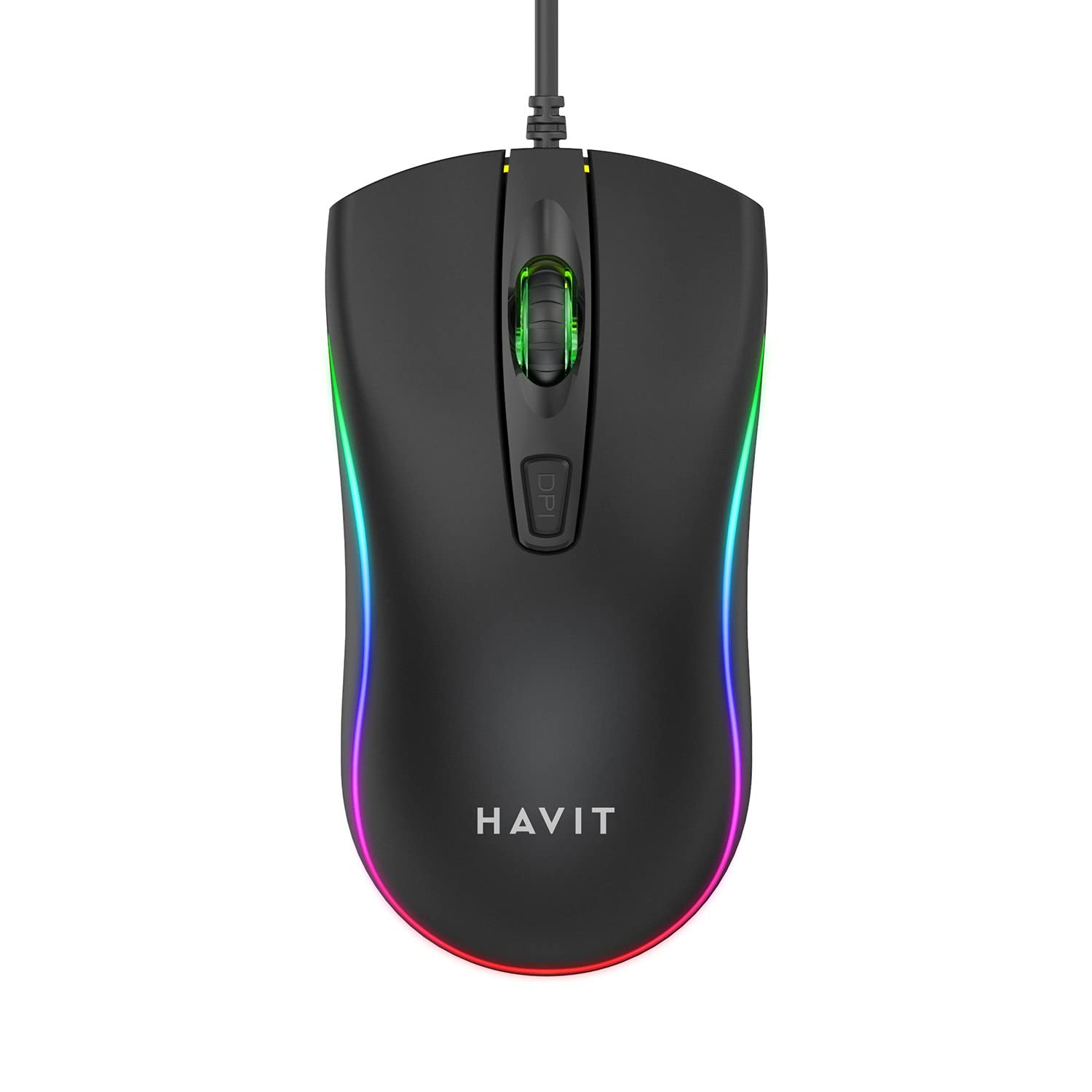
Image: The havit MS72 Gaming Mouse with its USB cable connected, showcasinErgonomik tasarımı ve RGB aydınlatması ile dikkat çekiyor.
Kullanım Talimatları
The havit MS72 Gaming Mouse is designed for intuitive use. Here are its primary functions:
- Sol Tıklama Düğmesi: Standart birincil tıklama işlevi.
- Sağ Tıklama Butonu: Genellikle bağlam menüleri için kullanılan standart ikincil tıklama işlevi.
- Kaydırma tekerleği: Belgeler arasında gezinmek için kullanılır ve web Sayfalar. Ayrıca orta tıklama düğmesi olarak da işlev görebilir.
- DPI Ayarlama Düğmesi: Located behind the scroll wheel. Press this button to cycle through the available DPI settings (800 DPI and 1200 DPI). The mouse's sensitivity will change with each press.
- Yan Tuşlar (İleri/Geri): Typically located on the left side of the mouse. These buttons are commonly used for navigation (e.g., forward/backward in web browsers) or can be programmed for specific in-game actions.
- RGB Aydınlatma: The mouse features integrated RGB lighting that cycles automatically. There are no user-adjustable controls for the lighting patterns or colors.
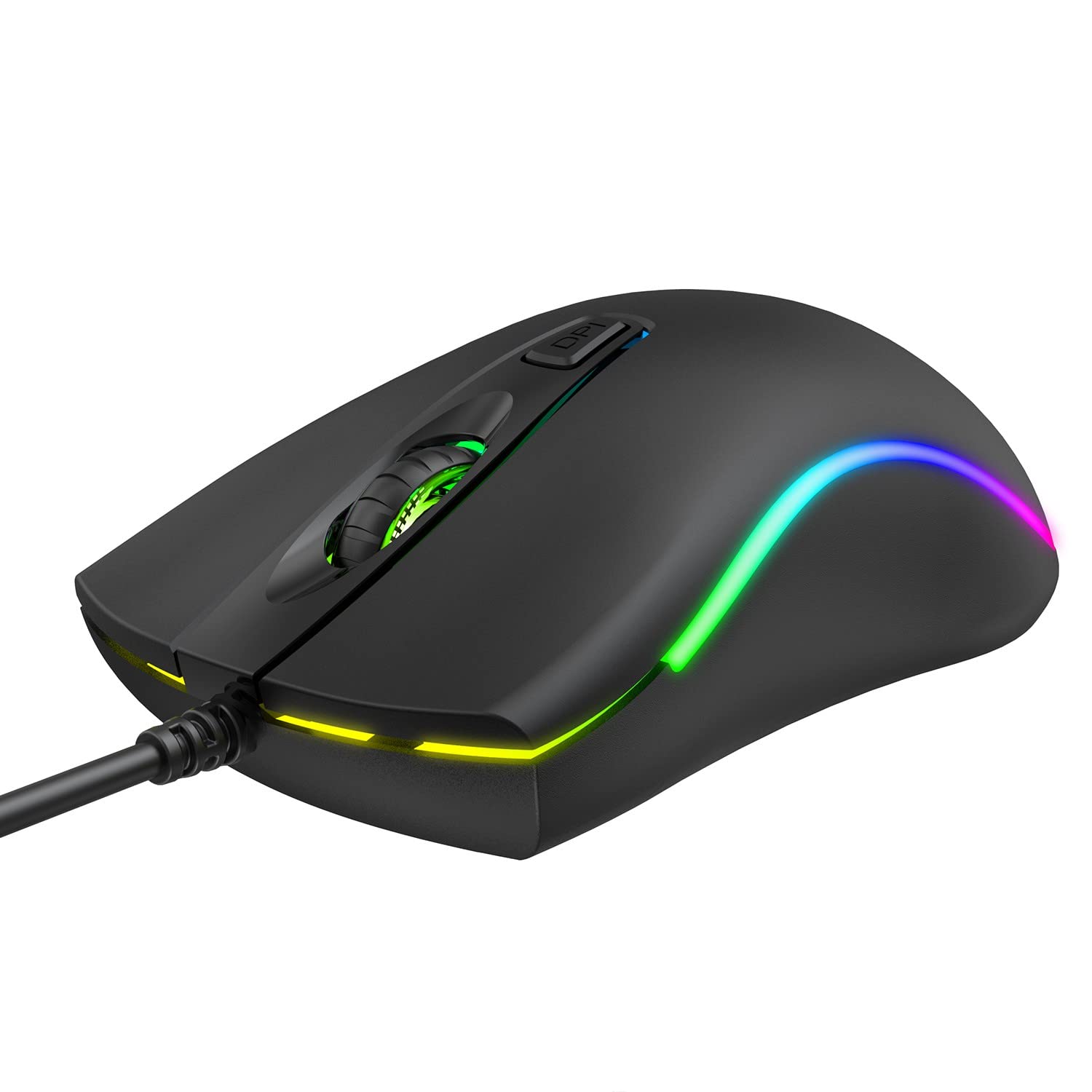
Resim: Üst view of the havit MS72 Gaming Mouse, highlighting the scroll wheel and the DPI adjustment button.

Resim: Yan view of the havit MS72 Gaming Mouse, illustrating the placement of the forward and backward side buttons.
Bakım
Oyun farenizin uzun ömürlü olmasını ve en iyi performansı göstermesini sağlamak için doğru bakım yapılması gerekir:
- Temizlik: Farenin yüzeyini silmek için yumuşak ve kuru bir bez kullanın. İnatçı kirler için hafifçe silin.ampBezi su veya hafif bir temizleme solüsyonuyla yıkayın. Sert kimyasallardan veya aşındırıcı malzemelerden kaçının.
- Optik sensör: Periodically clean the optical sensor on the underside of the mouse with a cotton swab to prevent tracking issues.
- Kablo Bakımı: USB kablosunu ani bükme veya döndürme hareketlerinden kaçının. Fareyi, kablo bağlantısına baskı uygulamayacak şekilde saklayın.
- Depolamak: Uzun süre kullanılmadığı zamanlarda fareyi temiz, kuru bir ortamda, doğrudan güneş ışığından ve aşırı sıcaklıklardan uzakta saklayın.
Sorun giderme
If you encounter issues with your havit MS72 Gaming Mouse, refer to the following common solutions:
| Sorun | Olası Neden | Çözüm |
|---|---|---|
| Fare yanıt vermiyor | Gevşek USB bağlantısı, arızalı USB portu, sürücü sorunu. |
|
| İmleç hareketi düzensiz veya kesik kesik | Kirli optik sensör, uygun olmayan mousepad yüzeyi. |
|
| DPI düğmesi hassasiyeti değiştirmiyor. | Yazılım çakışması, düğme arızası. |
|
| RGB aydınlatma çalışmıyor | Güç sorunu, dahili arıza. |
|
Özellikler
| Marka | sükunet |
| Örnek | MS72 |
| Bağlantı Teknolojisi | USB (Kablolu) |
| Hareket Algılama Teknolojisi | Optik |
| DPI Ayarları | 800-1200 DPI (Two gears) |
| El Yönelimi | İki elini de kullanabilen |
| Özel Özellikler | Ergonomic Design, Anti-Slipping Surface, RGB Light |
| Uyumlu İşletim Sistemleri | Linux, Windows 7, Windows XP, macOS |
| Donanım Platformu | Dizüstü Bilgisayar, Kişisel Bilgisayar |
| Ürün Boyutları (UxGxY) | 11.4x6x3.8 cm |
| Ürün Ağırlığı | 150 gr |
Garanti ve Destek
The havit MS72 Wired USB Gaming Mouse comes with a standard manufacturer's warranty. Please refer to the warranty card included with your product for specific terms and conditions.
For technical support, warranty claims, or any product-related inquiries, please contact the importer/manufacturer directly:
- İthalatçı: Origin Marketing Private Limited
- Adres: 121 Raj Ratna Industrial Estate, Liberty Garden, Malad West, Mumbai 400064
- Telefon: 022 40224087
- E-posta: hizmet@originmarketing.in
When contacting support, please have your product model (MS72) and purchase details readily available.


