giriiş
Thank you for choosing the blucoil 5000mAh Portable Power Bank. This manual provides essential information for the safe and efficient use of your device. Please read it thoroughly before operation and retain it for future reference.
Ürün Bittiview
The blucoil 5000mAh Portable Power Bank is a compact and lightweight external battery designed to charge various electronic devices on the go. It features dual USB output ports for simultaneous charging and a Micro USB input for recharging the power bank itself.

Image: The blucoil 5000mAh Portable Power Bank, a black rectangular device with four LED indicator lights and the blucoil logo.
Setup and Charging the Power Bank
Before initial use, fully charge your blucoil Portable Power Bank.
- Locate the Micro USB input port on the power bank.
- Connect one end of the supplied 12-inch Micro USB charging cable to the power bank's input port.
- Connect the other end of the charging cable to a compatible USB wall adapter (not included) or a computer's USB port.
- The LED indicator lights on the power bank will illuminate to show the charging status. A full charge typically takes approximately 3.5 hours.
- Once all four LED lights are solid, the power bank is fully charged and ready for use.
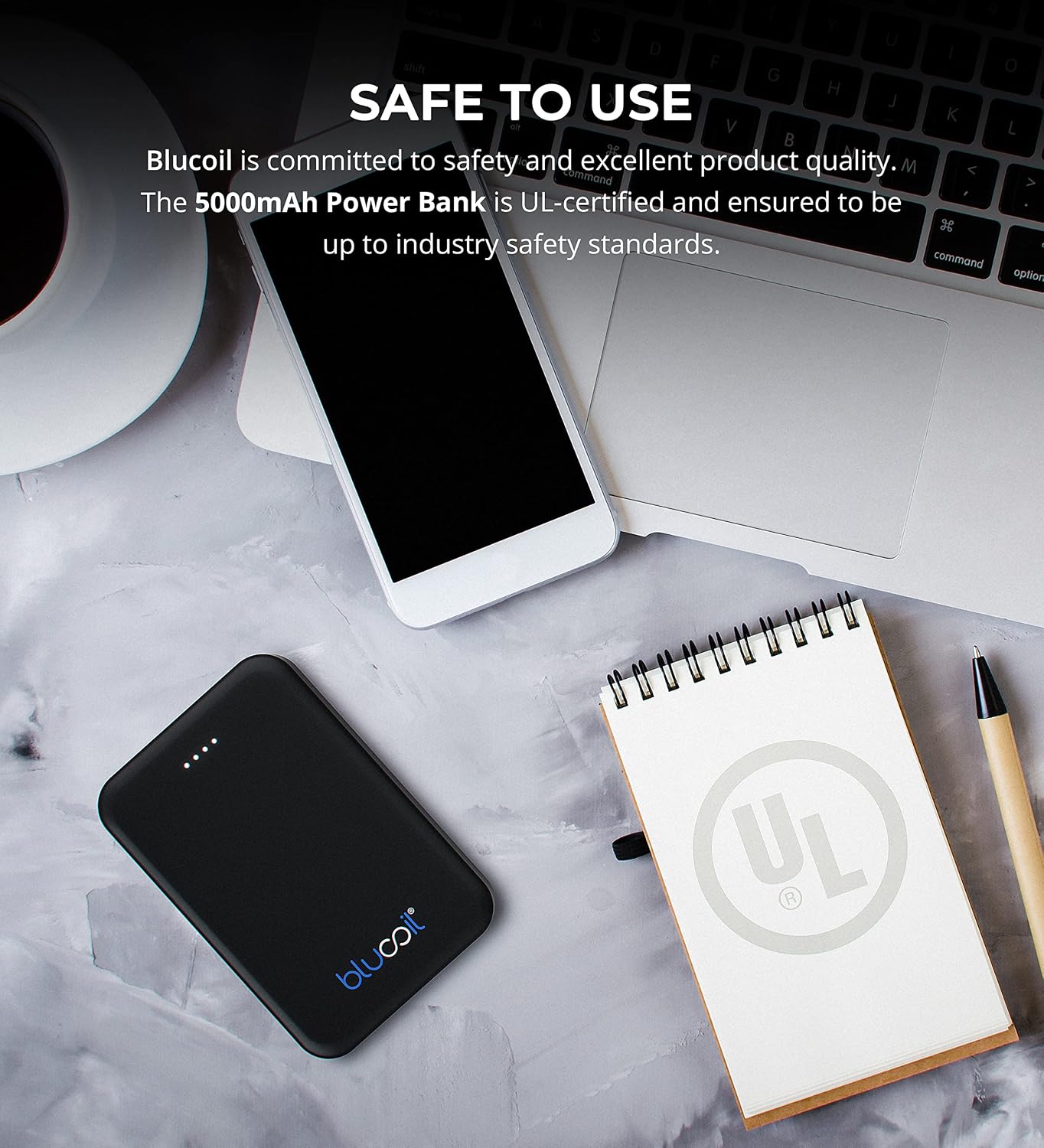
Image: The blucoil power bank connected to a wall adapter via a white USB cable, illustrating the charging process.
Kullanım Talimatları
Cihazlarınızı Şarj Etme
The blucoil 5000mAh Portable Power Bank is equipped with two USB output ports, allowing you to charge up to two devices simultaneously.
- Connect your device's charging cable to one of the USB output ports on the power bank.
- Kablo ucunu elektronik cihazınıza bağlayın.
- The power bank will automatically begin charging your device. The LED indicator lights will show the remaining power level of the power bank.
- Both USB ports provide 5V, 2.1A output power, suitable for fast charging compatible devices.

Image: The blucoil power bank simultaneously charging a smartphone and a tablet using its dual USB output ports.
Güç Seviyesi Göstergeleri
Power bank üzerindeki dört LED ışığı, kalan pil kapasitesini gösterir:
- 4 LED: % 75-100 dolu
- 3 LED: % 50-75 dolu
- 2 LED: % 25-50 dolu
- 1 LED'i: Şarj seviyesi %0-25 (yakında şarj edin)
Geniş Uyumluluk
The blucoil 5000mAh Portable Power Bank is compatible with a wide range of devices, including but not limited to:
- Akıllı telefonlar
- Tabletler
- Dijital Kameralar
- MP3 / MP4 Oyuncular
- Kulaklıklar
- Oyun Konsolları

Image: The blucoil power bank surrounded by icons representing various compatible devices such as phones, tablets, headphones, and game consoles.
Bakım ve Özen
- Keep the power bank dry. Do not expose it to moisture or liquids.
- Avoid extreme temperatures. Do not store in very hot or cold environments.
- Power bank'i yumuşak, kuru bir bezle temizleyin. Sert kimyasallar veya aşındırıcı temizleyiciler kullanmayın.
- Store the power bank with a partial charge (around 50%) if not used for extended periods to prolong battery life.
- Güç bankasını düşürmekten veya güçlü darbelere maruz bırakmaktan kaçının.
Güvenlik Bilgileri
The blucoil 5000mAh Portable Power Bank is designed with safety in mind and is UL-certified, ensuring it meets industry safety standards.
- Power bank'i sökmeyin, üzerinde değişiklik yapmayın veya tamir etmeye çalışmayın.
- Çocukların erişemeyeceği yerde saklayınız.
- Powerbank'i kısa devre yaptırmayın.
- Güç bankasını yerel yönetmeliklere uygun şekilde sorumlu bir şekilde atın.

Image: The blucoil power bank placed next to a notebook with a prominent UL certification logo, indicating product safety compliance.
Sorun giderme
- Powerbank şarj olmuyor: Ensure the charging cable is securely connected to both the power bank's Micro USB input and the wall adapter/USB port. Try a different cable or adapter.
- Cihaz powerbank'ten şarj olmuyor: Ensure the power bank is sufficiently charged. Check that the device's charging cable is properly connected to both the power bank's output port and your device. Try a different cable.
- Yavaş şarj oluyor: Ensure you are using a compatible charging cable and that the power bank has adequate charge. Some devices may charge slower if the power bank's charge is very low.
Özellikler
| Özellik | Detay |
|---|---|
| Marka | mavi |
| Örnek | 5000mAh Taşınabilir Güç Bankası |
| Pil Kapasitesi | 5000 Miliamp Saat (18.5Wh) |
| Çıkış Hacmitage | 5 Volt |
| Çıkış Akımı | 2.1A (per port) |
| Bağlayıcı Türü | Mikro USB (Giriş) |
| Ürün Ağırlığı | 4.6 ons |
| Paket Boyutları | 6.26 x 3.58 x 0.71 inç |
| Özel Özellikler | Lightweight, Portable, Travel-friendly |
Garanti ve Destek
For warranty information or technical support, please refer to the product packaging or contact blucoil customer service through the retailer where the product was purchased. Keep your proof of purchase for any warranty claims.


