1. Giriş
Thank you for choosing the gorsun Kids Bluetooth Headphones. This manual provides essential information for the safe and effective use of your headphones. Please read it carefully before use and retain it for future reference.
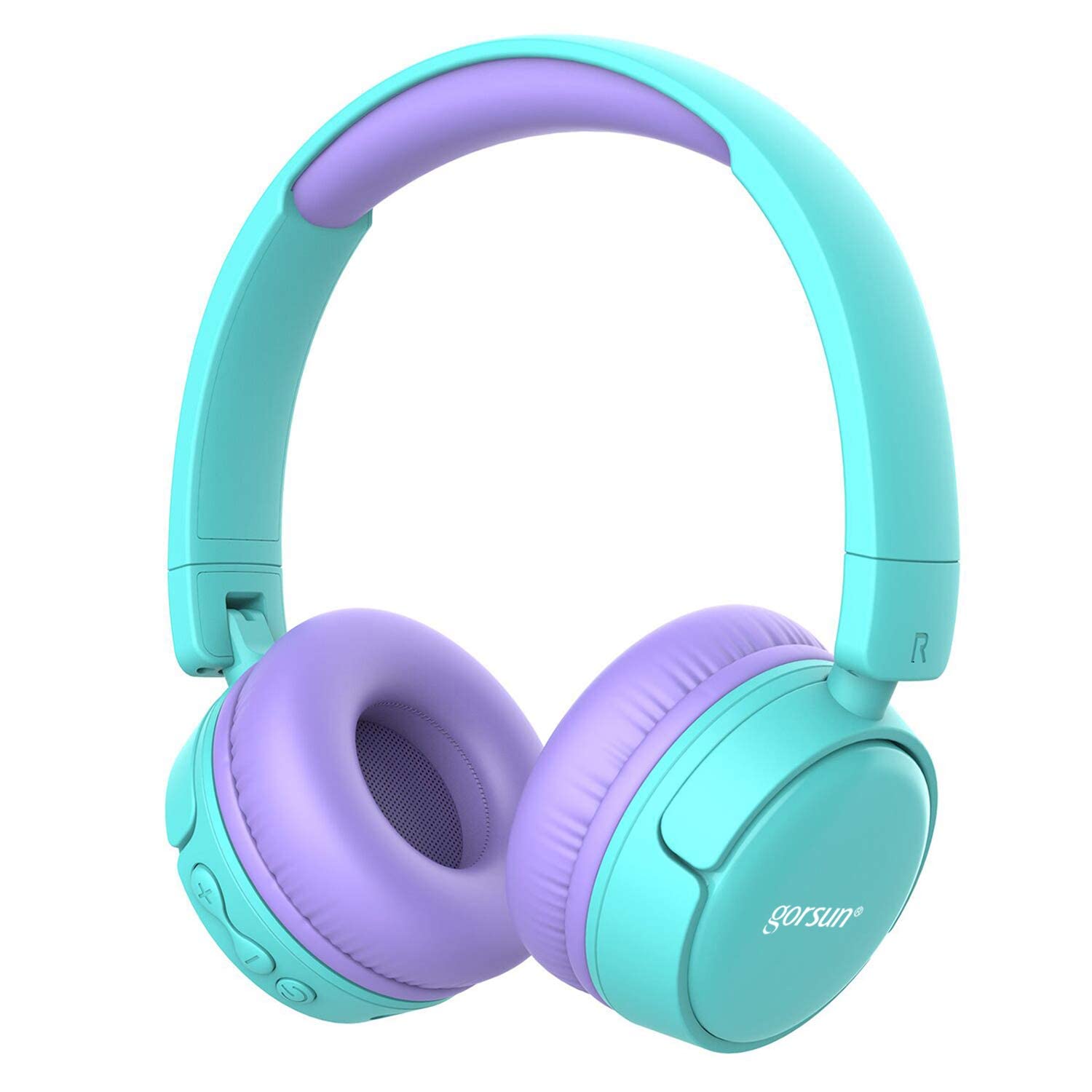
Image: gorsun Kids Bluetooth Headphones in purple and teal, showcasingenel tasarımı.
2. Paket İçeriği
Paketin içerisinde tüm ürünlerin mevcut olduğundan emin olun:
- 1 x gorsun Kids Bluetooth Headphones
- 1 x USB Şarj Kablosu
- 1 x 3.5 mm Ses Kablosu
- 1 x Kullanım Kılavuzu (bu belge)
- 1 x Taşıma Çantası

Image: The product box and its contents, including the headphones, USB charging cable, 3.5mm audio cable, and a black carrying bag.
3. Kurulum
3.1 Kulaklıkların Şarj Edilmesi
Before first use, fully charge the headphones. Connect the small end of the USB charging cable to the charging port on the headphones and the larger end to a USB power source (e.g., computer, wall adapter). The charging indicator light will show the charging status. A full charge takes approximately 1 hour.
3.2 Güç Açma/Kapatma
- Açmak İçin: Gösterge ışığı yanıp sönene kadar Güç düğmesini yaklaşık 3 saniye basılı tutun.
- Kapatmak İçin: Gösterge ışığı sönene kadar Güç düğmesini yaklaşık 3 saniye basılı tutun.
3.3 Bluetooth Eşleştirme
- Kulaklıkların kapalı olduğundan emin olun.
- Press and hold the Power button for about 5-7 seconds until the indicator light flashes red and blue alternately. This indicates pairing mode.
- Cihazınızda (akıllı telefon, tablet, dizüstü bilgisayar) Bluetooth'u etkinleştirin ve kullanılabilir cihazları arayın.
- Select "gorsun Kids Headphones" from the list of found devices.
- Eşleştirme tamamlandığında, gösterge ışığı yavaşça mavi renkte yanıp sönecektir.
Kulaklık açıldığında, son eşleştirilen cihaza otomatik olarak yeniden bağlanmaya çalışacaktır.
3.4 Kablolu Bağlantı
To use the headphones in wired mode, connect one end of the 3.5mm audio cable to the audio input jack on the headphones and the other end to your audio device's 3.5mm output jack. The Bluetooth function will automatically disable when the audio cable is connected.
3.5 Volume Limiter Adjustment
These headphones feature a volume limiter to protect children's hearing. You can switch between 85dB (Child Safety Mode) and 93dB (Flight Mode) depending on the environment.

Resim: Yakın çekim view of the gorsun Kids Bluetooth Headphones, highlighting the volume adjuster switch on the earcup, which allows selection between 85dB and 93dB modes.
Locate the volume adjuster switch on the earcup and slide it to your desired volume limit setting.
4. Kullanım Talimatları
4.1 Temel Kontroller
- Oynat/Duraklat: Güç düğmesine bir kez basın.
- Sesi aç: "+" butonuna basın.
- Sesi kıs: "-" tuşuna basın.
- Sonraki Parça: "+" tuşuna basılı tutun.
- Önceki parça: "-" tuşuna basılı tutun.
4.2 Telefon Görüşmeleri
With the built-in microphone, you can manage phone calls when connected via Bluetooth:
- Çağrıyı Cevapla/Sonlandır: Güç düğmesine bir kez basın.
- Çağrıyı Reddet: Güç düğmesini 2 saniye basılı tutun.
- Son Numarayı Tekrar Ara: Güç düğmesine iki kez basın.
4.3 Compatible Sharing Jack-Port
These headphones feature a sharing jack-port, allowing two or more headphones to be connected to a single audio source using standard 3.5mm Aux cables (one cable per additional headphone). This enables multiple users to listen to the same audio simultaneously.
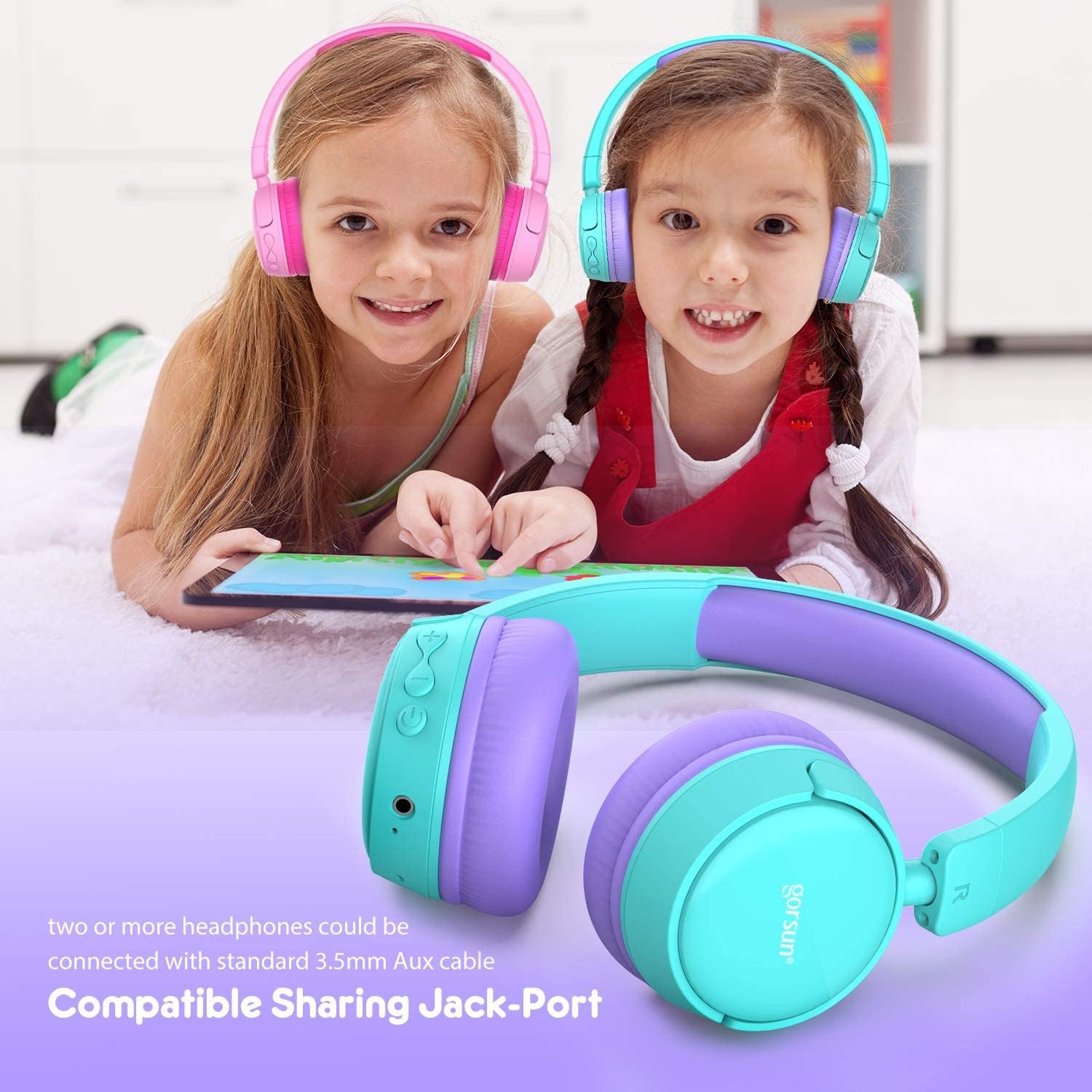
Image: Two children wearing gorsun Kids Bluetooth Headphones, connected together with an audio cable to share sound from a tablet, demonstrating the sharing jack-port feature.
5. Bakım
5.1 Temizlik
Wipe the headphones with a soft, dry cloth. Do not use harsh chemicals or abrasive cleaners. Avoid getting moisture into any openings.
5.2 Depolama
When not in use, store the headphones in the provided carrying bag to protect them from dust and scratches. The headphones are foldable for compact storage.

Image: The gorsun Kids Bluetooth Headphones shown in a folded position, illustrating their compact design for easy storage and portability.
5.3 Pil Bakımı
Pil ömrünü uzatmak için kulaklıkların pilini sık sık tamamen boşaltmaktan kaçının. Sürekli kullanılmasa bile düzenli olarak şarj edin. Serin, kuru ve aşırı sıcaklıklardan uzak bir yerde saklayın.

Image: A detailed breakdown of the headphone's comfortable features, including protein sponge padding, an adjustable headband with numbered markings, soft protein ear cushions, and a polished outer casing.
6. Sorun Giderme
- Kulaklıklar açılmıyor: Kulaklıkların şarjının dolu olduğundan emin olun. USB kablosunu kullanarak bir güç kaynağına bağlayın.
- Bluetooth üzerinden eşleştirilemiyor: Make sure the headphones are in pairing mode (red and blue flashing light). Ensure Bluetooth is enabled on your device and it is within 10 meters of the headphones. Turn off and on both devices and try again.
- Ses yok: Check the volume level on both the headphones and your connected device. Ensure the headphones are properly paired or the 3.5mm audio cable is fully inserted.
- Poor sound quality or connection drops: Move closer to your Bluetooth device to reduce interference. Ensure there are no obstacles between the headphones and the device. Disconnect and re-pair the headphones.
- Mikrofon çalışmıyor: Ensure the headphones are properly connected via Bluetooth. Check your device's audio input settings to confirm the headphone microphone is selected.
7. Özellikler
| Özellik | Şartname |
|---|---|
| Model Numarası | f0b6f738-96a2-4a17-9d00-ed2fa798fbe0 |
| Bağlantı | Kablosuz (Bluetooth 4.0), Kablolu (3.5 mm Aux) |
| Bluetooth Menzili | 10 metreye (33 feet) kadar |
| Pil Ömrü | 15 saate kadar |
| Şarj Süresi | Yaklaşık 1 saat |
| Ses Sınırlayıcı | 85dB (Child Safety Mode) / 93dB (Flight Mode) |
| Frekans Tepkisi | 20 Hz - 20 kHz |
| Malzeme | Plastik, Silikon |
| Ürün Ağırlığı | 10.6 ons (300 gram) |
| Ürün Boyutları | 6.69 x 6.5 x 0.18 inç |
| Özel Özellikler | Lightweight, Built-in Microphone, Foldable Design, Sharing Jack-Port |
8. Garanti Bilgileri
gorsun products are designed and manufactured to the highest quality standards. This product is covered by a limited warranty from the date of purchase. Please refer to the warranty card included in your package or contact customer support for detailed warranty terms and conditions.
9. Müşteri Desteği
For any questions, technical assistance, or warranty claims, please contact gorsun customer support through the retailer where you purchased the product or visit the official gorsun webiletişim bilgileri için site.


