1. Giriş
Thank you for choosing the VMAI 36-Inch Soundbar. This soundbar is designed to significantly enhance your home entertainment experience by delivering crystal clear, powerful audio. With multiple connectivity options and a sleek design, it integrates seamlessly into any living space. Please read this manual thoroughly before use to ensure proper setup and operation.

Image: The VMAI 36-inch soundbar in black, accompanied by its remote control, showcasinkompakt ve zarif tasarımıyla.
2. Paket İçeriği
Lütfen tüm öğelerin mevcut ve iyi durumda olduğundan emin olmak için paketi dikkatlice kontrol edin:
- VMAI 36-Inch Soundbar
- Uzaktan kumanda
- Güç Adaptörü
- Optik Kablo
- RCA - 3.5 mm Ses Kablosu
- HDMI ARC Kablosu
- Wall Mounting Kit (screws, wall anchors, mounting brackets)
- Kullanıcı Kılavuzu
3. Ürün Özellikleri
- Kristal Netliğinde Ses: 60W sound output with less than 1% total harmonic distortion, providing rich and detailed audio for an immersive experience.
- Gelişmiş Bluetooth 5.0: Ensures stable and fast wireless connectivity with low power consumption, allowing seamless streaming from your smart devices.
- Çoklu Bağlantı Seçenekleri: Supports HDMI ARC, Optical, AUX input, and USB flash drive for versatile connection to various audio sources.
- Personalized Sound Settings: Adjust sound modes (Music, Movie, News, 3D) and fine-tune treble and bass levels using the included smart remote control.
- Esnek Montaj Tasarımı: Can be placed under your TV, on a cabinet, or easily mounted on the wall with the included premium mounting kit.
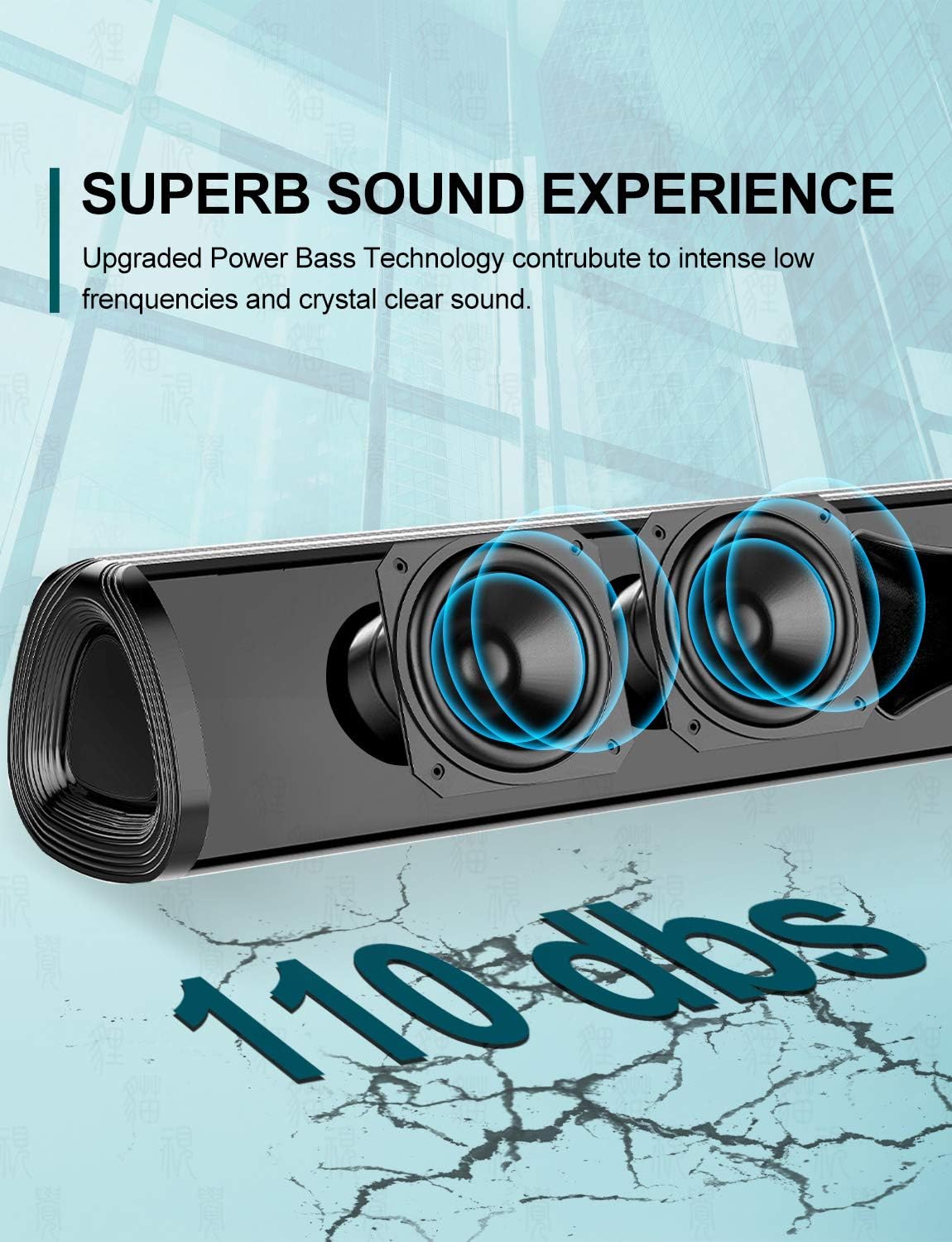
Resim: Yakın çekim view of the soundbar's internal speakers, illustrating the powerful sound output with a visual representation of 110 decibels.
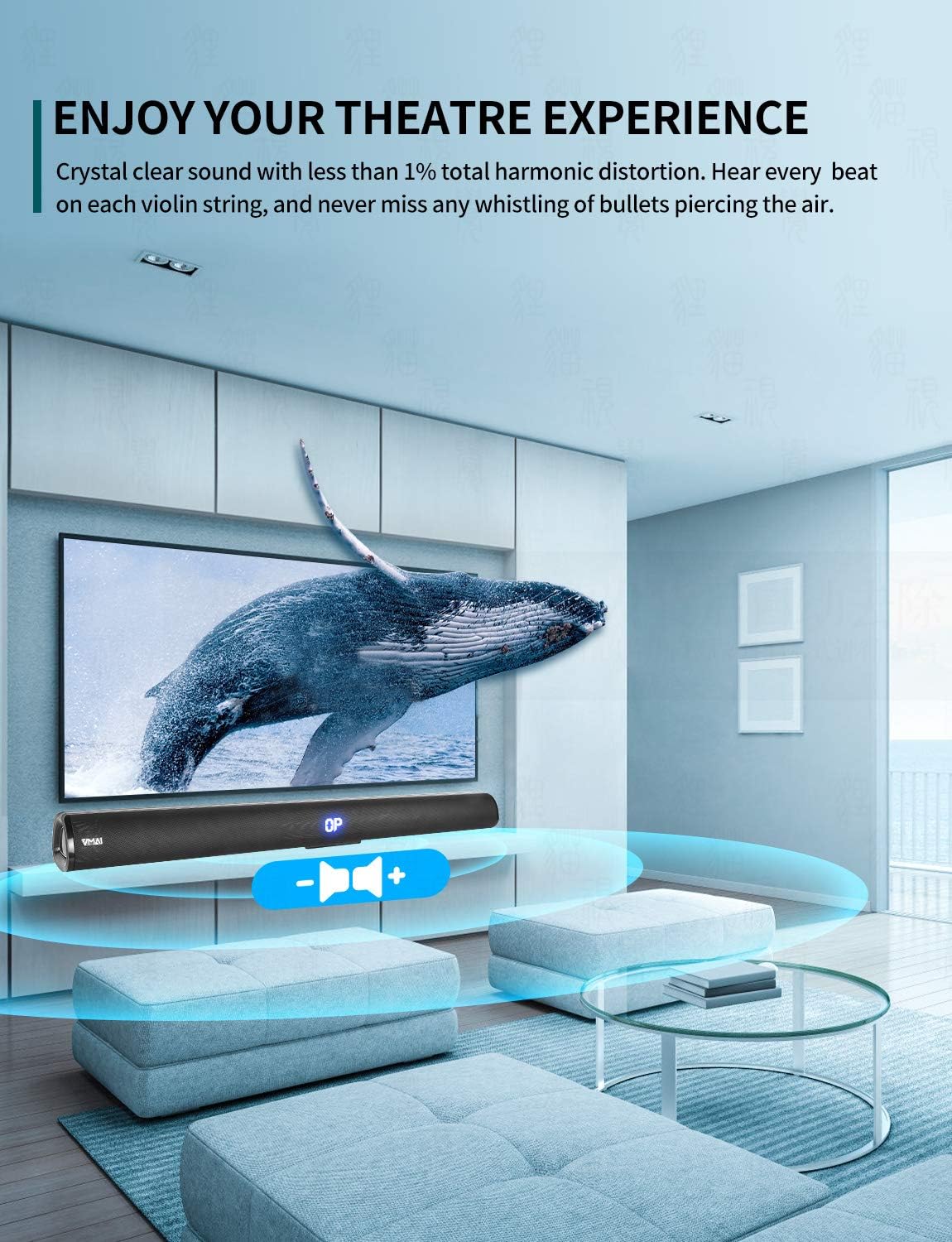
Image: A family enjoying a movie with the soundbar enhancing the audio experience, demonstrating its capability to create an immersive home theater environment.
4. Kurulum
4.1 Yerleştirme Seçenekleri
The VMAI Soundbar offers versatile placement to suit your home setup:
- Masaüstü Yerleşimi: Place the soundbar on a flat, stable surface directly in front of your TV. Ensure there are no obstructions in front of the soundbar to allow for optimal sound projection.
- Duvara Montaj: Use the included wall mounting kit to securely attach the soundbar to a wall below your TV. Refer to the detailed wall mounting instructions provided in the kit for proper installation.

Image: A visual guide demonstrating the two primary placement options for the soundbar: mounted on a wall below a television and placed on a desktop surface.
4.2 Güç Bağlantısı
- Güç adaptörünü ses çubuğunun arkasındaki DC IN bağlantı noktasına bağlayın.
- Güç adaptörünün diğer ucunu duvar prizine takın.
- The soundbar will enter standby mode, indicated by an LED light.
4.3 Connecting to Your TV/Devices
Choose the most suitable connection method for your device:

Image: The rear panel of the soundbar displaying its various input ports including HDMI ARC, Optical, AUX, and DC IN, along with the corresponding connection cables.
HDMI ARC Bağlantısı (Önerilir)
- Connect one end of the HDMI cable (included) to the HDMI ARC port on the soundbar.
- Kabloyu diğer ucundan televizyonunuzdaki HDMI ARC portuna bağlayın.
- Ensure your TV's HDMI ARC function is enabled in its settings. This allows you to control the soundbar volume with your TV remote.
Optik Bağlantı
- Connect one end of the Optical cable (included) to the OPTICAL port on the soundbar.
- Connect the other end to the Optical Digital Audio Out port on your TV or audio source.
- Ensure your TV's audio output is set to 'PCM' format, as some TVs may default to other formats incompatible with optical input.
AUX Bağlantısı
- Connect one end of the RCA to 3.5mm audio cable (included) to the AUX port on the soundbar.
- Connect the RCA ends to the corresponding audio output ports (usually red and white) on your TV or audio source.
Bluetooth Bağlantısı
- Power on the soundbar and select 'Bluetooth' input mode using the remote or side buttons. The LED display will show 'BT'.
- Akıllı telefonunuzda veya başka bir cihazda Bluetooth'u etkinleştirin.
- Arama 'VMAI Soundbar' in the list of available devices and select it to pair.
- Once paired, the soundbar will indicate a successful connection, and you can play audio wirelessly.
USB (Flash Drive) Connection
- MP3 ses dosyası içeren bir USB flash sürücü takın fileSoundbar'ın USB portuna takın.
- The soundbar will automatically switch to USB mode and begin playing the audio files.
5. Kullanım Talimatları
5.1 Kontroller
The soundbar can be controlled via the side panel buttons or the included remote control.

Resim: Ayrıntılı view of the soundbar's remote control and its side panel buttons, highlighting the various controls for power, volume, and input selection.
Side Panel Buttons:
- Güç Düğmesi: Press to turn the soundbar On/Off.
- Giriş Seçim Düğmesi: Press to cycle through input modes (HDMI ARC, Optical, AUX, Bluetooth, USB).
- Ses Seviyesi - / + Düğmeleri: Sesi azaltmak veya artırmak için basın.
Uzaktan Kumanda Fonksiyonları:
- Power (⏸): Turns the soundbar On/Off.
- Sessize al (🔇): Sesi kapatır veya açar.
- Giriş: Giriş modları arasında geçiş yapar.
- Hacim +/-: Ana ses seviyesini ayarlar.
- Bas +/-: Bas seviyesini ayarlar.
- Tiz +/-: Tiz seviyesini ayarlar.
- Ses Modları:
- MÜZİK: Müzik çalmak için optimize edilmiştir.
- FİLM: Sinematik ses için geliştirilmiştir.
- HABERLER: Haber ve tartışma programları için daha net diyalog.
- 3D: Creates a virtual surround sound effect.
- Bluetooth Pairing (PAIR): Bluetooth eşleştirme modunu başlatır.
- Playback Controls (for USB/Bluetooth): Oynat/Duraklat, Önceki Parça, Sonraki Parça.
6. Bakım
To ensure the longevity and optimal performance of your VMAI Soundbar, follow these maintenance guidelines:
- Temizlik: Use a soft, dry cloth to wipe the surface of the soundbar. Do not use liquid cleaners, abrasive cleaners, or chemical sprays, as they may damage the finish or internal components.
- Havalandırma: Aşırı ısınmayı önlemek için ses çubuğunun havalandırma deliklerinin tıkalı olmadığından emin olun.
- Depolamak: Ses çubuğunu uzun süre saklayacaksanız, güç kaynağından ayırın ve doğrudan güneş ışığından ve aşırı sıcaklıklardan uzak, serin ve kuru bir yerde saklayın.
- Nemden Kaçının: Keep the soundbar away from water and high humidity environments. It is not waterproof.
7. Sorun Giderme
If you encounter any issues with your soundbar, please refer to the following common problems and solutions:
| Sorun | Olası Neden | Çözüm |
|---|---|---|
| Soundbar'dan ses gelmiyor |
|
|
| Bozuk veya zayıf ses kalitesi |
|
|
| Uzaktan kumanda çalışmıyor |
|
|
| Bluetooth eşleştirme sorunları |
|
|
8. Özellikler
| Özellik | Detay |
|---|---|
| Model Adı | HD-019 |
| Hoparlör Tipi | Ses çubuğu |
| Özel Özellikler | Wireless, Bluetooth, Ampcankurtaran |
| Önerilen Kullanımlar | Ev Sineması |
| Uyumlu Cihazlar | TV, Projector, Computer, Blu-ray player, Tablet, XBOX, PS5, AmpLifier, Akıllı Telefon |
| Denetleyici Türü | Düğme, Uzaktan Kumanda |
| Çevresel Ses Yapılandırması | 2.0 Kanal |
| Renk | Jet Siyahı |
| Ürün Boyutları (D x G x Y) | 7.8 cm x 90 cm x 7.6 cm |
| Ürün Ağırlığı | 2 Kilogram |
| Maksimum Bluetooth Aralığı | 15 Metre |
| Hoparlör Maksimum Çıkış Gücü | 60 Watt |
| Bağlantı Teknolojisi | Wired (HDMI ARC, Optical, AUX, USB), Bluetooth (Wireless) |
| Montaj Tipi | Duvara Monte, Masaüstü |
9. Garanti ve Destek
The VMAI 36-Inch Soundbar comes with a 12 ay garanti Satın alma tarihinden itibaren geçerlidir. Bu garanti, normal kullanım koşullarında üretim ve işçilik hatalarını kapsar.
For technical support, warranty claims, or any questions regarding your product, please contact VMAI customer service through the retailer's platform or visit the official VMAI website for contact information. Please have your purchase receipt and product model number (HD-019) ready when contacting support.


