giriiş
Satın aldığınız için teşekkür ederizasing the WorkPro™ LED USB Desk Lamp with Wireless Charger. This manual provides detailed instructions for the safe and efficient use of your new desk lampLütfen çalıştırmadan önce bu kılavuzu dikkatlice okuyun ve ileride başvurmak üzere saklayın.
Önemli Güvenlik Bilgileri
- l'yi açığa çıkarmayınamp suya veya aşırı neme.
- Cihazı sökmeyin veya onarmaya çalışmayın.amp kendin. Tüm servis işlemlerini kalifiye personele yaptırın.
- Güç kaynağının l ile uyumlu olduğundan emin olunamp's requirements (e.g., 7 watts).
- l'yi tutamp ısı kaynaklarından ve doğrudan güneş ışığından uzak tutun.
- Use only the provided power adapter or a compatible one.
- Fişi çekinamp Şimşekli fırtınalarda veya uzun süre kullanılmadığında.
Kutuda Neler Var?
Paketi açtığınızda lütfen tüm bileşenlerin mevcut ve hasarsız olduğundan emin olun:
- WorkPro™ LED USB Masaüstü Lamp
- Güç Adaptörü
- Uzaktan kumanda
- Kullanım Kılavuzu (bu belge)
Kurulum ve Montaj
L'yi açmakamp
Tüm bileşenleri ambalajından dikkatlice çıkarın. Ambalajı, ilerideki depolama veya taşıma için saklayın.
L'yi yerleştirmeamp
l'yi yerleştirinamp on a stable, flat surface, such as a desk or table. Ensure there is enough space around the lamp for proper ventilation and adjustment.

Image: The WorkPro LED USB Desk Lamp positioned on a desk, showcasinşık tasarımı ve sağlam tabanıyla.
Güç Bağlantısı
Locate the power input port on the back of the lamp base. Insert the power adapter cable firmly into the port. Plug the other end of the power adapter into a standard electrical outlet.

Resim: Yakın çekim view l'ninamp's base, highlighting the USB charging ports and the power input connection point.
Kullanım Talimatları
Lamp Controls (Touch Control)
Lamp features touch controls integrated into its base for easy operation.
- Güç Açma/Kapatma: Lightly touch the power icon on the base to turn the lamp açık veya kapalı.
- Parlaklık Ayarı: Touch the brightness control area to cycle through 5 brightness levels.
- Renk Sıcaklığı Ayarı: Touch the color temperature control area to cycle through 5 color modes (3000K-6000K).
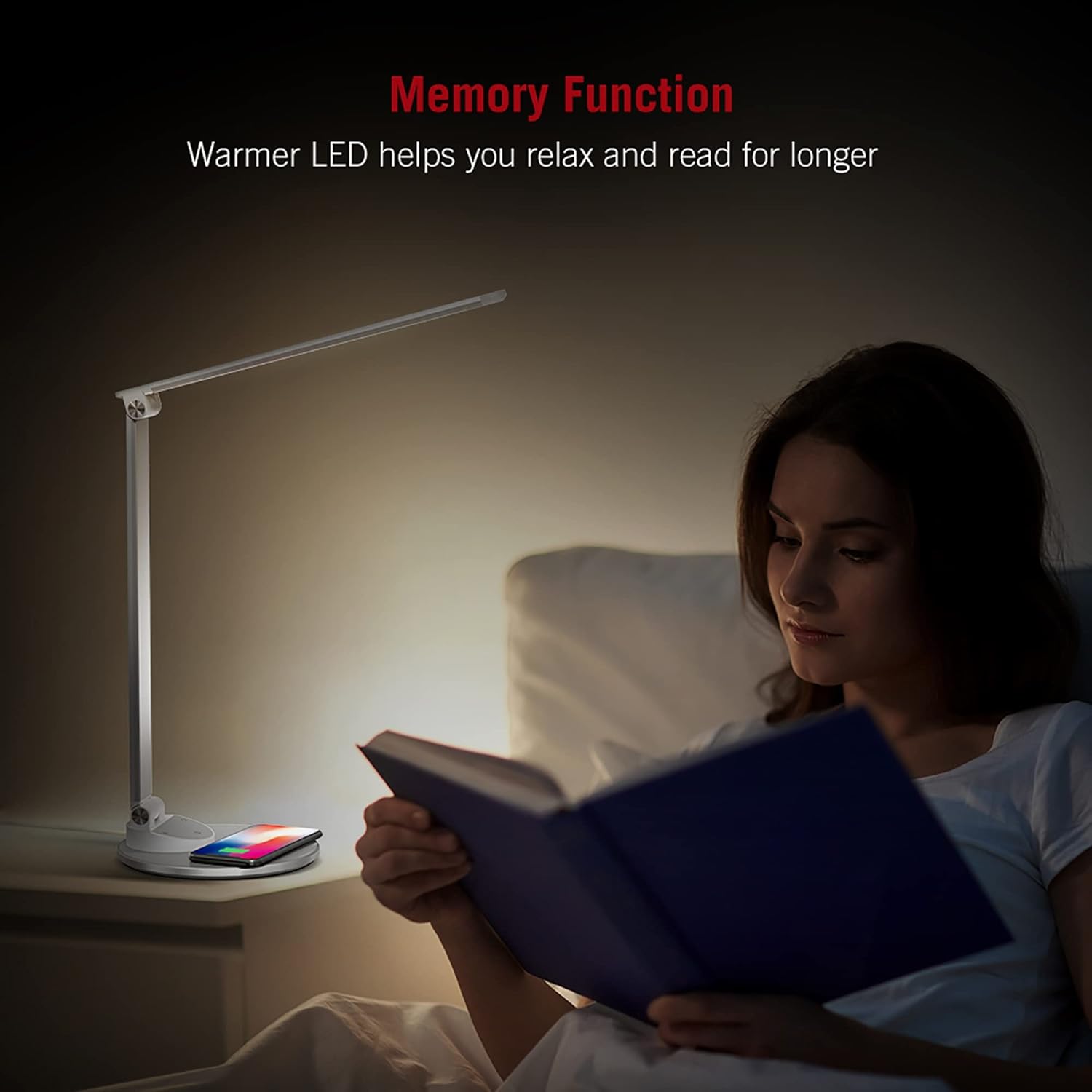
Image: An illustration demonstrating the five available color temperature modes (from warm to cool white) and five brightness levels of the WorkPro desk lamp.
L'nin ayarlanmasıamp Kol
Lamp features an adjustable arm for multi-angle lighting. Gently adjust the arm and head to your desired position. The lamp arm can be adjusted up to 135 degrees and the base arm up to 145 degrees.

Image: A diagram illustrating the adjustable angles of the lamp's arm (135 degrees) and its base (145 degrees), allowing for flexible positioning.
Kablosuz Şarj Fonksiyonu
Lamp base includes a built-in wireless charging pad. To use, place your Qi-compatible device (e.g., smartphone) centered on the charging pad. The device should begin charging automatically.
- Ensure your device supports Qi wireless charging.
- Remove any thick cases that might interfere with charging.
- A charging indicator (if present on your device) will confirm charging status.

Image: The WorkPro desk lamp with a smartphone resting on its integrated wireless charging pad, demonstrating the charging feature.
USB Şarj Portları
Lamp also features USB ports for wired charging of other devices. Connect your device's USB cable to the port on the lamp temel.
Resim: Yakın çekim view l'ninamp's base, highlighting the USB charging ports and the power input connection point.
Hafıza Fonksiyonu
Lamp is equipped with a memory function that recalls your last used brightness and color temperature settings when turned back on.

Image: A person reading in bed, illuminated by the WorkPro lamp, demonstrating how the warmer LED settings can aid relaxation and extended reading.
Bakım ve Özen
- Temizlik: l'yi ayırınamp Temizlemeden önce güç kablosunu prizden çekin. Yumuşak ve kuru bir bezle silin.amp's surfaces. Do not use abrasive cleaners, solvents, or harsh chemicals.
- Depolamak: L'yi saklıyorsanızamp for an extended period, unplug it and store it in a cool, dry place, preferably in its original packaging.
- LED Işıklar: The LED lights are integrated and not user-replaceable. Do not attempt to replace them.
Sorun giderme
| Sorun | Olası Neden | Çözüm |
|---|---|---|
| Lamp açılmıyor. | Not plugged in; power outlet not working; power adapter faulty. | Ensure power adapter is securely plugged into lamp and outlet. Test outlet with another device. Try a different compatible power adapter. |
| Kablosuz şarj çalışmıyor. | Device not Qi-compatible; device not properly aligned; thick phone case; foreign objects on pad. | Verify device supports Qi charging. Re-position device on the center of the pad. Remove phone case. Remove any metal objects or cards from the pad. |
| Lamp flickers or light is unstable. | Unstable power supply; faulty lamp. | Try plugging into a different outlet. If problem persists, contact customer support. |
Ürün Özellikleri
| Özellik | Detay |
|---|---|
| Model Numarası | WP2000S |
| Marka | İşPro |
| Işık Kaynağı Türü | NEDEN OLMUŞ |
| Netage | 7 watt |
| Renk Modları | 5 (3000K-6000K) |
| Parlaklık Seviyeleri | 5 |
| Kontrol Yöntemi | Dokunmak |
| Özel Özellikler | Adjustable Arm, Energy Efficient, Wireless Charging, USB Charging Ports, Memory Function |
| Malzeme | Metal, Porcelain |
| Ürün Boyutları | 17.75 x 8.5 x 3 inç |
| Ürün Ağırlığı | 3.49 pound (1.59 Kilogram) |
| Güç Kaynağı | Kablolu Elektrik |
| Bağlantı Teknolojisi | USB |
| UPC | 735854860363 |
Garanti Bilgileri
Garantiyle ilgili ayrıntılı bilgiler genellikle satın alma belgelerinizde veya üreticinin resmi web sitesinde yer alır. website. Please refer to the warranty card included in your product packaging or visit the WorkPro official webEn güncel garanti politikası için lütfen siteyi ziyaret edin.
Müşteri Desteği
For technical assistance, troubleshooting beyond this manual, or warranty claims, please contact WorkPro customer support:
- WorkPro Store on Amazon: Visit WorkPro Store
- Refer to your product packaging for direct contact information (phone number, email address) if available.