giriiş
The Homcloud Mini 8S Wi-Fi Camera is designed to enhance your home security with smart, intuitive features. This camera allows you to monitor, program, and automate your home devices directly from your smartphone, providing control from anywhere. It integrates seamlessly into your smart home ecosystem, offering convenience and peace of mind.
Temel özellikler şunlardır:
- Full HD 1080p Video Recording
- Night Vision up to 10 meters
- Motion Detection with Live Notifications
- Two-Way Audio and Noise Reduction
- SD Card and Cloud Storage Options
- Wi-Fi Bağlantısı
- Compatibility with Homcloud App, Amazon Alexa, and Google Home

Image: The Homcloud Mini 8S Wi-Fi Camera on a desk, highlighting its key features such as HD Video, Night Vision, SD Card & Cloud storage, Motion Detection, and Live Notifications.
Ürün Bileşenleri
The Homcloud Mini 8S Wi-Fi Camera package typically includes the following items:
- Homcloud Mini 8S Wi-Fi Camera
- USB Güç Kablosu
- Güç Adaptörü (bölgeye göre değişiklik gösterebilir)
- Mounting Accessories (for wall mounting)
- Kullanım Kılavuzu (bu belge)

Image: The Homcloud Mini 8S Wi-Fi Camera positioned on a desk, demonstrating its compact design and typical indoor placement.
Kurulum Kılavuzu
Follow these steps to set up your Homcloud Mini 8S Wi-Fi Camera:
- Download the Homcloud App: Arama "Homcloud" in the Apple App Store or Google Play Store, or scan the QR code below to download the official application.
- Bir hesap oluşturun: Open the Homcloud app and register for a new account or log in if you already have one.
- Kamerayı Açma: Connect the camera to a power source using the provided USB cable and power adapter. Wait for the indicator light to flash, indicating it's ready for pairing.
- Cihaz Ekle: In the Homcloud app, tap the "+" icon (usually in the top right corner) to add a new device. Select "Security Camera" or "Smart Camera" from the device list.
- Wi-Fi'ye bağlanın: Follow the in-app instructions to connect the camera to your 2.4GHz Wi-Fi network. You may need to scan a QR code displayed on your phone screen with the camera lens.
- Atama: Position the camera in your desired location. It supports standalone placement or wall mounting. Ensure it has a clear view İzlemek istediğiniz alanın

Image: Multiple smartphones displaying the Homcloud application interface, along with the Homcloud logo and a QR code for easy app download. The QR code links to https://smartapp.tuya.com/homcloudsmart.
Kullanım Talimatları
Once your Homcloud Mini 8S Wi-Fi Camera is set up, you can control and monitor it using the Homcloud app:
- Canlı View: Uygulamayı açın ve kameranızı seçin. view live video feed in Full HD 1080p resolution.
- İki Yönlü Ses: Use the microphone and speaker icons in the app to communicate with people near the camera.
- Gece Görüşü: The camera automatically switches to night vision mode in low-light conditions, providing clear black and white video up to 10 meters.
- Hareket Algılama: Enable motion detection in the app settings to receive instant notifications on your smartphone when movement is detected. You can adjust sensitivity levels.
- Kayıt ve Depolama:
- SD Kart: Insert a microSD card (not included) into the camera's slot for local video storage. The camera supports continuous recording or event-triggered recording.
- Bulut Depolama: Subscribe to Homcloud's cloud storage service (if available) for secure off-site video backup.
- Akıllı Ev Entegrasyonu: Connect your Homcloud account with Amazon Alexa or Google Home to control the camera using voice commands (e.g., "Alexa, show me the living room camera").
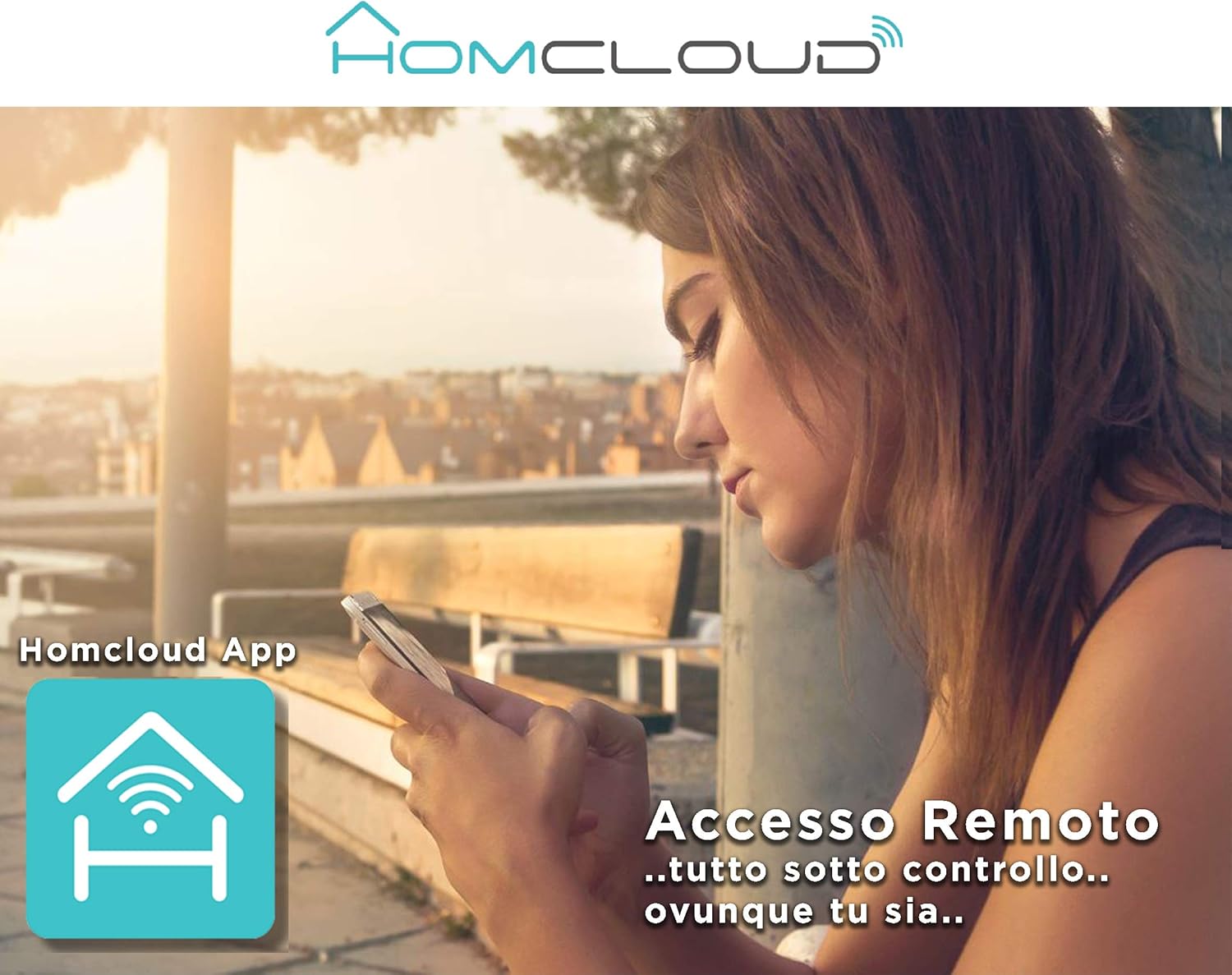
Image: A woman using her smartphone, illustrating the remote access capabilities of the Homcloud App to control and monitor the camera from any location.

Image: A family enjoying their smart home, demonstrating the integration of Homcloud solutions with Amazon Alexa and Google Assistant for convenient control.
Bakım
Doğru bakım, kameranızın uzun ömürlü olmasını ve en iyi performansı göstermesini sağlar:
- Temizlik: Gently wipe the camera lens and body with a soft, dry cloth. Avoid using harsh chemicals or abrasive materials that could scratch the lens or damage the casing.
- Donanım Yazılımı Güncellemeleri: Regularly check the Homcloud app for available firmware updates. Keeping your camera's firmware up-to-date ensures you have the latest features, security patches, and performance improvements.
- Güç Kaynağı: Use only the original power adapter and cable provided with the camera. Ensure the power connection is secure and free from damage.
- Çevre: The camera is designed for indoor use. Avoid exposing it to extreme temperatures, direct sunlight, high humidity, or water. While it is listed as "waterproof" in some specifications, this typically refers to splash resistance and not full submersion or outdoor exposure.
Sorun giderme
If you encounter issues with your Homcloud Mini 8S Wi-Fi Camera, refer to the following common solutions:
- Kamera Çevrimdışı:
- Check if the camera is powered on and the power cable is securely connected.
- Ensure your Wi-Fi router is working and the internet connection is stable.
- Kamerayı fişten çıkarıp tekrar takarak yeniden başlatın.
- Kameranın Wi-Fi yönlendiricinizin kapsama alanında olduğundan emin olun.
- If the issue persists, try re-pairing the camera with the Homcloud app.
- Kötü Video Kalitesi:
- Kamera merceğini yumuşak bir bezle temizleyin.
- Ensure adequate lighting in the monitored area, especially for color video.
- Wi-Fi sinyal gücünüzü kontrol edin; zayıf sinyal yayın kalitesini etkileyebilir.
- Hareket Algılama Çalışmıyor:
- Verify that motion detection is enabled in the Homcloud app settings for your camera.
- Hareket algılama hassasiyetini ayarlayın.
- Kameranın görüşünü engelleyen herhangi bir şey olmadığından emin olun. view.
- Uygulamaya bağlanılamıyor:
- Make sure your smartphone is connected to a 2.4GHz Wi-Fi network during the pairing process.
- Confirm that you are entering the correct Wi-Fi password.
- Reset the camera (refer to the app or product for specific reset instructions, usually a small button) and try the pairing process again.
Özellikler
| Özellik | Detay |
|---|---|
| Marka | Homcloud |
| Model Numarası | TY-WCM8S |
| Video Kayıt Çözünürlüğü | 1080p Full HD |
| Etkili Video Çözünürlüğü | 1080 |
| Kare Hızı | 25 kare/saniye |
| Kablosuz İletişim Teknolojisi | Wifi |
| Bağlantı Protokolü | Wifi |
| ViewAçı | 100 Derece |
| Gece Görüş Aralığı | 10 Metre |
| Özel Özellikler | Two-Way Audio, Noise Reduction, HD Resolution, Night Vision |
| Önerilen Kullanım | Kapalı Alan Güvenliği |
| İç/Dış Mekan Kullanımı | Kapalı |
| Uyumlu Cihazlar | Homcloud App, Amazon Alexa, Android, Google Home, Smart Life, iOS |
| Güç Kaynağı | Elektrik kablosu |
| Cilttage | 5 Volt |
| Güç Tüketimi | 2.5 Watt |
| Malzeme | Plastik |
| Boyutlar (U x G x Y) | 8x5x9 cm |
| Ağırlık | 350 Gram |
| Montaj Tipi | Duvara Montaj |
| Su Direnç Seviyesi | Waterproof (Note: Typically splash resistant for indoor use) |
Garanti ve Destek
For warranty information, please refer to the documentation provided at the time of purchase or visit the official Homcloud website. If you require technical assistance or have questions not covered in this manual, please contact Homcloud customer support through their official channels.
You can find more information and support resources on the Homcloud website or through the Homcloud application.


