giriiş
This manual provides essential information for the proper installation, operation, and maintenance of your Philips 278E1A 27" 4K UHD IPS Monitor. Please read this guide thoroughly before using the product to ensure optimal performance and safety. Keep this manual for future reference.
Güvenlik Bilgileri
- Kazara düşmeleri önlemek için monitörün sabit ve düz bir yüzeye yerleştirildiğinden emin olun.
- Use only the power adapter and cables supplied by Philips.
- Elektrik çarpması veya yangına yol açmamak için monitörü yağmura veya neme maruz bırakmayın.
- Aşırı ısınmayı önlemek için havalandırma açıklıklarını tıkamaktan kaçının.
- Monitörün bakımını kendiniz yapmaya çalışmayın. Tüm bakım işlemlerini yetkili personele yaptırın.
Kurmak
1. Ambalajın Açılması ve Montajı
Carefully remove the monitor and all components from the packaging. The box should contain the monitor, stand, HDMI cable, power cable, and user documentation.
- Stand tabanını stand boynuna takın ve verilen vidayla sabitleyin.
- Align the assembled stand with the mounting holes on the back of the monitor and firmly attach it.
2. Bağlantı Kabloları
Gerekli kabloları monitöre ve bilgisayarınıza bağlayın.
- Güç kablosu: Güç kablosunun bir ucunu monitörün güç girişine, diğer ucunu ise bir elektrik prizine bağlayın.
- Video Girişi: Connect either an HDMI cable (2 ports available) or a DisplayPort cable (1 port available) from your computer's video output to the corresponding input on the monitor.
- Ses Girişi/Çıkışı: If desired, connect an audio cable from your computer's audio output to the monitor's audio input, or connect external speakers/headphones to the monitor's audio output.

Şekil 1: Arka view of the Philips 278E1A monitor, highlighting the HDMI, DisplayPort, and audio input/output ports for connectivity.
3. İlk Açılış
Press the power button located on the bottom right of the monitor to turn it on. The monitor will automatically detect the active input source.
Kullanım Talimatları
1. OSD Menü Gezintisi
The On-Screen Display (OSD) menu allows you to adjust various monitor settings. Use the control buttons located on the bottom bezel of the monitor to navigate the menu.
- OSD menüsünü etkinleştirmek için bir düğmeye basın.
- Menü seçenekleri arasında hareket etmek için yön tuşlarını kullanın.
- Bir seçeneği belirlemek veya bir ayarı onaylamak için 'Tamam' veya 'Enter' düğmesine basın.
- Önceki menüye dönmek veya OSD'den çıkmak için 'Çıkış' veya 'Geri' düğmesine basın.
2. Resim Ayarları
En iyi sonuçlar için ekran özelliklerini ayarlayın. viewIng.
- Parlaklık ve Kontrast: Adjust these settings to control the overall luminance and the difference between light and dark areas.
- Renk ayarları: Fine-tune color temperature, gamma, and saturation. The monitor supports 109% sRGB color gamut for accurate color reproduction.
- Akıllı Kontrast: This feature dynamically analyzes content and automatically adjusts backlight intensity to enhance contrast for optimal digital images and videos.
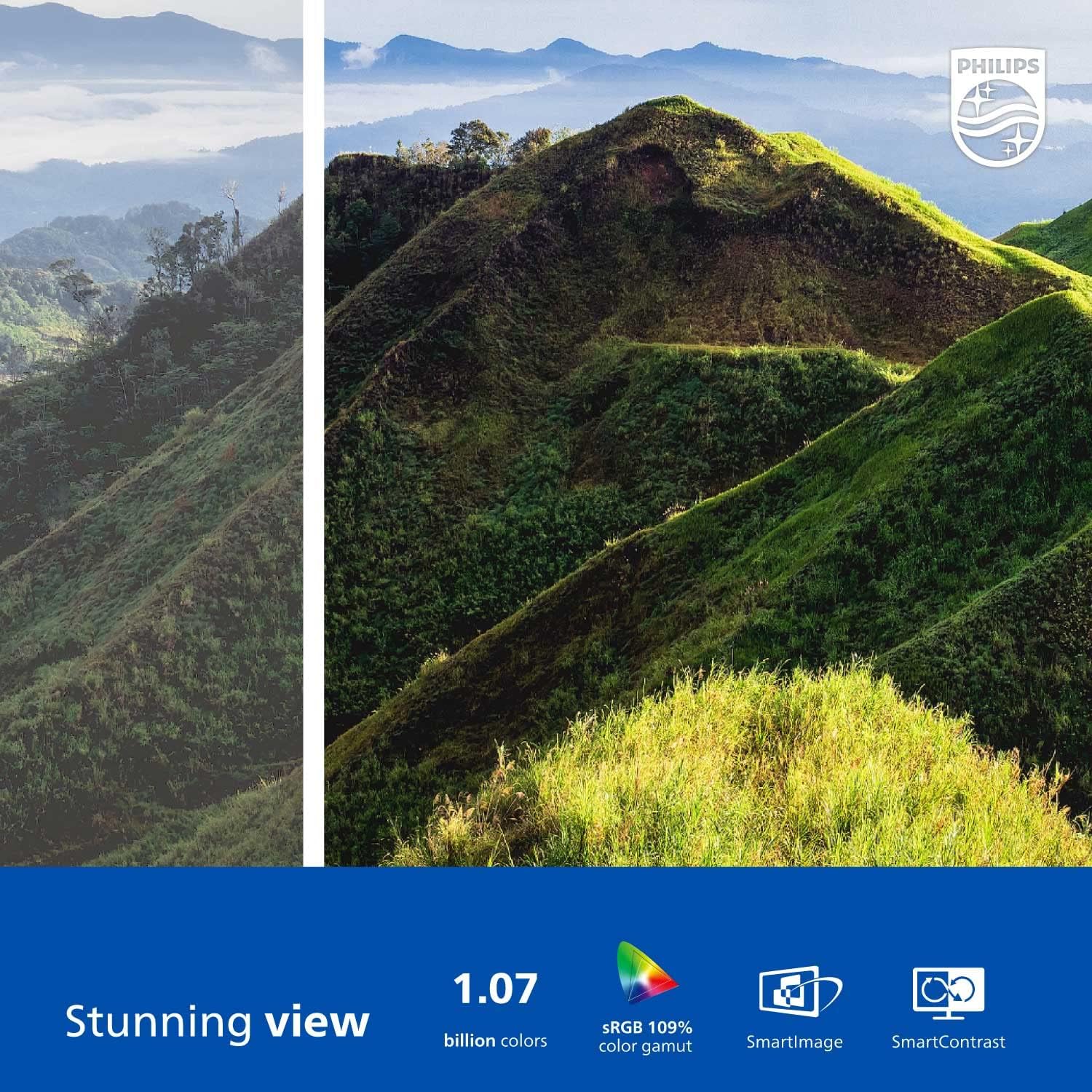
Figure 2: The Philips 278E1A monitor displaying a detailed and colorful mountain scene, illustrating its 4K UHD resolution and wide color gamut.
3. Giriş Seçimi
Manually select the desired video input source if the automatic detection does not work or if you have multiple devices connected.
4. Ses Ayarları
Control the volume of the built-in speakers or connected audio devices.
5. Göz Bakımı Özellikleri
The Philips 278E1A includes features designed to reduce eye strain during prolonged use.
- Titreşimsiz Teknoloji: Regulates brightness and reduces screen flicker for more comfortable viewIng.
- LowBlue Modu: A software solution that reduces harmful shortwave blue light emissions from the screen.

Figure 3: A split image demonstrating the visual difference when LowBlue Mode and Flicker-free technologies are active, reducing eye strain.
6. Frameless Design and ViewAçılar
The monitor features a 3-sided frameless design, ideal for multi-monitor setups, and an IPS panel providing wide 178/178-degree viewing angles for consistent image quality from various perspectives.

Figure 4: A multi-monitor arrangement of Philips 278E1A displays, showcasing the minimal bezels and wide viewing angles suitable for extended desktop environments.
Bakım
1. Ekranın Temizlenmesi
Ekranı temizlemek için yumuşak, tiftiksiz bir bezle hafifçe silin. İnatçı lekeler için,ampen the cloth with a mild, non-abrasive screen cleaner. Never spray cleaner directly onto the screen.
2. Genel Bakım
Keep the monitor away from direct sunlight, excessive heat, and humidity. Avoid placing heavy objects on the monitor or its cables.
Sorun giderme
Monitörünüzle ilgili sorunlarla karşılaşırsanız aşağıdaki yaygın çözümlere başvurun:
- Güç Yok: Güç kablosunun hem monitöre hem de elektrik prizine sağlam bir şekilde bağlı olduğundan emin olun. Elektrik prizinin çalışır durumda olup olmadığını kontrol edin.
- Sinyal yok: Video kablosunun (HDMI veya DisplayPort) hem monitöre hem de bilgisayarınıza doğru şekilde bağlı olduğundan emin olun. OSD menüsü aracılığıyla doğru giriş kaynağının seçildiğinden emin olun.
- Image Problems (e.g., flickering, distorted colors): Check cable connections. Adjust picture settings in the OSD menu. If using a DisplayPort connection, ensure your graphics card supports 4K resolution at 60Hz.
- Ses Yok: Check the monitor's volume settings and your computer's audio output settings. Ensure external speakers or headphones are properly connected if used.
Daha fazla yardım için lütfen Philips müşteri desteğiyle iletişime geçin.
Özellikler
| Özellik | Detay |
|---|---|
| Ekran Boyutu | 27 inç |
| Çözünürlük | 3840x2160 (4K UHD) |
| Panel Tipi | IPS |
| Renk Gamı | %109 sRGB |
| Bağlantı | 2x HDMI, 1x DisplayPort, Audio In & Out |
| Konuşmacılar | Built-in (3W stereo) |
| Boyutlar (standlı) | 18.1 x 24.1 x 7.6 inç |
| Ağırlık (stand ile) | 13.57 pound |
| Göz Bakımı Özellikleri | Flicker-Free, LowBlue Mode |
Garanti ve Destek
Garanti Bilgileri
Philips monitors sold in the United States come with a 4-Year Advance Replacement Warranty. This warranty minimizes downtime by providing a replacement unit in advance should your monitor require service.

Figure 5: Visual representation of the Philips 4-Year Warranty and Advance Replacement program, ensuring peace of mind for users.
Müşteri Desteği
For technical support, warranty claims, or service inquiries, please visit the official Philips support website or contact their customer service hotline. Refer to the documentation included with your product for specific contact details in your region.
Ürün Videoları
Philips Frameless Monitor Overview
Bu videoview of the Philips 27-inch frameless monitor, highlighting its features and benefits for various work setups.
Why This Monitor is Top Rated
Learn about the key aspects that make this Philips monitor a top-rated choice, including its display quality and user-friendly features.