1. Giriş
This manual provides essential information for setting up, operating, maintaining, and troubleshooting your AWOW Mini PC AK34. Please read this guide thoroughly to ensure optimal performance and longevity of your device.
2. Ürün Bittiview
The AWOW Mini PC AK34 is a compact and versatile desktop computer designed for various applications, from home office tasks to multimedia entertainment. It features an Intel Celeron N3450 Quad-Core Processor, 6GB DDR4 RAM, and a 128GB SSD for fast and efficient performance. The device supports 4K UHD display output and offers extensive connectivity options.
2.1. Cihaz Düzeni
The Mini PC is designed with multiple ports for easy connectivity to peripherals and networks.
Şekil 1: Ön ve Arka View of AWOW Mini PC AK34. The front features a power button, microSD slot, two LAN ports, and an audio jack. The rear includes DC 12V power input, USB 3.0 ports, and HDMI outputs.

Figure 2: AWOW Mini PC AK34 demonstrating connections to various devices including speakers, IP camera, office device, monitor, projector, NAS, and keyboard/mouse.
2.2. Temel Özellikler
- İşlemci: Intel Celeron N3450 Dört Çekirdekli
- Hafıza: 6GB DDR4 RAM
- Depolamak: 128GB SSD (expandable)
- Ağ oluşturma: Dual 1000MB/s Gigabit Ethernet ports, 2.4G+5G Dual Band WiFi (802.11a/b/g/n/ac), Bluetooth 4.0
- Görüntülemek: 4K UHD support via HDMI (dual screen display)
- Limanlar: 5x USB 3.0, 2x HDMI, 2x LAN, 1x MicroSD slot, 1x Audio Jack, 1x DC 12V
3. Kurulum
Follow these steps for initial setup of your AWOW Mini PC AK34:
- Gücü bağlayın: Plug the provided AC/DC adapter into the DC 12V port on the Mini PC and then into a power outlet.
- Ekrana Bağlan: Use an HDMI cable to connect the Mini PC to your monitor or TV. The device supports dual display output.
- Çevre Birimlerini Bağlayın: Connect your USB keyboard and mouse to the available USB 3.0 ports.
- Güç Açık: Press the power button located on the front of the Mini PC. The device will boot directly into Windows 10.
- İlk Windows Kurulumu: Follow the on-screen instructions to complete the Windows 10 setup. It is recommended to use an offline account for the first settings and avoid connecting to the internet until setup is complete.
3.1. BIOS Yapılandırması
To access the BIOS settings, power on the device and repeatedly press the appropriate key (usually DEL or F2) during startup. This allows for advanced configuration, including boot order and power-on type settings.
Video: Instructions on how to enter and configure BIOS settings on the AWOW Mini PC AK34.
4. Kullanım Talimatları
Your AWOW Mini PC AK34 comes pre-installed with Windows 10 Home, providing a familiar and user-friendly operating environment.
4.1. Ekran ve Multimedya
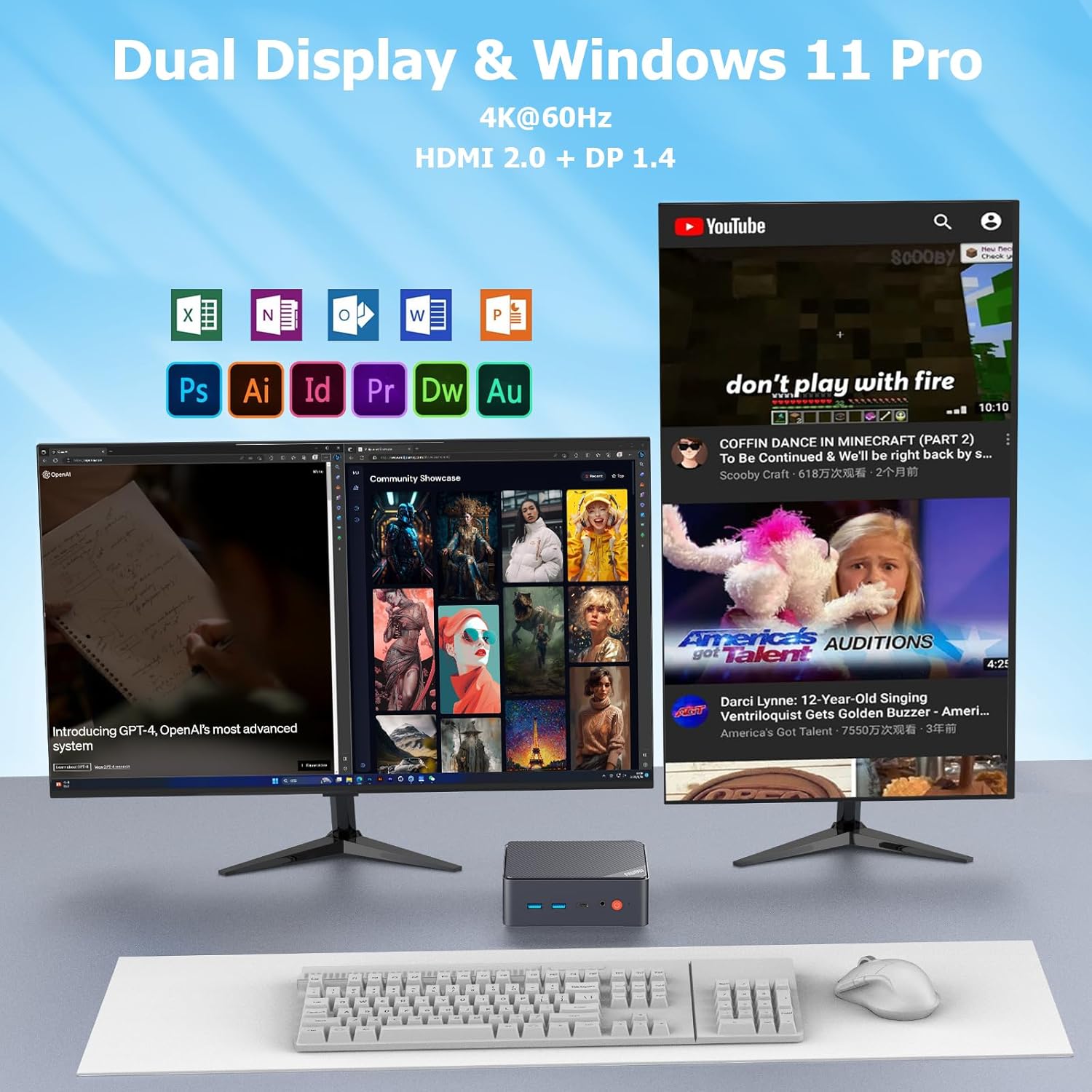
The Mini PC supports 4K UHD resolution, offering a high-quality visual experience. With dual HDMI outputs, you can connect two monitors simultaneously for enhanced productivity or an immersive multimedia setup.
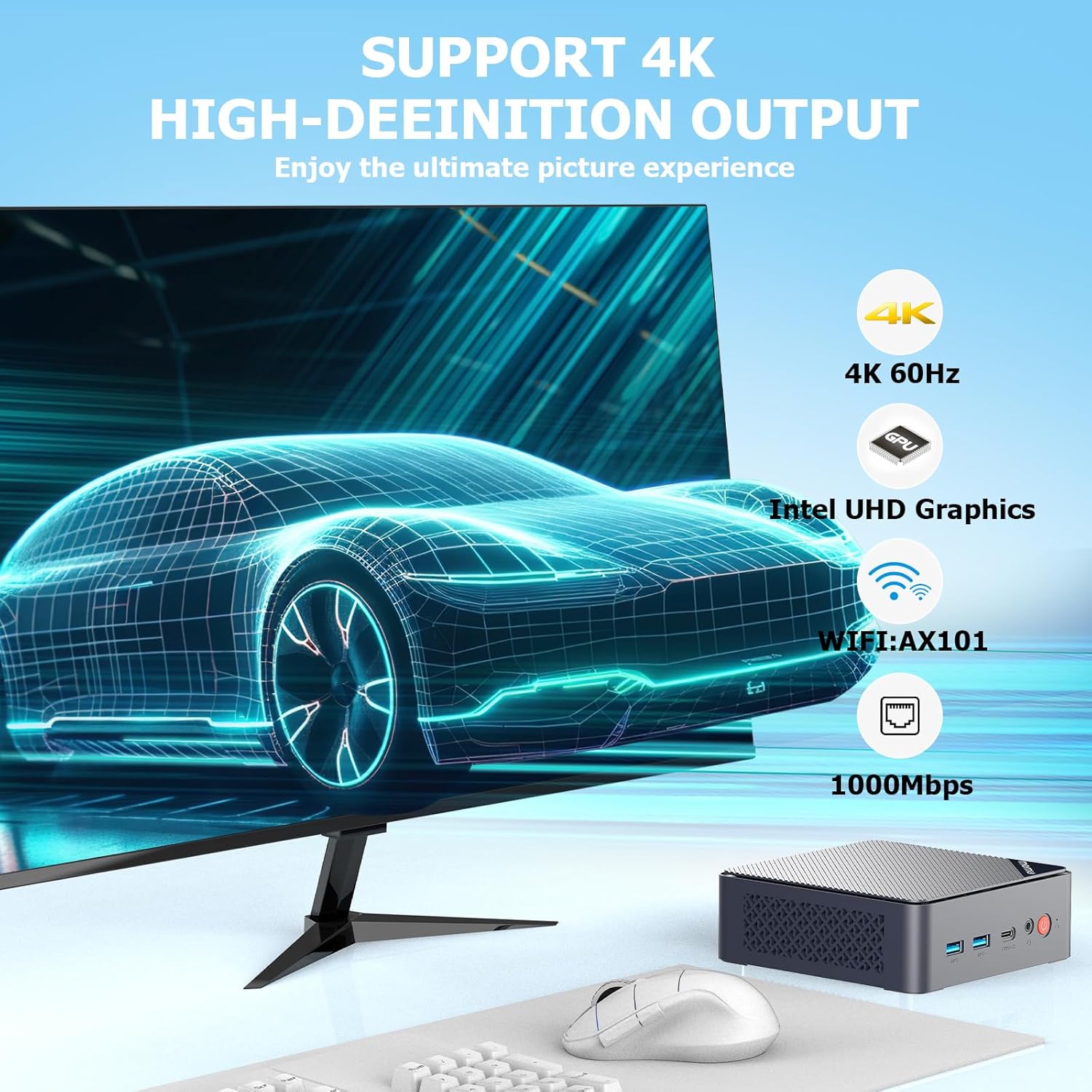
Figure 3: The AWOW Mini PC AK34 is capable of 4K 60Hz high-definition output, powered by Intel UHD Graphics, and features WiFi AX101 and 1000Mbps Ethernet.

Figure 4: The compact AWOW Mini PC AK34 is suitable for diverse applications such as office work, home theater, meeting presentations, and security systems like pfSense.
4.2. Advanced Power Features
The Mini PC supports several advanced power management features:
- LAN'da Uyandırma: Allows the device to be powered on remotely via a network signal.
- Otomatik Açılma: Configures the device to automatically power on when electricity is supplied.
- PXE: Enables booting from a network server.
- Wake up by Alarm: Allows scheduling the device to power on at a specific time.
Video: Demonstrating a speed test with the AWOW Mini PC AK34, showcasing its performance capabilities.
5. Bakım ve Yükseltmeler
The AWOW Mini PC AK34 offers options for storage expansion to meet your growing needs.
5.1. Depolama Genişletme
You can expand the storage capacity of your Mini PC by adding a 2.5-inch SATA III SSD/HDD. The device also supports microSD cards up to 256GB.
Video: Step-by-step guide on how to install a 2.5-inch SATA SSD or HDD into the AWOW Mini PC AK34.
5.2. Isı Dağılımı
The Mini PC is designed with a built-in fan to ensure efficient heat dissipation, maintaining stable performance during operation.
6. Sorun Giderme
If you encounter issues with your AWOW Mini PC AK34, consider the following common solutions:
- Windows Activation: If Windows 10 is not activated, ensure the device is connected to the internet. If issues persist, use the built-in Windows Troubleshooter.
- Güç kesintisi: In case of accidental power failure during initial setup, you might encounter a 'default user' problem. Reset the system to restore normal state.
- Bağlantı Sorunları: Verify all cables (HDMI, LAN, USB) are securely connected. For wireless issues, check WiFi and Bluetooth settings in Windows.
- BIOS Erişimi: If you need to modify boot settings or other system parameters, refer to the BIOS configuration section (Section 3.1) for instructions on how to enter the BIOS.
7. Özellikler
| Özellik | Şartname |
|---|---|
| İşlemci | Intel Celeron N3450 (2.2 GHz burst frequency, 4 Cores) |
| Grafik Eş İşlemcisi | Intel HD Grafik 500 |
| Veri deposu | 6 GB DDR4 |
| Depolamak | 128 GB SSD (expandable with 2.5" SATA III HDD/SSD) |
| İşletim Sistemi | Windows 10 Ev |
| Ethernet | 2 x 1000MB/s Gigabit Ethernet |
| Kablosuz Bağlantı | 802.11a/b/g/n/ac (2.4G+5G Dual Band WiFi), Bluetooth 4.0 |
| USB Bağlantı Noktaları | 5 adet USB 3.0 |
| Video Çıkışı | 2 x HDMI (4K UHD @ 60Hz) |
| Diğer Limanlar | MicroSD Card Slot (up to 256GB), Audio Jack, DC 12V Power Input |
| Ürün Ağırlığı | 1.68 pound |
| Boyutlar | 10.16 x 5.67 x 2.28 inç |
8. Garanti ve Destek
Your AWOW Mini PC AK34 comes with a 1-year manufacturer warranty. For any inquiries or support, please contact customer service.
Müşteri Hizmetleri: destek@awowtech.com
Inquiries will typically be answered within 24 hours.


