giriiş
The Logitech K400 Plus Wireless Touch Keyboard is designed for comfortable control of your entertainment from a distance. Featuring a full-size keyboard layout and a large, integrated touchpad, it offers seamless navigation for your PC-connected TV, media center, or other compatible devices. This manual provides essential information for setting up, operating, and maintaining your keyboard.
Kurmak
1. Pil Kurulumu
The Logitech K400 Plus requires two AAA batteries (included). To install them:
- Klavyenin alt tarafında bulunan pil bölmesi kapağını bulun.
- Kapağı kaydırarak açın.
- İki adet AAA pili, kutupların doğru olmasına dikkat ederek (+/-) takın.
- Pil bölmesi kapağını sıkıca kapatın.
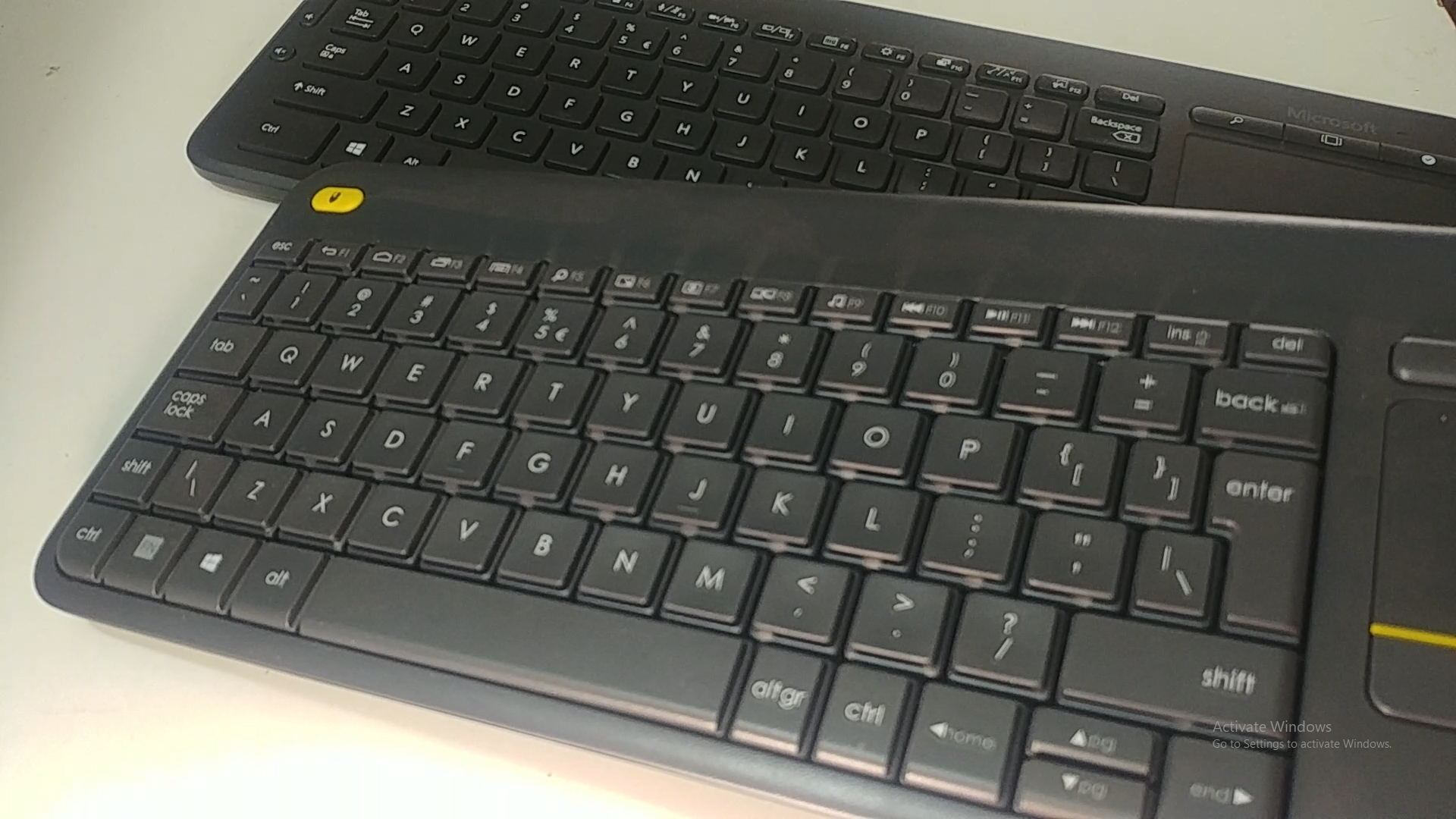
Image: Underside of the Logitech K400 Plus keyboard with the battery compartment open, showing two AAA batteries.
2. Connecting the Keyboard (USB Unifying Receiver)
The K400 Plus connects wirelessly via a small USB Unifying receiver. This receiver is typically stored inside the battery compartment for safekeeping.
- Open the battery compartment cover and remove the USB Unifying receiver.
- Plug the USB Unifying receiver into an available USB port on your PC, smart TV, or other compatible device.
- Turn on the keyboard using the On/Off switch located on the top right edge of the keyboard. A green indicator light will appear.
- Your keyboard should automatically connect. If not, refer to the troubleshooting section or visit the Logitech support website for the Unifying software.

Image: The Logitech K400 Plus Wireless Touch Keyboard, showing its compact design with integrated touchpad.
Kullanım Talimatları
Klavye Düzeni
The K400 Plus features a standard QWERTY layout with additional function keys and an integrated touchpad.
Resim: Ayrıntılı view of the Logitech K400 Plus keyboard keys, highlighting the QWERTY layout.
Dokunmatik Yüzey Kullanımı
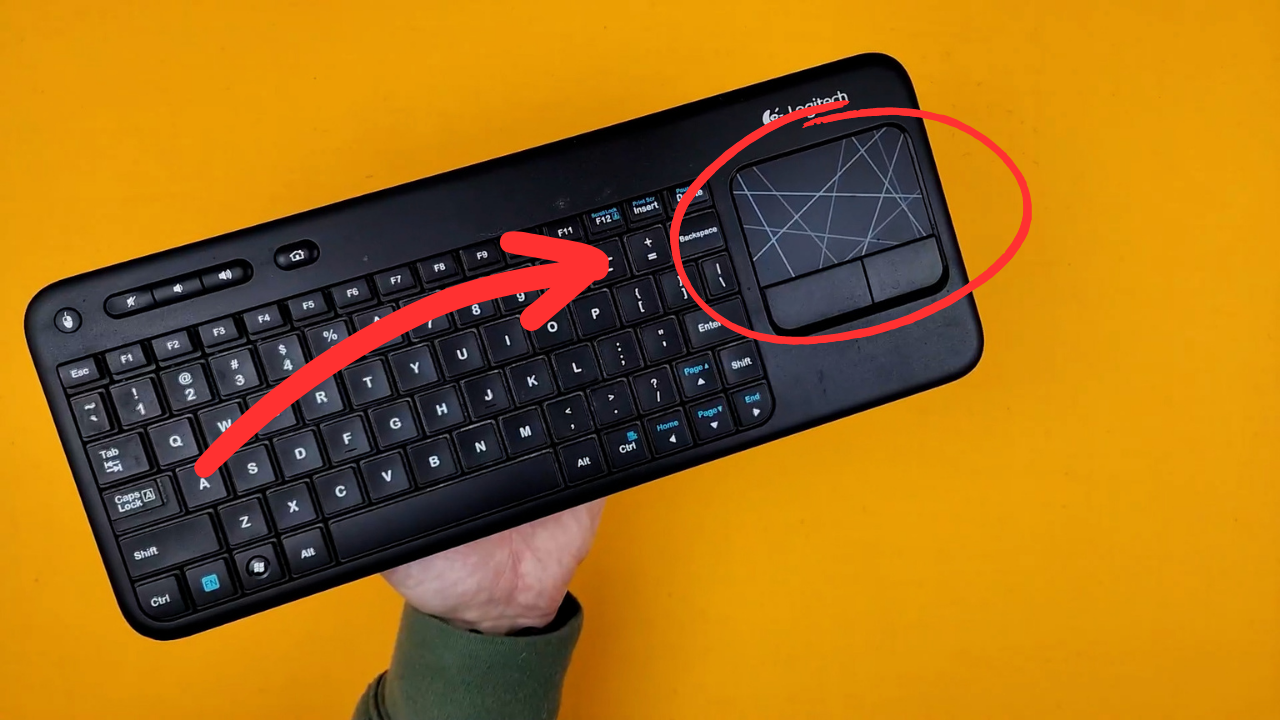
The large 3.5-inch touchpad allows for intuitive navigation. It supports multi-touch gestures for enhanced control.
- Tek Parmakla Dokunma: Sol tık.
- İki Parmakla Dokunma: Sağ tık.
- İki Parmak Kaydırma: Dikey veya yatay olarak kaydırın.
- Yakınlaştırmak için sıkıştırın: Zoom in or out (if supported by the application).
- Dedicated left and right-click buttons are located below the touchpad for traditional mouse button functionality.
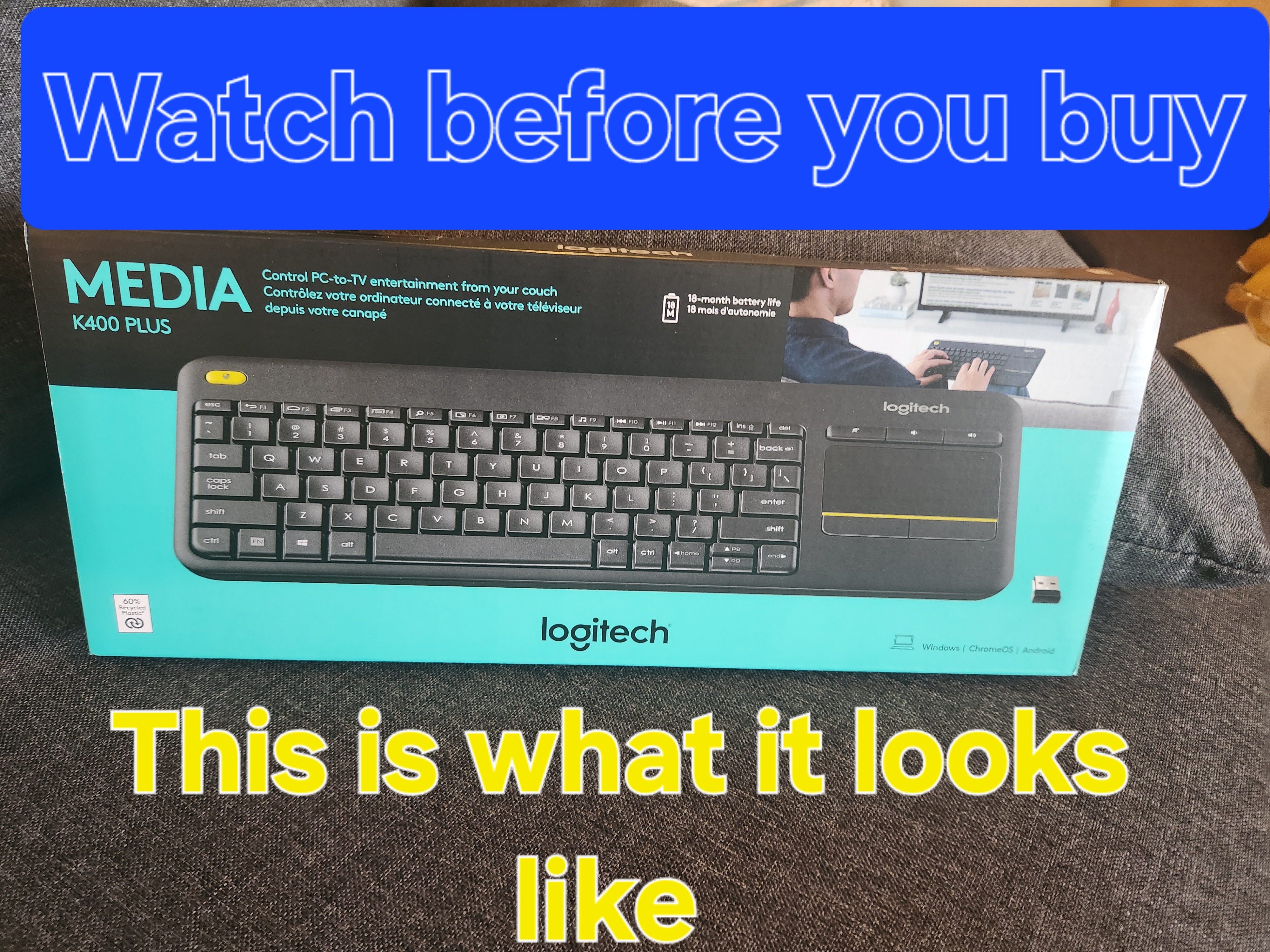
Image: A hand demonstrating the use of the integrated touchpad on the Logitech K400 Plus.
Multimedya ve Fonksiyon Tuşları
The top row of keys includes dedicated multimedia controls and function keys (F1-F12) with secondary actions. To activate the secondary actions (indicated by blue icons), press and hold the Fn key (located near the left Ctrl key) while pressing the desired function key.
- Ses Kontrolleri: Dedicated buttons for mute, volume down, and volume up are located above the touchpad.
- Ana menü tuşu: Access your device's home screen or browser home page.
- Page Up/Down, End: Belgelerde gezinin ve web sayfalar.
- Left Mouse Button (top left): An additional left-click button is located on the top left corner of the keyboard for convenient two-hand operation.
Bakım
Temizlik
Klavyenizi temizlemek için:
- Klavyeyi açma/kapama düğmesini kullanarak kapatın.
- Yumuşak, tiftiksiz bir bez kullanın ve hafifçe kurulayın.ampsu veya hafif bir temizleme solüsyonu ile sonlandırıldı.
- Avoid excessive moisture and do not immerse the keyboard in liquid.
- Tuş aralarındaki inatçı kirler için basınçlı hava kullanın.
Pil Değişimi
When the battery indicator light (usually located near the On/Off switch) turns red or the keyboard becomes unresponsive, it's time to replace the batteries. Follow the "Battery Installation" steps in the Setup section to replace the two AAA batteries.
Sorun giderme
Klavye Yanıt Vermiyor
- Gücü Kontrol Edin: Ensure the keyboard is turned on and the battery indicator light is green. Replace batteries if necessary.
- Alıcıyı kontrol edin: Make sure the USB Unifying receiver is securely plugged into a working USB port on your device. Try a different USB port.
- Mesafe: Ensure the keyboard is within the operating range (up to 10 meters or 33 feet) of the USB receiver.
- Parazit yapmak: Klavyeyi ve alıcıyı, parazite neden olabilecek diğer kablosuz cihazlardan veya büyük metal nesnelerden uzaklaştırın.
- Tamirat: If issues persist, you may need to re-pair the keyboard with the Unifying receiver using the Logitech Unifying software, available for download from the official Logitech support webalan.
Touchpad Not Working Correctly
- Temiz Yüzey: Ensure the touchpad surface is clean and free of debris.
- Sürücü güncellemesi: Check your device's operating system for updated drivers for the Logitech Unifying receiver or touchpad.
- Ayarlar: Verify touchpad settings in your device's control panel or system preferences.
Özellikler
| Marka | Logitech |
| Model Numarası | 920-009280 |
| Bağlantı Teknolojisi | Wireless (2.4 GHz via USB Unifying Receiver) |
| kablosuz Menzil | 10 metreye (33 feet) kadar |
| Piller | 2 x AAA pil (dahil) |
| Pil Ömrü | 18 aya kadar (kullanıma bağlı olarak değişebilir) |
| Entegre Dokunmatik Yüzey | 3.5 inç çoklu dokunmatik yüzey |
| Uyumlu Cihazlar | PC (Windows 7, 8, 10 or later), Android TV, Chrome OS |
| Boyutlar (U x G x Y) | Yaklaşık 13.9 x 5.5 x 0.9 inç (354 x 139.9 x 23.5 mm) |
| Ağırlık | Approximately 13.76 oz (390 g) with batteries |
Garanti ve Destek
Logitech provides a limited hardware warranty for this product. For detailed warranty information, technical support, and driver downloads, please visit the official Logitech support webalan:
You can also find FAQs and community forums for additional assistance.


