giriiş
This manual provides essential instructions for setting up, operating, maintaining, and troubleshooting your Philips NeoPix Easy+ Projector. Please read this manual thoroughly before using the device to ensure safe and optimal performance.
Ürün Bittiview
The Philips NeoPix Easy+ Projector is a compact and versatile device designed for various multimedia applications, featuring Wi-Fi screen mirroring and a built-in media player.

Image: The Philips NeoPix Easy+ Projector, a compact silver and black device, projects a vibrant image onto a screen, illustrating its capability for an 80-inch display.

Image: A close-up of the Philips NeoPix Easy+ Projector next to a smartphone, highlighting its built-in media player, Wi-Fi screen mirroring, and Bluetooth speaker connection features.
Kurmak
Kutudan Çıkarma ve İlk İnceleme
Tüm bileşenleri ambalajından dikkatlice çıkarın. Paketleme listesinde belirtilen tüm öğelerin eksiksiz ve hasarsız olduğundan emin olun. Herhangi bir öğe eksik veya hasarlıysa, müşteri desteğiyle iletişime geçin.
Video: An unboxing video for the Philips NeoPix Easy and Easy+ projectors, demonstrating the contents of the package and initial setup steps.
Güç Bağlantısı
- Güç adaptörünü projektör üzerindeki DC giriş portuna bağlayın.
- Güç adaptörünü uygun bir elektrik prizine takın.
- Güç gösterge ışığı yanacaktır.

Resim: Bir taraf view of the Philips NeoPix Easy+ Projector, clearly showing the various input ports including HDMI, USB, MicroSD, AV, and DC power input.
Projektörü Konumlandırma
Place the projector on a stable, flat surface. Ensure there is adequate ventilation around the device to prevent overheating. Adjust the distance from the projection surface to achieve the desired screen size. The projector supports up to an 80-inch display.
Kullanım Talimatları
Güç Açık/Kapalı
Press the power button on the projector or the remote control to turn the device on or off. Allow a few seconds for the projector to initialize.
Odak ve Keystone Ayarlaması
Use the focus ring and keystone correction slider on the top of the projector to achieve a clear and rectangular image.

Resim: Yukarıdan aşağıya view of the Philips NeoPix Easy+ Projector, highlighting the focus and keystone adjustment controls located on the top surface of the device.
Giriş Kaynağı Seçimi
Navigate the on-screen menu using the remote control to select your desired input source:
- HDMI: Connect external devices like laptops, gaming consoles, or streaming boxes.
- USB BAĞLANTI: USB sürücüsünden doğrudan medya oynatın.
- MicroSD: Play media directly from a MicroSD card.
- AV: Eski cihazları AV kablosu kullanarak bağlayın.
- Wi-Fi Screen Mirroring (EZCast/EZMirror): Mirror content from compatible Android, iOS, Windows, or Mac OS devices wirelessly.

Image: The user interface of the Philips NeoPix Easy+ Projector displayed on a screen, showing options for EZCast, EZMirror, VGA, Media, HDMI 1, HDMI 2, and Settings.
Ses Çıkışı
The projector features built-in stereo speakers. For enhanced audio, you can connect external Bluetooth speakers to the NeoPix Easy+ model.
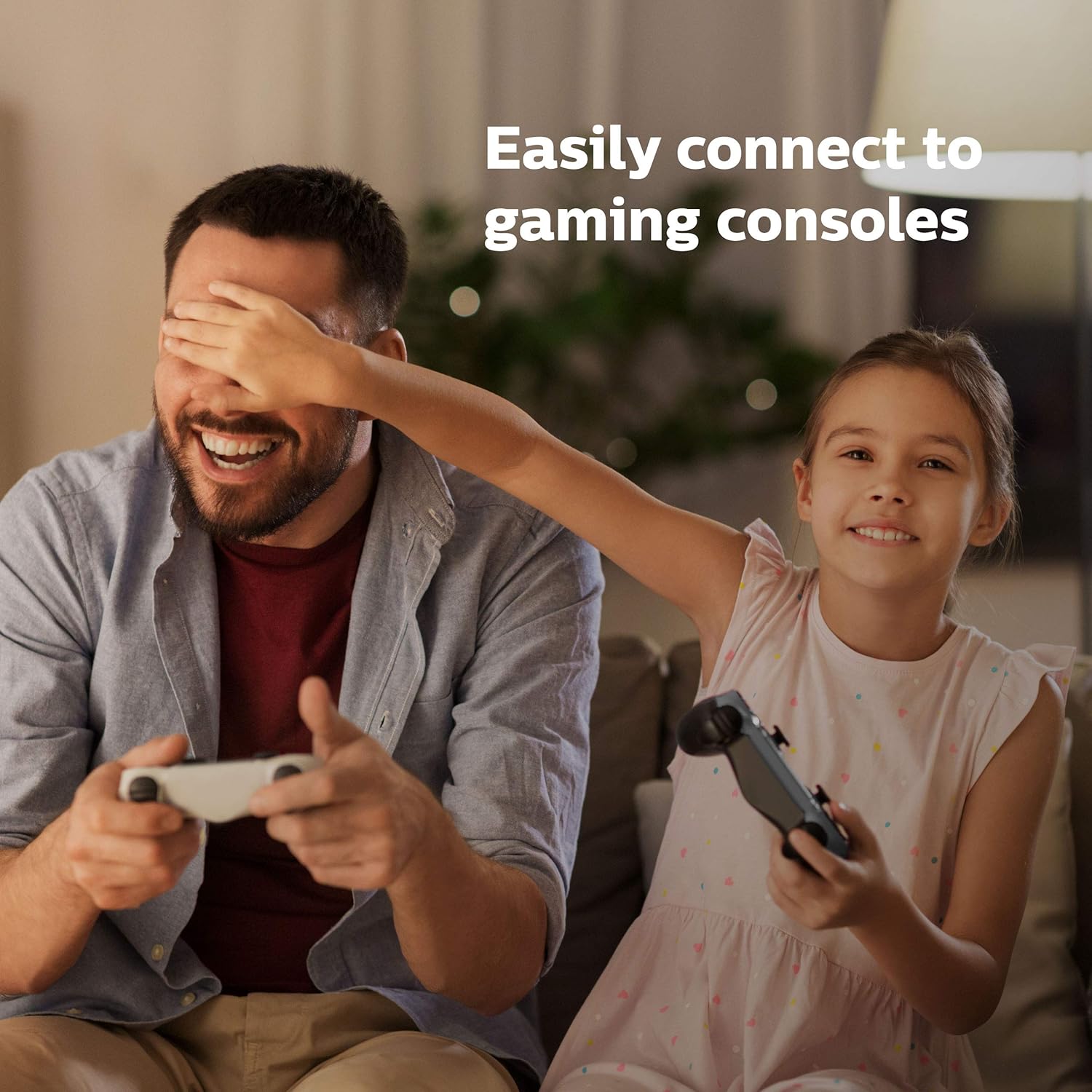
Image: The Philips NeoPix Easy+ Projector on a wooden table with its remote control, emphasizing its built-in sound capabilities.
Bakım
Lensin Temizlenmesi
Gently wipe the projector lens with a soft, lint-free cloth. Avoid using abrasive cleaners or solvents that could damage the lens coating.
Havalandırma Deliklerinin Temizlenmesi
Regularly clean the air vents to ensure proper airflow and prevent overheating. Use a soft brush or compressed air to remove dust and debris.
Depolamak
Kullanılmadığı zamanlarda projektörü serin, kuru bir yerde, doğrudan güneş ışığından ve aşırı sıcaklıklardan uzakta saklayın. Hasarı önlemek için orijinal ambalajını veya koruyucu bir kılıfı kullanın.
Sorun giderme
| Sorun | Olası Neden | Çözüm |
|---|---|---|
| Resim görüntülenmiyor | Power not connected; incorrect input source; lens cap on. | Güç bağlantısını kontrol edin; doğru giriş kaynağını seçin; objektif kapağını çıkarın. |
| Bulanık görüntü | Out of focus; incorrect keystone adjustment. | Adjust focus ring; adjust keystone slider. |
| Ses yok | Volume too low; external speakers not connected/paired. | Increase volume; ensure external speakers are properly connected or paired via Bluetooth. |
| Wi-Fi screen mirroring issues | Network connectivity problems; content protection (DRM). | Ensure stable Wi-Fi connection; some streaming services (Netflix, Hulu) may not support direct mirroring due to DRM unless using a PC/Mac with Google Chrome. |
| Projector is noisy | Normal fan operation; obstructed vents. | Ensure vents are clear; some fan noise is normal during operation. |
Video: A video demonstrating various "Easy Tricks" for Philips NeoPix projectors, including how to connect and mirror content from a PC to the projector.
Özellikler
- Marka: Philips
- Model Numarası: NPX445/INT
- Ürün Ağırlığı: 1.9 pound
- Ürün Ölçüleri: 5.91 x 8.15 x 3.33 inç
- Renk: Siyah
- Özellik: Kablosuz
- Bağlantı Teknolojisi: Bluetooth
- Ekran Çözünürlüğü: 800x480
- Ekran Çözünürlüğü Maksimum: 1920x1080
- Hoparlör Tipi: Stereo
- Güç Tüketimi (Aktif): 42W
- Güç Tüketimi (Bekleme): 0.5W'dan az
- Piller: 1 C pil gereklidir (dahildir)
Garanti ve Destek
Garanti bilgileri ve teknik destek için lütfen resmi Philips web sitesine başvurun. website or contact your local Philips customer service center. Keep your purchase receipt as proof of purchase for warranty claims.


