giriiş
This manual provides detailed instructions for the setup, operation, maintenance, and troubleshooting of your Logitech HD Pro Webcam C922. Please read this manual thoroughly before using the product to ensure optimal performance and longevity.
Logitech C922 HD Pro Webcam is designed for high-definition video calls and streaming, offering clear 1080p video capture and reliable performance.
Ürün Bittiview
Familiarize yourself with the components of your Logitech C922 Webkam.

Şekil 1: Ön view Logitech C922 HD Pro'nun Webcam, showing the lens and "HD 1080p" branding.

Şekil 2: Logitech C922 HDPro Webcam with its adjustable clip extended, suitable for mounting on monitors or laptops.
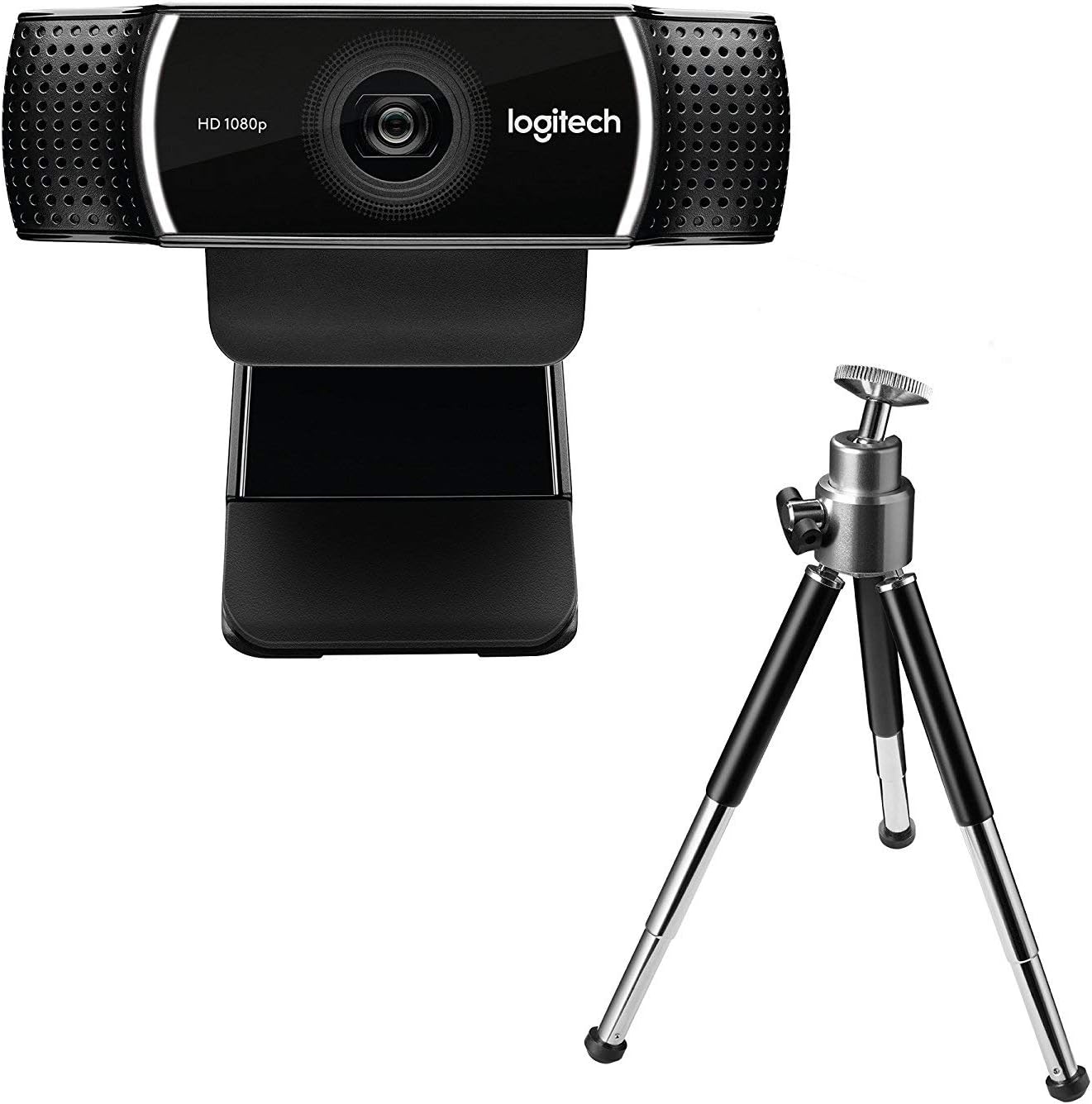
Şekil 3: Logitech C922 HDPro Webcam shown with its included mini-tripod, offering alternative placement options.
Kurmak
Sistem Gereksinimleri
- Windows 7 veya üzeri
- macOS 10.10 veya üzeri
- Chrome İşletim Sistemi
- USB 2.0 portu
- Yazılım indirmek için internet bağlantısı
Kurulum Adımları
- Paketi açın Webkam: Carefully remove the C922 webcam and any accessories from its packaging.
- Bilgisayara Bağlan: Plug the USB cable of the C922 webcam into an available USB 2.0 or 3.0 port on your computer.
- Konumlandır Webkam:
- Monitör/Dizüstü Bilgisayarda: Open the flexible clip base and place it over the top edge of your monitor or laptop screen. Adjust the front part of the clip so the webcam sits securely.
- Tripod üzerinde: If using the included tripod, screw the webcam onto the tripod mount. Place the tripod on a stable, flat surface.
- Yazılım Kurulumu: Your operating system should automatically detect and install basic drivers. For full functionality, including advanced settings and features, download and install the Logitech G HUB software from the official Logitech webalan (www.logitech.com/ghub).
- Test edin Webkam: Open a video conferencing application (e.g., Zoom, Skype, Google Meet) or your computer's camera application to verify the webkamera düzgün çalışıyor.
Kullanım Talimatları
Temel İşlemler
- Once connected and drivers are installed, the C922 webcam is ready for use with most video applications.
- Select "Logitech C922 Pro Stream Webcam" as your video device within your chosen application's settings.
- The integrated dual microphones will automatically be selected as the audio input.
Using Logitech G HUB Software
The Logitech G HUB software provides advanced control over your C922 webkam:
- Çözünürlük ve Kare Hızı: Adjust video resolution (up to 1080p) and frame rate (up to 60fps at 720p, 30fps at 1080p).
- Alanı View: alanını özelleştir view.
- Otomatik odaklama: Enable or disable autofocus.
- Exposure and White Balance: Manually adjust exposure, white balance, and other image settings for optimal lighting conditions.
- ChromaCam (Background Replacement): Utilize the ChromaCam feature for virtual background replacement (requires compatible system).
- Profesyonelfiles: Create and save custom profiles for different applications or lighting scenarios.
Bakım
- Lensin Temizlenmesi: Optik cihazlar için özel olarak tasarlanmış, yumuşak ve tüy bırakmayan bir bez kullanarak nazikçe silin. webKamera merceği. Aşındırıcı malzemelerden veya sert kimyasallardan kaçının.
- Vücudun Temizlenmesi: Vücudunu silin. webyumuşak, d özellikli kameraamp bez. Suya batırmayın webSuya batırmayın veya aşırı nem kullanmayın.
- Depolamak: Kullanılmadığı zaman, saklayın webKamerayı temiz, kuru bir yerde, aşırı sıcaklıklardan ve doğrudan güneş ışığından uzakta saklayın.
- Kablo Bakımı: Avoid bending or crimping the USB cable excessively to prevent damage.
Sorun giderme
| Sorun | Çözüm |
|---|---|
| WebKamera bilgisayar tarafından algılanmadı. |
|
| No video or black screen. |
|
| Video kalitesi düşük (bulanık, karanlık, grenli). |
|
| Ses yok veya ses kalitesi düşük. |
|
Özellikler
| Özellik | Detay |
|---|---|
| Model Numarası | 960-001088 |
| Marka | Logitech |
| Video Yakalama Çözünürlüğü | 1080p (Full HD) at 30fps, 720p (HD) at 60fps |
| Görüntü Sensörü Teknolojisi | CMOS |
| Maksimum Diyafram | 1.8 Şubat |
| Maksimum Odak Uzaklığı | 52 milimetre |
| Bağlantı Teknolojisi | USB 2.0 |
| Desteklenen Ses Biçimi | AAC |
| Video Yakalama Formatı | MP4 |
| Renk | Siyah |
| Nakliye Boyutları | 12.8 x 8.6 x 5.2 cm; 162 gram |
| İlk Mevcut Tarih | 11 Şubat 2019 |
Note: Some specifications from the source data (e.g., "Removable Memory Type: SD", "Connectivity Technology: Wi-Fi") appear to be generic or incorrect for this specific webcam model and have been omitted or corrected for accuracy. The C922 is a wired USB webkam.
Garanti ve Destek
Logitech ürünleri genellikle sınırlı bir donanım garantisiyle birlikte gelir. Garanti detayları, kayıt ve teknik destek için lütfen resmi Logitech destek sitesini ziyaret edin. webalan:
You can also find FAQs, driver downloads, and community forums on their support page.


