1. Giriş
This manual provides essential information for the proper use and care of your Gmatrix RC280 Replacement Remote Control. This remote is designed to be a direct replacement for your original Roku TV remote, offering seamless functionality without complex setup.
The Gmatrix RC280 is a standard IR (Infrared) remote control. Please note that it does not support voice control or have a headphone jack. It is not an RF (Radio Frequency) remote.
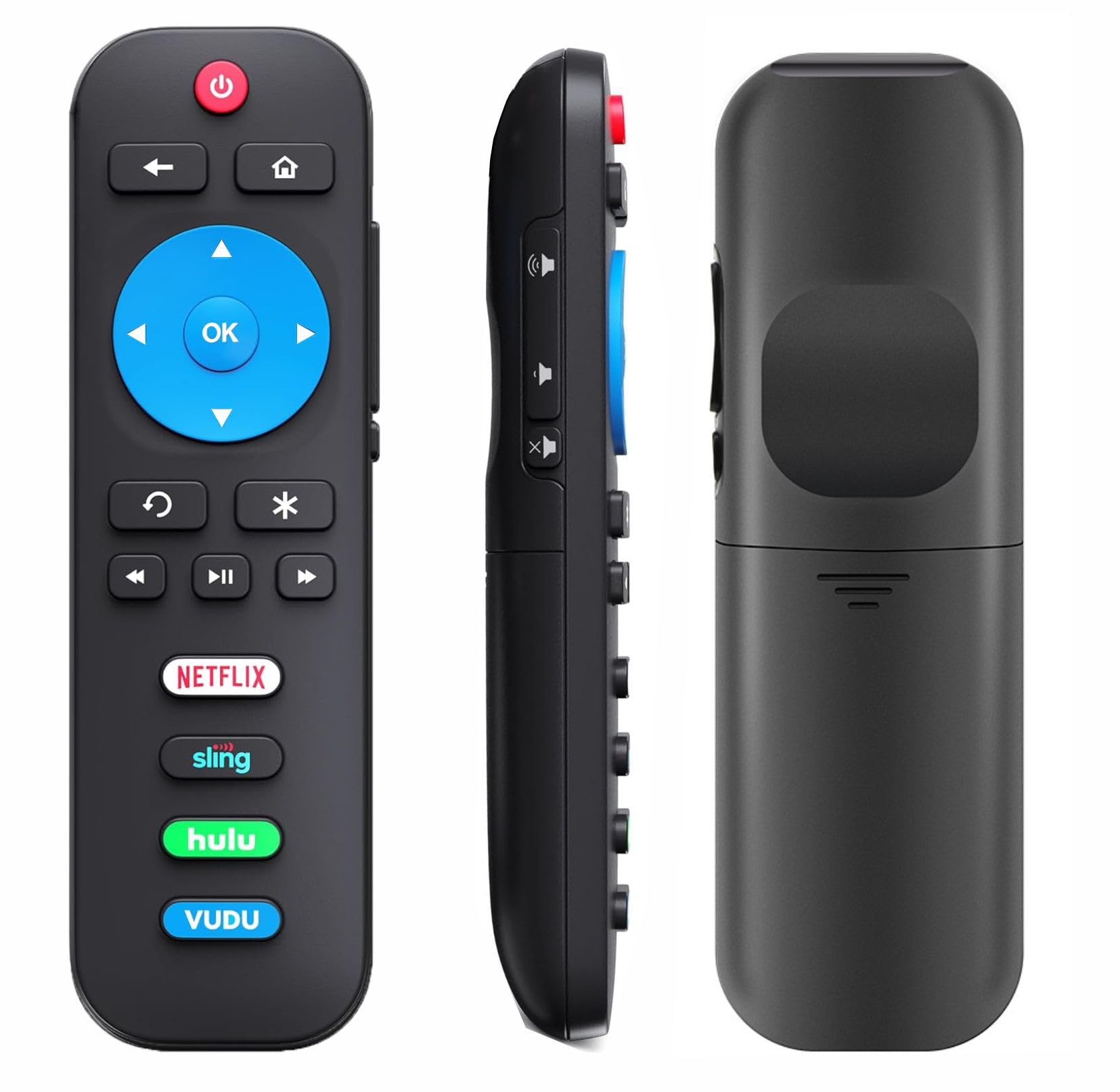
Image 1: Gmatrix RC280 Replacement Remote Control for Roku TVs.
2. Güvenlik Bilgileri
- Use only 2 AAA batteries. Do not mix old and new batteries, or different types of batteries.
- Pillerin doğru kutuplara (+/-) yerleştirildiğinden emin olun.
- Uzaktan kumandayı uzun süre kullanmayacaksanız pil sızıntısını önlemek için pilleri çıkarın.
- Kullanılmış pilleri yerel düzenlemelere göre atın.
3. Paket İçeriği
- 1x Gmatrix RC280 Replacement Remote Control.
- Not: 2 AAA batteries are required and are NOT included in the package.
4. Kurulum
The Gmatrix RC280 remote control is designed for immediate use with compatible Roku TVs. No programming or pairing is required.
- Pilleri Takın: Open the battery compartment on the back of the remote. Insert 2 AAA batteries, ensuring correct polarity.
- Kullanıma Hazır: Once batteries are installed, the remote is ready to operate your compatible Roku TV.

Image 2: Battery installation for the Gmatrix RC280 remote control.
Video 1: A short demonstration by Gmatrix Magic showing the remote's functionality and ease of use with a TCL Roku TV.
5. Kullanım Talimatları
The Gmatrix RC280 features intuitive buttons for easy navigation and control of your Roku TV.
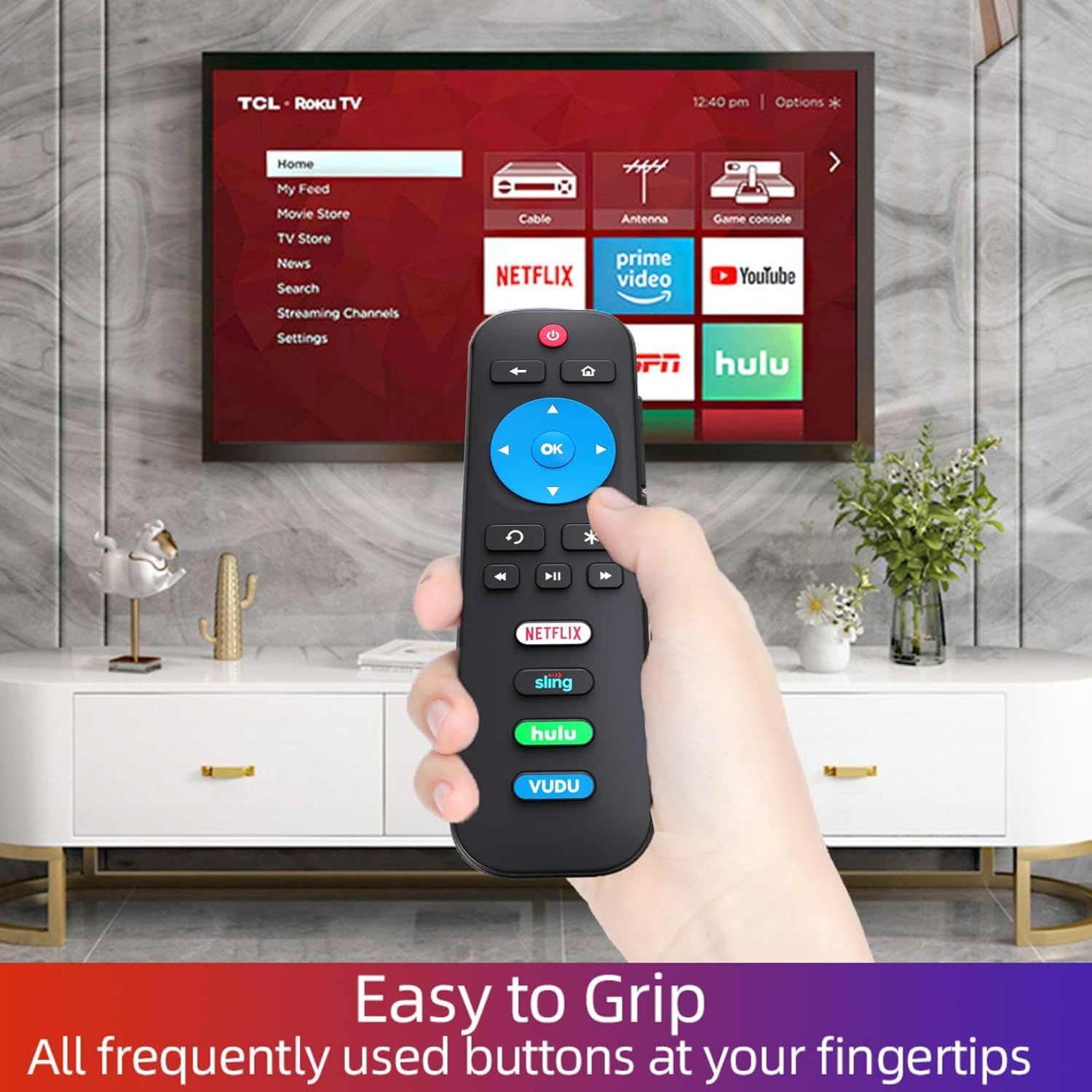
Image 3: Detailed diagram of the remote control's function buttons.
- Güç Düğmesi (Kırmızı): Televizyonu açar veya kapatır.
- Back Button (Arrow Left): Navigates back to the previous menu or screen.
- Ana Sayfa Düğmesi (Ev Simgesi): Hemen Ana ekrana döner.
- Directional Pad (Blue Cross with OK): Use the arrow buttons to navigate menus and content. Press OK Bir öğeyi seçmek için
- Instant Replay (Curved Arrow): Selects models streaming programs that support this feature and broadcasts TV if Live TV Pause is enabled, jumping back a few seconds with each press and resuming play. Broadcast TV if live TV pause is disabled, jumps to the previous channel. When using an on-screen keyboard, backspaces in the text you are entering.
- Options Button (Asterisk): Mevcut olduğunda ek seçenekleri görüntüler.
- Oynat/Duraklat, Geri Sar, İleri Sar: Standart medya oynatma kontrolleri.
- Volume Up/Down/Mute (Side Buttons): Control the TV's audio level.
- App Shortcut Buttons (Netflix, Sling, Hulu, Vudu): Directly access these popular streaming applications.

Image 4: The remote control in use with a TCL Roku TV, highlighting the app shortcut buttons.
6. Uyumluluk
The Gmatrix RC280 Replacement Remote Control is compatible with ALL Built-in Roku TV brands, including but not limited to:
- TCL Roku TV
- Hisense RokuTV
- ONN Roku TV
- INSIGNIA Roku TV
- SHARP Roku TV
- Hitachi Roku TV
- Philips Roku TV
- SANYO Roku TV
- Westinghouse Roku TV
- Öğe Roku TV
- JVC Roku TV
- LG Roku TV
- RCA Roku TV
- Magnavox Roku TV
- InFocus Roku TV
WARNING: This remote is NOT COMPATIBLE with Roku Stick or Roku Streaming Players.

Image 5: Visual representation of compatible Roku TVs versus incompatible Roku devices.

Resim 6: Örn.amples of smart Roku TV brands compatible with the remote.
7. Sorun Giderme
- Uzaktan kumanda yanıt vermiyor:
- Ensure fresh 2 AAA batteries are correctly installed.
- Uzaktan kumanda ile televizyonun kızılötesi alıcısı arasında herhangi bir engel olup olmadığını kontrol edin.
- Verify your TV is a compatible Roku TV model (not a Roku Stick or Player).
- No voice control or headphone jack: This remote is a standard IR remote and does not support these features.
8. Özellikler
| Özellik | Detay |
|---|---|
| Model Numarası | RC280 |
| Ürün Boyutları | 3 x 3 x 0.5 inç |
| Ürün Ağırlığı | 1.76 ons |
| Piller Gerekli | 2 adet AAA pil (dahil değildir) |
| Bağlantı Teknolojisi | Kızılötesi (IR) |
| Renk | Siyah |
9. Bakım
- Clean the remote control regularly with a soft, dry cloth. Do not use liquid cleaners.
- Uzaktan kumandayı aşırı sıcaklıklara, neme veya doğrudan güneş ışığına maruz bırakmaktan kaçının.
- Replace batteries promptly when the remote's performance declines.
10. Garanti ve Destek
The Gmatrix RC280 Replacement Remote Control comes with a 2-Year Warranty.
We maintain a high standard of excellence and strive for 100% customer satisfaction. If you have any query regarding your order or product, please feel free to contact us. We will respond within 12 hours on working days.