1. Giriş
Thank you for choosing the RCA RLDEDV4001 40-Inch 1080p Full HD LED TV with Built-In DVD Player. This manual provides essential information for the safe and efficient operation of your television. Please read these instructions thoroughly before using the product and retain them for future reference.
This television combines a high-definition display with an integrated DVD player, offering a versatile entertainment solution. It features multiple input options for connecting various external devices.
2. Önemli Güvenlik Bilgileri
Hasar oluşmasını önlemek ve güvenli çalışma sağlamak için aşağıdaki güvenlik önlemlerine uyun:
- Güç Kaynağı: Televizyonu yalnızca belirtilen güç kaynağına bağlayın.
- Havalandırma: Yeterli havalandırma sağlayın. Havalandırma açıklıklarını kapatmayın.
- Su ve Nem: Televizyonunuzu yağmura veya neme maruz bırakmayın. Televizyonun üzerine sıvı dolu nesneler koymayın.
- Temizlik: Temizlemeden önce televizyonun fişini çekin. Yumuşak, kuru bir bez kullanın.
- Servis: Bu ürüne kendiniz servis vermeye çalışmayın. Tüm servis işlemleri için kalifiye servis personeline başvurun.
- Atama: Televizyonunuzu sabit ve düz bir yüzeye yerleştirin. Doğrudan güneş ışığına veya ısı kaynaklarının yakınına yerleştirmekten kaçının.
3. Kutuda Neler Var?
Kutuyu dikkatlice açın ve tüm eşyaların mevcut olduğundan emin olun:
- RCA RLDEDV4001 40-Inch LED TV with Built-In DVD Player
- TV Sehpası (2 adet)
- Uzaktan kumanda
- Güç Kablosu
- Kullanım Kılavuzu (bu belge)
- Stand Montajı için Vidalar
4. Kurulum
4.1 Paketin açılması
Remove the television and all accessories from the packaging. Retain the packaging materials for future transport or storage.
4.2 Stand Kurulumu
To install the included stand:
- Ekran hasarını önlemek için televizyonu yumuşak ve temiz bir yüzeye yüzü aşağı bakacak şekilde yerleştirin.
- Her bir stand parçasını televizyonun alt kısmındaki ilgili yuvalara hizalayın.
- Her bir ayak parçasını birlikte verilen vidaları kullanarak sabitleyin. Vidaların iyice sıkıldığından emin olun.

4.3 Çevre Birimlerini Bağlama
The RCA RLDEDV4001 offers various input ports for connecting external devices. Refer to the back panel image below for port locations.
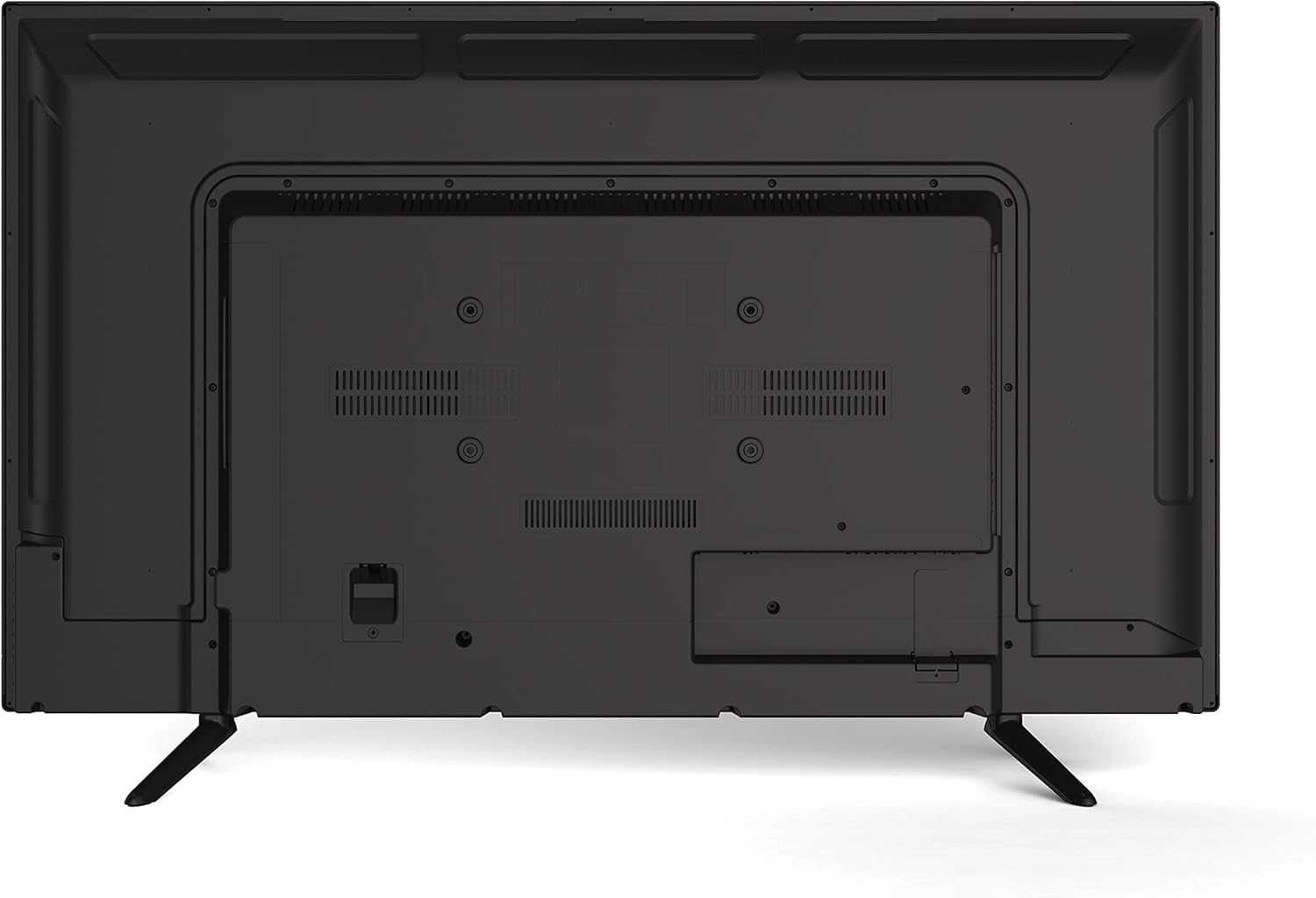
- HDMI (x3): Blu-ray oynatıcıları, oyun konsollarını, kablo/uydu alıcılarını veya HDMI özellikli diğer cihazları bağlayın.
- VGA: Bilgisayarı monitör olarak kullanmak üzere bağlayın.
- RF (Anten/Kablo): Havadan yayınlar için bir anten veya kablolu TV bağlantısı kurun.
- YPBPR (Bileşen Videosu): Connect devices using component video cables (red, green, blue) for video and separate audio cables (red, white).
- AV (Composite Video): Connect older devices using composite video (yellow) and stereo audio (red, white) cables.
- Bilgisayar Sesi: Audio input for VGA connection.
- Kulaklık: Özel dinleme için kulaklıkları bağlayın.
4.4 Güç Bağlantısı
After connecting all desired peripherals, plug the power cord into the TV's power input, then plug the other end into a standard electrical outlet.
5. Kullanım Talimatları
5.1 Güç Açma/Kapatma
Basın GÜÇ button on the remote control or on the TV's side panel to turn the TV on or off.
5.2 Giriş Seçimi
Basın GİRİŞ or KAYNAK button on the remote control to cycle through available input sources (TV, HDMI1, HDMI2, HDMI3, VGA, AV, YPBPR, DVD).
5.3 Channel Scan (TV Mode)
If using an antenna or cable connection, perform a channel scan:
- Girişi değiştirin TV.
- Access the TV's menu using the MENÜ Uzaktan kumandadaki düğmeye basın.
- Şuraya gidin: Kanal or Kurmak bölüm.
- Seçme Otomatik Tarama or Otomatik Program to search for available channels.
5.4 DVD Player Operation
The integrated slot-loading DVD player supports standard DVD discs.
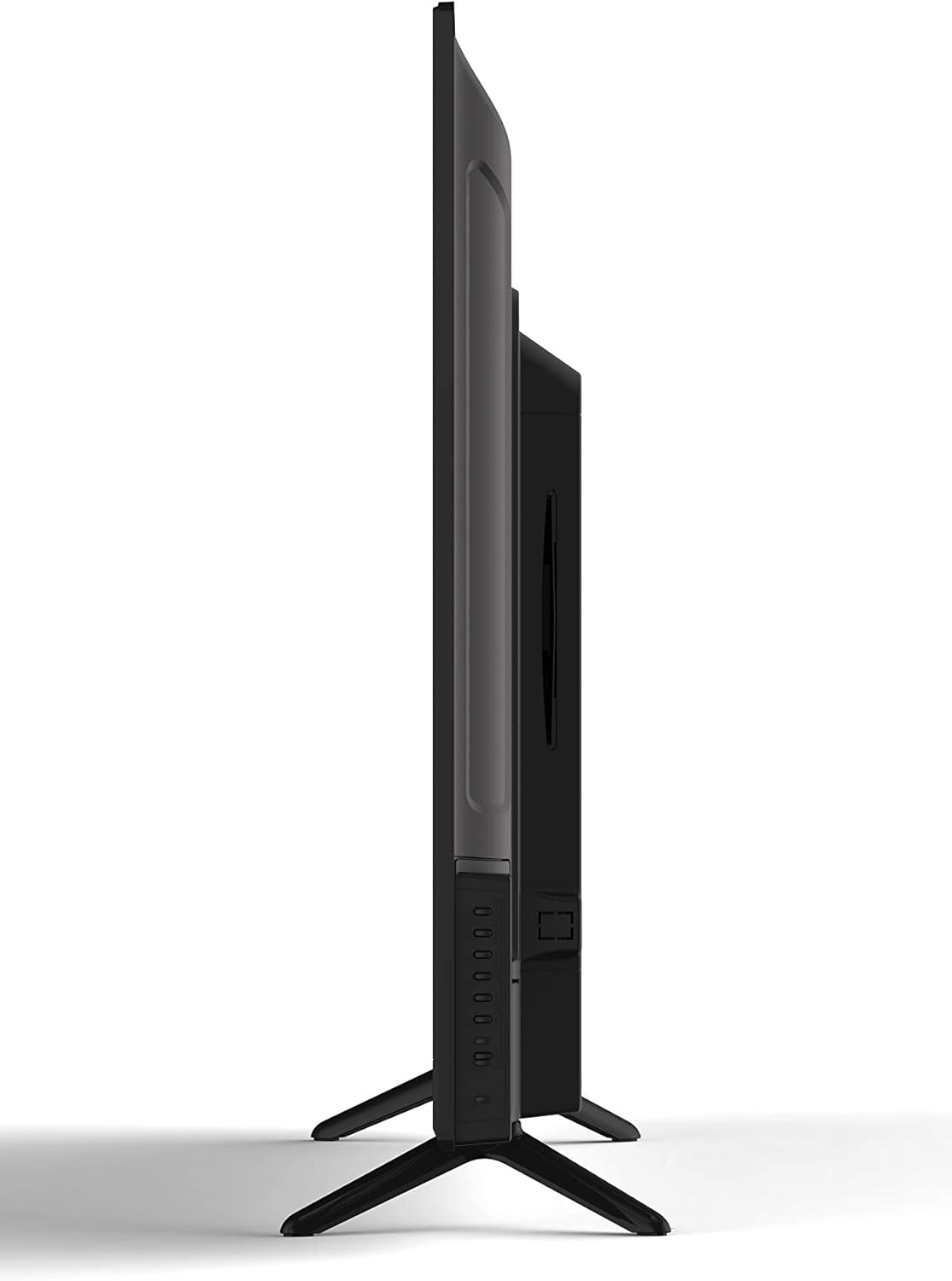
- Gently insert a DVD disc into the slot on the side of the TV, label side facing up. The TV will automatically switch to DVD input or prompt you to do so.
- Use the DVD control buttons on the remote (Play, Pause, Stop, Fast Forward, Rewind, Skip) to manage playback.
- Bir diski çıkarmak için, ÇIKARMAK Uzaktan kumandadaki veya televizyonun yan panelindeki düğme.
5.5 Görüntü ve Ses Ayarları
Access the TV's menu to adjust picture (brightness, contrast, color, aspect ratio) and sound (volume, bass, treble, sound mode) settings to your preference.
5.6 Uyku Zamanlayıcısı
The sleep timer function allows you to set a specific time after which the TV will automatically turn off. Access this feature through the TV's main menu.
5.7 Multi-Language On-Screen Display (OSD)
The TV supports multiple languages for its on-screen display. You can change the OSD language in the TV's setup menu.
6. Bakım
6.1 TV'nin temizlenmesi
Televizyonu temizlemeden önce mutlaka fişini çekin.
- Ekran: Elektronik ekranlar için özel olarak tasarlanmış, yumuşak ve tüy bırakmayan bir bez kullanın. Aşındırıcı temizleyiciler veya çözücüler kullanmayın.
- Kabine: Wipe the cabinet with a soft, dry cloth. If necessary, use a slightly damp bezle silin ve ardından hemen kurulayın.
6.2 Depolama
Televizyonu uzun süre saklayacaksanız, fişini prizden çekin, uzaktan kumandanın pillerini çıkarın ve serin, kuru bir yerde, tercihen orijinal ambalajında saklayın.
7. Sorun Giderme
Before contacting support, try these common solutions:
| Sorun | Olası Neden / Çözüm |
|---|---|
| Güç Yok | Ensure the power cord is securely plugged into the TV and the wall outlet. Check if the outlet is functional. |
| Görüntü yok, ancak ses var. | Doğru giriş kaynağının seçildiğinden emin olun. Harici cihazlara olan kablo bağlantılarını kontrol edin. |
| Ses yok, ancak görüntü mevcut. | Ses seviyesini kontrol edin ve televizyonun sesinin kapalı olmadığından emin olun. Harici cihazlar için ses kablosu bağlantılarını doğrulayın. |
| DVD Not Playing / Disc Error | Ensure the disc is inserted correctly (label side up). Clean the disc for smudges or scratches. Try a different disc. |
| Uzaktan Kumanda Çalışmıyor | Replace the batteries (2 AAA required). Ensure there are no obstructions between the remote and the TV's sensor. |
8. Özellikler
| Özellik | Tanım |
|---|---|
| Örnek | RLDEDV4001 |
| Ekran Boyutu | 40 inç |
| Görüntü Türü | Full HD D-LED |
| Çözünürlük | 1920x1080 (1080p) |
| En Boy Oranı | 16:9 |
| Parlaklık | 450 cd/m² |
| Kontrast Oranı | 1500:1 |
| Tepki Süresi | 8 ms |
| Viewİniş Açısı (H/V) | 178° / 178° |
| Tuner Türü | ATSC/NTSC |
| Dahili Oynatıcı | Slot Loading DVD Player |
| Görüntüleme Özellikleri | 480i, 480p, 576i, 576p, 720i, 720p, 1080i, 1080p |
| HDMI Girişleri | 3 |
| VGA Girişi | 1 |
| RF Girişi | 1 |
| YPBPR (Component) Input | 1 |
| AV (Composite) Input | 1 |
| PC Ses Girişi | 1 |
| Kulaklık Çıkışı | 1 |
| Özel Özellikler | Sleep Timer, Programmable Channel Memory, Multi-Language OSD |
| Ürün Ağırlığı | 19.1 Pound |
| Uzaktan Kumanda Pilleri | 2 x AAA (dahil değil) |
9. Garanti ve Destek
This product is sold as a Certified Refurbished item and typically comes with a minimum 90-day warranty provided by the seller. For specific warranty details, please refer to the documentation provided at the time of purchase or contact your retailer.
For technical assistance or customer support, please refer to the contact information provided by your retailer or the RCA brand's official support channels.


