giriiş
This manual provides important information regarding the safe operation, installation, and maintenance of your Arctic-Pro Mini Desk Oscillating Tower Fan. Please read this manual thoroughly before using the product and retain it for future reference.
The Arctic-Pro Mini Desk Oscillating Tower Fan is designed to provide personal cooling with its compact size and quiet operation. It features two speed settings and a 75-degree oscillation function for effective air circulation in small spaces such as offices, bedrooms, and cubicles.
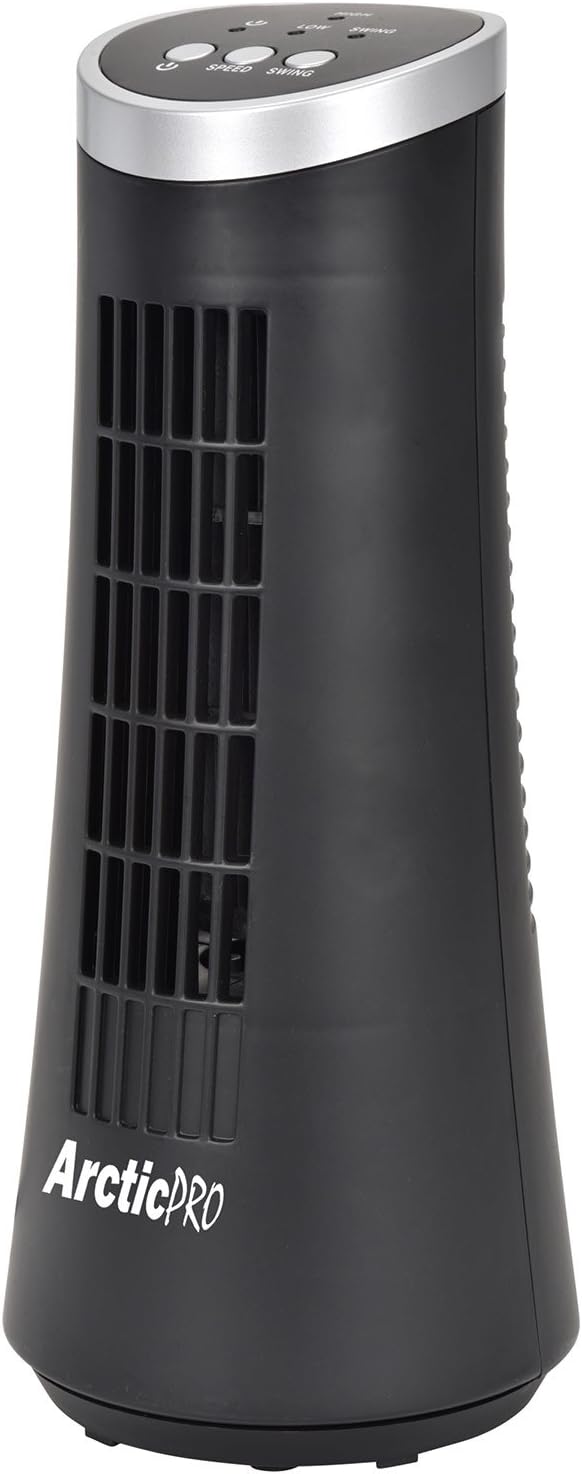
Figure 1: Arctic-Pro Mini Desk Oscillating Tower Fan, a compact black tower fan with a silver top panel.
Ürün Özellikleri ve Bileşenleri
Familiarize yourself with the key features and components of your fan for optimal use.
- Fısıltı kadar sessiz çalışma: Engineered to produce minimal operational noise, ensuring no distractions during work or sleep.
- Taşınabilir ve Kompakt Tasarım: Features a convenient carrying handle for easy transport between rooms. Ideal for desks, nightstands, and small spaces. Dimensions: 5 x 12 inches.
- İki Hız Ayarı: Adjustable airflow from Low to High wind via electronic touch controls with LED indicators.
- 75 Derecelik Salınım: Provides wide-angle air distribution and circulation to cool your entire area effectively.
- Electronic Touch Controls: Intuitive controls located on the top panel for power, speed, and oscillation.

Şekil 2: Üzeriview of fan components, highlighting the user controls on top, the front grill, the handle on the back, and the oscillating base.
Kurmak
The Arctic-Pro Mini Desk Oscillating Tower Fan requires no assembly. Simply remove it from its packaging and place it on a stable, flat surface.
- Unpack the fan carefully from its box.
- Place the fan on a firm, level surface, ensuring adequate space around it for air circulation and oscillation.
- Plug the power cord into a standard electrical outlet (AC 120V, 60Hz).
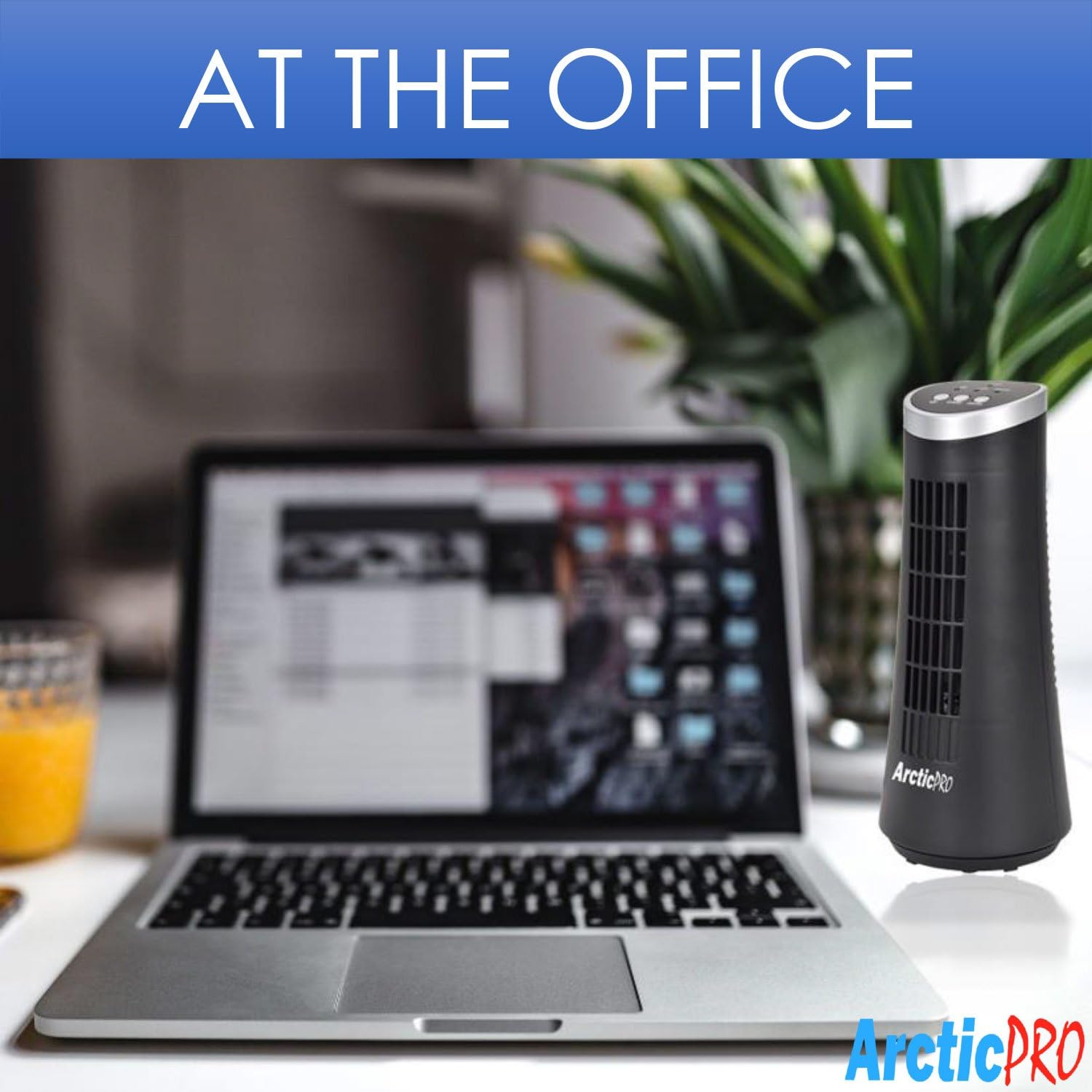
Figure 3: The product packaging, indicating the fan is ready to use out of the box.
Kullanım Talimatları
The fan is operated using the touch controls located on the top panel.

Şekil 4: Ayrıntılı view of the fan's touch control panel, showing buttons for On/Off, Speed (Low/High), and Oscillation (Swing).
- Güç Açma/Kapatma: Basın Güç düğmesi to turn the fan on or off. An LED indicator will illuminate when the fan is on.
- Hızın Ayarlanması: Basın Hız düğmesi to cycle between Low and High speed settings. Corresponding LED indicators will show the selected speed.
- Salınım Kontrolü: Basın Sallanma düğmesi to activate or deactivate the 75-degree oscillation function. When active, the fan will rotate from side to side to distribute air across a wider area.
Bakım ve Özen
Regular cleaning and proper care will ensure the longevity and efficient operation of your fan.
- Temizlik:
- Temizlemeden önce vantilatörün fişini mutlaka prizden çekin.
- Yumuşak bir d kullanınamp Vantilatörün dış yüzeylerini silmek için bir bez kullanın. Aşındırıcı temizleyiciler veya çözücüler kullanmayın.
- To clean the fan grill, use a vacuum cleaner with a brush attachment to remove dust and debris. Do not attempt to disassemble the fan for cleaning.
- Depolamak:
- If storing the fan for an extended period, clean it thoroughly and place it back in its original packaging or a suitable box.
- Vantilatörü serin, kuru bir yerde, doğrudan güneş ışığından ve aşırı sıcaklıklardan uzakta saklayın.
Note: Do not immerse the fan in water or allow water to drip into the motor housing.
Sorun giderme
Fanınızla ilgili herhangi bir sorunla karşılaşırsanız, lütfen aşağıdaki yaygın sorunlar ve çözümler bölümüne bakın:
| Sorun | Olası Neden | Çözüm |
|---|---|---|
| Fan çalışmıyor. | Fişe takılı değil; elektrik prizi çalışmıyor; fan kapalı. | Ensure the power cord is securely plugged into a working electrical outlet. Press the Power button. Test the outlet with another device. |
| Hava akışı zayıf veya yok. | Fan speed set to low; air intake/output blocked; excessive dust buildup. | Increase the fan speed using the Speed button. Ensure nothing is obstructing the front grill or rear air intake. Clean the fan grill to remove dust. |
| Vantilatör salınım yapmıyor. | Salınım fonksiyonu kapalı. | Press the Swing button to activate the oscillation function. |
| Çalışma sırasında olağandışı gürültü. | Vantilatör düz bir yüzeyde değil; iç kısımda bir engel var. | Place the fan on a stable, level surface. Unplug the fan and check for any visible obstructions in the grill. If the noise persists, discontinue use and contact customer support. |
Özellikler
| Bağlanmak | Detay |
|---|---|
| Marka | Arctic-Pro |
| Model Numarası | 21599 |
| Ürün Boyutları | 5"D x 5"G x 12"Y (12.7 cm D x 12.7 cm G x 30.48 cm Y) |
| Renk | Siyah |
| Güç Kaynağı | Kablolu Elektrik |
| Kontrol Yöntemi | Dokunmak |
| Özel Özellikler | Oscillating, Portable, Ultra-Quiet Operation |
| Ürün Ağırlığı | 2.45 Pound (1.11 kg) |
| UPC | 815691021599 |

Figure 5: Dimensions of the fan, indicating a height of 12.5 inches (31.75 cm) and a base width of 5 inches (12.7 cm).
Önemli Güvenlik Bilgileri
Please read and follow all safety instructions to prevent injury or damage.
- Hasarlı bir kablo veya fişle hiçbir fanı çalıştırmayın. Fanı atın veya inceleme ve/veya onarım için yetkili bir servis tesisine iade edin.
- Kabloyu halının altından geçirmeyin. Kabloyu kilim, yolluk veya benzeri örtülerle örtmeyin. Kabloyu mobilya veya cihazların altından geçirmeyin. Kabloyu trafik alanından uzakta ve üzerine basılmayacağı bir yere yerleştirin.
- To disconnect the fan, turn controls to OFF, then remove plug from outlet.
- Parmaklarınızı veya yabancı cisimleri havalandırma veya egzoz açıklıklarına sokmayın veya sokmayın; bu elektrik çarpmasına veya yangına neden olabilir veya fana zarar verebilir.
- Hava giriş veya çıkışlarını hiçbir şekilde kapatmayın. Yatak gibi açıklıkların tıkanabileceği yumuşak yüzeylerde kullanmayın.
- Bu fan ıslak veya ıslak zeminde kullanım için tasarlanmamıştır.amp Konumlar.
- Always place the fan on a stable, flat surface during operation to prevent tipping.
- Herhangi bir cihazın çocuklar tarafından veya çocukların yakınında kullanılması durumunda yakın gözetim gereklidir.
Müşteri Desteği
For any questions, concerns, or assistance with your Arctic-Pro Mini Desk Oscillating Tower Fan, please contact your retailer or the manufacturer's customer service. While specific warranty details are not provided in this manual, the product is backed by a 30-day full money-back guarantee from the point of purchase, as per product information.
Destek talepleriniz için lütfen satın alma fişinizi saklayınız.


