1. Giriş
Thank you for choosing the Solight LED Desk Lamp WO46. This versatile lamp combines modern design with practical features, including a dimmable LED light, an integrated display showing time, date, alarm, and temperature. This manual provides essential information for the safe and efficient use of your new desk lamp.
2. Güvenlik Talimatları
- Kullanmadan önce tüm talimatları dikkatlice okuyun ve ileride başvurmak üzere saklayın.
- Güç kaynağı hacmini sağlayıntage matches the requirements specified on the product.
- l'yi açığa çıkarmayınamp suya veya aşırı neme.
- Avoid disassembling or modifying the lampTüm bakımları yetkili personele yaptırın.
- l'yi tutamp ısı kaynaklarından ve doğrudan güneş ışığından uzak tutun.
- l'yi temizleamp only with a soft, dry cloth. Do not use abrasive cleaners or solvents.
- Bu ürün yalnızca iç mekanda kullanılmak üzere tasarlanmıştır.
3. Paket İçeriği
Lütfen paketi aşağıdaki öğeler açısından kontrol edin:
- Solight LED Desk Lamp WO46
- Güç kablosu
- Kullanım Kılavuzu (bu belge)
4. Ürün Bittiview
The Solight LED Desk Lamp WO46 features a flexible arm, an integrated LED light panel, and a multi-functional display on its base. The base also houses the touch-sensitive controls.

Figure 1: Solight LED Desk Lamp WO46 in folded position, displaying time, date, and temperature on its integrated screen.

Figure 2: Solight LED Desk Lamp WO46 with its arm extended, highlighting the LED light panel and the functional display.
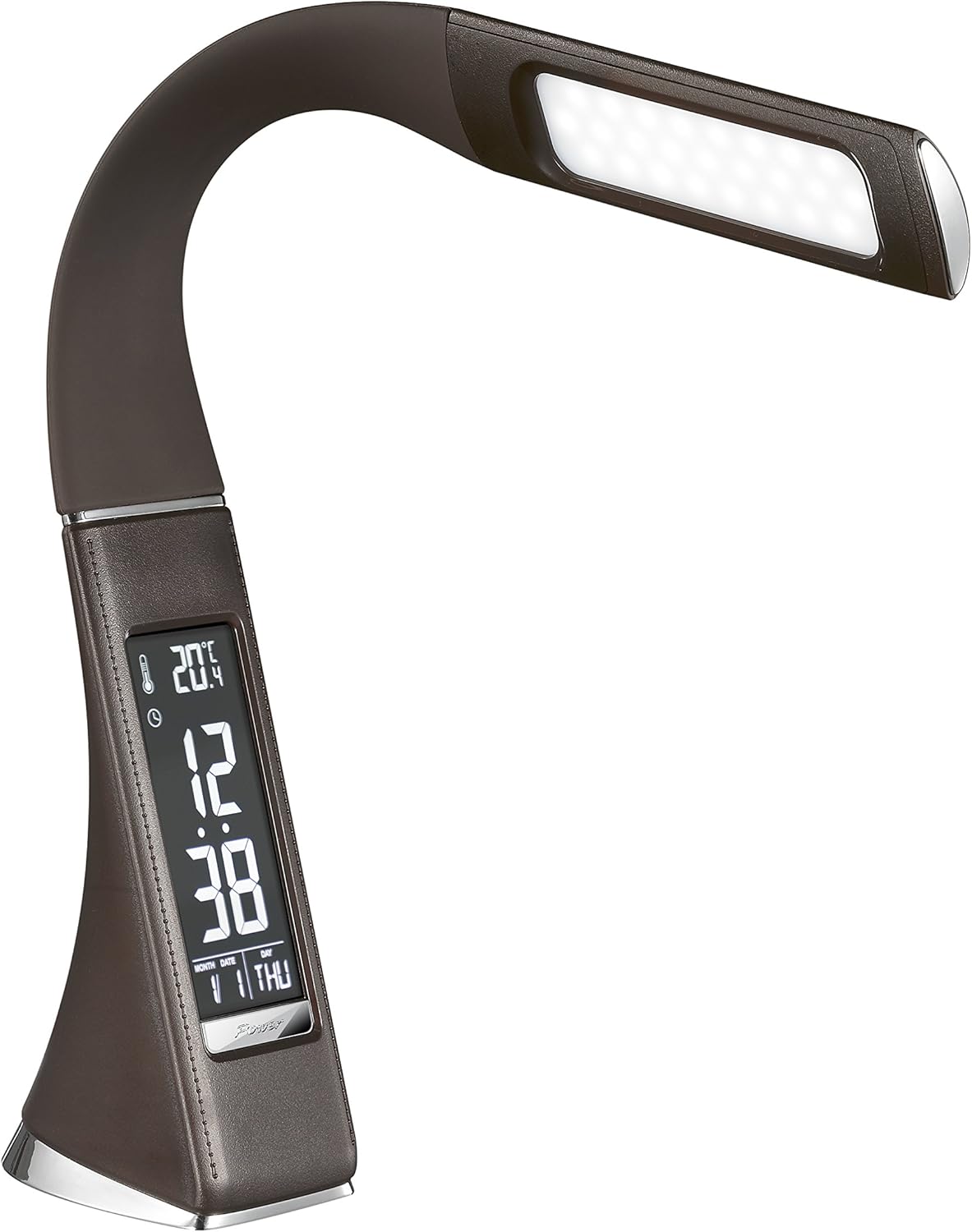
Şekil 3: Açısal view of the Solight LED Desk Lamp WO46, extended, emphasizing its sleek design and the display panel.
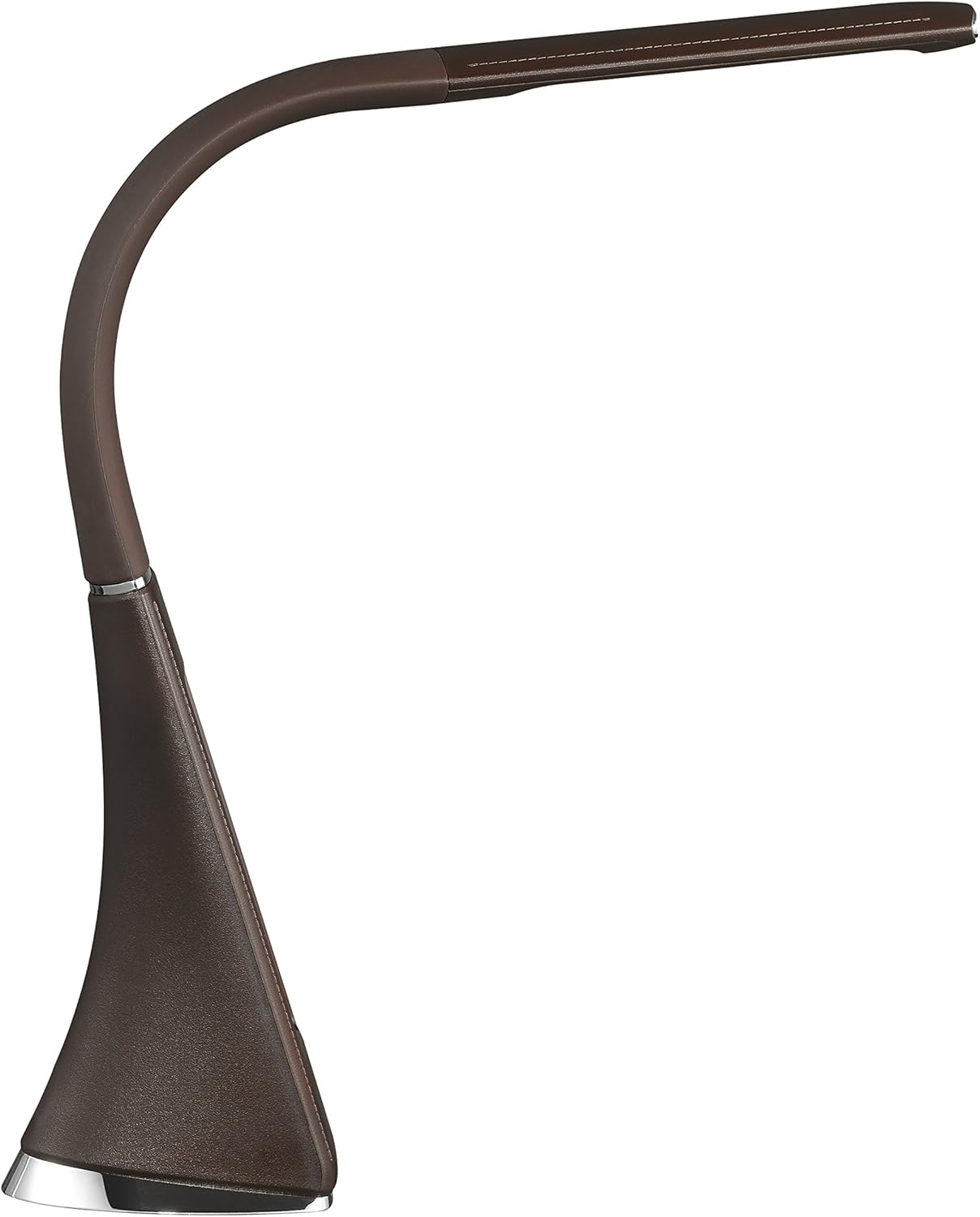
Şekil 4: Yan profile of the Solight LED Desk Lamp WO46, extended, illustrating the flexibility of its arm and the slim design of the light panel.

Şekil 5: Arka view of the Solight LED Desk Lamp WO46, extended, indicating the power input port located at the back of the lampüssü.
5. Kurulum
- Paketi aç: Tüm bileşenleri dikkatlice ambalajından çıkarın.
- Atama: l'yi yerleştirinamp Düz ve sağlam bir yüzey üzerinde. Kaymaz taban, dengeyi sağlar.
- Gücü bağlayın: Insert the power cable into the DC input port at the back of the lamp's base, then plug the adapter into a standard electrical outlet.
- Konumu Ayarla: Gently adjust the flexible arm to your desired lighting angle.
6. Kullanım Talimatları
6.1 Işık Kontrolü
- Güç Açma/Kapatma: Press the touch-sensitive power button on the base to turn the lamp açık veya kapalı.
- Parlaklık Ayarı: l ileamp on, press and hold the power button to cycle through the three available brightness levels. Release the button at your desired brightness.
6.2 Ekran İşlevleri
The integrated display shows time, date, day of the week, temperature, and alarm status. Specific buttons on the base (e.g., 'Mode', 'Set', 'Up', 'Down' - refer to physical markings on your lamp if available) are used to navigate and set these functions.
- Saat ve Tarih Ayarı:
- Press the 'Mode' button until the time display flashes.
- Use the 'Up' and 'Down' buttons to adjust the hour, then press 'Set' to confirm and move to minutes.
- Aynı işlemi dakika, yıl, ay ve gün için de tekrarlayın.
- Press 'Mode' to exit setting mode.
- Alarmı Ayarlama:
- Press the 'Mode' button repeatedly until the alarm icon appears and the alarm time flashes.
- Use 'Up' and 'Down' to set the alarm hour, then 'Set' to confirm and move to minutes.
- Press 'Mode' to activate/deactivate the alarm. An alarm icon will indicate if it's active.
- Sıcaklık Göstergesi: Lamp automatically displays the ambient temperature. No user adjustment is typically required for this function.
7. Bakım
- Temizlik: l'yi ayırınamp from the power supply before cleaning. Wipe the lamp's surface with a soft, dry, lint-free cloth. Do not use liquid cleaners or sprays.
- Depolamak: L'yi saklıyorsanızamp for an extended period, ensure it is clean and dry. Store it in a cool, dry place away from direct sunlight.
8. Sorun Giderme
| Sorun | Olası Neden | Çözüm |
|---|---|---|
| Lamp açılmıyor. | Güç kaynağı yok. | Check if the power cable is securely connected to the lamp and the electrical outlet. Ensure the outlet is functional. |
| Display is blank or incorrect. | Power interruption or incorrect settings. | Ensure continuous power. Reset time and date settings as per Section 6.2. |
| Işık titriyor. | Dengesiz güç kaynağı. | L'yi takmayı deneyinamp into a different electrical outlet. |
| Alarm çalmıyor. | Alarm etkinleştirilmemiş veya yanlış ayarlanmış. | Verify that the alarm is set and activated (alarm icon visible) as per Section 6.2. |
9. Özellikler
| Özellik | Detay |
|---|---|
| Model Numarası | WO46-H |
| Boyutlar (U x G x Y) | 5.5x9x50 cm |
| Ağırlık | 599 gr (1.32 lb) |
| Malzeme | PS (Polistiren) |
| Bitiş Türü | Leather look |
| Işık Kaynağı Türü | NEDEN OLMUŞ |
| Ampul Sayısı | 3 |
| Işık Akısı | 300 lm |
| Güç | 1.5 Watt |
| Cilttage | 230 Volt |
| Ortalama Ömür | 30,000 Saat |
| IP Derecelendirmesi | IP20 |
| Anahtar Stili | Basmalı Düğme |
| Enerji Etiketi | A+ |
10. Garanti ve Destek
Solight products are designed and manufactured to the highest quality standards. For information regarding warranty coverage, technical support, or spare parts availability, please refer to the documentation provided with your purchase or visit the official Solight webLütfen garanti talepleriniz için satın alma belgenizi saklayın.


