giriiş
Thank you for choosing the Logitech M331 SILENT PLUS Wireless Mouse. This manual provides detailed instructions for setting up, operating, maintaining, and troubleshooting your new wireless mouse. Designed for comfort and quiet operation, the M331 SILENT PLUS offers a reliable and precise navigation experience.
Paket İçeriği
- Logitech M331 SILENT PLUS Kablosuz Fare
- Nano Alıcı
- 1 adet AA pil (önceden takılı)
- Kullanıcı Belgeleri

Image: The Logitech M331 SILENT PLUS Wireless Mouse in red, showing its top view with the scroll wheel and Logitech logo.
Kurulum Kılavuzu
1. Pilin Takılması
The Logitech M331 SILENT PLUS mouse comes with one AA battery pre-installed. If you need to replace it:
- Farenin alt tarafındaki pil bölmesi kapağını bulun.
- Kapağı kaydırarak açın.
- Insert a new AA battery, ensuring the positive (+) and negative (-) terminals align correctly with the indicators inside the compartment.
- Pil bölmesi kapağını sıkıca kapatın.
2. Nano Alıcının Bağlanması
The Nano Receiver provides the wireless connection between your mouse and computer.
- Locate the Nano Receiver. It is typically stored inside the battery compartment of the mouse for safekeeping during transport.
- Nano Alıcıyı bilgisayarınızdaki kullanılabilir bir USB bağlantı noktasına takın.
- Bilgisayarınız gerekli sürücüleri otomatik olarak algılayıp yükleyecektir. Bu işlem birkaç dakika sürebilir.
3. Turning the Mouse On/Off
To conserve battery life, the mouse features an on/off switch.
- Farenin alt tarafındaki güç anahtarını bulun.
- Slide the switch to the "ON" position to use the mouse.
- Slide the switch to the "OFF" position when not in use for extended periods, such as overnight or during travel.

Image: A diagram highlighting key features of the Logitech M331 mouse, including silent clicks, wide rubber scroll wheel, contoured grips, high precision tracking, the storage location for the unifying receiver, and its 10-meter wireless range.
Kullanım Talimatları
Temel Fare İşlevleri
- Sol tık: Press the left mouse button to select items, open files, or activate functions.
- Sağ tık: Press the right mouse button to open context menus or access additional options.
- Kaydırma tekerleği: Belgeler arasında gezinmek için fare tekerleğini yukarı veya aşağı kaydırın. web Sayfalar. Kaydırma tekerleği aynı zamanda orta tıklama düğmesi olarak da işlev görür.
Sessiz Çalışma
The M331 SILENT PLUS mouse is engineered for quiet operation, offering over 90% noise reduction on click sounds compared to standard Logitech mice. This feature ensures a quiet environment for you and those around you.
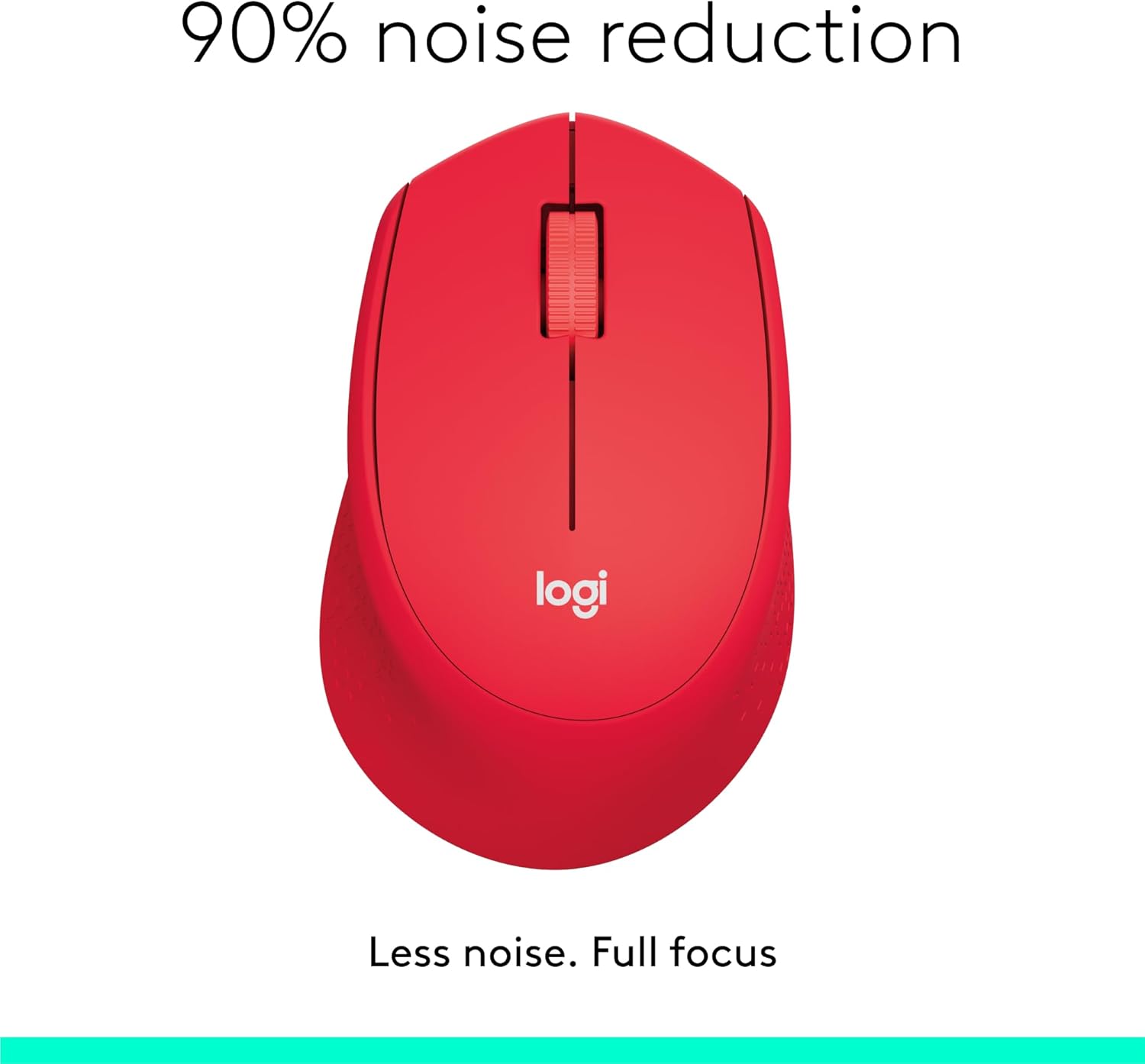
Image: The Logitech M331 mouse illustrating its 90% noise reduction capability, promoting a focused work environment.
Ergonomik Tasarım
The mouse is crafted with contoured grips and a curved shape to fit comfortably in your right hand, providing improved control and reducing strain during extended use.

Image: A hand demonstrating the comfortable grip on the Logitech M331 mouse, highlighting its contoured side grips designed for right-hand use.
Bakım
Farenizi Temizleme
En iyi performansı ve hijyeni korumak için farenizi düzenli olarak temizleyin:
- Turn off the mouse and unplug the Nano Receiver from your computer.
- Hafifçe yumuşak, tüy bırakmayan bir bez kullanın.ampened with water or an electronics-safe cleaning solution to wipe the surface of the mouse.
- Herhangi bir açıklıktan içeriye nem girmesini önleyin.
- For the optical sensor on the underside, use a dry cotton swab to gently remove any dust or debris.
Pil Değişimi
The M331 SILENT PLUS mouse boasts an impressive battery life of up to 24 months. When the battery is low, you may notice erratic behavior or the mouse becoming unresponsive. Refer to the "Installing the Battery" section under Setup Guide for replacement instructions.
Sorun giderme
| Sorun | Olası Neden | Çözüm |
|---|---|---|
| Mouse is unresponsive or not moving. |
|
|
| Erratic or jumpy cursor movement. |
|
|
| Clicks are not registering. |
|
|
Özellikler
| Özellik | Detay |
|---|---|
| Örnek | 910-004916 |
| Boyutlar (Fare) | 105.4 mm (Yükseklik) x 67.9 mm (Genişlik) x 38.4 mm (Derinlik) |
| Ağırlık (Fare) | 91.0 g (with battery: 78 g / 2.75 oz) |
| Nano Receiver Dimensions | 14.4 mm x 18.7 mm x 6.1 mm |
| Nano Receiver Weight | 1.8 gr |
| Bağlantı Türü | 2.4GHz Wireless connection |
| kablosuz Menzil | 10 metre (33 fit) |
| Sensör Teknolojisi | Logitech Gelişmiş Optik İzleme |
| Sensör Çözünürlüğü | 1000 dpi |
| Düğme Sayısı | 3 (Left/Right-click, Middle click/Scroll wheel) |
| Kaydırma Tekerleği | Yes, 2D, optical, wide rubber wheel |
| Pil Türü | 1 adet AA pil |
| Pil Ömrü | 24 aya kadar (kullanıcıya ve bilgisayar koşullarına bağlı olarak değişiklik gösterebilir) |
| Açma/Kapama Anahtarı | Evet |
| Sistem Gereksinimleri | Windows 10 or later, Windows 8, Windows RT, Windows 7, Mac OS X 10.5 or later, Chrome OS, Linux Kernel 2.6+2, USB connection (available USB port required) |
| El Yönelimi | Sağ |
| Malzeme Türü | Plastik (%58 Geri Dönüştürülmüş Plastik) |

Image: Detailed dimensions of the Logitech M331 mouse, showing its length, width, height, and weight with batteries.
Garanti ve Destek
For warranty information and technical support, please refer to the user documentation included in your package or visit the official Logitech support website. Logitech products typically come with a limited hardware warranty. Please retain your proof of purchase for warranty claims.
For further assistance, you may visit the Logitech support page: destek.logi.com


