giriiş
Satın aldığınız için teşekkür ederizasing the Soundbot SB210 HD Stereo Bluetooth Beanie. This manual provides essential information for the proper setup, operation, and maintenance of your device. Please read it thoroughly before use to ensure optimal performance and longevity of the product.
Güvenlik Bilgileri
- Cihazı aşırı sıcaklıklara veya neme maruz bırakmayın.
- Keep the device away from water and liquids, except when the electronic components are removed for washing.
- Cihazı sökmeye veya üzerinde değişiklik yapmaya çalışmayın. Bu, garantiyi geçersiz kılacaktır.
- Yalnızca verilen şarj kablosunu veya sertifikalı bir eşdeğerini kullanın.
- İşitme hasarını önlemek için uzun süre yüksek ses seviyesinde dinlemekten kaçının.
Paket İçeriği
- Soundbot SB210 HD Stereo Bluetooth Beanie
- Mikro USB Şarj Kablosu
- Kullanıcı Kılavuzu
Ürün Bittiview
The Soundbot SB210 integrates Bluetooth audio technology into a comfortable beanie, allowing for wireless music playback and hands-free calling.

Image: The Soundbot SB210 Beanie featuring its integrated control panel on the side.
Kontrol Paneli Fonksiyonları
- Oynat/Duraklat Düğmesi: Power on/off, play/pause music, answer/end calls.
- Sesi Açma (+) Düğmesi: Increase volume (short press), next track (long press).
- Sesi Azaltma (-) Düğmesi: Decrease volume (short press), previous track (long press).
- Mikrofon: Eller serbest görüşme için.
- Mikro USB Bağlantı Noktası: Dahili bataryayı şarj etmek için.
Kurmak
1. Charging the Beanie
Before initial use, fully charge the beanie. Locate the Micro USB charging port on the control panel. Connect the provided Micro USB cable to the port and the other end to a USB power source (e.g., wall adapter, computer USB port). The LED indicator will show charging status. A full charge typically takes approximately one hour and provides a full day of playback.
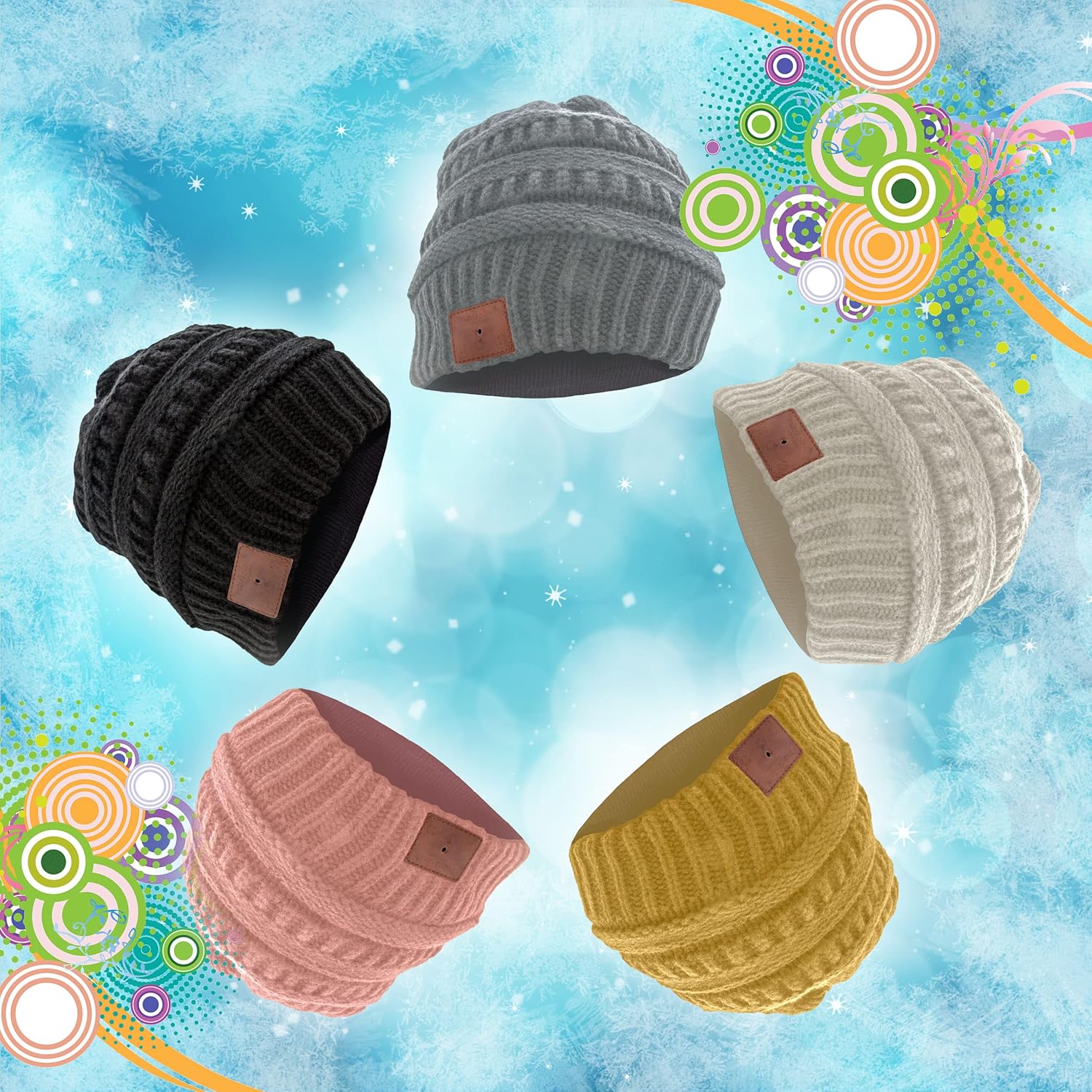
Image: The Micro USB charging port integrated into the beanie's control panel.
2. Bluetooth Cihazıyla Eşleştirme
- Ensure the beanie is charged and turned off.
- Press and hold the Play/Pause button on the control panel until the LED indicator flashes red and blue alternately. This indicates the beanie is in pairing mode.
- Bluetooth özellikli cihazınızda (akıllı telefon, tablet vb.) Bluetooth ayarlarına gidin ve Bluetooth'u etkinleştirin.
- Arama available devices. You should see "SB210" or "Soundbot Beanie" in the list.
- Select "SB210" to connect. Once successfully paired, the LED indicator will typically show a solid blue light or flash blue slowly.
3. Wearing the Beanie
Place the beanie on your head, ensuring the integrated speakers are positioned comfortably over your ears. The beanie is designed to stay securely in place during various activities.
Video: Official product video demonstrating how to wear, remove components for washing, and charge the Soundbot SB210 Bluetooth Beanie.
Kullanım Talimatları
1. Güç Açma/Kapatma
- Güç Açık: Press and hold the Play/Pause button for approximately 3 seconds until the LED indicator lights up.
- Kapat: Press and hold the Play/Pause button for approximately 3 seconds until the LED indicator turns off.
2. Müzik Çalma
- Oynat/Duraklat: Oynat/Duraklat düğmesine kısa basın.
- Sonraki Parça: Sesi Açma (+) tuşuna uzun basın.
- Önceki parça: Sesi Azaltma (-) tuşuna uzun basın.
3. Ses Kontrolü
- Sesi arttır: Sesi Açma (+) tuşuna kısa basın.
- Sesi Azalt: Sesi Azaltma (-) tuşuna kısa basın.
4. Eller Serbest Arama
The integrated microphone allows for hands-free communication when paired with your smartphone.
- Çağrıyı Cevapla/Sonlandır: Oynat/Duraklat düğmesine kısa basın.
- Çağrıyı Reddet: Oynat/Duraklat düğmesine uzun basın.
- Son Numarayı Tekrar Ara: Oynat/Duraklat düğmesine iki kez basın.
Bakım
1. Yıkama Talimatları
The beanie is washable, but the electronic components must be removed first.
- Locate the zipper on the inside lining of the beanie.
- Unzip the lining and gently pull out the internal speakers and control module, which are typically held in place by Velcro. Be careful not to pull too hard on the connecting wires.
- Once the electronic components are removed, the beanie can be machine washed according to the fabric care instructions (100% Acrylic, Machine Wash).
- Allow the beanie to dry completely before reinserting the electronic components.
- Carefully reinsert the speakers and control module, ensuring they are properly positioned over the ears, and secure them with the Velcro. Zip up the lining.

Image: The internal speaker component that needs to be removed before washing.
2. Depolama
Store the beanie in a cool, dry place away from direct sunlight and extreme temperatures when not in use.
Sorun giderme
- Cihaz açılmıyor: Ensure the beanie is fully charged. Connect it to a power source using the Micro USB cable.
- Bluetooth cihazıyla eşleştirilemiyor:
- Ensure the beanie is in pairing mode (LED flashing red and blue).
- Make sure Bluetooth is enabled on your device and it is within range (up to 33 feet).
- Try turning off and on both the beanie and your Bluetooth device.
- Clear previous Bluetooth connections on your device and attempt to pair again.
- Ses yok veya ses seviyesi düşük:
- Check the volume levels on both the beanie and your connected device.
- Ensure the beanie is properly paired and connected.
- Verify that the speakers are correctly positioned over your ears.
- Blue LED flashes during use: This is normal behavior indicating the Bluetooth connection is active.
Özellikler
| Marka | Sesbotu |
| Örnek | SB210 |
| Bağlantı | Bluetooth 4.1 |
| kablosuz Menzil | 33 feet'e (10 metre) kadar |
| Pil | Rechargeable (approx. 1 hour charge time for full day playback) |
| Malzeme | %100 Akrilik |
| Bakım Talimatları | Machine Wash (after removing electronics) |
| Ağırlık | 9 Gram |
| Renk | Siyah |
Garanti ve Destek
Soundbot products are designed and manufactured to the highest quality standards. For specific warranty details and support, please refer to the warranty card included with your purchase or visit the official Soundbot webalan.
Resmi Webalan: www.SoundBot.com


