1. Giriş
This manual provides detailed instructions for the proper use and maintenance of your Baseus H08 Immersive Virtual 3D Gaming Headset. Please read this manual thoroughly before using the product to ensure optimal performance and safety. Keep this manual for future reference.
2. Güvenlik Bilgileri
- İşitme Koruması: Avoid using the headset at high volume levels for extended periods to prevent hearing damage.
- Çevresel Koşullar: Kulaklığı aşırı sıcaklıklara, neme veya doğrudan güneş ışığına maruz bırakmayın.
- Temizlik: Use a soft, dry cloth for cleaning. Avoid liquid cleaners or abrasive materials.
- Sökme: Kulaklığı sökmeye veya üzerinde değişiklik yapmaya çalışmayın. Bu, garantiyi geçersiz kılabilir ve hasara neden olabilir.
- Çocuklar: Keep the headset and its accessories out of reach of small children to prevent choking hazards.
3. Paket İçeriği
Paketin içinde tüm öğelerin mevcut olduğundan emin olun:
- Baseus H08 Immersive Virtual 3D Gaming Headset
- 3.5 mm Ses Kablosu
- Taşıma Çantası
- Kullanım Kılavuzu (bu belge)
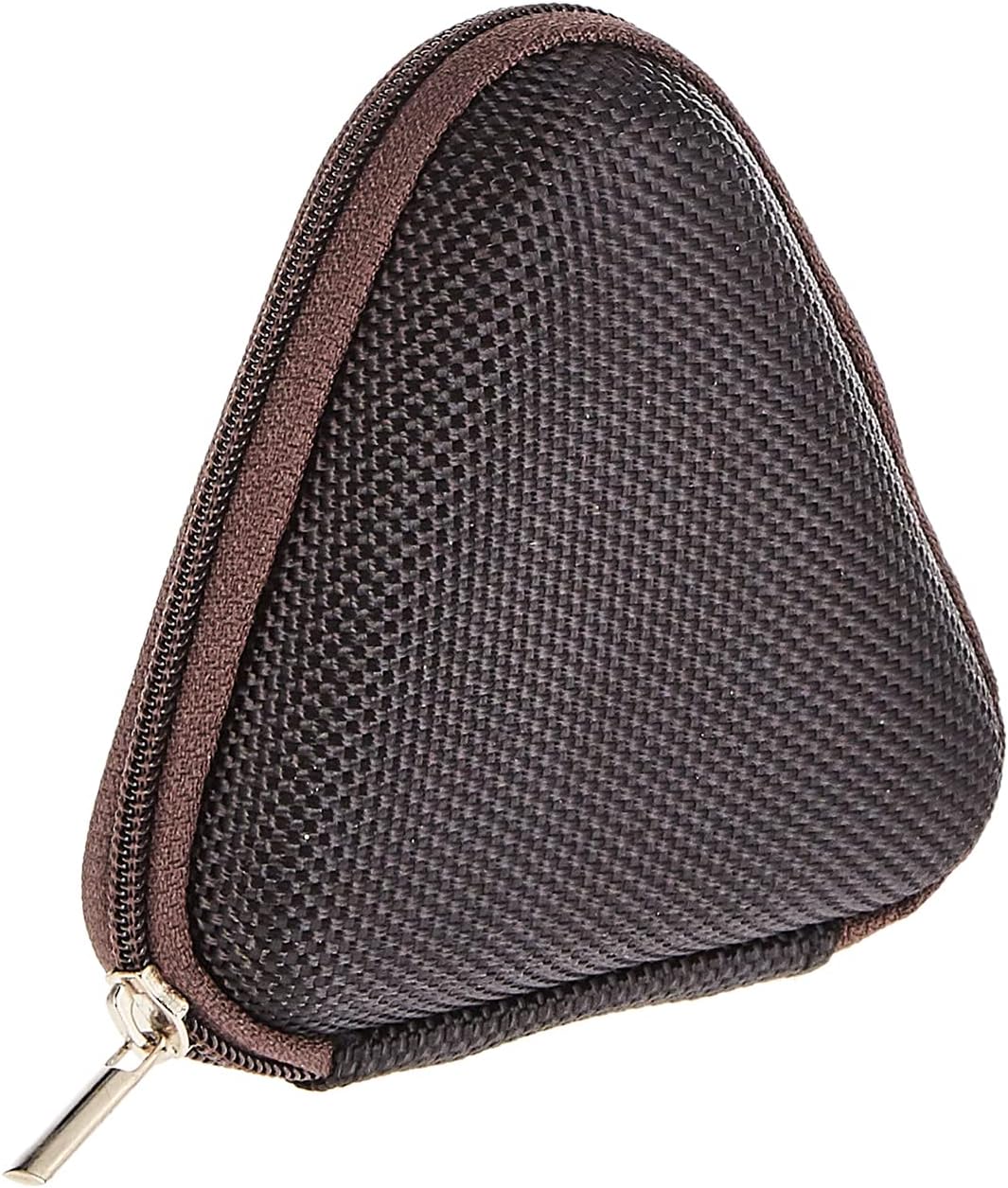
Image: The included triangular carrying case, designed for protecting and transporting the headset.
4. Ürün Bittiview
The Baseus H08 headset is designed for an immersive gaming audio experience. It features a comfortable over-ear design and integrated controls.

Image: The Baseus H08 Immersive Virtual 3D Gaming Headset, showcasintasarımı ve bileşenleri.
Bileşenler:
- Kulaklıklar: Padded earcups for comfort and sound isolation.
- Kafa bandı: Adjustable headband for a secure fit.
- Mikrofon: Integrated microphone for communication.
- Ses kablosu: Detachable 3.5mm audio cable for connection to devices.
- Ses Kontrolü: In-line or earcup-mounted volume adjustment.
5. Kurulum
- Paketi aç: Carefully remove the headset and all accessories from the packaging.
- Ses Kablosunu Bağlayın: Insert the 3.5mm audio jack into the corresponding port on your gaming device (PC, console controller, smartphone, etc.). Ensure the connection is secure.
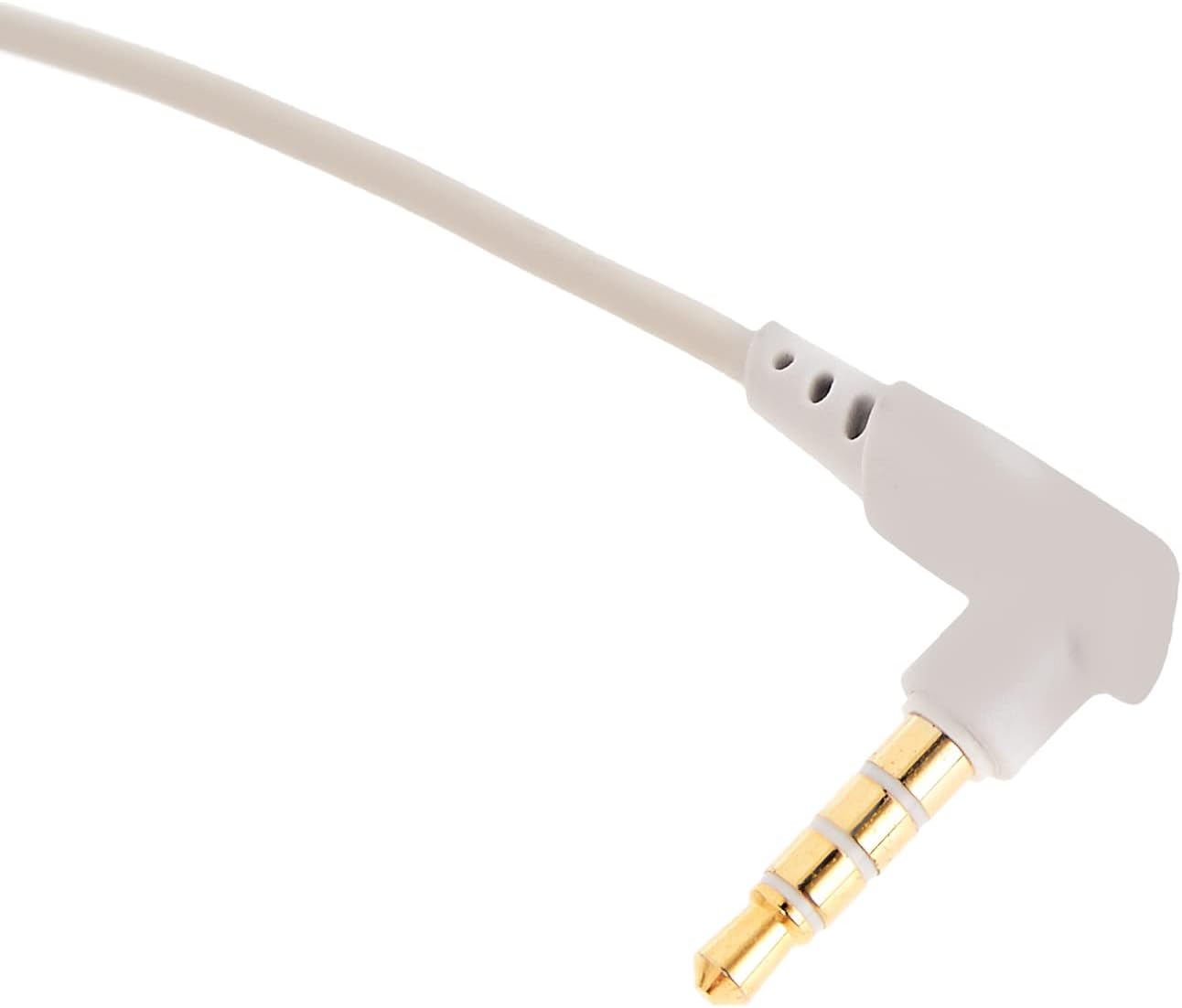
Resim: Yakın çekim view of the 3.5mm audio jack, used for connecting the headset to compatible devices.
- Kulaklığı Ayarlayın: Place the headset on your head and adjust the headband for a comfortable and secure fit. Position the earcups over your ears.
- Mikrofon Konumlandırması: If the microphone is adjustable, position it appropriately for clear voice capture, typically near the corner of your mouth.
6. Kullanım Talimatları
- Ses Kontrolü: Use the integrated volume control (if present on the cable or earcup) to adjust the audio output level. Rotate or slide the control to increase or decrease volume.
- Mikrofonun Sesini Kapatma: If your headset features a microphone mute switch, use it to toggle the microphone on or off as needed during gameplay or calls.
- Virtual 3D Sound: The headset provides an immersive virtual 3D sound experience. This feature is typically active upon connection and enhances spatial audio cues in compatible games. No specific activation is usually required unless indicated by your device's audio settings.
7. Bakım
- Temizlik: Wipe the headset with a soft, dry, lint-free cloth. Do not use harsh chemicals, cleaning solvents, or strong detergents.
- Depolamak: When not in use, store the headset in its carrying case to protect it from dust, scratches, and physical damage. Keep it in a cool, dry place.
- Kablo Bakımı: Avoid sharp bends or excessive pulling on the audio cable to prevent internal damage.
8. Sorun Giderme
Yaygın Sorunlar ve Çözümleri:
- Ses Yok:
- Ensure the 3.5mm audio cable is fully plugged into both the headset and your device.
- Check the volume control on the headset and your device to ensure it is not muted or set too low.
- Cihazınızın ses ayarlarında doğru ses çıkış aygıtının seçili olduğundan emin olun.
- Kötü Ses Kalitesi:
- Gevşek bağlantıları kontrol edin.
- Cihaza özgü bir sorunu elemek için kulaklığı başka bir cihazla test edin.
- Ses kaynağının iyi kalitede olduğundan emin olun.
- Mikrofon Çalışmıyor:
- Mikrofonun sessiz modda olmadığından emin olun (varsa).
- Cihazınızın ses ayarlarını kontrol ederek kulaklık mikrofonunun giriş aygıtı olarak seçili olduğundan emin olun.
- Mikrofonu başka bir uygulama veya cihazla test edin.
- Kullanım Sırasında Rahatsızlık:
- Adjust the headband and earcup positions for a better fit.
- Take breaks during long gaming sessions.
9. Özellikler
| Özellik | Detay |
|---|---|
| Marka | Bazus |
| Model Adı | NGH08-2G |
| Ürün Model Numarası | B012LZLE1U |
| Ürün Boyutları | 5x3x10 cm |
| Ürün Ağırlığı | 200 gram |
| Renk | Beyaz + Gri |
| Kontrol Türü | Ses Kontrolü |
| Öğe Sayısı | 1 |
| Belirli Ürün Kullanımları | Müsait değil |
| Kulaklık Form Faktörü | Müsait değil |
| Kulaklık girişi | Müsait değil |
| Bağlantı Teknolojisi | Müsait değil |
| Kablosuz İletişim Teknolojisi | Müsait değil |
| Dahil Bileşenler | Müsait değil |
| Yaş Aralığı (Açıklama) | Müsait değil |
| Malzeme | Müsait değil |
10. Garanti ve Destek
For warranty information and technical support, please refer to the warranty card included with your product or visit the official Baseus webSite üzerinden de bilgi alabilirsiniz. Ayrıca, ürünü satın aldığınız perakendeciden de yardım isteyebilirsiniz.
Baseus Official Webalan: www.baseus.com