1. Ürün Bittiview
The Laserliner DistanceMaster Compact is a precise laser distance meter designed for accurate length, area, and volume measurements. It features a color display and a robust, ergonomically designed rubber casing, making it suitable for various environments, including construction sites and indoor applications.
Temel Özellikler:
- Precise point-accurate laser measurement for accurate length determination.
- Area and volume functions for calculating room sizes and material quantities.
- Measured value memory for up to 10 entries.
- Measuring accuracy of ±3 mm up to 25 meters.
- Internal measuring range from 0.1 meters to 25 meters.
- Two selectable reference points for measurement: front and rear.
- Min/Max function for determining diagonals, vertical, and horizontal distances.
- Illuminated three-line color LCD display for clear readability.
- Robust, ergonomically designed rubber casing with IP54 protection against dust and splashing water.
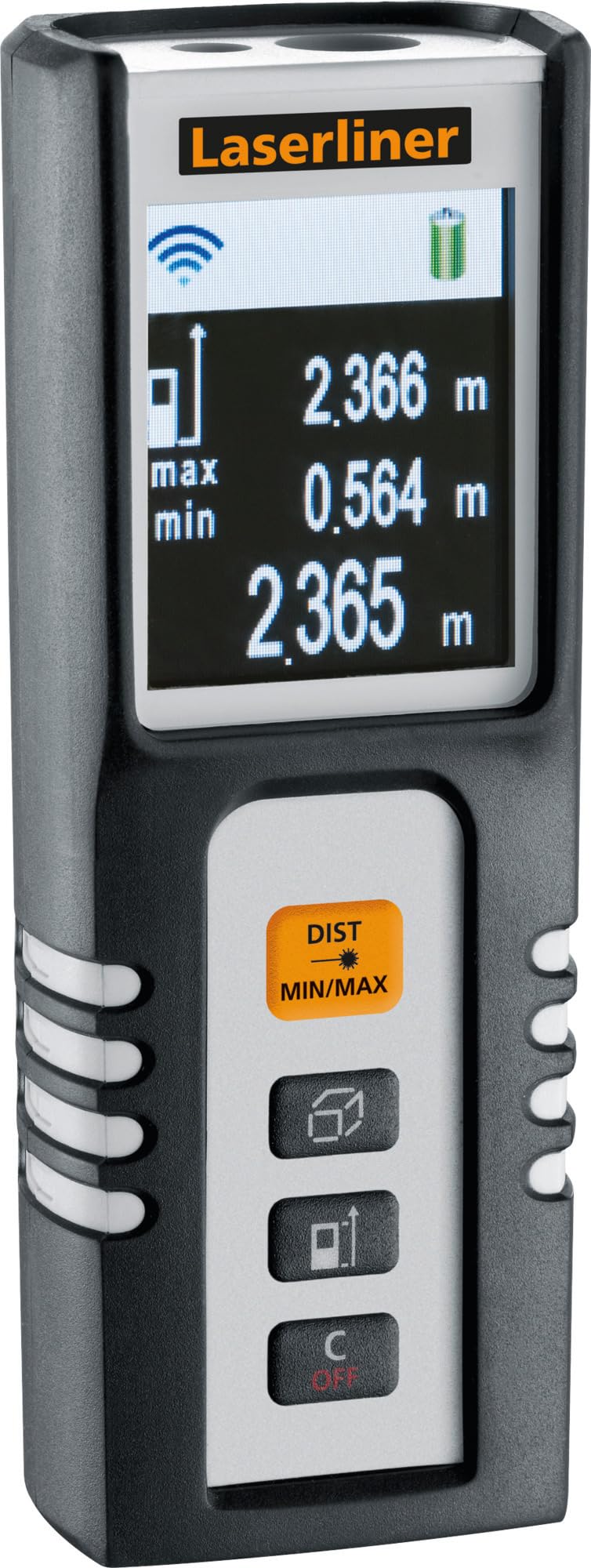
Image 1.1: The Laserliner DistanceMaster Compact laser rangefinder with its protective carrying case. The device features a clear digital display showing measurement readings and battery status.
2. Kurulum
2.1 Pil Kurulumu
The DistanceMaster Compact requires two AAA batteries for operation. These are typically included with the device.
- Cihazın arka tarafında bulunan pil bölmesi kapağını bulun.
- Bölmeyi açmak için kapağı kaydırın veya açın.
- Bölmenin içinde gösterildiği gibi kutupların (+/-) doğru olmasına dikkat ederek iki adet AAA pil takın.
- Pil bölmesi kapağını sıkıca kapatın.
2.2 Açma/Kapatma
Cihazı açmak için tuşuna basın. DİST düğmesine basın. Kapatmak için, düğmesine basın ve basılı tutun. C/KAPALI düğme.
3. Kullanım Talimatları
3.1 Temel Mesafe Ölçümü
For a single distance measurement:
- Lazer ışınını hedef yüzeye doğrultun.
- Basın DİST düğmesine bir kez basın. Ölçülen mesafe ekranda görünecektir.
3.2 Alan ve Hacim Ölçümü
The device can calculate area and volume automatically after taking the necessary measurements.
- ile düğmeye basın square/cube icon to select area or volume mode.
- Follow the on-screen prompts to measure the required dimensions (length, width, height).
- Hesaplanan alan veya hacim görüntülenecektir.

Image 3.1: The laser rangefinder being used to measure dimensions for calculating the area of a wall, illustrating its practical application for material estimation.
3.3 Min/Max Tracking
The Min/Max function allows for continuous measurement, displaying the minimum and maximum distances recorded during a sweep. This is useful for finding diagonals or precise horizontal/vertical distances.
- Basılı tutun DIST MIN/MAX düğme.
- Sweep the device across the desired area. The display will continuously update with the minimum and maximum measured values.
- Basmak DIST MIN/MAX again to stop tracking.

Resim 3.2: Ayrıntılı view of the control panel, highlighting the 'DIST MIN/MAX' button used for continuous measurement and tracking.
3.4 Referans Noktası Seçimi
The measurement reference point can be switched between the front and rear of the device. This is important for accurate measurements depending on where the device is placed.
- ile düğmeye basın ok simgesi to toggle between front and rear reference points. The active reference point will be indicated on the display.
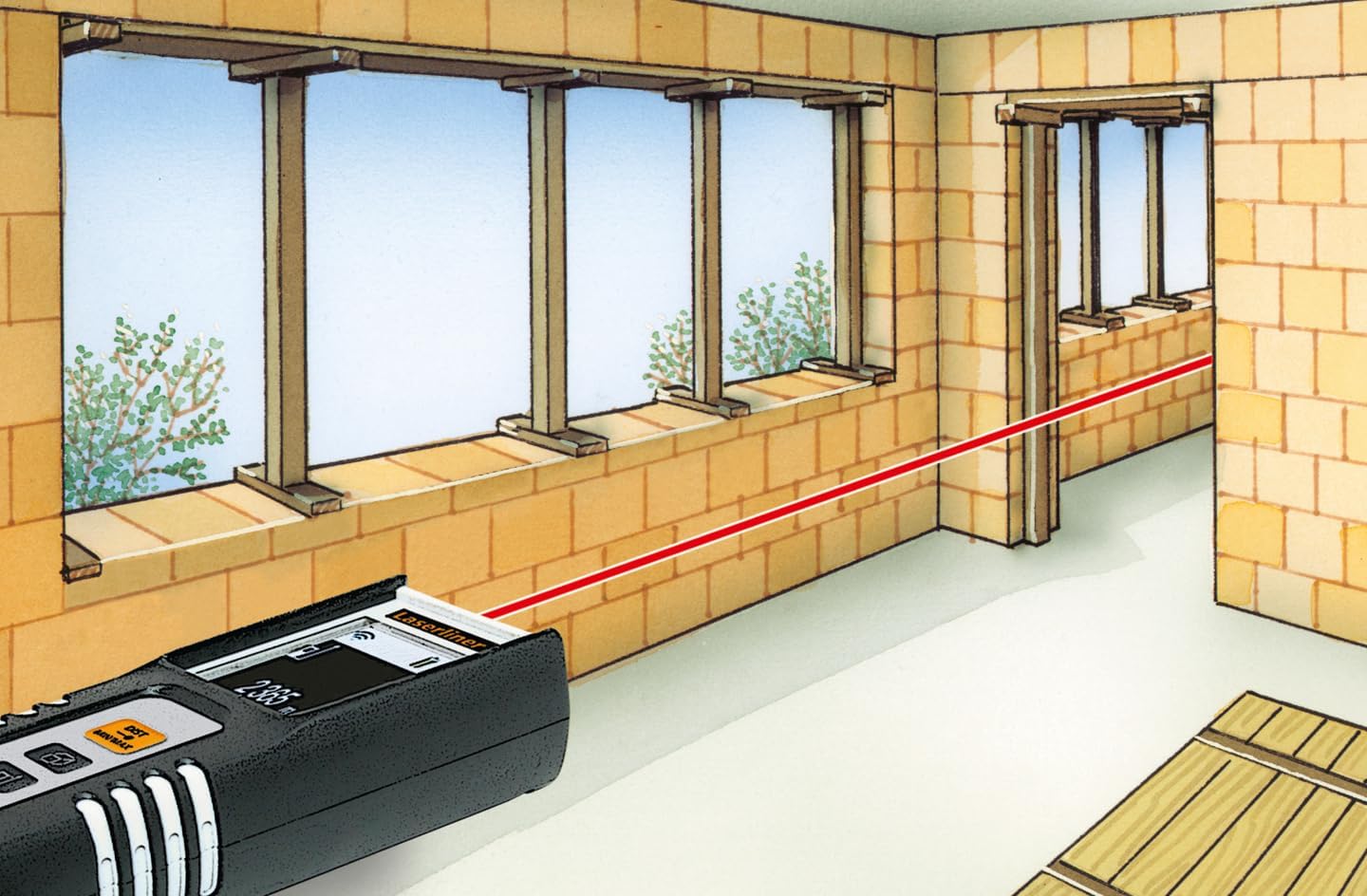
Image 3.3: The laser rangefinder in use, demonstrating a distance measurement across a room, emphasizing the importance of selecting the correct reference point.
3.5 Hafıza Fonksiyonu
The device can store up to 10 measured values. To access or clear the memory, refer to the on-screen menu or specific button combinations detailed in the full manual (not provided here).
4. Bakım
4.1 Temizlik
- Cihazı yumuşak bir bezle silin.amp bezle silin. Aşındırıcı temizleyiciler veya çözücüler kullanmayın.
- Keep the laser lens clean and free from dust or debris to ensure accurate measurements.
4.2 Depolama
- Cihazı kullanılmadığı zamanlarda koruyucu kılıfında saklayın.
- Cihazınızı uzun süre kullanmayacaksanız pil sızıntısını önlemek için pilleri çıkarın.
- Aşırı sıcaklıklardan uzak, kuru bir yerde saklayın.
5. Sorun Giderme
- Cihaz açılmıyor: Check battery polarity and ensure batteries are not depleted. Replace if necessary.
- Hatalı ölçümler: Ensure the laser lens is clean. Verify the correct reference point is selected. Avoid measuring through transparent surfaces or highly reflective materials.
- Görüntüleme sorunları: Ekran loşsa veya titriyorsa, pilleri değiştirin.
6. Özellikler

Image 6.1: The vibrant color LCD display of the DistanceMaster Compact, designed for clear visibility of measurements and functions.
| Özellik | Şartname |
|---|---|
| Model Numarası | 080.936A |
| Ölçüm Aralığı | 0.1 m ila 25 m (0.3 ft ila 82 ft) |
| Kesinlik | ±3 mm |
| Ölçüm Birimleri | Metre (m), Ayak (ft), İnç (inç) |
| Lazer Sınıfı | 2 |
| Dalga boyu | 650 nm |
| Memory Records | 10 |
| Görüntülemek | Illuminated 3-line color LCD |
| Güç Kaynağı | 2 x AAA Alkalin Pil (dahil) |
| Çalışma Sıcaklığı | -10 °C ila 40 °C (14 °F ila 104 °F) |
| Koruma Derecesi | IP54 (toz ve su sıçramasına karşı korumalı) |
| Malzeme | Kauçuk casing |
| Renk | Siyah, Beyaz |
| Ürün Boyutları | 110 mm (H) x 43 mm (W) x 27 mm (D) |
| Ürün Ağırlığı | 100 gram |

Image 6.2: The robust design of the laser rangefinder, featuring anti-shock rubber for durability and protection in demanding environments, indicated by the IP54 rating.
7. Garanti ve Destek
For warranty information, technical support, or service inquiries regarding your Laserliner DistanceMaster Compact, please refer to the official Laserliner webSite üzerinden veya müşteri hizmetleri departmanıyla iletişime geçin. Garanti talepleriniz için satın alma belgenizi saklayın.
Daha fazla yardım için şu adresi ziyaret edebilirsiniz: Laserliner official webalan.