1. Giriş
The LASERLINER MultiFinder Plus is a highly versatile and reliable locating device designed for detecting various materials within walls, ceilings, and floors. Equipped with multiple integrated sensors, it provides precise detection of wood, metal (including copper, steel, and iron), and live electrical wires. Its user-friendly LCD screen and automatic calibration feature ensure easy and safe operation for both professionals and DIY enthusiasts.
This manual provides comprehensive instructions for the safe and effective use, maintenance, and troubleshooting of your MultiFinder Plus. Please read it thoroughly before operating the device.
2. Güvenlik Bilgileri
WARNING: Always exercise extreme caution when detecting near electrical installations. The device indicates live wires, but it is crucial to verify findings with other methods if there is any doubt. Disconnect power before drilling or cutting into walls.
- Kullanmadan önce tüm talimatları okuyunuz.
- Cihazı aşırı sıcaklıklara, neme veya doğrudan güneş ışığına maruz bırakmayın.
- Use only the specified battery type (9V alkaline battery, Type 6LR 61).
- Cihazı temiz ve kuru tutun.
- Cihazı açmaya veya üzerinde değişiklik yapmaya çalışmayın. Onarımlar yalnızca yetkili personel tarafından yapılmalıdır.
- Be aware of potential hazards such as gas pipes, water pipes, and electrical cables.
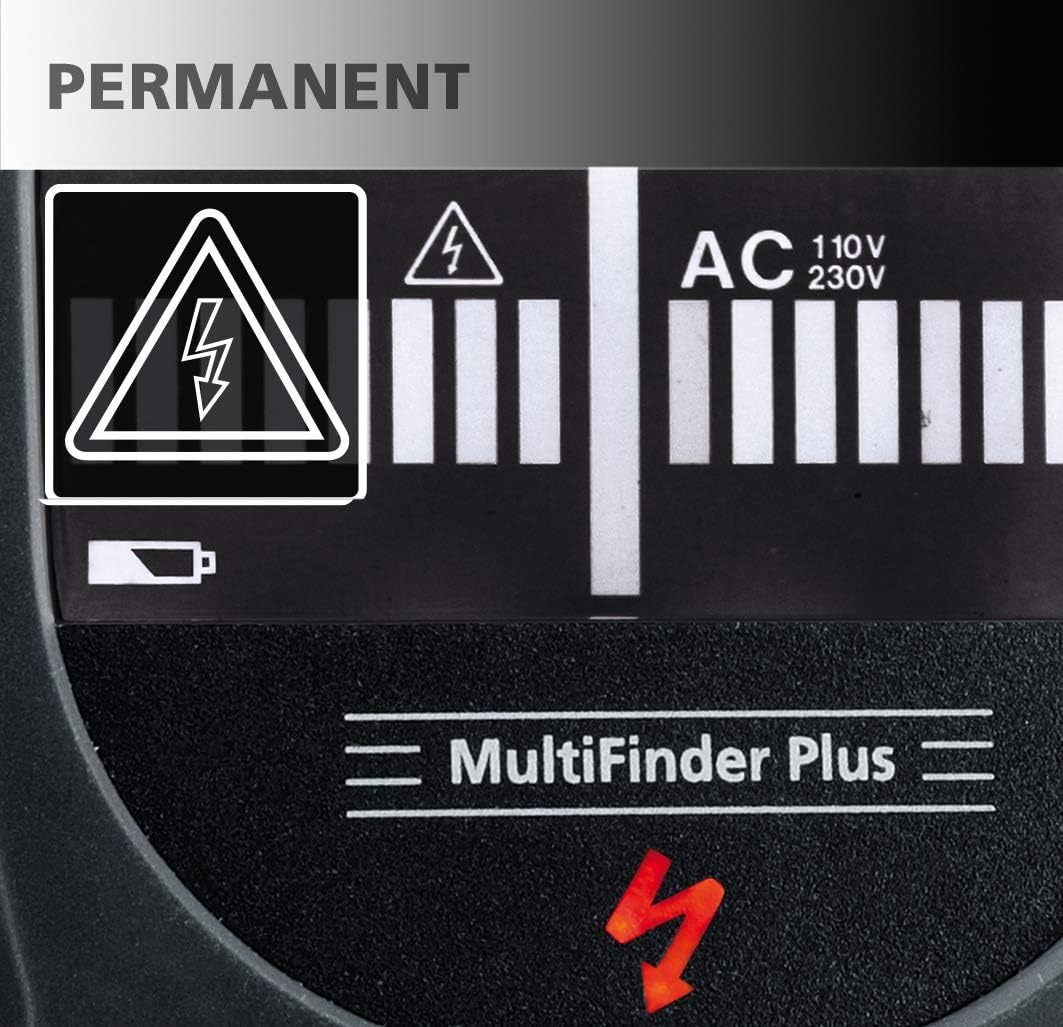
Image: The display shows a permanent electrical warning symbol (lightning bolt in triangle) when live wires are detected, indicating a potential hazard.

Image: A red warning light illuminates on the top of the device, accompanied by a lightning bolt symbol on the display, to alert the user to the presence of live electrical current.
3. Paket İçeriği
- LASERLINER MultiFinder Plus device
- 1 x 9V alkaline battery (Type 6LR 61)
- Kullanım Kılavuzu (bu belge)
4. Ürün Bittiview
Familiarize yourself with the components of your MultiFinder Plus:

Resim: Ön view of the MultiFinder Plus, showing the LCD display, Mode button, and CAL button.
- LCD Ekran: Shows detection mode, signal strength, battery status, and warning indicators.
- Mod Düğmesi: Used to switch between detection modes (Wood/Stud, Metal, AC).
- CAL Düğmesi: Used for automatic calibration.
- Detection Sensor Area: Located on the back of the device, this area must be placed flat against the surface for accurate readings.
- Pil Bölmesi: Pil takılması için arka tarafta yer almaktadır.
- Uyarı ışığı: A red LED on the top of the device illuminates when live electrical wires are detected.

Resim: Yakın çekim view of the orange 'Mode' button and the black 'CAL' (Calibration) button, indicating simple, one-touch operation.

Image: The LCD display provides clear information, including 'MOVE' arrows to guide the user during scanning, indicating the direction to move for optimal detection.
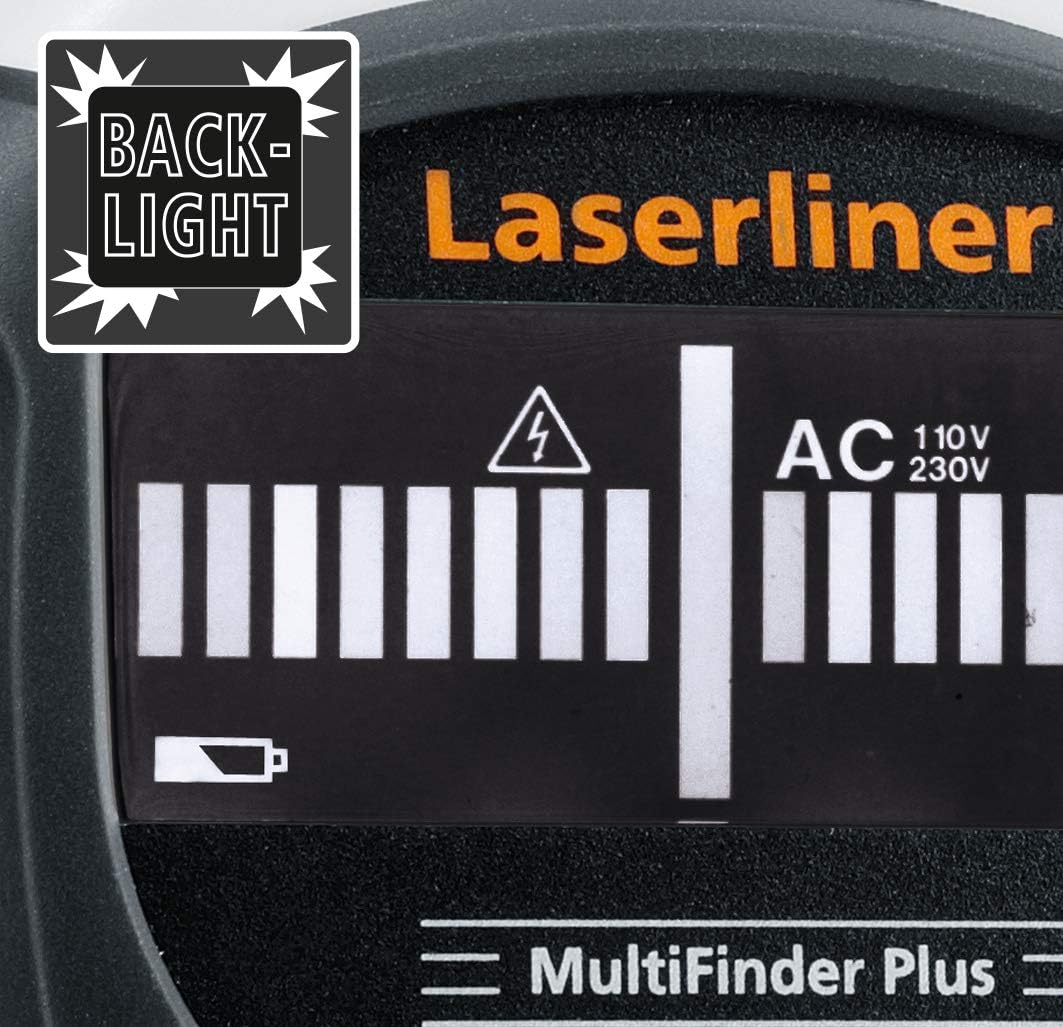
Image: The MultiFinder Plus features a backlight on its display, ensuring readability in low-light conditions.
5. Kurulum
5.1. Pil Kurulumu
The MultiFinder Plus requires one 9V alkaline battery (Type 6LR 61).
- Cihazın arkasındaki pil bölmesi kapağını bulun.
- Kapağı kaydırarak açın.
- Insert the 9V battery, ensuring correct polarity (+ and -).
- Pil bölmesi kapağını sıkıca kapatın.
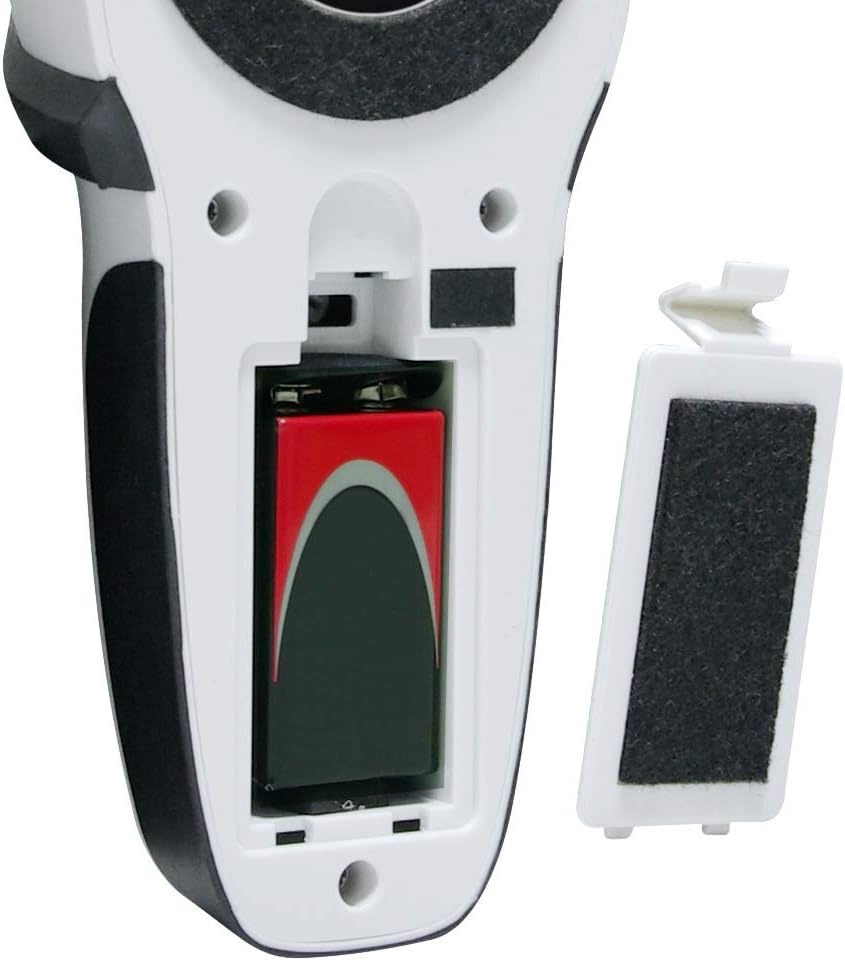
Image: The open battery compartment of the MultiFinder Plus, showing the correct placement of a 9V battery. The battery cover is shown detached.

Image: The MultiFinder Plus device displayed alongside a 9V battery, illustrating the required power source.
5.2. İlk Kalibrasyon
Before each use, or when switching detection modes, it is recommended to perform an automatic calibration.
- Place the device flat against the surface you intend to scan, ensuring no objects are directly beneath it.
- Basılı tutun KAL button until the calibration process is complete (indicated on the LCD).
- The device is now ready for use in the selected mode.
6. Kullanım Talimatları
6.1. Açma/Kapatma ve Mod Seçimi
Cihazı açmak için tuşuna basın. Mod button. To switch between detection modes (Wood/Stud, Metal, AC), press the Mod button repeatedly until the desired mode is displayed on the LCD.
6.2. Detection Modes and Depths
The MultiFinder Plus offers three primary detection modes:
- Stud-Scan (Wood): Ahşap dikmeleri ve kirişleri tespit eder.
- Detection Depth: Approximately 2 cm to 4 cm.
- Metal-Scan: Detects ferrous and non-ferrous metals, including copper, steel, and iron. This mode can also detect non-live cables under plaster.
- Detection Depth: Up to 10 cm.
- AC-Scan: Detects live electrical wires (110V-230V).
- Detection Depth: Approximately 4 cm to 5 cm.

Image: A visual diagram illustrating the approximate detection depths for different scan modes: Stud-Scan (2-4 cm), AC-Scan (4-5 cm for 110-230 Volt wires), and Metal-Scan (up to 10 cm).
6.3. Tarama İşlemi
- Select the appropriate detection mode using the Mod düğme.
- Perform automatic calibration by pressing the KAL button while the device is flat against the surface.
- Cihazı yüzey üzerinde yavaşça yatay olarak hareket ettirin. Sürekli temas ve basınç uygulayın.
- Observe the LCD display for signal strength indicators and the 'MOVE' arrows, which guide you towards the center of the detected object.
- When an object is detected, the device will emit an acoustic signal, and the optical display will show a strong signal. For live wires, the red warning light will also illuminate.
- Mark the location of the detected object. For precise localization, scan the area from multiple directions.
6.4. Acoustic and Optical Signals
The MultiFinder Plus provides clear feedback:
- Akustik Sinyal: A beeping sound indicates the presence of a detected object. The frequency or intensity may change as you get closer to the object.
- Optik Ekran: The LCD screen shows a bar graph indicating signal strength. The higher the bars, the closer you are to the object.
- Kırmızı Uyarı Işığı: Illuminates when live electrical wires are detected, providing an immediate visual alert.
7. Bakım ve Özen
- Temizlik: Cihazı yumuşak bir bezle silin.amp bezle silin. Aşındırıcı temizleyiciler veya çözücüler kullanmayın.
- Depolamak: Store the device in a dry, dust-free environment, away from direct sunlight and extreme temperatures (-20 °C to 70 °C).
- Pil: Cihazınızı uzun süre kullanmayacaksanız, sızıntıyı önlemek için pili çıkarın.
- Kalibrasyon: Regular calibration ensures optimal performance.
8. Sorun Giderme
| Sorun | Olası Neden | Çözüm |
|---|---|---|
| Hatalı okumalar / Yanlış pozitifler | Improper calibration; high humidity; presence of other electronic devices nearby; user error (e.g., not holding flat). | Re-calibrate the device on a clear section of the wall. Ensure the device is held flat against the surface. Move away from other electronics. |
| Cihaz açılmıyor | Pil bitmiş veya yanlış takılmış. | Check battery polarity. Replace with a new 9V alkaline battery. |
| Weak or no signal detection | Object too deep; incorrect mode selected; battery low. | Ensure the correct mode is selected for the target material. Check battery level. Note maximum detection depths for each mode. |
| Sürekli bipleme | Device is picking up ambient interference or needs re-calibration. | Move to a different area and re-calibrate. Ensure no hands or other objects are near the sensor area during calibration. |
9. Özellikler
| Özellik | Detay |
|---|---|
| Model Numarası | 080.965A |
| Üretici | Laserliner |
| Algılama Modları | Wood/Stud, Metal (ferrous & non-ferrous, non-live wires), AC (live wires) |
| Max. Detection Depth (Wood/Stud) | Approx. 2 cm - 4 cm |
| Max. Detection Depth (Metal) | 10 cm'ye kadar |
| Max. Detection Depth (AC) | Approx. 4 cm - 5 cm (110V-230V) |
| Güç Kaynağı | 1 x 9V Alkaline Battery (Type 6LR 61) |
| Çalışma Sıcaklığı | 0 °C ila 40 °C (32 °F ila 104 °F) |
| Depolama Sıcaklığı | -20 °C ila 70 °C (-4 °F ila 158 °F) |
| Boyutlar (G x Y x D) | 80 x 186 x 40 mm (yaklaşık 3.15 x 7.32 x 1.57 inç) |
| Ağırlık | 420 gram (yaklaşık 0.93 lbs) |
10. Garanti ve Destek
Laserliner products are manufactured with high quality standards and undergo strict quality control. This product comes with a standard manufacturer's warranty against defects in materials and workmanship. Please refer to the warranty card included with your purchase or visit the official Laserliner webAyrıntılı garanti şartları ve koşulları için siteyi ziyaret edin.
For technical support, service, or spare parts, please contact your local Laserliner distributor or the customer service department. Contact information can typically be found on the Laserliner websitenizde veya ürün ambalajınızda yer almalıdır.
Garanti talepleri için lütfen satın alma belgenizi saklayın.


