giriiş
This manual provides essential information for the setup, operation, maintenance, and troubleshooting of your HP Compaq LA2206x 21.5-inch LED LCD Monitor. The monitor features a super-thin, soft black design with a 21.5-inch diagonal widescreen display, offering Full HD images. Its WLED backlight technology contributes to improved recyclability, and advanced adjustability enhances user productivity.
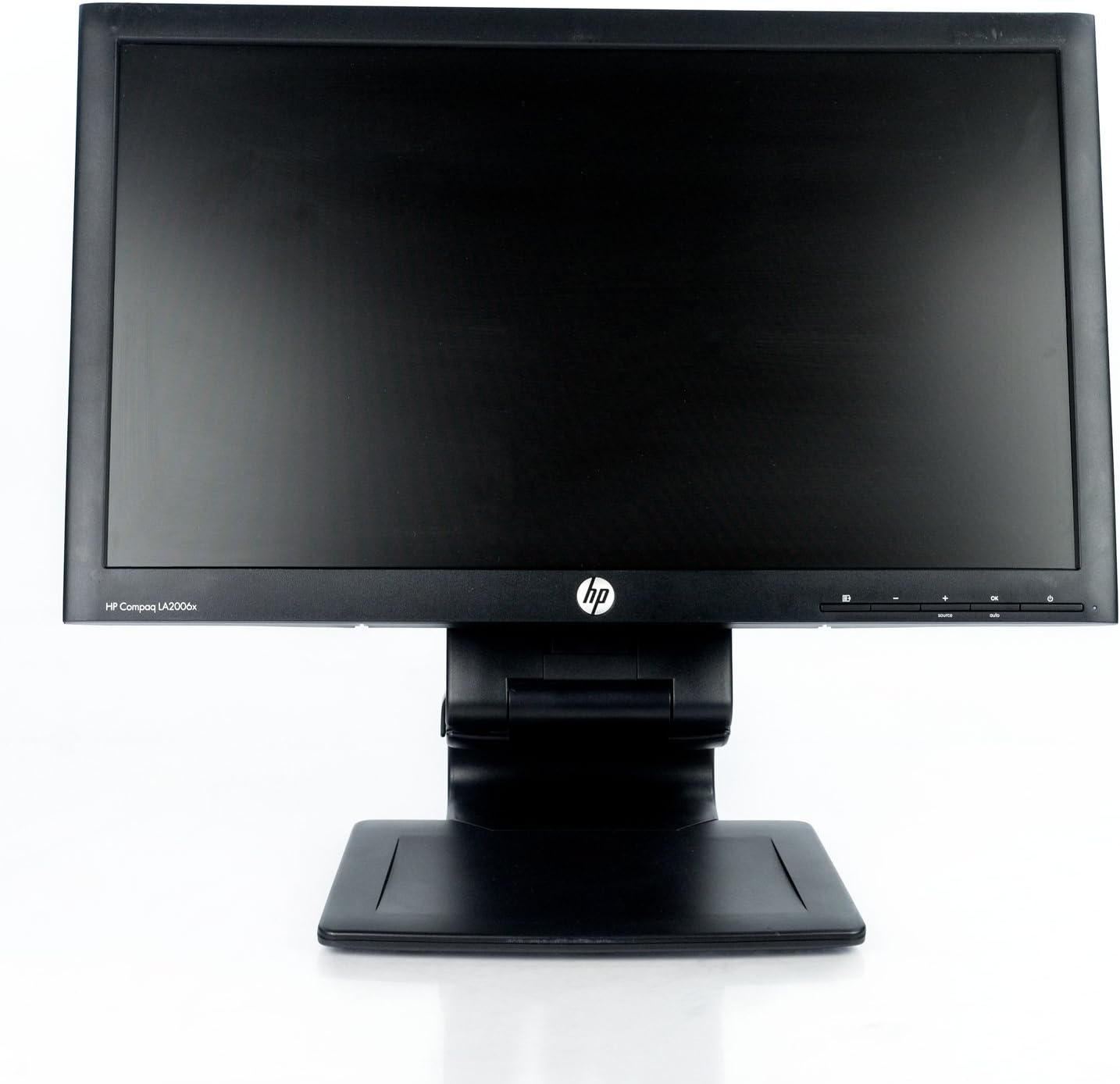
Şekil 1: Ön view of the HP Compaq LA2206x monitor, showcasing its slim bezel and adjustable stand.
Kurmak
1. Monitörün Ambalajını Açma
Carefully remove all components from the packaging. Ensure all parts are present before proceeding with assembly. Retain packaging for future transport or service.
2. Standın Montajı
- Çizilmeleri önlemek için monitörü yumuşak ve temiz bir yüzeye yüzü aşağı bakacak şekilde yerleştirin.
- Align the stand base with the stand column. Secure the base to the column using the provided screw, if applicable.
- Attach the assembled stand to the back of the monitor. Ensure it clicks securely into place or is fastened with screws as per the included quick setup guide.
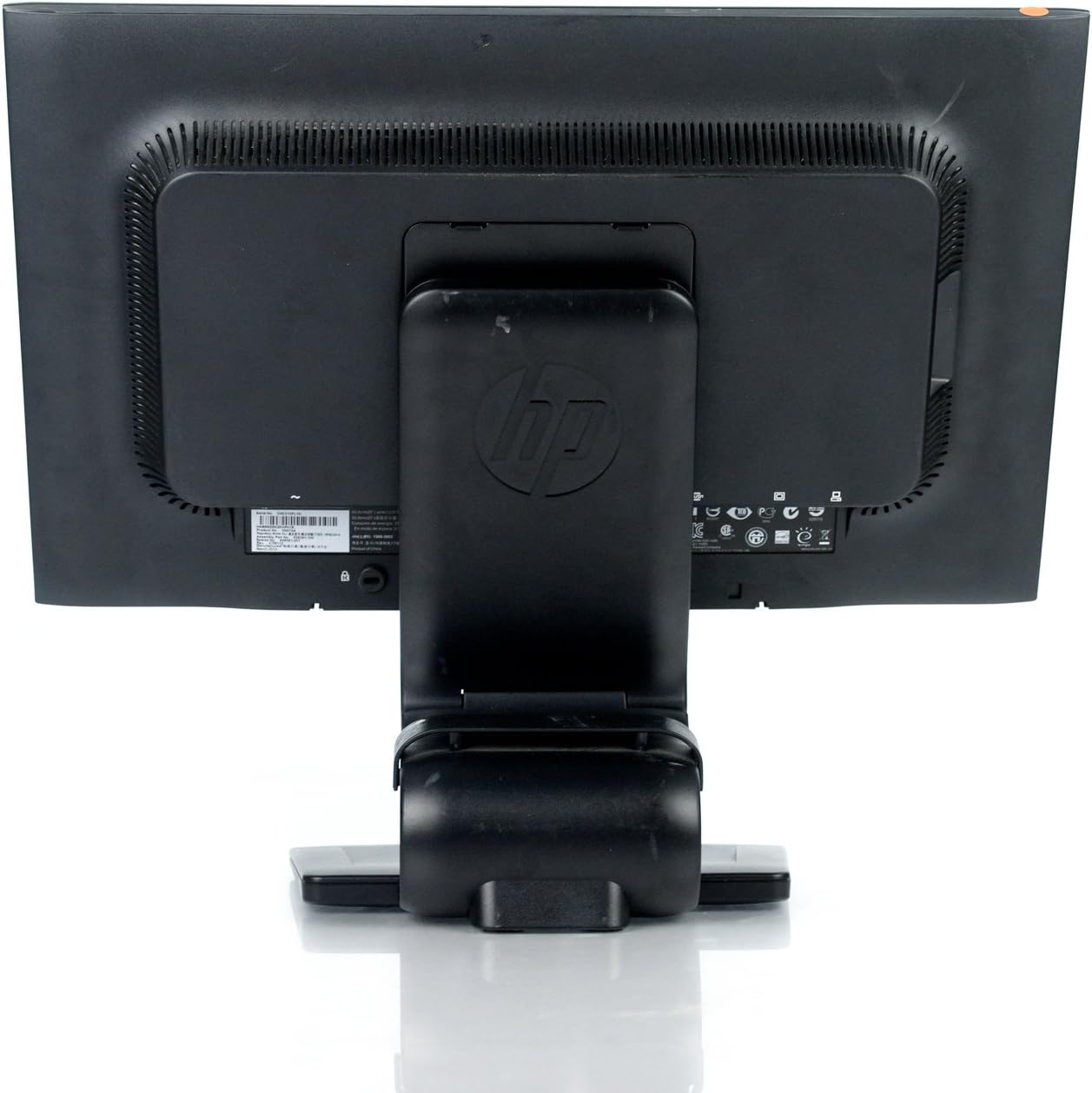
Şekil 2: Arka view of the monitor showing the attached stand, ready for cable connections.
3. Bağlantı Kabloları
Connect the necessary cables to the monitor and your computer. Ensure all connections are firm.
- Güç kablosu: Connect one end to the monitor's power input and the other to a grounded electrical outlet.
- Video Kablosu: Connect a DVI, DisplayPort, or VGA cable from your computer's video output to the corresponding input on the monitor. The monitor supports 1920x1080 resolution.
- USB Cable (Optional): Connect a USB upstream cable from your computer to the monitor's USB upstream port to enable the monitor's integrated USB 2.0 ports.

Şekil 3: Ayrıntılı view of the monitor's rear panel, highlighting the power input, DisplayPort, DVI, VGA, and USB ports.
Monitörü Çalıştırma
1. Güç Açma/Kapatma
Press the power button located on the front right side of the monitor to turn it on or off. The power indicator light will illuminate when the monitor is active.
2. Ekran Üstü (OSD) Menü Gezintisi
The monitor features an On-Screen Display (OSD) menu for adjusting various settings. Use the control buttons located on the front bezel to navigate and select options.

Şekil 4: Close-up of the monitor's control buttons, including power, menu navigation, and input selection.
- Menü Düğmesi: OSD menüsünü açar.
- '+' / '-' Butonları: Menü seçenekleri arasında gezinin veya değerleri ayarlayın.
- Tamam Düğmesi: Bir seçimi onaylar veya bir alt menüye girer.
- Kaynak Düğmesi: Quickly switches between available video inputs (DVI, DisplayPort, VGA).
- Otomatik Düğme: Automatically adjusts the screen image for optimal display, particularly useful for analog (VGA) connections.
3. Adjusting Monitor Settings
Through the OSD menu, you can adjust settings such as:
- Parlaklık ve Kontrast: Genel parlaklığı ve açık ile koyu alanlar arasındaki farkı ayarlayın.
- Renk Kontrolü: Select color temperature or customize RGB values.
- Görüntü Kontrolü: Fine-tune sharpness, clock, and phase for optimal image clarity.
- Giriş Kontrolü: Manually select the video input source.
- Güç yönetimi: Configure sleep timers and power-saving modes.
Bakım
1. Monitörün Temizlenmesi
- Always power off the monitor and unplug it from the electrical outlet before cleaning.
- Hafifçe yumuşak, tüy bırakmayan bir bez kullanın.ampSu veya aşındırıcı olmayan bir ekran temizleyicisi ile temizleyin.
- Do not spray cleaners directly onto the screen or casing.
- Avoid using benzene, thinners, or any volatile solvents, as these may damage the monitor's surface.
2. Güvenlik Önlemleri
- Monitördeki havalandırma açıklıklarını kapatmayın.
- Monitörü doğrudan güneş ışığından, ısı kaynaklarından ve aşırı nemden uzak tutun.
- Monitörün veya kablolarının üzerine ağır cisimler koymaktan kaçının.
- If the monitor is damaged or malfunctions, do not attempt to repair it yourself. Contact qualified service personnel.
Sorun giderme
This section addresses common issues you might encounter with your HP Compaq LA2206x monitor.
Güç Yok
- Güç kablosunun hem monitöre hem de çalışan bir elektrik prizine güvenli bir şekilde bağlı olduğundan emin olun.
- Başka bir cihazı takarak elektrik prizinin çalışır durumda olduğunu doğrulayın.
- Check if the monitor's power button is pressed.
Sinyal Yok / Boş Ekran
- Confirm that the video cable is securely connected to both the monitor and the computer's video output port.
- Ensure the correct input source is selected on the monitor using the 'Source' button.
- Bilgisayarınızı yeniden başlatın.
- Test the monitor with another computer or a different video cable if possible.
Distorted or Unclear Image
- For analog (VGA) connections, press the 'Auto' button on the monitor to automatically adjust the image.
- Adjust the brightness, contrast, sharpness, clock, and phase settings through the OSD menu.
- Ensure your computer's display resolution is set to the monitor's native resolution of 1920x1080.
Özellikler
Below are the key technical specifications for the HP Compaq LA2206x monitor (Model: XN376AA):
| Özellik | Şartname |
|---|---|
| Ekran Boyutu | 21.5 inç |
| Maksimum Ekran Çözünürlüğü | 1920 x 1080 (FHD 1080p) |
| En Boy Oranı | 16:9 |
| Tepki Süresi | 5 ms |
| Ekran Teknolojisi | LED-LCD |
| Bağlantı | DisplayPort, DVI, VGA, 2x USB 2.0 Ports |
| Renk | Siyah |
| Ürün Ağırlığı | 13.45 pound |
| Ürün Boyutları (UxGxY) | 8.95 x 20.39 x 13.12 inç |
| Model Numarası | XN376AA |
Garanti Bilgileri
This HP Compaq LA2206x monitor is covered by a standard manufacturer's warranty. Please refer to the warranty card included with your product or visit the official HP support website for detailed terms and conditions, including warranty duration and service procedures. Keep your proof of purchase for warranty claims.
Destek
For technical assistance, driver downloads, or further information regarding your HP Compaq LA2206x monitor, please visit the official HP support website. You may need your monitor's serial number for support inquiries.

Şekil 5: Location of the serial number label on the back of the monitor. The serial number for this unit is CNC210PLYN.
When contacting support, please have your model number (XN376AA) and serial number ready to expedite service.


