1. Ürün Bittiview
The Logitech Wired Mouse M90 is a simple, reliable, and comfortable USB mouse designed for everyday use. It offers precise optical tracking and an ambidextrous design, making it suitable for both left and right-handed users. This manual provides essential information for setting up, operating, and maintaining your M90 mouse.
Temel Özellikler:
- Kolay Kurulum: Plug-and-play functionality with no software installation required.
- Hassas Optik Takip: Enjoy smooth and accurate cursor control (1000 dpi).
- Full-Size Comfort: Designed for comfortable use, even after extended periods.
- Çok Yönlü Tasarım: Hem sol hem de sağ elini kullananlar için uygundur.
- Durable Wired Connection: Reliable USB connection for consistent performance.
2. Kurulum Kılavuzu
Setting up your Logitech M90 mouse is quick and straightforward. No special software or drivers are needed.
- Fareyi Paketinden Çıkarın: Carefully remove the Logitech M90 mouse from its packaging.
- Bir USB bağlantı noktası bulun: Identify an available USB-A port on your computer (desktop, laptop, or compatible device).
- Fareyi Bağlayın: Insert the USB connector of the M90 mouse into the USB port. Ensure it is fully seated.
- Sistem Tanıma: Your operating system (Windows, macOS, Linux, Chrome OS) should automatically detect and install the necessary drivers for the mouse. This process usually takes a few seconds.
- Kullanmaya Başlayın: Once recognized, the mouse is ready for immediate use. You can adjust cursor speed and other settings through your operating system's mouse settings if desired.

Şekil 2.1: Yukarıdan aşağıya view of the Logitech M90 mouse, ready for connection.
3. Kullanım Talimatları
The Logitech M90 mouse provides intuitive control for your computer. It features a standard three-button design with a scroll wheel.
- Sol Tıklama Düğmesi: Located on the left side of the mouse. Used for selecting items, opening files ve etkinleştirme fonksiyonları.
- Sağ Tıklama Düğmesi: Located on the right side of the mouse. Used for accessing context menus and additional options.
- Kaydırma tekerleği: Located between the left and right buttons.
- Scroll up or down to navigate through documents, web sayfalar ve uygulamalar.
- Press the scroll wheel down (middle-click) to activate specific functions in some applications, such as opening links in a new tab.
- Hareket: Move the mouse across a flat surface to control the cursor on your screen. The optical sensor provides precise tracking on most surfaces, with or without a mouse pad.
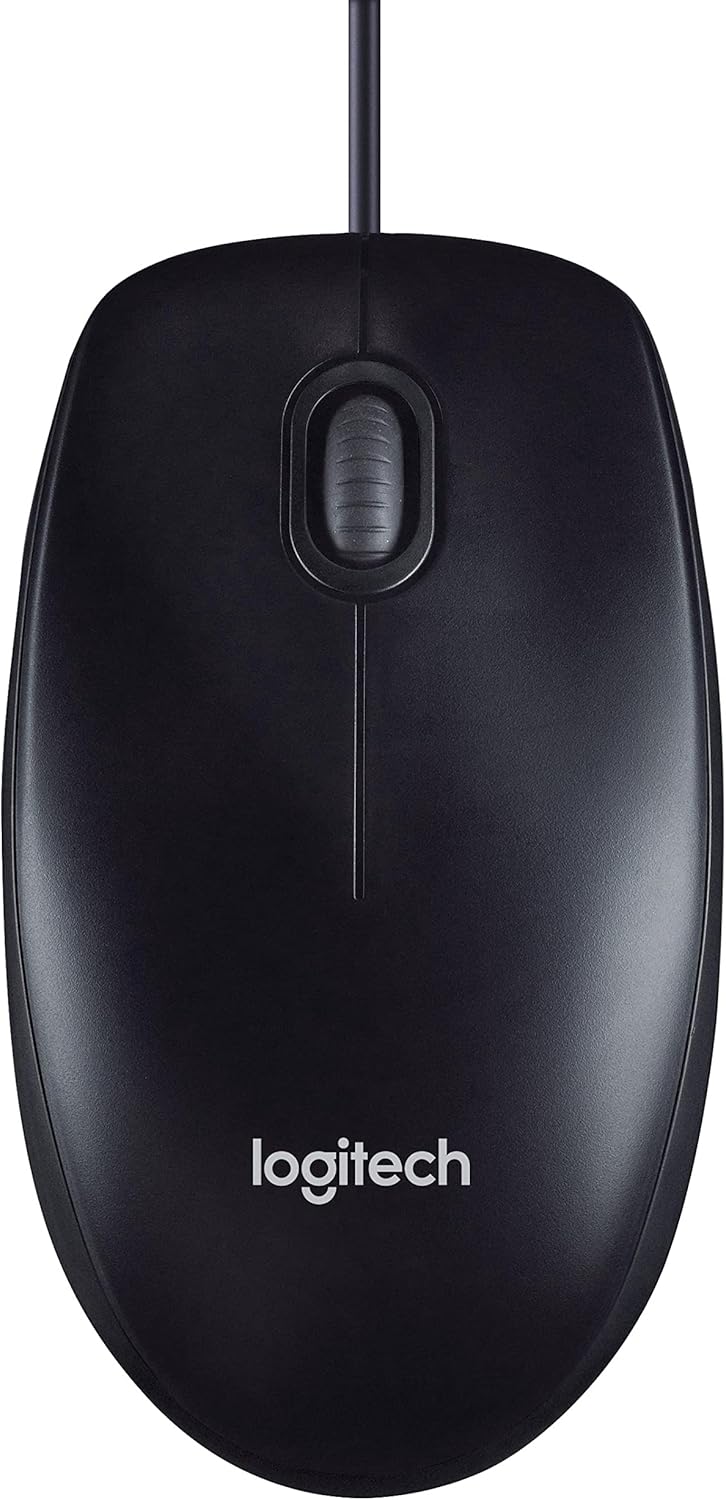
Figure 3.1: The Logitech M90 mouse in use, highlighting its simple design.
4. Bakım
To ensure the longevity and optimal performance of your Logitech M90 mouse, follow these simple maintenance guidelines:
- Temizlik:
- Regularly wipe the surface of the mouse with a soft, lint-free cloth.
- İnatçı kirler için hafifçeampBezi su veya hafif, aşındırıcı olmayan bir temizlik solüsyonuyla yıkayın. Sert kimyasallardan kaçının.
- Clean the optical sensor area on the bottom of the mouse periodically to prevent tracking issues. Use a dry cotton swab or compressed air.
- Kablo Bakımı: Avoid sharp bends or kinks in the USB cable. Do not pull the mouse by its cable when disconnecting it from the computer; always grasp the USB connector.
- Depolamak: Kullanılmadığı zaman fareyi aşırı sıcaklıklardan uzak, temiz ve kuru bir ortamda saklayın.
- Yüzey: Use the mouse on a clean, flat, and non-reflective surface for best tracking performance.

Figure 4.1: The underside of the Logitech M90 mouse, showing the optical sensor that requires occasional cleaning.
5. Sorun Giderme
Logitech M90 farenizle ilgili sorun yaşıyorsanız, aşağıdaki sorun giderme adımlarını deneyin:
| Sorun | Olası Çözüm |
|---|---|
| Fare yanıt vermiyor / İmleç hareket etmiyor |
|
| Düz imleç hareketi |
|
| Düğmeler veya kaydırma tekerleği çalışmıyor. |
|
If these steps do not resolve the issue, please refer to the warranty and support information section.
6. Özellikler
| Özellik | Detay |
|---|---|
| Marka | Logitech |
| Model Numarası | 910-001793 |
| Bağlantı Teknolojisi | Kablolu, USB |
| Hareket Algılama Teknolojisi | Optik |
| DPI (İnç Başına Nokta Sayısı) | 1000 dpi |
| Renk | Siyah |
| Ürün Ağırlığı | 2.89 ons |
| Ürün Boyutları (UxGxY) | 5.91 x 4.72 x 0.04 inç |
| Donanım Platformu | PC |
| İşletim Sistemi Uyumluluğu | Linux, Mac OS X 10.4 Tiger, Windows XP, Windows Vista, Windows 7 |
| Güç Kaynağı | Kablolu Elektrik |
| Cilttage | 1.5 Volt |
| İlk Mevcut Tarih | 19 Eylül 2011 |

Figure 6.1: Dimensions of the Logitech M90 mouse.
7. Ürün Görselleri
Yukarıdan aşağıya view of the Logitech M90 mouse.
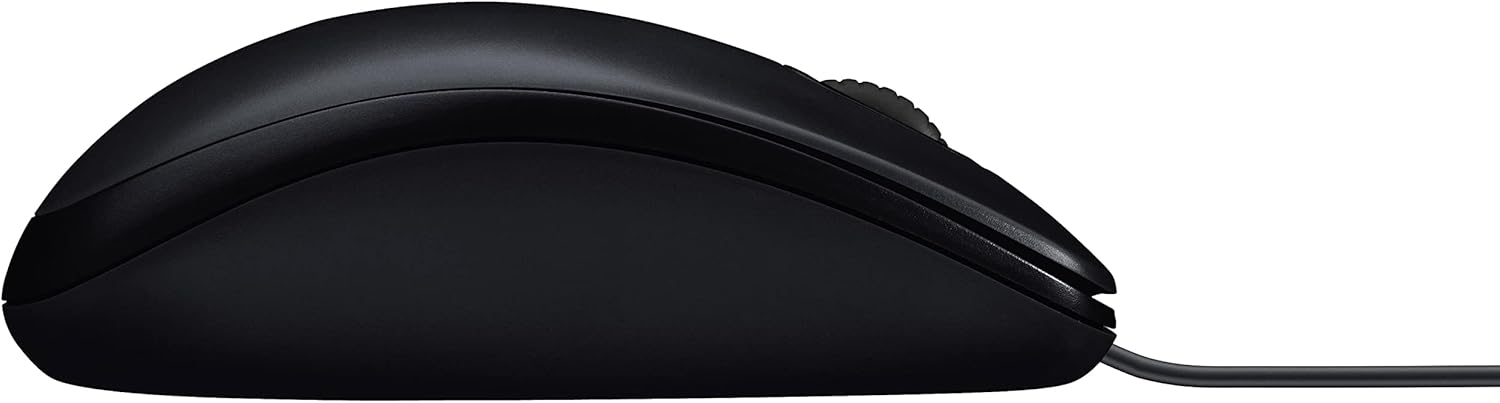
Yan profesyonelfile of the Logitech M90 mouse.
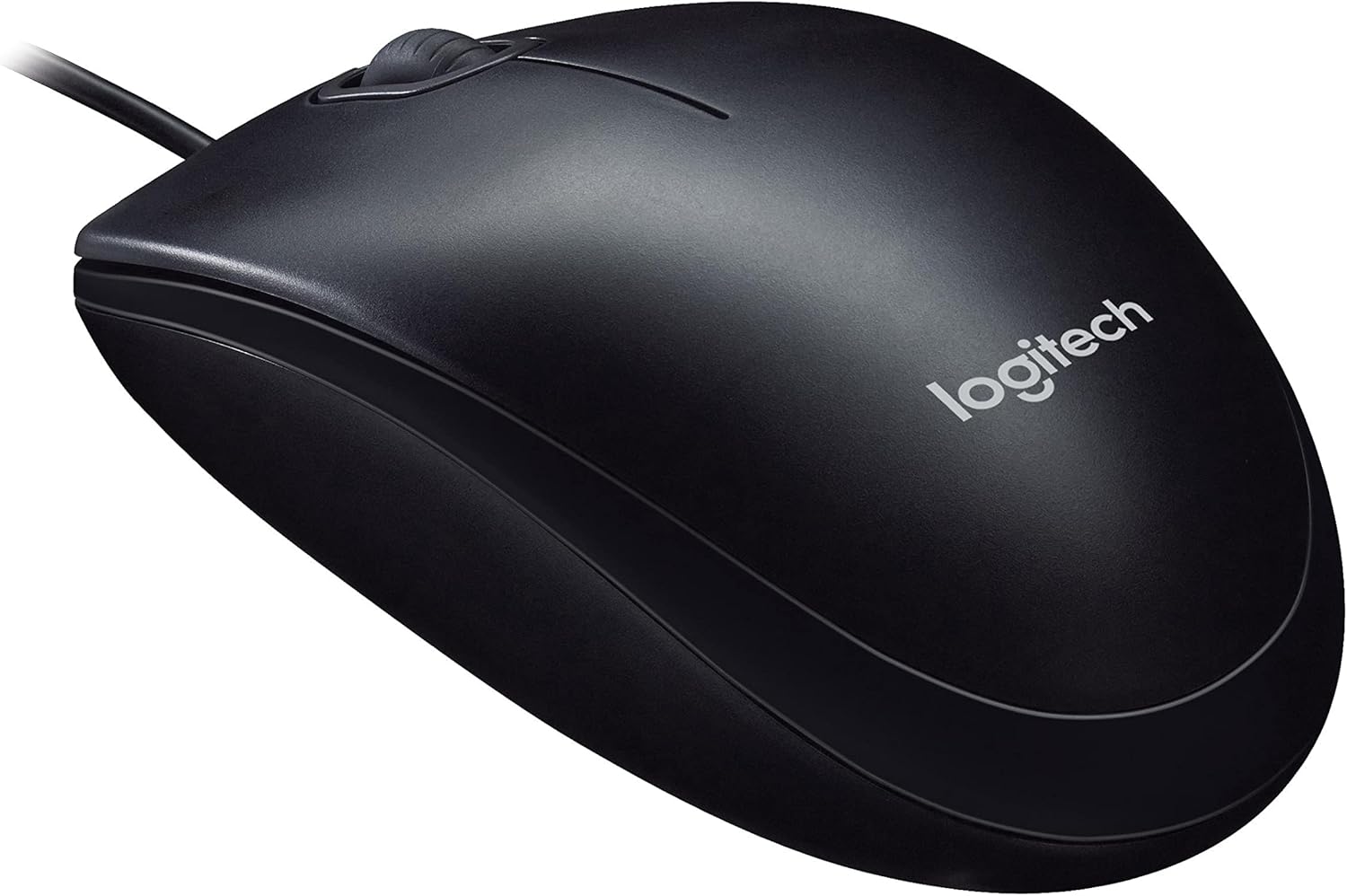
Açılı view of the Logitech M90 mouse, highlighting the brand logo.
Yukarıdan aşağıya view of the Logitech M90 mouse, emphasizing the wired connection.
Logitech M90 mouse with key dimensions indicated.
8. Resmi Ürün Videoları
Şu anda satıcı tarafından bu ürün için yayınlanmış resmi bir ürün videosu bulunmamaktadır.
9. Garanti ve Destek
For detailed warranty information and technical support, please refer to the documentation included in your product packaging or visit the official Logitech support webalan.
Logitech Desteği Webalan: www.logitech.com/support
Please have your product model number (M90) and serial number (if applicable) ready when contacting support.


