giriiş
This manual provides detailed instructions for the setup, operation, maintenance, and troubleshooting of your Escali Primo Digital Food Scale, Model P115. Designed for precise weight measurement in the kitchen, this scale is a versatile tool for cooking, baking, and portion control. Please read this manual thoroughly before using your scale to ensure optimal performance and longevity.
Ürün Bittiview
The Escali Primo Digital Food Scale features a simple two-button operation, a sealed control panel for easy cleaning, and a compact design. It offers accurate measurements for various ingredients.
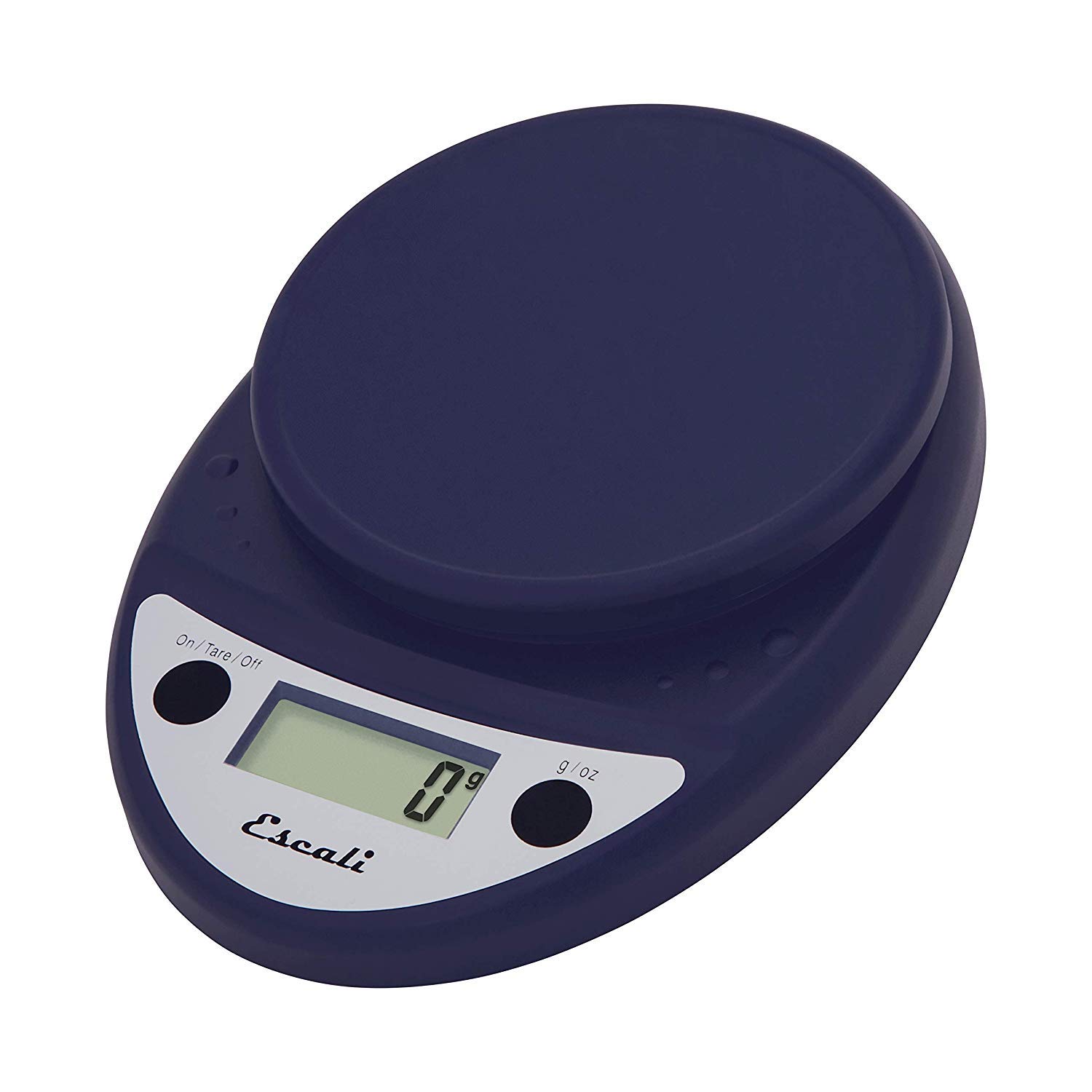
This image displays the Escali Primo Digital Food Scale in royal blue, showcasing its oval shape, weighing platform, digital display, and two control buttons.
Temel Özellikler:
- Dayanıklı Tasarım: Lightweight and rounded for enhanced durability.
- Accurate & Capable: Measures up to 11 lb (5,000 g) in 0.1 oz (1 g) increments.
- Dara Özelliği: Allows you to reset the scale to zero weight to measure multiple items or subtract container weight.
- Kolay Okunabilir: Features a crisp digital display.
- Birim Seçimi: Measures in pounds + ounces, ounces, and grams.
- Spill Guard: A clear plastic shield covers the control panel for easy cleaning.
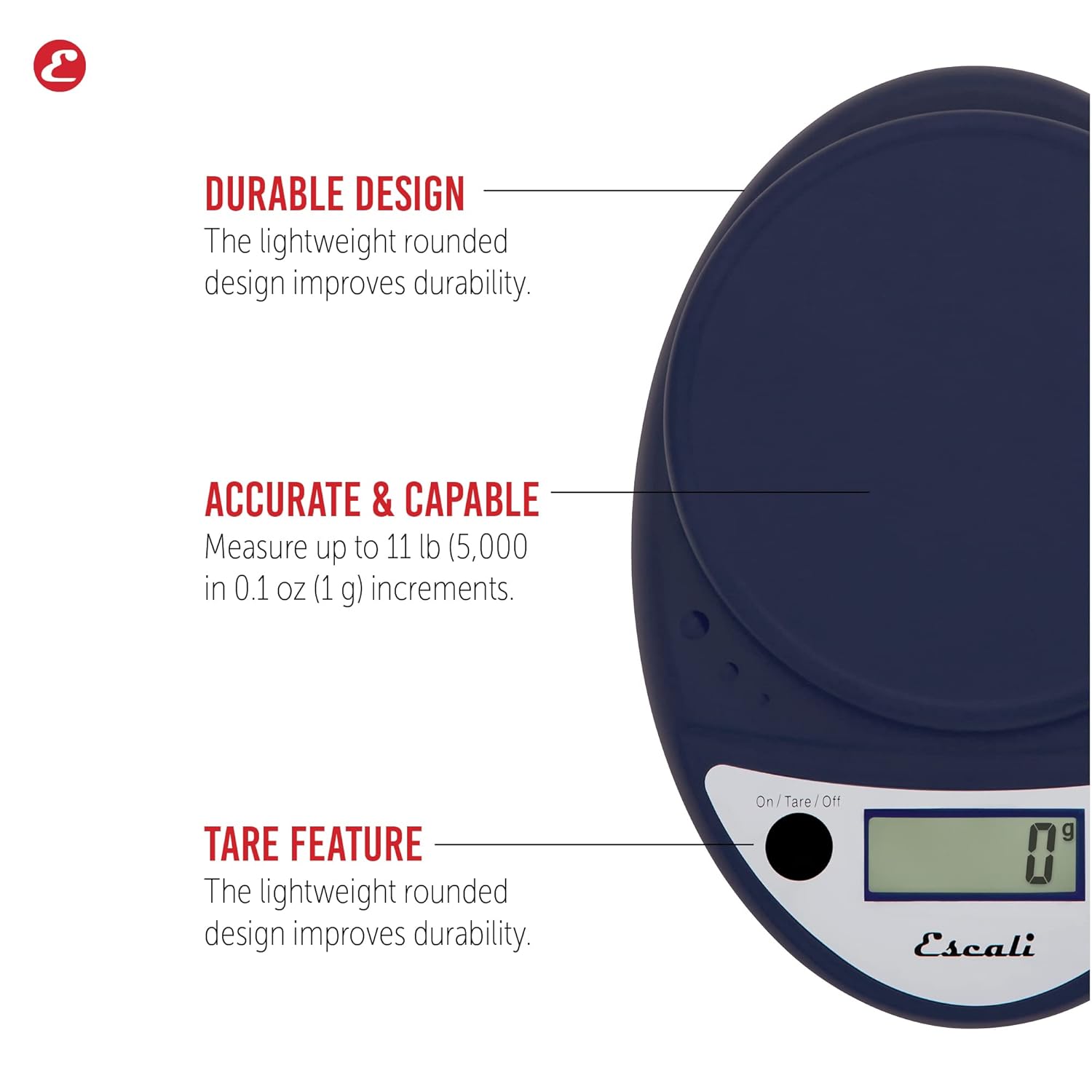
This image highlights the durable design, accurate measurement capabilities (up to 11 lbs / 5000g in 0.1 oz / 1g increments), and the tare feature of the scale.

This image illustrates the easy-to-read digital display, the unit selection function (pounds+ounces, ounces, grams), and the spill guard protecting the control panel.
Kurmak
- Pil Montajı: The scale requires two (2) AA batteries, which are included. Open the battery compartment on the underside of the scale, insert the batteries according to the polarity indicators (+/-), and close the compartment securely.
- Atama: Place the scale on a hard, flat, and stable surface. Uneven surfaces can affect accuracy.
Kullanım Talimatları
Güç Açık/Kapalı
- Terazinin dengesini değiştirmek için ON, tuşuna basın On/Tare/Off button. The display will show "0".
- Terazinin dengesini değiştirmek için KAPALI, tuşuna basın ve basılı tutun On/Tare/Off button for approximately 3 seconds. The scale also features an automatic shut-off after four minutes of inactivity to conserve battery life.
Birim Seçimi
- Basın g/oz button to cycle through the available measurement units: grams (g), ounces (oz), and pounds:ounces (lb:oz). Select your desired unit before weighing.
Tartım Öğeleri
- Turn on the scale. Ensure the display shows "0" in your desired unit.
- Carefully place the item(s) to be weighed onto the center of the weighing platform.
- Ekranda görüntülenen ağırlığı okuyun.
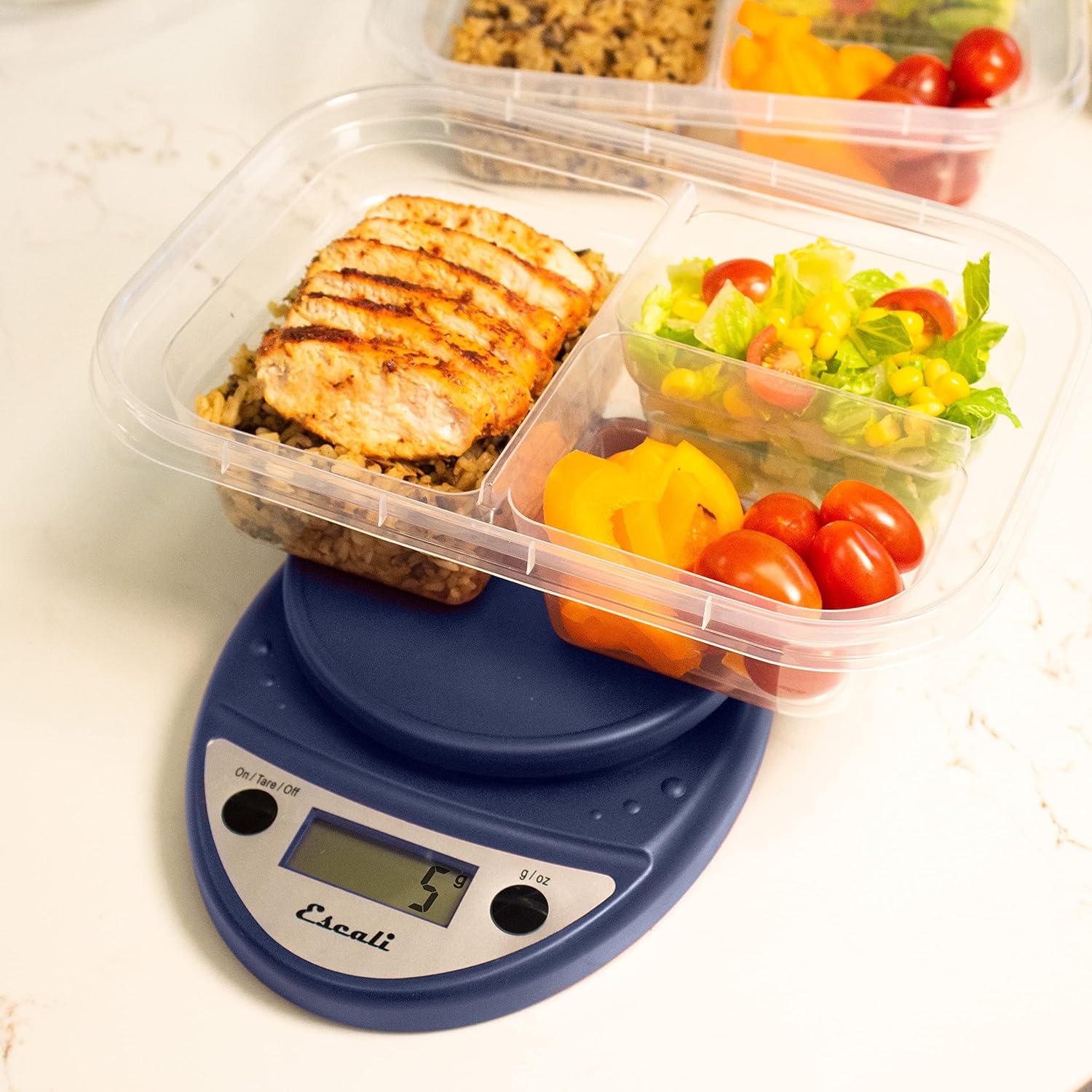
This image shows the Escali Primo Digital Food Scale being used to weigh meal prep containers filled with food, demonstrating its practical application for portion control.
Dara İşlevi
The tare function allows you to subtract the weight of a container or to weigh multiple ingredients consecutively in the same bowl.
- Tartım platformuna boş bir kap yerleştirin. Ekranda ağırlığı görülecektir.
- Basın On/Tare/Off düğmeye basın. Ekran "0" değerine sıfırlanacaktır.
- Add the ingredient(s) to the container. The display will show only the weight of the added ingredient(s).
- Ek malzemeler için 2. ve 3. adımları tekrarlayın.

This image illustrates the scale being used to weigh flour in a glass bowl, demonstrating the tare function's utility in baking by zeroing out the bowl's weight.
Bakım ve Özen
- Temizlik: The sealed control panel and rounded design make the scale easy to clean. Wipe the scale with a damp bez. Teraziyi suya batırmayın veya aşındırıcı temizleyiciler kullanmayın.
- Depolamak: Teraziyi kuru bir yerde, oda sıcaklığında saklayın.
- Pil Değişimi: When the battery indicator appears on the display, replace the two AA batteries.
Sorun giderme
| Sorun | Olası Neden | Çözüm |
|---|---|---|
| Ölçek açılmıyor | Bitmiş veya yanlış takılmış piller | Pilleri değiştirin veya kutupların doğru olduğundan emin olun. |
| Yanlış okumalar | Uneven surface, overloaded scale, or interference | Place on a flat, stable surface. Do not exceed maximum capacity. Remove any electronic devices nearby. |
| Ekranda "Err" yazıyor | Terazi aşırı yüklü | Remove items immediately. Do not exceed 11 lb (5,000 g). |
Burada listelenmeyen sorunlarla karşılaşırsanız, lütfen yardım için destek bölümüne başvurun.
Özellikler
- Modeli: P115
- Kapasite: 11 libre (5,000 g)
- artışlar: 0.05 ons (1 gr)
- Birimler: oz, lb:oz, g
- Boyutlar: 8.5 x 6 x 1.5 inç
- Güç Kaynağı: 2 adet AA pil (dahil)
- Görüntüleme Türü: NEDEN OLMUŞ
- Özel Özellikler: Auto Shut Off, Sealed Control Panel, Tare Function
Garanti ve Destek
Garanti Bilgileri
The Escali Primo Digital Food Scale is backed by a Ömür Boyu GarantiBu garanti, normal kullanım koşullarındaki malzeme ve işçilik kusurlarını kapsar. Garanti talepleriniz için lütfen satın alma belgenizi saklayın.
Müşteri Desteği
For further assistance, technical support, or warranty inquiries, please visit the official Escali webweb sitesinden veya müşteri hizmetleri departmanıyla iletişime geçin. İletişim bilgileri genellikle ürün ambalajında veya markanın resmi web sitesinde bulunabilir. webalan: www.escali.com


