giriiş
This manual provides essential instructions and information for users of the Apple iPhone XS and iPhone XS Max. It covers initial setup, basic operation, key features of iOS 12, and tips for maximizing your device's potential. Please read this guide thoroughly to ensure proper use and understanding of your new iPhone.
Ürün Bittiview
The iPhone XS and iPhone XS Max represent a significant advancement in smartphone technology, featuring a powerful A12 Bionic chip, advanced camera systems, and an all-screen design. This manual serves as your guide to exploring these capabilities.
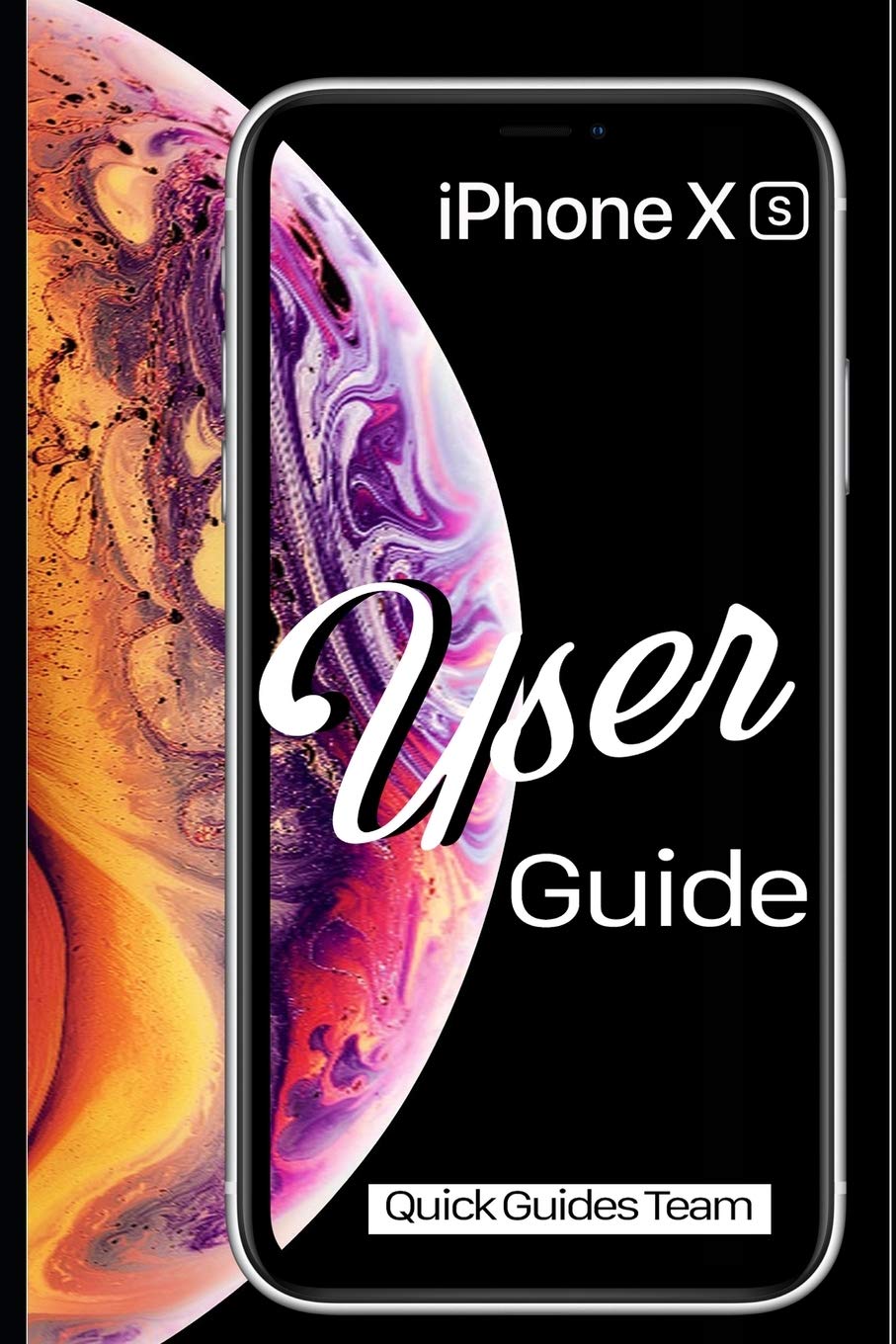
Image 1: Front cover of the Apple iPhone XS User Manual. This image displays the iPhone XS with its vibrant display and the manual's title.

Image 2: Back cover of the Apple iPhone XS User Manual. The back cover is plain black and includes the ISBN-13 barcode: 978-1091970465.
Kurmak
- Güç Açık: Apple logosu görünene kadar yan düğmeye basılı tutun.
- Başlangıç konfigürasyonu: Dilinizi, bölgenizi seçmek ve bir Wi-Fi ağına bağlanmak için ekrandaki talimatları izleyin.
- Face ID Kurulumu: Configure Face ID for secure authentication and Apple Pay.
- Veri Transferi: Choose to restore from an iCloud or iTunes backup, or set up as a new iPhone.
- Apple Kimliği: Sign in with your existing Apple ID or create a new one. This is essential for accessing the App Store, iCloud, and other Apple services.
Operating Your iPhone XS
Temel Hareketler ve Gezinme
- Musluk: Bir öğeyi seçin veya bir düğmeyi etkinleştirin.
- Swipe Up (from bottom edge): Ana ekrana gidin.
- Swipe Up and Pause (from bottom edge): View all open apps (App Switcher).
- Swipe Down (from top-right corner): Denetim Merkezi’ni açın.
- Swipe Down (from top-center): Bildirim Merkezi'ni açın.
- Tutam: Fotoğrafları yakınlaştırın veya uzaklaştırın ve web sayfalar.
Home Screen and Apps
The Home screen is where you access all your applications. You can organize apps into folders, search for apps using Spotlight Search (swipe down from the middle of the Home screen), and customize your app layout.
- Uygulamaları Açma: Tap an app icon.
- Closing Apps: From the App Switcher, swipe an app card upwards.
- Uygulama Mağazası: Download new applications and games.
Ayarlar
The Settings app allows you to customize your iPhone's behavior, connectivity, and privacy. Key settings include:
- Wi-Fi ve Bluetooth: Manage wireless connections.
- Bildirimler: Control how apps alert you.
- Ekran ve Parlaklık: Adjust screen appearance.
- Pil: Monitor battery usage and health.
- Yüz Tanıma ve Parola: Manage security settings.
Kamera Özellikleri
The iPhone XS camera system offers advanced photography capabilities. New photo modes and features in iOS 12 enhance your ability to capture stunning images and videos.
- Portre modu: Create professional-looking photos with a depth-of-field effect.
- Smart HDR: Automatically capture more detail in highlights and shadows.
- Video Kaydı: Record 4K video at up to 60 fps.
Temel Uygulamalar
- Safari: Browse the internet securely.
- Posta: Manage your email accounts.
- Mesajlar: Send and receive text messages and iMessages.
- FaceTime: Diğer Apple kullanıcılarıyla görüntülü ve sesli görüşmeler yapın.
- Files: Access and organize documents across various cloud services.
- Find My: Locate your devices or share your location with friends.
Bakım
- Temizlik: iPhone'unuzu temizlemek için yumuşak, tüy bırakmayan bir bez kullanın. Aşındırıcı malzemelerden veya sert kimyasallardan kaçının.
- Yazılım Güncellemeleri: Regularly update iOS to the latest version for security enhancements and new features. Go to Ayarlar > Genel > Yazılım Güncelleme.
- Pil Bakım: Optimize battery life by managing background app refresh, reducing screen brightness, and enabling Low Power Mode when needed.
- Veri Yedekleme: Regularly back up your iPhone to iCloud or a computer using iTunes to prevent data loss.
Sorun giderme
- Cihaz Yanıt Vermiyor: If your iPhone is unresponsive, perform a force restart: Press and quickly release the Volume Up button, then press and quickly release the Volume Down button, then press and hold the Side button until you see the Apple logo.
- Uygulama Yanıt Vermiyor: Uygulamayı uygulama değiştirici üzerinden kapatıp tekrar açın. Sorun devam ederse iPhone'unuzu yeniden başlatın.
- Bağlantı Sorunları: For Wi-Fi or Bluetooth problems, try toggling the respective setting off and on, or restart your iPhone. You can also reset network settings via Ayarlar > Genel > iPhone'u Aktar veya Sıfırla > Sıfırla > Ağ Ayarlarını Sıfırla.
- Yazılım Hataları: Ensure your iOS is up to date. If problems persist, consider restoring your iPhone from a backup or performing a factory reset (Ayarlar > Genel > iPhone'u Aktar veya Sıfırla > Tüm İçerikleri ve Ayarları Sil) after backing up your data.
Özellikler
| Özellik | Detay |
|---|---|
| Örnek | iPhone XS, iPhone XS Max |
| İşletim Sistemi | iOS 12 (at time of manual publication) |
| Dimensions (iPhone XS) | 143.6 x 70.9 x 7.7 mm (5.65 x 2.79 x 0.30 inç) (Approximate, based on general knowledge) |
| Weight (iPhone XS) | 177 gram (6.24 ons) (Approximate, based on general knowledge) |
| ISBN-10 (Manual) | 1091970467 |
| ISBN-13 (Manual) | 978-1091970465 |
| Publication Date (Manual) | 29 Mart 2019 |
Note: Device specifications are approximate and may vary. Refer to Apple's official website for the most accurate and up-to-date product details.
Garanti ve Destek
For detailed warranty information, please refer to the official Apple warranty documentation included with your device or visit the official Apple website. Apple provides comprehensive support resources, including online knowledge bases, community forums, and direct customer service.
- Çevrimiçi destek: Ziyaret etmek destek.apple.com for troubleshooting guides, FAQs, and service options.
- Yetkili Servis: For hardware issues, contact an authorized Apple service provider.


