1. Giriş
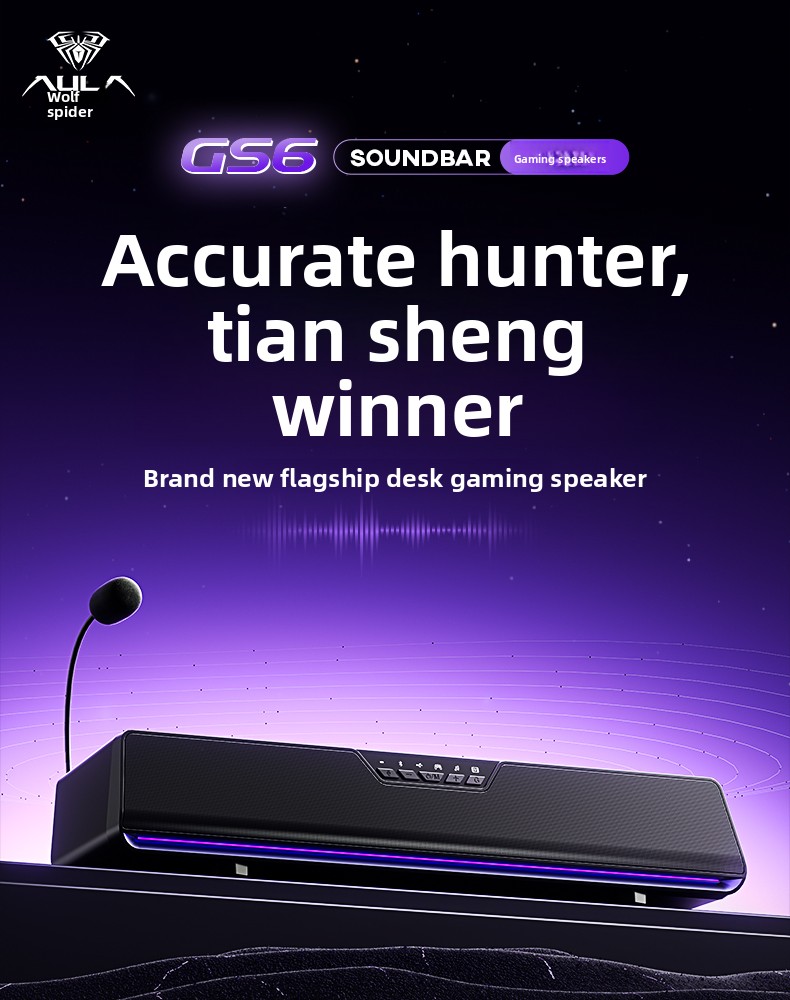
The AULA GS6Pro is a high-performance E-sports desktop speaker designed for an immersive audio experience. Featuring a detachable noise-canceling microphone, 7.1 surround sound technology, and dynamic RGB lighting, it's engineered to enhance your gaming, music, and movie experiences. This manual provides detailed instructions for setting up, operating, and maintaining your GS6Pro speaker.

2. Ürün Özellikleri
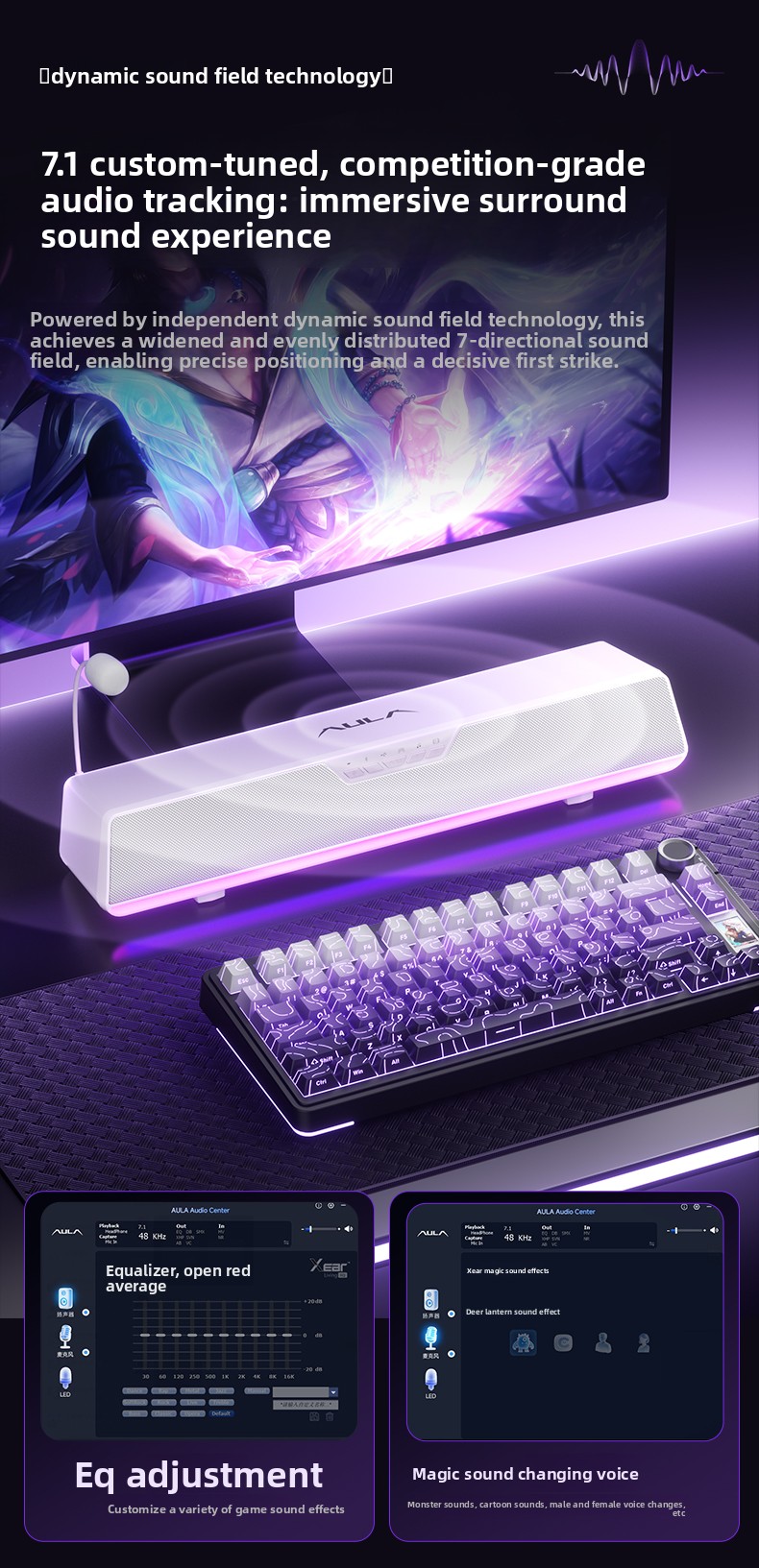
- E-sports Grade C-Media Audio Chip: Powerful and lossless audio processing with over 20 PEQ audio signal gain modes for clear auditory experience and ultra-low latency.
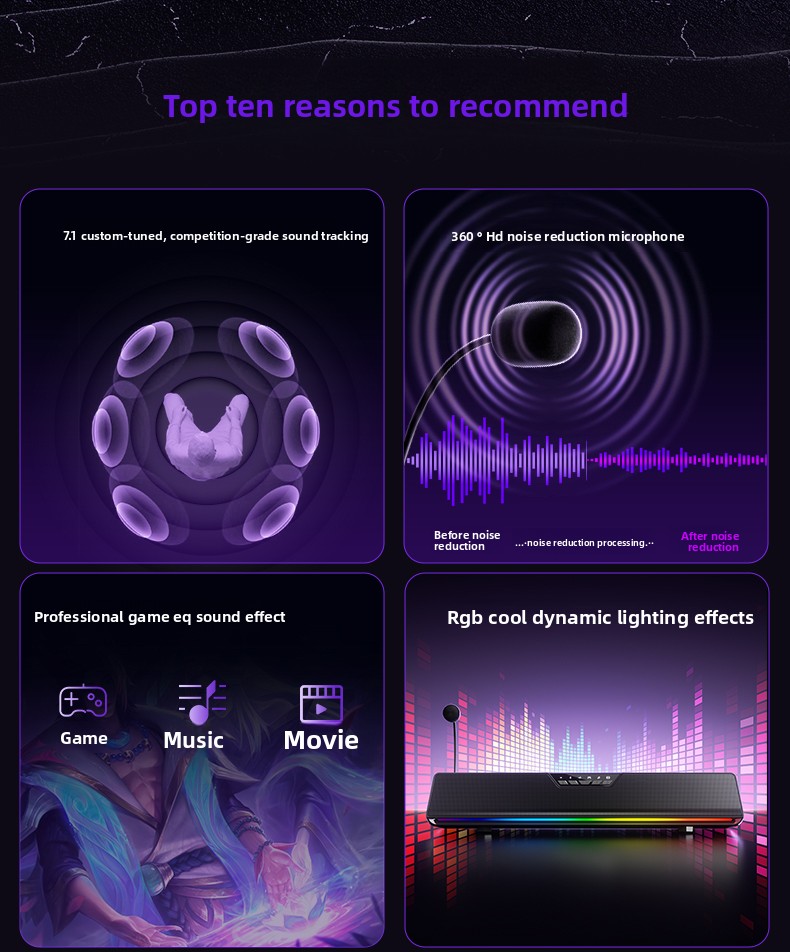
- RGB Dinamik Aydınlatma Efektleri: 15 neatly arranged RGB LEDs on the bottom deliver dazzling color changes, creating a vibrant game atmosphere.
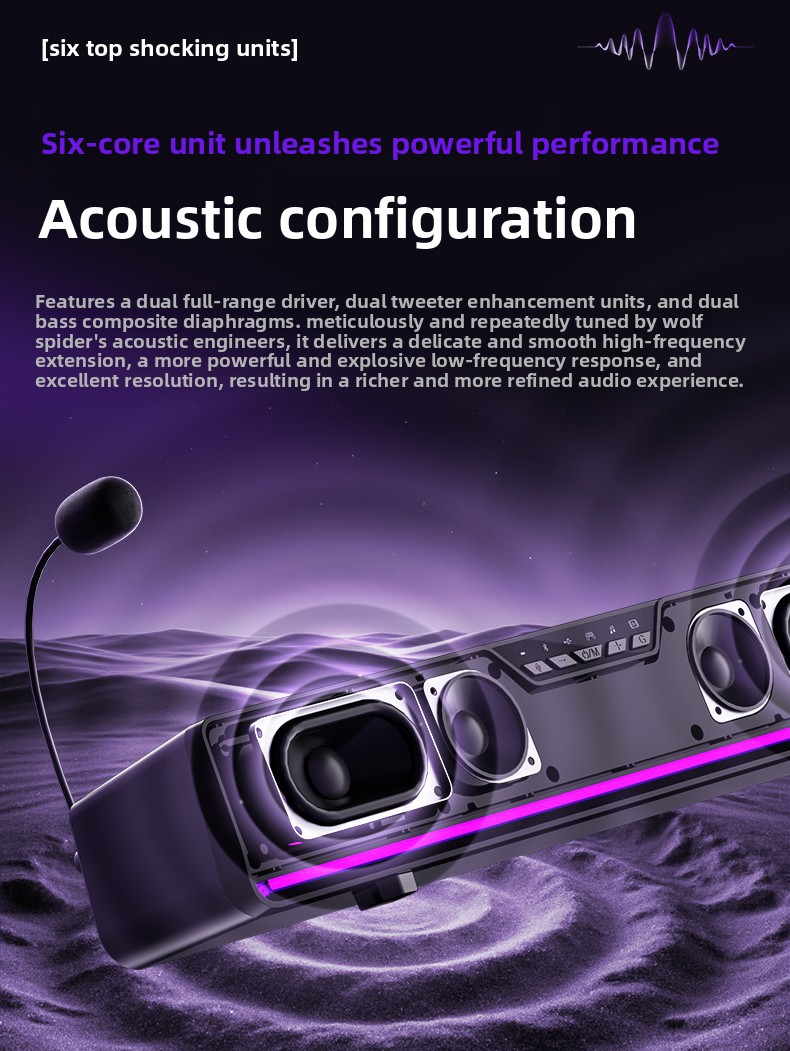
- Six-Core Acoustic Configuration: Dual full-range drivers, dual tweeter enhancement units, and dual bass composite diaphragms for rich, refined audio.
- USB Plug & Play and Bluetooth 5.4 Dual-Mode Connection: Seamless connectivity with ultra-low latency, compatible with mobile phones, tablets, notebooks, PCs, PS4, and Switch.
- 360° High-Definition Enhanced Microphone: Features new generation ENC intelligent noise reduction technology, game acoustic echo cancellation, multi-angle adjustment, and one-click mute.
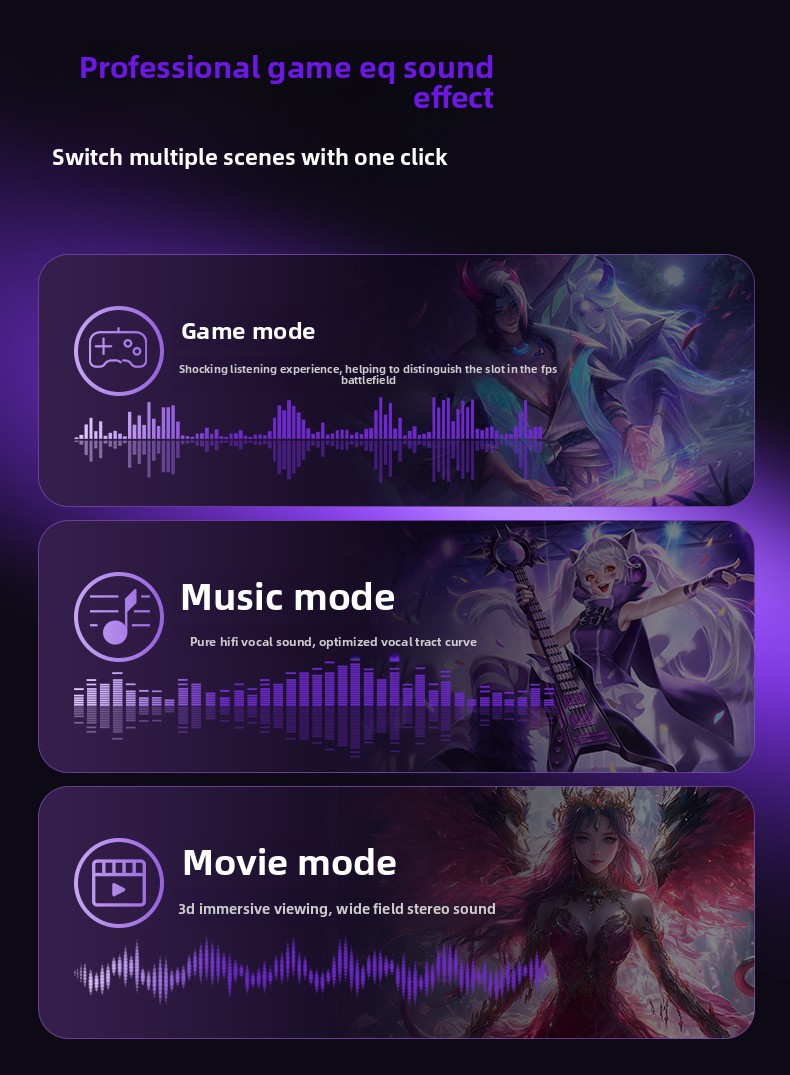
- Professional Game EQ Sound Effects: Switch between Game, Music, and Movie modes with one click.
- 7.1 Custom-Tuned Surround Sound: Competition-grade audio tracking for precise positioning and an immersive sound experience.
- Client-Side Driver: Offers EQ adjustment, one-click AI noise cancellation, voice changer, and customizable game sound effects.
3. Kurulum Talimatları
3.1 Paket İçeriği
- AULA GS6Pro E-sports Desktop Speaker
- Removable Microphone (wheat straw design)
- Anti-spray cotton for microphone
- Operation Card
- Garanti Kartı
- USB Kablosu (1.4m)
3.2 Hoparlörün Bağlanması
- Güç Bağlantısı: Connect the speaker to a power source using the provided USB cable.
- Audio Connection (USB Plug & Play): For a wired connection, plug the USB cable from the speaker into an available USB port on your PC, laptop, PS4, or Switch. The speaker will be recognized automatically.
- Audio Connection (Bluetooth 5.4):
- Turn on the speaker by long-pressing the O/M button.
- Short-press the O/M button to switch to Bluetooth input mode. The corresponding mode symbol indicator light will be on.
- On your mobile phone, tablet, or other Bluetooth-enabled device, search for "AULA GS6Pro" in the Bluetooth settings and pair.
- Mikrofon Bağlantısı: Insert the detachable microphone into the designated port on the speaker. Attach the anti-spray cotton to the microphone for optimal voice clarity.
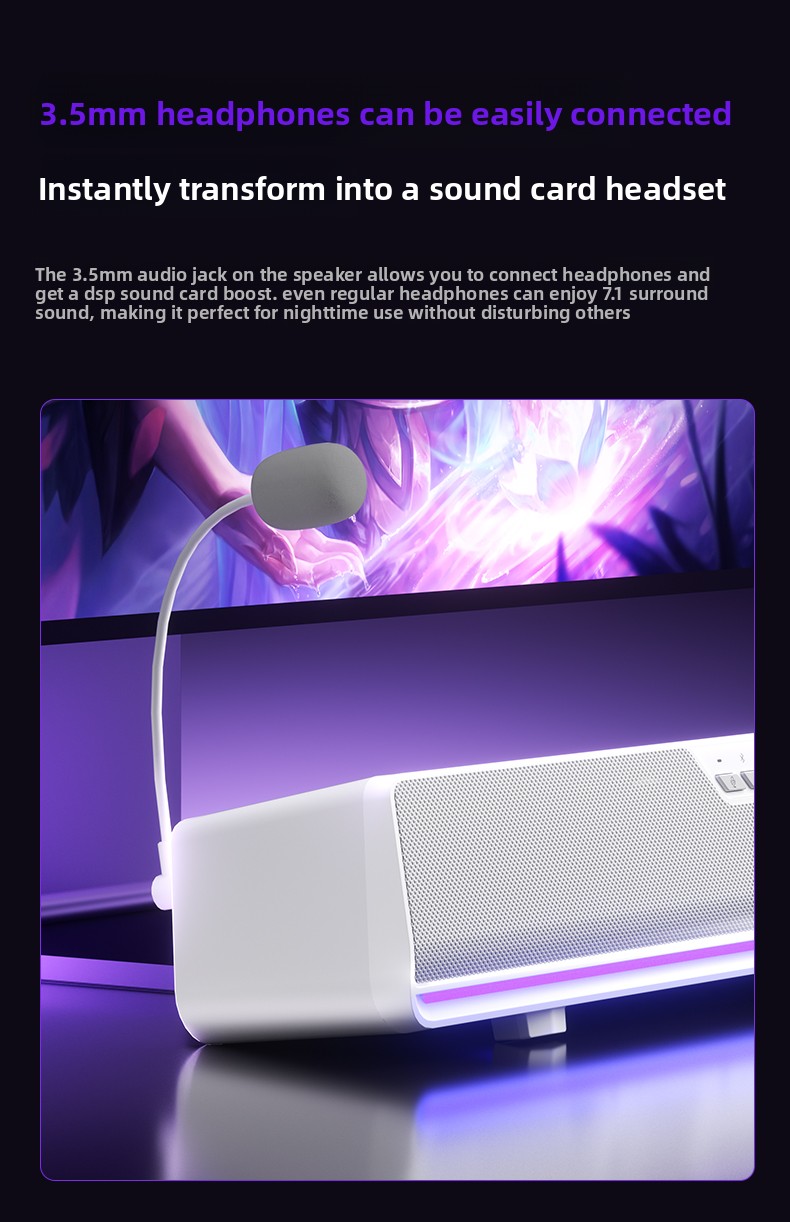
- Kulaklık Bağlantısı: The 3.5mm audio jack on the speaker allows you to connect headphones. This instantly transforms the speaker into a sound card headset, providing 7.1 surround sound for private listening without disturbing others.

4. Kullanım Talimatları
4.1 Düğme Fonksiyonları
-
O/M Düğmesi:
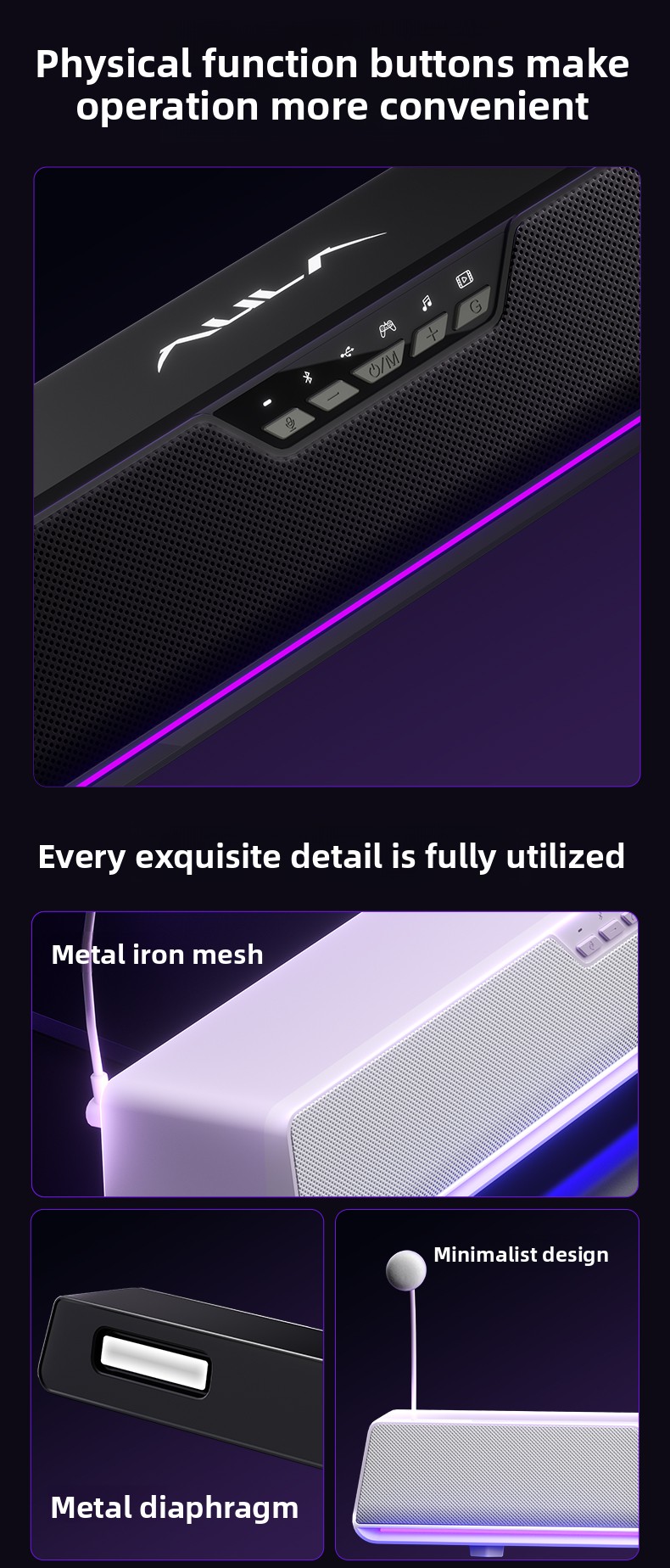
- Short press: Mode switch (USB sound card input / Bluetooth input). The corresponding mode symbol indicator light will be on.
- Long press: Turn on / off the speaker.
-
G Button:
- Short press: Switch sound effect mode (Music / Game / Movie). The corresponding mode symbol indicator light will be on.
- Long press (2 seconds): Turn on / off the RGB lights.
- Double click: Switch RGB light effect.
-
Mikrofon Düğmesi:
- Short press: Activate microphone.
- Long press: Turn on / off prompt tone function.
- Short press: Turn off microphone.
-
Ses Seviyesi Düğmesi:
- Uzun basma: Önceki parça.
- Kısa basma: Sesi azaltın.
-
Ses Seviyesi + Düğmesi:
- Uzun basma: Sonraki parça.
- Kısa basma: Sesi artırın.
4.2 Ses Modu
The GS6Pro offers three professional EQ sound effects, switchable with the 'G' button:
- Oyun Modu: Provides a shocking listening experience, helping to distinguish sounds in the FPS battlefield.
- Müzik Modu: Delivers pure HiFi vocal sound with an optimized vocal tract curve.
- Film Modu: Offers 3D immersive viewing with wide-field stereo sound.
4.3 RGB Aydınlatma Efekti
The speaker features multiple dynamic ambient lighting effects. Long-press the 'G' button to turn the lights on/off, and double-click the 'G' button to cycle through different RGB light effects.
4.4 Mikrofon Kullanımı
The 360° high-definition enhanced microphone is equipped with new generation ENC intelligent noise reduction technology and game acoustic echo cancellation. This ensures clear and noise-free communication, preventing howling and making commands smoother.
- Multi-angle Adjustment: Adjust the microphone to your preferred angle for optimal voice pickup.
- Tek tıklamayla sesi kapatma: Use the dedicated microphone button for quick muting.
5. Bakım
- Hoparlörü sudan ve aşırı nemden uzak tutun.
- Hoparlörü yumuşak ve kuru bir bezle temizleyin. Aşındırıcı temizleyiciler veya çözücüler kullanmayın.
- Hoparlörü aşırı sıcaklıklara maruz bırakmaktan kaçının.
- Uzun süre kullanılmayacaksa hoparlörü serin ve kuru bir yerde saklayın.
6. Sorun Giderme
- Ses Yok:
- Ensure the speaker is powered on and connected correctly (USB or Bluetooth).
- Hem hoparlörünüzdeki hem de bağlı cihazınızdaki ses seviyelerini kontrol edin.
- Verify that the correct audio output device is selected on your computer/device.
- Try switching between USB and Bluetooth modes using the O/M button.
- Mikrofon Çalışmıyor:
- Ensure the microphone is securely attached to the speaker.
- Check if the microphone is muted (short press the microphone button to unmute).
- Verify microphone input settings on your computer/device.
- Bluetooth Eşleştirme Sorunları:
- Ensure the speaker is in Bluetooth pairing mode (short press O/M button until Bluetooth indicator is on).
- Make sure Bluetooth is enabled on your device and it's within range.
- Cihazı Bluetooth listenizden silin ve tekrar eşleştirmeyi deneyin.
- RGB Işıkları Çalışmıyor:
- Long-press the 'G' button for 2 seconds to turn the lights on/off.
- Double-click the 'G' button to cycle through light effects.
7. Özellikler
8. Kullanıcı İpuçları
- For the best gaming experience, ensure your operating system is Windows 10 or above to fully utilize the client-side driver features like EQ adjustment and voice changer.
- When using the microphone, adjust its angle to point directly towards your mouth for clearer voice pickup and to maximize the noise reduction capabilities.
- Experiment with the different sound modes (Game, Music, Movie) to find the optimal audio profile Mevcut etkinliğiniz için.
- If experiencing audio lag in Bluetooth mode, try switching to the USB wired connection for ultra-low latency, especially during competitive gaming.
9. Garanti ve Destek
Your AULA GS6Pro speaker comes with a standard warranty. Please refer to the included Warranty Card for specific terms and conditions. For technical support or further assistance, please contact the retailer or manufacturer's customer service.


