
giriiş
Thank you for choosing the EDYELL V1 Motorcycle Bluetooth Headset. This manual provides detailed instructions for the installation, operation, and maintenance of your device. Please read this manual thoroughly before use to ensure optimal performance and safety.
Paket İçeriği
Aşağıda listelenen tüm öğelerin paketinizde bulunduğunu doğrulayın:
- V1 Main Unit x1
- Headset and Microphone (Hard microphone speakers) x1
- Clip Base x1
- Kullanıcı Kılavuzu x1
- Microphone Velcro x2
- Speaker Velcro x2
- Bracket Velcro x1
- Thick Double-sided Tape x1
- Height Spacer x2
- Şarj Kablosu x1

Image: Contents of the EDYELL V1 Motorcycle Bluetooth Headset package, including the main unit, microphone, speakers, mounting accessories, charging cable, and user manual.
Ürün Bittiview
Familiarize yourself with the main unit and its controls:

Image: Diagram illustrating the EDYELL V1 unit with numbered labels pointing to its buttons and interfaces, including Volume '+', Volume '-', Power/Play/Pause/Answer/Hang Up, MIC Button, Charging Port, Indicator Light, and Speaker/Microphone Interface.
- Volume '+' Button / Next Track Button: Sesi artırmak için kısa basın, sonraki parçaya geçmek için uzun basın.
- Volume '-' Button / Previous Track Button: Sesi azaltmak için kısa basın, önceki parçaya geçmek için uzun basın.
- Power Button / Play/Pause Button / Answer / Hang Up Button: Multi-functional button for power control, music playback, and call management.
- Mikrofon Düğmesi: Activates voice assistant or other microphone-related functions.
- Şarj Portu: Şarj için USB Type-C bağlantı noktası.
- Gösterge Işığı: Displays device status (e.g., charging, paired, on).
- Speaker / Microphone Interface: Port for connecting the headset and microphone.
Kurulum ve Yükleme
Follow these steps to properly install your EDYELL V1 headset on your helmet:
- Montaj Konumunu Seçin: Select a suitable flat area on the left side of your helmet for the main unit. Ensure it does not obstruct your vision or helmet functionality.
- Klips tabanını takın: Use either the clip base (for helmets with an edge) or the adhesive bracket (for flat surfaces) to secure the main unit's base. Ensure it is firmly attached.
- Hoparlörleri Takın: Place the speakers inside the helmet's ear pockets. Use the provided Velcro pads to secure them. Ensure they are positioned directly over your ears for optimal sound.
- Mikrofonu Kurun: Attach the microphone to the inside of the helmet, positioning it close to your mouth but away from direct wind. Use the microphone Velcro for secure placement.
- Kabloları Bağlayın: Plug the speaker and microphone cable into the designated interface on the main unit. Tuck excess cables neatly within the helmet lining.
- Ana Üniteyi Monte Edin: Slide the EDYELL V1 main unit onto the installed clip base until it clicks securely into place.
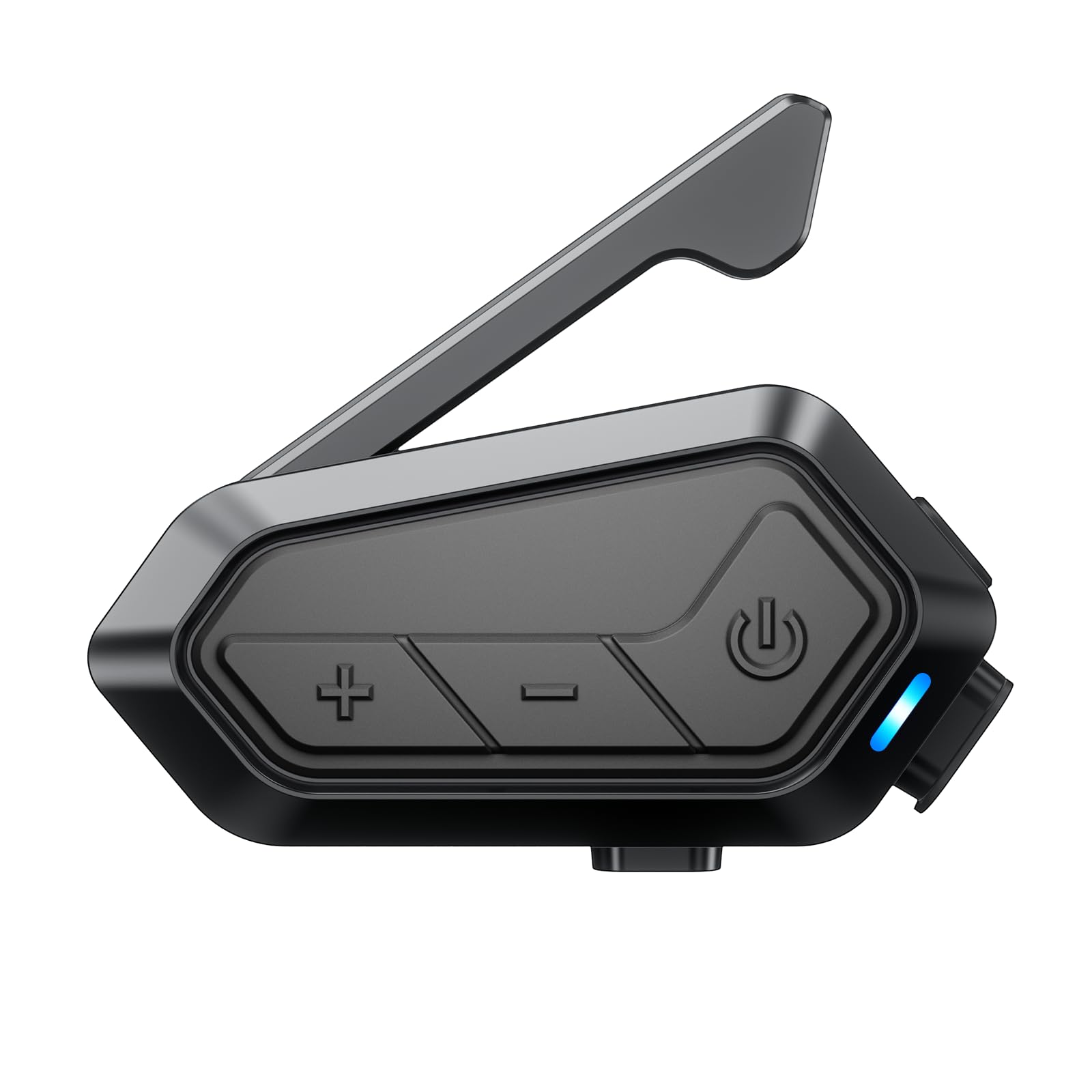
Image: The EDYELL V1 Motorcycle Bluetooth Headset securely mounted on the side of a motorcycle helmet, demonstrating its compact design and placement.
Cihazın Şarj Edilmesi
The EDYELL V1 features a 1000mAh battery for extended use.
- Şarj Süresi: Approximately 1.5 hours for a full charge using the provided USB Type-C cable.
- Pil Ömrü: Up to 15 hours for communication, 28 hours for music, 30 hours for call time, and 5 days standby time.
Connect the charging cable to the Type-C port on the unit and a suitable USB power source. The indicator light will show charging status.

Image: The EDYELL V1 unit connected to a USB-C charging cable, with visual indicators for battery life in various usage modes like music sharing, group communication, music time, call time, and standby time.

Image: A banner highlighting the EDYELL V1's 1000mAh lithium battery, 1.5-hour charging time, 28 hours music time, and 5 days standby time.
Kullanım Talimatları
Güç Açık/Kapalı
- Güç Açık: Press and hold the Power Button until the indicator light turns on.
- Kapat: Gösterge ışığı sönene kadar Güç Düğmesini basılı tutun.
Bluetooth Eşleştirme
To connect your EDYELL V1 to your mobile phone or other Bluetooth devices:
- Cihazın kapalı olduğundan emin olun.
- Press and hold the Power Button for approximately 5-7 seconds until the indicator light flashes red and blue alternately, indicating pairing mode.
- On your mobile phone, enable Bluetooth and search for 'EDYELL V1'.
- Select 'EDYELL V1' from the list of available devices to connect. Once paired, the indicator light will flash blue slowly.
Telefon Görüşmeleri
- Cevap Çağrısı: Short press the Power Button. The device can also automatically answer calls after 10 seconds.
- Çağrı Sonu: Güç Düğmesine kısa basın.
- Çağrıyı Reddet: Güç Düğmesine uzun basın.
- Son Numarayı Tekrar Ara: Güç düğmesine iki kez basın.
Müzik Çalma ve Paylaşımı
- Oynat/Duraklat: Güç Düğmesine kısa basın.
- Sonraki Parça: Short press the Volume '+' Button.
- Önceki parça: Short press the Volume '-' Button.
- Ses Ayarı: Long press the Volume '+' or '-' Button.
- Müzik Paylaşımı: The EDYELL V1 supports sharing music with other EDYELL V1 units and 3rd-party brands (1v1). Refer to the specific pairing instructions for music sharing in the full manual.

Image: Two motorcyclists enjoying music sharing via their EDYELL V1 headsets, with a visual representation of music notes flowing between them.

Image: A banner depicting two riders sharing music, emphasizing the feature of enjoying favorite tunes between rider and passenger.
Intercom Communication (Group)
The EDYELL V1 supports Mesh 3.0 technology for group communication with up to 24 riders over a 2KM range (best for 5 riders within 300-500m).
- Initiate Group Pairing: Follow the specific instructions in the full manual for initiating Mesh 3.0 group pairing. This typically involves a specific button combination on all units to enter group pairing mode.
- Gruba katılmak: Other riders can join an existing group by following the joining procedure.
- İletişim: Once connected, all riders in the group can communicate simultaneously.

Image: Multiple motorcyclists riding on a winding road, with wireless signals connecting their helmets, illustrating the 24-rider, 2000M communication system.

Image: A network diagram showing how 24 people can connect within a 2km range using Mesh 3.0 group communication across different groups and channels.

Image: A banner illustrating the Mesh 3.0 Group Communication system, showing how 24 riders can connect within a 2km range across 5 channels.
Intercom Communication (3rd Party Brands)
The EDYELL V1 can connect with 3rd-party helmet headsets for 1-on-1 communication. Refer to the specific pairing instructions for connecting with other brands in the full manual.

Image: A banner showing the EDYELL V1 unit connecting wirelessly to other brands of motorcycle intercoms, indicating its compatibility for one-on-one communication.
AI Ses Yardımcısı
Activate your phone's AI voice assistant (e.g., Siri, Google Assistant) for hands-free control:
- Etkinleştirme: Short press the MIC Button.
- Once activated, you can issue commands for navigation, music control, calls, weather checks, and more without taking your hands off the handlebars.

Image: The EDYELL V1 unit with a smartphone displaying navigation and weather, surrounded by speech bubbles indicating voice commands like 'Siri! Open navigation!', 'Go to the nearby gas station', 'Play music', and 'Weather', demonstrating hands-free AI voice assistant functionality.
FM Radyo
The EDYELL V1 includes a built-in FM radio. Refer to the full manual for specific instructions on how to activate and tune the FM radio.
Bakım
To ensure the longevity and optimal performance of your EDYELL V1 headset:
- Temizlik: Üniteyi yumuşak, damp bez. Sert kimyasallar veya aşındırıcı temizleyiciler kullanmaktan kaçının.
- Suya Dayanıklılık: The device is IPX6 waterproof, meaning it is protected against high-pressure water jets from any direction. It is designed to resist water ingress during rides in various weather conditions, including rain and snow. However, avoid submerging the device in water.
- Depolamak: Cihazı kullanmadığınız zamanlarda serin ve kuru bir yerde saklayın. Aşırı sıcaklıklardan kaçının.

Image: The EDYELL V1 unit mounted on a helmet in a snowy environment, with icons indicating its waterproof, snowproof, and mudproof capabilities, highlighting its IPX6 rating.

Image: A banner showing the EDYELL V1 unit on a helmet in the rain, with icons for snowproof, waterproof, dustproof, and mudproof, emphasizing its ability to withstand harsh environments.
Sorun giderme
If you encounter issues with your EDYELL V1, refer to the following common solutions:
| Sorun | Olası Neden | Çözüm |
|---|---|---|
| Cihaz açılmıyor | Pil seviyesi düşük; Cihaz donmuş durumda. | Charge the device fully; Perform a reset (refer to full manual for reset procedure). |
| Telefonla eşleştirilemiyor | Device not in pairing mode; Bluetooth off on phone | Ensure device is in pairing mode (flashing red/blue); Enable Bluetooth on phone and retry. |
| Zayıf ses kalitesi / Gürültü | Speakers incorrectly positioned; High wind noise; Interference | Adjust speaker position; Ensure microphone is shielded from wind; Move away from sources of interference. The device features ENC noise reduction for clearer calls. |
| İnterkom bağlanmıyor | Aralık dışı; Yanlış eşleştirme prosedürü | Ensure riders are within range (2KM); Re-initiate group pairing following manual instructions. |
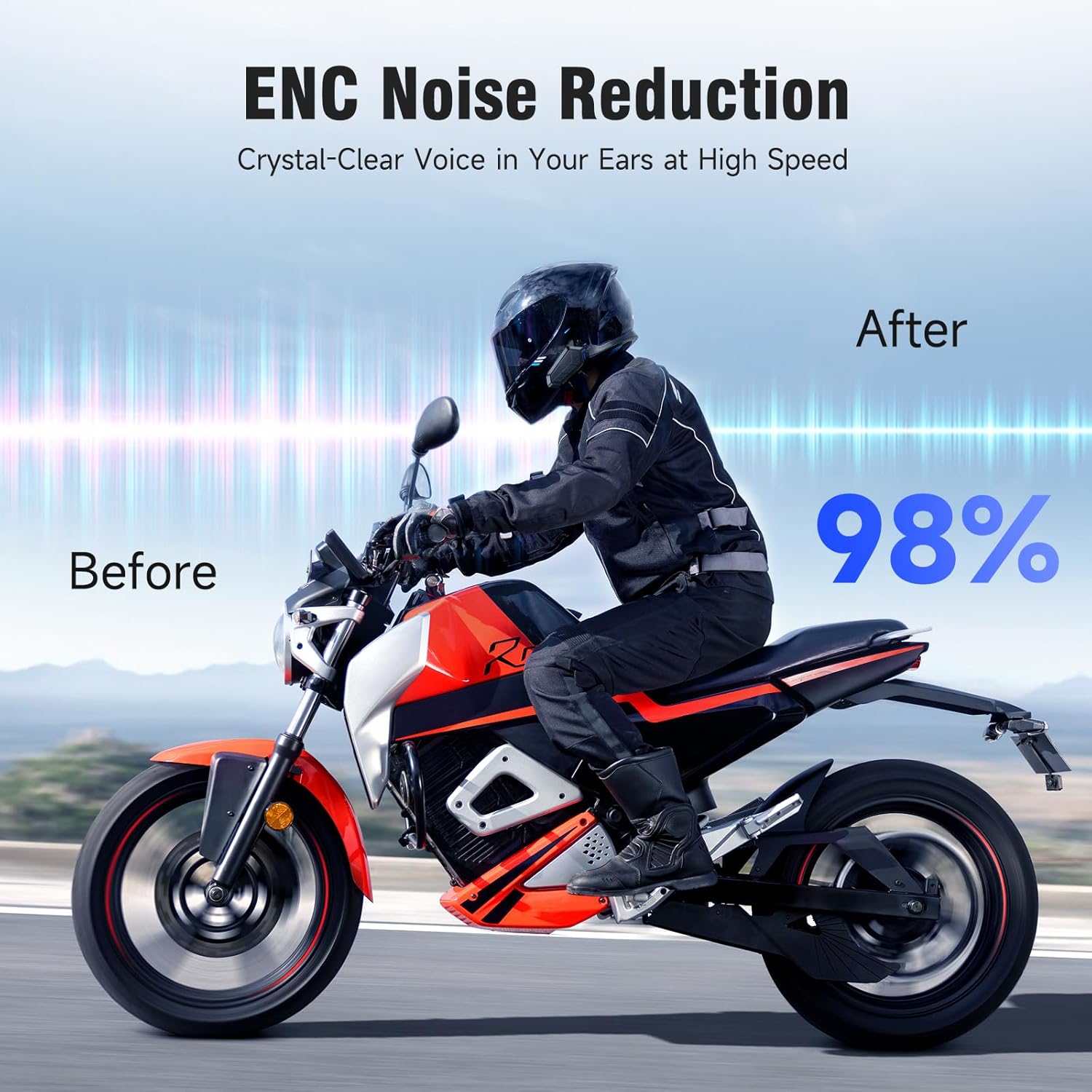
Image: A motorcyclist riding, with a 'Before' and 'After' comparison showing a 98% reduction in noise due to ENC Noise Reduction technology, ensuring crystal-clear voice at high speeds.

Image: A banner illustrating the ENC Noise Reduction feature, showing a microphone and 40mm powerful speakers, promising clearer calls and HD stereo sound.
Özellikler
Key technical specifications of the EDYELL V1 Motorcycle Bluetooth Headset:
| Özellik | Detay |
|---|---|
| Model Adı | MBH-V1 |
| Bluetooth Sürümü | 6.0 |
| Pil Kapasitesi | 1000mAh |
| Şarj Süresi | 1.5 Saat (C Tipi) |
| İletişim Zamanı | 15 Saate Kadar |
| Müzik Çalma Süresi | 28 Saate Kadar |
| Arama zamanı | 30 Saate Kadar |
| Bekleme Süresi | 5 Güne Kadar |
| interkom aralığı | Up to 2000M (2KM) |
| Max Riders (Group) | 24 (best for 5 riders within 300-500m) |
| Suya Dayanıklılık | IPX6 Su Geçirmez |
| Hoparlör Boyutu | 40 mm Hi-fi Hoparlör |
| Gürültü Azaltma | ENC (Çevresel Gürültü Önleme) |
| Kontrol Yöntemi | Ses, Düğme |
| Uyumlu Cihazlar | Helmet Headsets, EDYELL Devices |

Image: A circuit board graphic highlighting '6.0' for upgraded connection technology, with icons for faster transmission, longer distance, more stable connection, and more efficient operation.

Resim: Bir pankart gösterisiasing 'Upgraded Bluetooth 6.0 technology' with icons representing faster transmission, longer distance, more stable connection, and more efficient performance.
Garanti Bilgileri
The EDYELL V1 Motorcycle Bluetooth Headset comes with a 1 yıllık garanti from the date of purchase. This warranty covers manufacturing defects. Please retain your proof of purchase for warranty claims. For detailed terms and conditions, refer to the warranty card included in your package or contact customer support.
Müşteri Desteği
For any questions, technical assistance, or warranty claims, please contact EDYELL INDIA customer service:
- E-posta: accounts@fenman.in
- Telefon: +91 8882786235
- Çalışma Saatleri: Monday to Saturday, 10:00 AM to 6:30 PM (IST)

Image: A map of India with EDYELL INDIA OFFICES marked, alongside icons for product knowledge, demonstration requests, post-purchase installation guidance, and after-sales service, with the customer support phone number prominently displayed.