
1. Giriş
Bu kılavuz, Blackberry cihazınızın güvenli ve verimli kullanımı için gerekli bilgileri sağlar.view Wave7C SIM-Free Smartphone. Please read it carefully before using your device and keep it for future reference.
Siyahview Wave7C is a feature-rich smartphone designed for daily use, offering a large display, efficient performance, and a long-lasting battery.
2. Kurulum
2.1. SIM Kart ve TF Kart Takılması
Siyahview Wave7C supports dual SIM cards and a TF (microSD) card for expandable storage. Use the provided SIM ejector tool to open the SIM tray.

Image: SIM tray showing slots for two SIM cards and one TF card.
- Cihazın yan tarafındaki SIM tepsisini bulun.
- SIM çıkarma aracını tepsinin yanındaki küçük deliğe yerleştirin ve tepsi dışarı çıkana kadar yavaşça itin.
- Place your Nano-SIM cards and TF card into the designated slots on the tray, ensuring the gold contacts face downwards.
- Tepsiyi dikkatlice cihaza yeniden yerleştirin.
Önemli: Satın almadan önceasing, verify your SIM card's frequency bands are compatible with the device (2G: B2/B3/B5/B8; 3G: B1/B8; 4G: B1/B3/B7/B8/B19/B20). After inserting the SIM card, APN settings may need to be configured for internet access. Refer to your mobile carrier for specific APN settings.
2.2. İlk Açılış ve Temel Ayarlar
- Siyah ekran görüntülenene kadar güç düğmesini basılı tutun.view logosu belirir.
- Dilinizi seçmek, Wi-Fi'ye bağlanmak ve Google hesabınızı kurmak için ekrandaki talimatları izleyin.
- The device comes with a pre-applied screen protector and a dedicated protective case.
3. Operasyon
3.1. Ekran ve Kullanıcı Arayüzü
The Wave7C features a 6.56-inch HD+ display with a resolution of 720x1612 pixels, providing clear visuals. The 180Hz touch sampling rate ensures responsive interaction.

Image: The 6.56-inch HD+ display with specifications like 720*1612 resolution, 430 nits brightness, 178° wide viewing angle, and 269 PPI.
The device includes three eye-friendly modes to reduce strain during prolonged use:
- Okuma Modu: Optimizes the screen for reading.
- Gece Lambası: Rahat bir kullanım için mavi ışık emisyonunu azaltır viewDüşük ışıkta çekim.
- Koyu Mod: Inverts colors for a darker interface, reducing eye fatigue.

Resim: Bir kullanıcı viewing the Blackview Wave7C in a dark environment, illustrating the eye-friendly display modes.
3.2. Performans ve Depolama
The Wave7C runs on the latest Android 16 with Blackview's Doke OS 5.0, offering an enhanced user experience. It is equipped with 16GB RAM (4GB physical RAM + 12GB virtual RAM expansion) and 64GB internal storage, expandable up to 2TB via a TF card.

Image: Visual representation of 16GB RAM (4GB physical + 12GB expansion) and 64GB ROM with support for up to 2TB TF card.
The Unisoc Tiger T310 processor ensures smooth operation for daily tasks and multitasking. Doke OS 5.0 optimizes RAM usage, improving app launch speeds by approximately 10% and overall response speed by about 18%.

Image: Diagram illustrating the Unisoc Tiger T310 processor and its core specifications.
4. Kamera
The Wave7C is equipped with a 13MP front camera and a 32MP dual rear camera system. It supports various photography modes including Night Mode, Panorama, and Portrait.
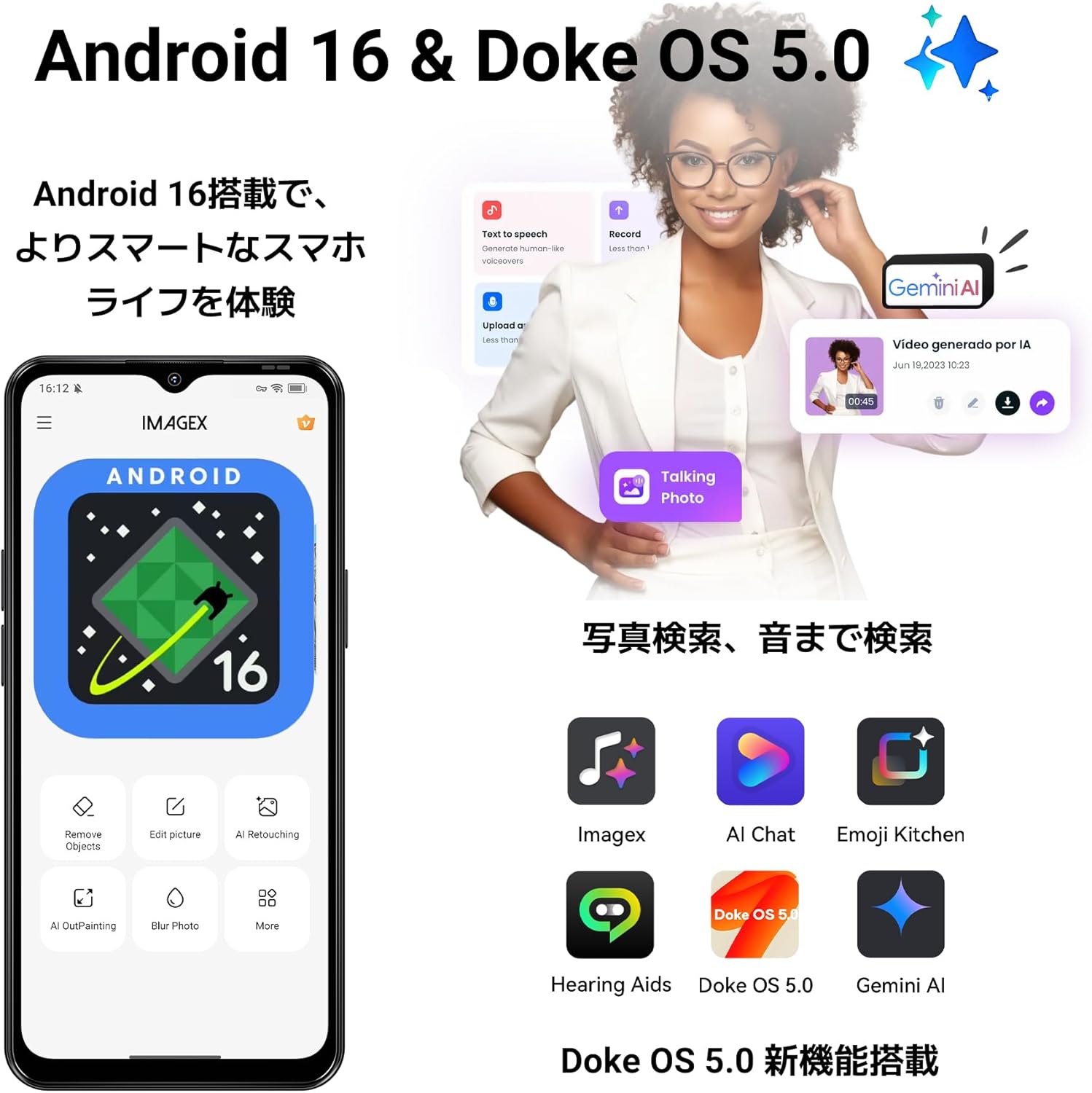
Image: Close-up of the Blackview Wave7C camera module with details on front and rear camera megapixels and sensor specifications.
AI camera features enhance your photos:
- AI Inpaint: Intelligently removes unwanted objects from your photos.
- AI Beauty: Enhances facial features for improved portraits.

Resim: Eskiamples of AI Inpaint removing objects from a scene and AI Beauty enhancing a portrait.
Video recording is supported at 1080p resolution at 30 frames per second.

Image: Illustrations of Live Photo, 1080p video recording, and AI Camera capabilities.
5. Pil
Siyahview Wave7C is powered by a 5000mAh large-capacity battery, providing extended usage times. It supports 10W fast charging via a Type-C port.

Image: Visual of the 5000mAh battery and estimated usage times for talk, music, video, and standby.
Doke OS 5.0 includes a deep power-saving mode that reduces standby power consumption by approximately 72%, ensuring the battery lasts longer, even overnight.

Image: Illustration of power-saving mode benefits, including extended usage and standby times.
6. Ek Özellikler
6.1. Operating System Enhancements
Doke OS 5.0 introduces several enhancements for a smoother and more intuitive experience:
- Smart App Drawer: Organizes applications for easy access.
- Large Capacity Folder: Allows for better organization of apps.
- Lock Screen Shortcuts: Quick access to frequently used functions.
- Ana Ekran Widget'ları: Customizable widgets for information at a glance.

Image: Screenshots demonstrating the Smart App Drawer, Large Capacity Folder, Lock Screen Shortcuts, and Home Screen Widgets.
6.2. Oyun Modu
Game Mode 2.0 in Doke OS 5.0 enhances your gaming experience by blocking notifications, preventing accidental touches, and boosting frame rates for more immersive gameplay.

Image: Screenshots showing Game Mode settings for blocking notifications, preventing mistouches, and performance optimization.
6.3. Durability and Navigation
The Wave7C is IP54 rated for dust and water resistance, making it suitable for various environments. It also features wet touch technology, allowing for comfortable operation even with wet hands.

Resim: Siyahview Wave7C with water droplets, highlighting its IP54 dust and water resistance.
For navigation, the device supports four major positioning systems: GPS, GLONASS, Galileo, and BeiDou.
Other features include face recognition for secure unlocking and OTG (On-The-Go) support for connecting external USB devices.
7. Bakım
7.1. Cihazınızı Temizleme
Siyahınızı temizlemek içinview Wave7C, use a soft, lint-free cloth. Avoid using abrasive cleaners or solvents that may damage the screen or casing. The IP54 rating provides protection against dust and splashes, but the device is not designed for submersion in water.
7.2. Yazılım Güncellemeleri
Ensure your device's software is up to date to benefit from the latest features, security patches, and performance improvements. You can check for updates in the device settings under "System" or "About phone."
8. Sorun Giderme
8.1. Yaygın Sorunlar ve Çözümleri
- No Network/Internet after SIM Insertion: Verify your SIM card's frequency band compatibility. Configure APN settings manually if necessary. Contact your mobile carrier for correct APN details.
- Slow Performance/App Lags: While the device features 16GB virtual RAM, the physical RAM is 4GB. For demanding applications or heavy multitasking, performance may be limited. Close unnecessary background apps. Consider clearing cache or performing a factory reset if issues persist.
- Wi-Fi Bağlantı Kesilmeleri: Some users have reported Wi-Fi connectivity issues. Try restarting your router and the phone. Ensure the phone is within range of the Wi-Fi signal. If the problem persists, try resetting network settings on the phone.
- Pil Hızla Boşalıyor: Check for background apps consuming excessive power. Adjust screen brightness and use power-saving modes. If the issue is severe, a factory reset might be needed.
8.2. Fabrika Ayarlarına Sıfırlama
If you encounter persistent software issues, a factory reset can often resolve them. Uyarı: A factory reset will erase all data on your phone. Back up important data before proceeding. To perform a factory reset, go to Ayarlar > Sistem > Sıfırlama seçenekleri > Tüm verileri sil (fabrika ayarlarına sıfırlama).
9. Özellikler
| Marka | Siyahview |
| Örnek | Wave7C |
| İşletim Sistemi | Android 16, Doke OS 5.0 |
| Veri deposu | 16 GB (4GB physical + 12GB expansion) |
| Dahili Depolama | 64 GB |
| Genişletilebilir Depolama | 2 TB'a kadar (TF kartı) |
| İşlemci | Unisoc Kaplan T310 |
| Ekran Boyutu | 6.56 inç |
| Ekran Çözünürlüğü | 720 x 1612 piksel (HD+) |
| Yenileme Hızı | 60 Hz |
| S'ye dokununampling Oranı | 180 Hz |
| Arka Kamera | 32 MP (Dual Camera) |
| Ön Kamera | 13 MP |
| Video Kaydı | 1080p 30fps |
| Pil Kapasitesi | 5000 mAh |
| Şarj etme | 10W Hızlı Şarj (USB Tip-C) |
| SIM Kart Yuvaları | Çift SIM |
| Bağlantı | 4G LTE, Wi-Fi, Bluetooth, USB Type-C, 3.5mm Headphone Jack |
| Navigasyon | GPS, GLONASS, Galileo, BeiDou |
| Dayanıklılık | IP54 Toz ve Suya Dayanıklı |
| Biyometrik Güvenlik | Yüz Tanıma |
| Dahil Aksesuarlar | USB Cable, Protective Case, Japanese Manual, Power Adapter |
10. Garanti ve Destek
Senin Siyahınview Wave7C smartphone comes with a 2 yıllık üretici garantisiEk olarak, bir 30 günlük ücretsiz iade politikası Mevcuttur.
10.1. Müşteri Desteği
For any inquiries or issues, Blackview offers comprehensive customer support:
- 24/7 Online Call Center: Support is available anytime.
- Yanıt Süresi: Inquiries are typically responded to within 24 hours on weekdays, and within 48-72 hours on weekends/holidays.
- Onarım Merkezleri: Access to nationwide repair centers with skilled technicians and genuine parts.
- OTA Güncellemeleri: Regular over-the-air updates ensure your device is always up-to-date with the latest features and security.
To contact support, navigate to the product page, click on the seller name "Blackview Japan Official Store" below the "Add to Cart" button, and then click "Ask a question" in the top right corner to send an email.

Image: Illustration of Blackview's customer support services, including online support and repair centers.
11. Paket İçeriği
Siyahview Wave7C package includes the following items:
- Siyahview Wave7C Smartphone
- USB kablosu
- SIM İtici Aracı
- Kullanım Kılavuzu (Japonca)
- Güç Adaptörü
- Dedicated Protective Case

Image: All items included in the Blackview Wave7C retail package.