
giriiş
Thank you for choosing the Cillso Smartwatch. This manual provides detailed instructions on how to set up, operate, and maintain your device. This smartwatch features a 1.95-inch HD display, Bluetooth calling capabilities, IP68 water resistance, comprehensive health monitoring including SpO2 and sleep tracking, over 100 sports modes, and integrated Alexa for voice control. Please read this manual carefully to ensure optimal performance and longevity of your smartwatch.
Kurmak
1. Akıllı Saati Şarj Etme
Before initial use, fully charge your smartwatch. Connect the provided charging cable to the charging port on the back of the watch and to a standard USB power adapter (not included). A full charge typically takes approximately 2 saat. The watch has a 300mAh pil, sağlayan 5-7 gün normal kullanım ve kadar 30 days of standby time.

Image: The smartwatch display indicating a 1.95-inch screen, 2 hours charging time, 5-7 days normal use, 30 days standby time, and a 300mAh battery capacity.
2. Uygulama Kurulumu ve Eşleştirme
- Uygulamayı indirin: Scan the QR code in the quick start guide or search for the companion app (e.g., 'GloryFit' as suggested by watch dial image) in your smartphone's app store (Android or iOS).
- Kayıt Ol/Giriş Yap: Bir hesap oluşturmak veya oturum açmak için ekrandaki talimatları izleyin.
- Akıllı saati eşleştirin: Ensure Bluetooth is enabled on your smartphone. Open the app, navigate to the device section, and select 'Add Device'. Choose your Cillso Smartwatch from the list of available devices. Confirm the pairing request on both your phone and the smartwatch.
Kullanım Talimatları
1. Temel Gezinme
- Dokunmatik ekran: Menüler ve bildirimler arasında gezinmek için yukarı, aşağı, sola veya sağa kaydırın. Öğeleri seçmek için dokunun.
- Yan Düğme: Press the side button to return to the home screen or to wake up the display.
2. Bluetooth Arama
Akıllı saat destekliyor Bluetooth 5.3 calling, allowing you to make and receive calls directly from your wrist when connected to your smartphone. It features a dahili mikrofon ve destekler arama kayıtları ve kadar 100 kişi.
- Çağrıları Cevaplama: When an incoming call notification appears, tap the green phone icon to answer.
- Çağrıları Reddetme: Gelen aramayı reddetmek için kırmızı telefon simgesine dokunun.
- Arama Yapma: Access the dial pad or contact list on your smartwatch to initiate a call.
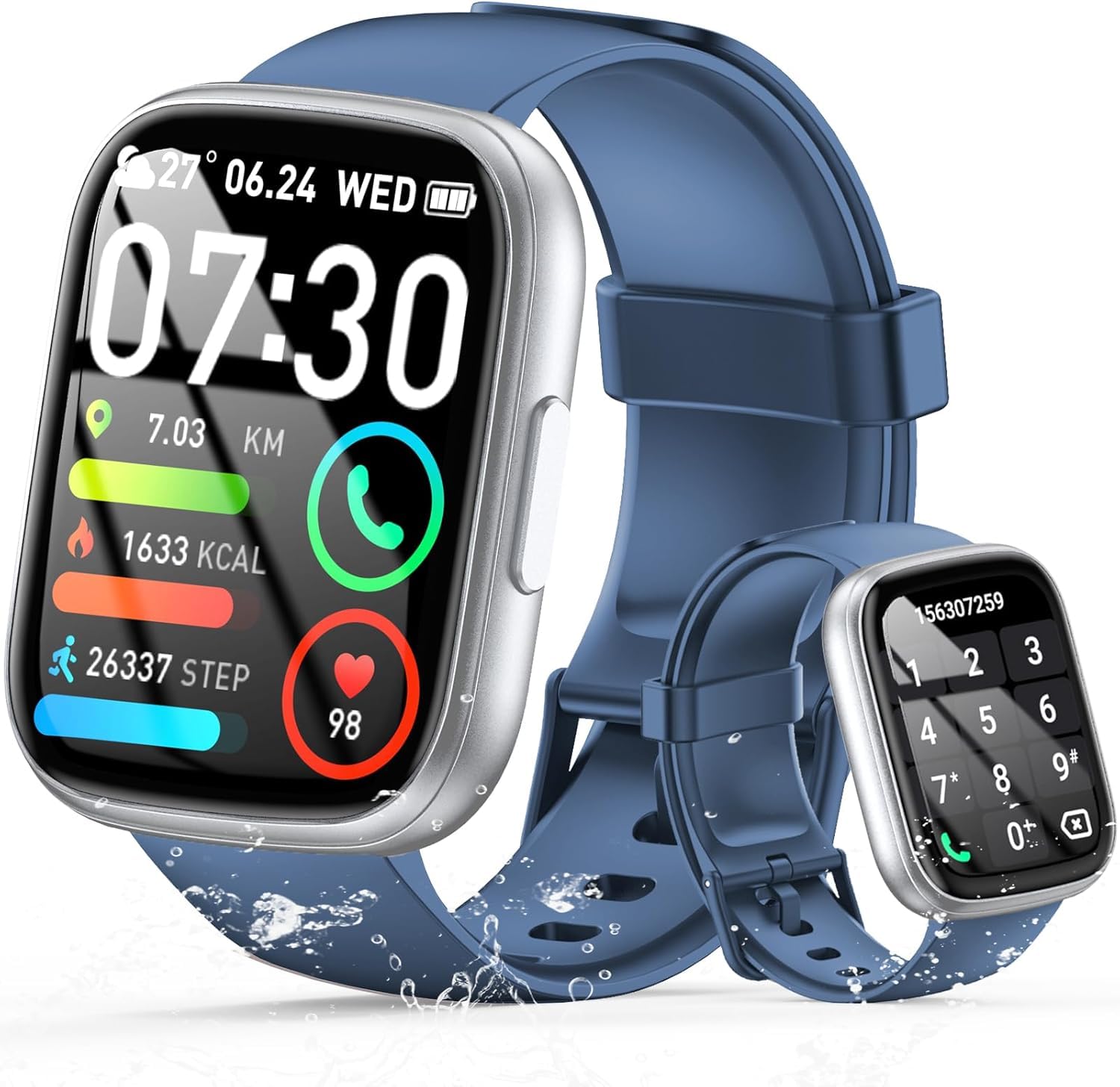
Image: The smartwatch displaying an incoming call, along with icons for built-in mic, Hi-Fi Spectra, call records, and 100 contacts. Examples of dial pad and contact list are also shown.
3. Sağlık İzleme
The smartwatch provides continuous health monitoring features to help you track your well-being.
- Nabız İzleme: Bu saat gün boyunca kalp atış hızınızı sürekli olarak izler. View your heart rate data on the watch or in the app.
- Kan Oksijen (SpO2) İzlemesi: Kanınızdaki oksijen satürasyon seviyelerini ölçün.
- Uyku İzleme: Tracks your sleep patterns, including deep sleep, light sleep, and wake times, to provide insights into your sleep quality.

Image: Visual representation of heart rate, blood oxygen (SpO2), and sleep monitoring graphs and data on the smartwatch and a person sleeping while wearing the watch.
4. Spor Modları
Akıllı saat destekliyor over 100 sports modes to accurately track your workouts. Common modes include running, basketball, climbing, skipping, swimming, and badminton. It tracks metrics such as steps, distance, calories burned, and exercise duration.

Image: A person cycling with the smartwatch, illustrating various sports modes like running, basketball, climbing, skipping, swimming, and badminton. Also shows tracking for steps, distance, and calories.
5. Alexa Entegrasyonu
İle Alexa integrated, you can use voice commands to control music playback, check weather, set alarms, and more directly from your smartwatch.
6. Personalized Watch Dials
Customize your smartwatch with over 200 stylish watch faces available through the companion app. You can also upload your favorite photos to create personalized watch dials. The display features wide color gamut, AM LED technology, and color accuracy.

Resim: Akıllı saat tanıtımıasing multiple personalized watch dial options, highlighting wide color gamut, AM LED, and color accuracy features.
7. Multifunctional Features
- Müzik Kontrolü: Bağlı akıllı telefonunuzda çalan müzik için oynat, duraklat, parçaları atla ve ses seviyesini ayarla.
- Kamera Kontrolü: Remotely control your smartphone's camera to frame, focus, and snap photos or start/stop video recording.
- Çalar Saat: Sizi uyandıracak veya önemli olayları hatırlatacak alarmlar kurun.
- Diğer Özellikler: Includes weather forecasts, stopwatch, timer, and more.

Image: The smartwatch displaying interfaces for music control, remote camera control, and alarm clock settings, along with icons for other features like temperature, weather, and microphone.
Bakım
1. Temizlik
Wipe the smartwatch regularly with a soft, dry cloth. For stubborn dirt, use a slightly damp Önce bir bezle silin ve ardından iyice kurulayın. Sert kimyasallar veya aşındırıcı malzemeler kullanmaktan kaçının.
2. Suya Dayanıklılık (IP68)
The Cillso Smartwatch is IP68 su geçirmezlik, meaning it is protected against dust ingress and can withstand immersion in water up to 1.5 meters for up to 30 minutes. It is suitable for daily use, hand washing, and light rain. However, it is not recommended for hot showers, saunas, or diving, as steam and high water pressure can compromise the seal.
3. Pil Bakımı
- Pil ömrünü azaltabilecek aşırı sıcaklıklardan kaçının.
- Uzun süre kullanılmayacaksa cihazı tamamen şarj edin.
- Yalnızca birlikte verilen şarj kablosunu kullanın.
Sorun giderme
- Saat açılmıyor: Saatinizin tam şarjlı olduğundan emin olun. Saatinizi en az 30 dakika şarj cihazına takın.
- Telefonla eşleştirilemiyor: Make sure Bluetooth is enabled on your phone and the watch is within range. Restart both devices and try pairing again through the app.
- Yanlış sağlık verileri: Saatin bileğinize tam oturduğundan, çok sıkı veya çok gevşek olmadığından emin olun. Sensörleri düzenli olarak temizleyin.
- Alınmayan bildirimler: Check app permissions on your phone to ensure the companion app has access to notifications. Verify that notifications are enabled within the app settings.
- Alexa yanıt vermiyor: Ensure the watch is connected to your phone and has an active internet connection. Check Alexa settings within the companion app.
Özellikler
| Model Numarası | B0GQGYDJS7 |
| Marka | Cillso |
| Ekran Boyutu | 1.95 inç |
| Bağlantı Teknolojisi | Bluetooth 5.3 |
| Suya Dayanıklılık Derecesi | IP68 |
| Pil Kapasitesi | 300 mAh (Lityum-polimer) |
| Şarj Süresi | Yaklaşık 2 saat |
| Normal Kullanım Pil Ömrü | 7-10 gün |
| Bekleme Süresi | 30 güne kadar |
| Bellek Depolama Kapasitesi | 1 GB |
| İnsan Arayüzü Girişi | Mikrofon, Dokunmatik Ekran |
| Dahil Bileşenler | Şarj kablosu |
Garanti ve Destek
Warranty information for your Cillso Smartwatch is typically provided with your purchase documentation. Please refer to those materials for details regarding warranty coverage and terms. For technical support, product inquiries, or assistance with troubleshooting beyond this manual, please contact Cillso customer service through the contact information provided with your product or on the official Cillso webalan.